
- What this guide is really about: Projecting professional presence on video, because first impressions still decide fast.
- Phase 1 setup that signals competence: Lighting first, Camera at eye level, Clean audio, And a calm background.
- Phase 2 on-camera delivery basics: Dress like the office, Frame your face well, Use lens eye contact, Stay still but alive.
- Phase 3 conversation playbook: Manage lag, Listen actively, Answer in clean structure, Keep notes handy, Handle glitches without panic.
- Checklist and follow-through that closes strong: Do a full tech rehearsal, Prepare backups, Then send a tight thank you after.
The Interview Moved Online – But First Impressions Still Count
Interviews used to be about the presence you brought into a physical room; now, they are about the presence you project onto a digital screen. The shift did not make first impressions less powerful; it just changed the metrics. Knowing the right Zoom interview tips is the critical difference between appearing as just another “attendee in a box” and projecting yourself as a capable, professional, and integrated future colleague.
A remote interview is a test of much more than your answers. It is a live audit of your adaptability, your attention to detail, and your ability to communicate respect through a limited medium. When you appear organized, well-lit, and technically proficient on camera, you are sending a powerful, subconscious message to the recruiter: “I am this organized, prepared, and professional when I work remotely, too.”
This guide moves beyond the basics of “check your internet.” We will explore the psychology of digital presence, the technical setups that signal competence, and the communication nuances that build rapport through a lens. This is your strategic checklist for mastering the digital handshake.
“Your Zoom setup isn’t just a technical check; it’s the new suit and tie. It’s your first non-verbal signal of professionalism.”
Phase 1: Preparation & Setup (The Digital Stage)
Before you say a single word, your environment and technical setup have already told the interviewer a story. Your goal is to make sure it’s the right one. A flawless setup becomes invisible, allowing the focus to remain entirely on you and your answers. A poor setup is a constant distraction, signaling a lack of preparation.
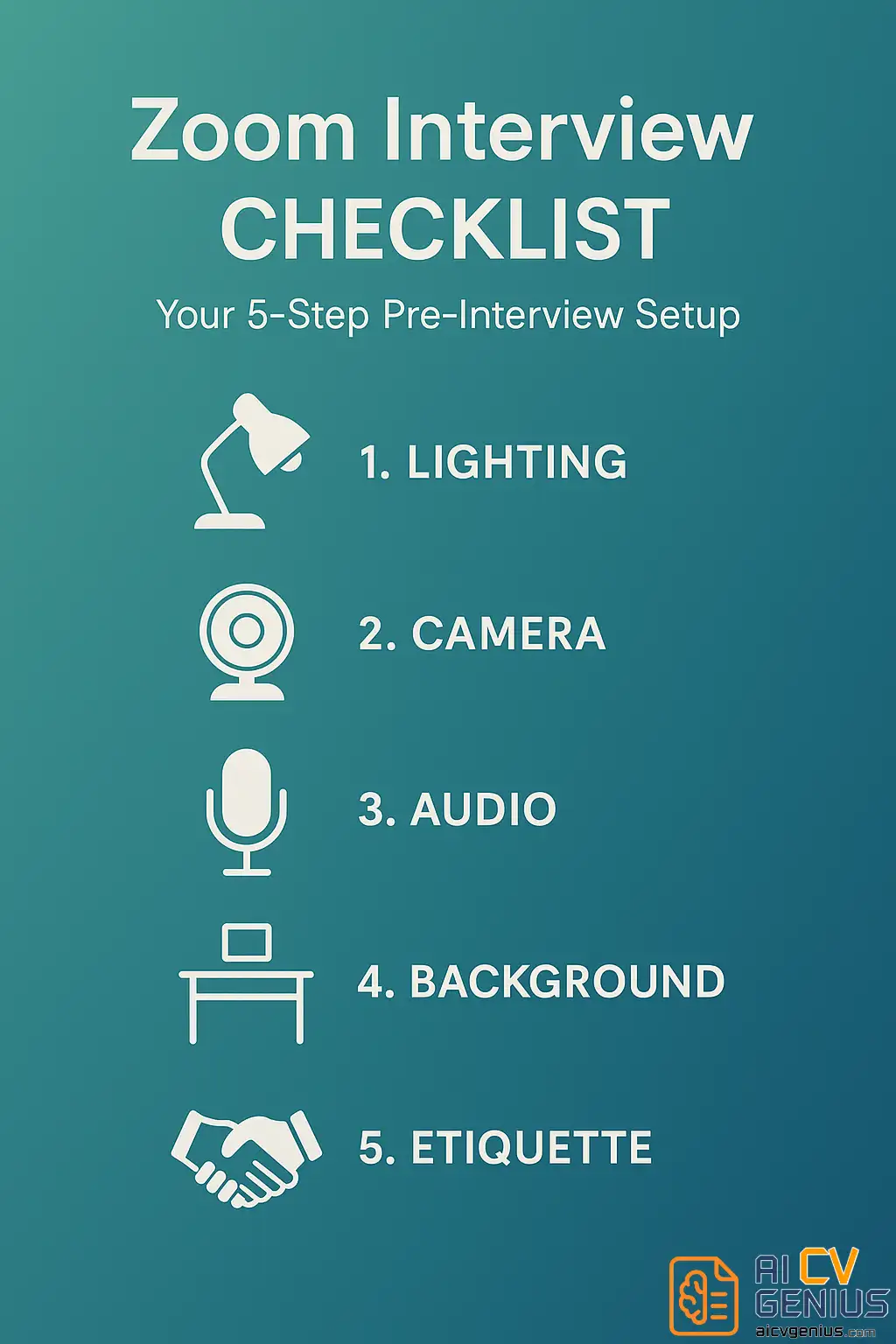
Setting Up Your Digital Stage: Lighting, Camera, Audio
This “technical triad” is non-negotiable. It is the foundation of your professional presence.
- Lighting: The Most Important Element.
- The Goal: Soft, even light on your face.
- ❓How-To: The simplest way is to face a window. Natural light is flattering and effective. If you cannot, place a soft lamp (like a desk lamp with a shade or a ring light on low diffusion) in front of you, slightly above eye level.
- ❌The Mistake to Avoid: Never, ever be “backlit” (i.e., sitting with a bright window or lamp behind you). This turns you into a dark, anonymous silhouette and forces the interviewer to strain.
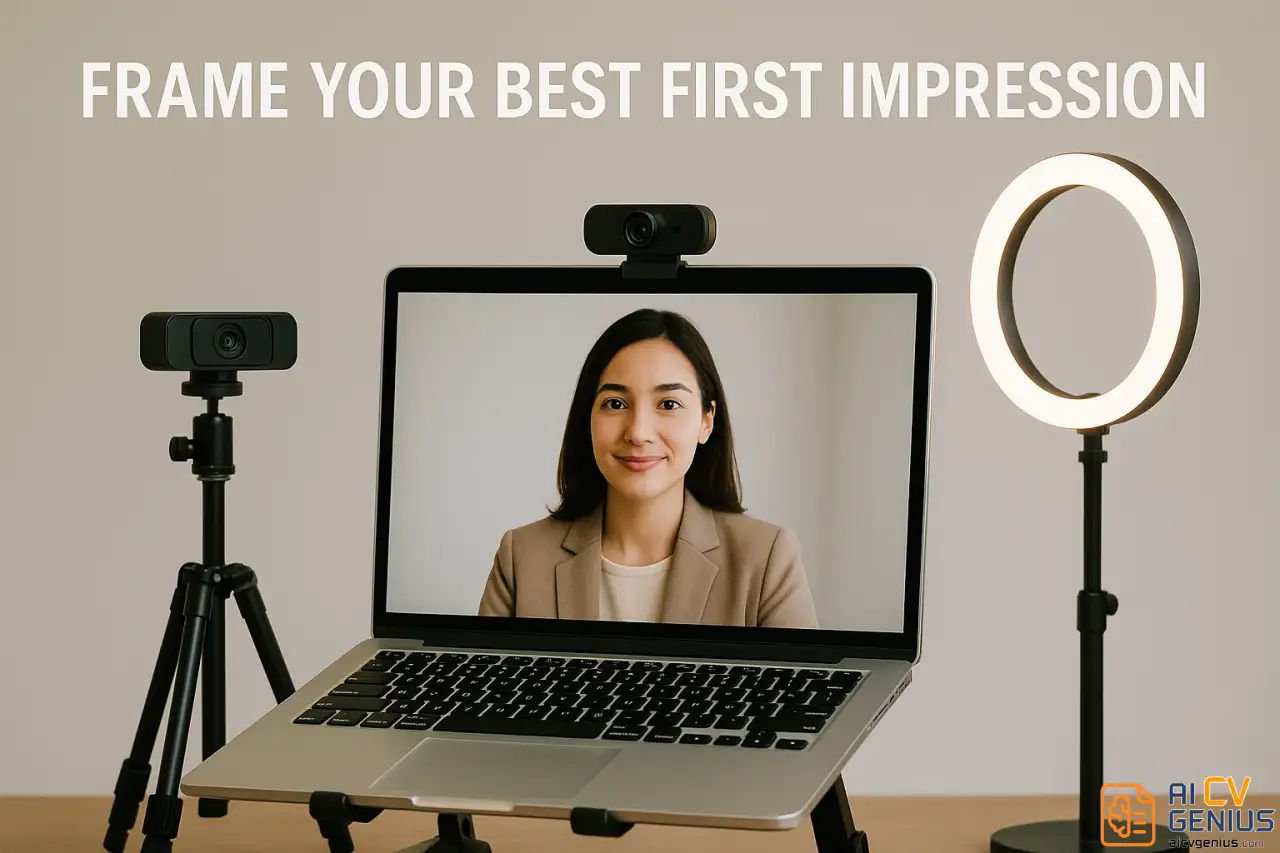
- Camera Height: The Eye-Level Rule.
- The Goal: To simulate natural, in-person eye contact.
- ❓How-To: Your camera (whether built-in or external) must be at or slightly above your eye level. Use a laptop stand or a stable stack of books to achieve this.
- ❌The Mistake to Avoid: The “laptop on the lap” or low-desk angle. Looking down at the camera is unflattering and reads subconsciously as disengaged or even subordinate.
- Audio: Clarity Over All.
- The Goal: Crisp, clear audio with no echo or background noise.
- ❓How-To: Your laptop’s built-in microphone is often your worst enemy. It picks up room echo and typing. Use a dedicated headset, wired earphones (like the ones that come with your phone), or a simple USB microphone. They isolate your voice and cut background noise.
- ❌The Mistake to Avoid: Sitting in a large, empty room with hardwood floors. This creates echo. A room with a carpet, curtains, or a bookshelf is better for sound absorption.
Curating Your Background: What’s Behind You Says a Lot About You
Your background is the only part of your personal space the interviewer sees. It should be an intentional choice, not an accident.
- 1️⃣Option 1 (Best): The “Professional” Background. A clean, neutral wall. A tidy bookshelf. A single, well-placed plant. These are all excellent. They show organization and stability.
- 2️⃣Option 2 (Good): The “Subtle Blur.” If your background is busy but not chaotic, using Zoom’s “subtle blur” feature is a great choice. It keeps the focus on you without looking like you’re hiding something.
- 3️⃣Option 3 (Last Resort): The Virtual Background. Use this with extreme caution. A fake beach or outer space background is unprofessional. A “corporate office” one can look cheesy. The only “safe” virtual background is a simple, high-resolution solid color or a very subtle, branded image from the company itself. Often, these glitch around your head and are more distracting than a real background.
- ❌The Mistake to Avoid: Clutter. Unmade beds, piles of laundry, or distracting personal items. It signals disorganization.
Practicing Zoom Interview Etiquette
The core of Zoom interview etiquette is awareness. A few habits translate directly from in-person interviews; others are unique to screens:
- ✅ Punctuality: Arrive 3-5 minutes early to the digital “waiting room.” This shows you are prepared and respect their time.
- ✅ Professional Name: Ensure your Zoom display name is your full, professional name (e.g., “Jane Doe,” not “Janes_iPad” or “j-dog99”).
- ✅ Silence All Notifications: This is critical. Close your email client. Quit Slack/Teams. Silence your phone and put it out of reach. A “ping” or “buzz” noise is the digital equivalent of someone interrupting your in-person meeting.
- ✅ Master the Mute Button: When you are not speaking for more than a few seconds, mute yourself. This cuts out any accidental background noise (a cough, a siren, a dog bark) and shows the interviewer you are a considerate, experienced remote collaborator.
If you need a quick pre-interview check on how to frame your value, review how to improve your CV. The principles of communicating value clearly are the same on paper as they are on screen.
How to Prepare for a Virtual Interview: The Test Run
Preparation doesn’t change, but delivery does. The key to how to prepare for a virtual interview lies in balancing rehearsal with authenticity.
- Write Bullet Points, Not Scripts: For common questions (“Tell me about yourself,” “Why this company?”), write 3-4 bullet points. If you write a full script, you will be tempted to read it, and your eyes will give you away.
- Record Yourself: This is the most painful but most effective tip. Open Zoom or your phone’s camera and record yourself answering one question. Watch it back. Check your pace (are you rushing?), your tone (do you sound interested?), and your posture (are you slouching?).
- Do a Full Tech Rehearsal: Do a 5-minute test call with a friend or family member. Ask them three questions: “How is my lighting?”, “How is my audio?”, and “Where am I looking?”
- Prepare a Backup Plan: Technology will fail eventually. Have a plan. Have your phone nearby (on silent) with the hotspot ready. Have the recruiter’s email and phone number easily accessible in case you get disconnected.
Phase 2: On-Camera Presentation (The Digital Handshake)
Once the technical setup is invisible, your personal presence takes center stage. This is how you build rapport without being in the same room.
What to Wear for a Zoom Interview: Business on Top, Prepared on the Bottom
Your clothes shape your mindset, even when half your body is off-screen. Knowing what to wear for a Zoom interview is simple: dress as if you were walking into their physical office.
- Colors and Patterns: Solid colors are your safest bet. Jewel tones (like navy, maroon, or forest green) and soft neutrals (like light blue or grey) look excellent on camera. Avoid bright whites (can blow out the camera) and jet blacks (can lose detail). Avoid small, busy patterns (like tight stripes or small checks) as they can create a distracting “moiré” effect on screen.
- The “Business on Top” Myth: Do not wear a suit jacket with pajama bottoms. Dress completely. Why? Because it changes your psychology. Dressing professionally makes you feel more professional, which changes your posture and your tone. It also saves you from emergency “what if I have to stand up?” moments.
- The Neckline: A structured neckline (like a collared shirt, a blouse, or a crew neck sweater) frames your face and looks more professional than a deep V-neck or a casual t-shirt.
Body Language Still Speaks Loudly
Digital or not, gestures and expressions matter. Your body language in virtual meetings should project energy without exaggeration.
- The “Look at the Lens” Rule: This is the hardest skill to master. Your instinct is to look at the interviewer’s face on your screen. But to them, that looks like you’re looking down. To simulate direct eye contact, you must train yourself to look directly into the camera lens when you are speaking. It feels unnatural to you, but it looks engaged and confident to them. (It’s okay to look at their face on the screen when you are listening).
- Posture and Presence: Sit upright, leaning slightly forward. This posture non-verbally communicates “I am engaged and interested.” Avoid leaning back, crossing your arms (reads as defensive), or slouching.
- Nod and Smile: Your non-verbal feedback is limited. Nodding while they speak shows you are listening. A natural smile when greeting them or at the end of a point builds warmth.
- Hand Gestures: Use your hands as you normally would, but keep them in the “frame” (mid-chest area). Movement that is too close to the camera can be large and distracting.
Common Mistakes in Zoom Interviews (And How to Avoid Them)
- ❌ Forgetting to Check Mute: The classic, avoidable error. Practice muting/unmuting so it becomes muscle memory.
- ❌ The “Interruption” Lag: Speaking over the interviewer due to audio lag. The fix: Wait one full second after they finish speaking before you begin. This “half-beat pause” feels natural and prevents collisions.
- ❌ Distracted Eyes: Looking at your own video feed, or at notes taped to your screen. It is obvious and makes you look disengaged or insecure.
- ❌ Fidgeting: Clicking a pen, tapping the desk, or swiveling in your chair. These small movements are magnified on camera. Plant your feet and rest your hands.
Handling Technical Glitches Gracefully
No one expects flawless internet. A glitch is not a problem; how you react to it is. Panic signals you are easily flustered. A calm recovery signals professionalism and resilience.
If your screen freezes or audio cuts, stay composed. When it returns, say calmly: “My apologies, it seems my connection lagged for a moment. You were just saying [paraphrase last thing you heard], could you please repeat the last part of that question?” This shows you were listening and are in control.
Engagement Through the Screen: Projecting Warmth
Connection on Zoom depends on micro-cues. You must replace physical presence with vocal and verbal warmth.
- Vocal Tone: Your voice has to do more work. Vary your pitch and pace slightly. A monotone voice is magnified on a call and can be interpreted as boredom.
- Use Their Name: Use the interviewer’s name naturally once or twice. “That’s a great question, Sarah.” It builds rapport and personalizes the digital space.
- Verbal Nods: Since they cannot always see your “listening face,” use small verbal cues like “I see,” “That makes sense,” or “Understood” during appropriate pauses.
Notes and Reference Materials: The “Invisible Cheat Sheet”
One perk of remote interviews is the ability to use notes. But this is an advanced skill. If you get caught reading, you look unprepared.
- ✅Do: Keep a small sticky note with 3-4 bullet points (your key achievements, data points, or questions to ask) at the edge of your screen, near the camera.
- ❌Don’t: Write a script and read it. Your eyes will shift back and forth, and your tone will become flat. A quick glance for a “keyword” is fine; reading sentences is not.
Questions to Ask at the End (Remote-Specific)
Great interviews end with curiosity. Prepare 2–3 thoughtful questions. Showing you’ve thought about the remote aspect of the role is a smart move.
- “How does your team maintain a strong sense of collaboration and culture while working remotely or in a hybrid model?”
- “What does success in the first 90 days look like for this role, specifically in this remote environment?”
- “What are the primary communication channels the team uses day-to-day (e.g., Slack, email, regular Zoom stand-ups)?”
Questions like these show strategic thinking. If you need help framing such insights, review how recruiters perceive candidates’ behavior – it’s the same psychology applied digitally.
Phase 4: The Before & After Checklist
Checklist: The 15-Minute Pre-Interview Setup
Do this 15 minutes before every single call.
| Time | Action |
|---|---|
| T-15 min | Restart your computer. (Clears memory and prevents random updates). |
| T-10 min | Open Zoom. Test camera, mic, and lighting in the settings. |
| T- 8 min | Silence phone. Close ALL other applications (Email, Slack, browsers). |
| T- 6 min | Get a glass of water and place it nearby (but out of spilling range). |
| T- 5 min | Open your single page of bullet-point notes. |
| T- 3 min | Join the Zoom waiting room. |
| T- 1 min | Check posture. Take three deep breaths. Smile before the screen loads. |
Post-Interview: The Digital Handshake
After logging off, your follow-up is critical. Send a professional thank-you email within 24 hours. Gratitude and professionalism still matter, even virtually. Use the same tone you would in person. If you’re unsure how to phrase it, see our detailed guide on writing a thank-you email after interview – it shows how to build trust even through text.
In-Depth FAQs: Your Toughest Zoom Questions
Final Thoughts
The medium changed, not the message. A virtual interview still rewards the same core traits as an in-person one: awareness, presence, preparation, and respect. The right Zoom interview tips are not about technical perfection; they are about showing that your professionalism does not depend on your location – it travels through the lens.
When you master your setup and mindset, the camera stops feeling like a barrier. It becomes a bridge. And when you can connect authentically through a screen, you prove you are ready to collaborate and contribute from anywhere.