
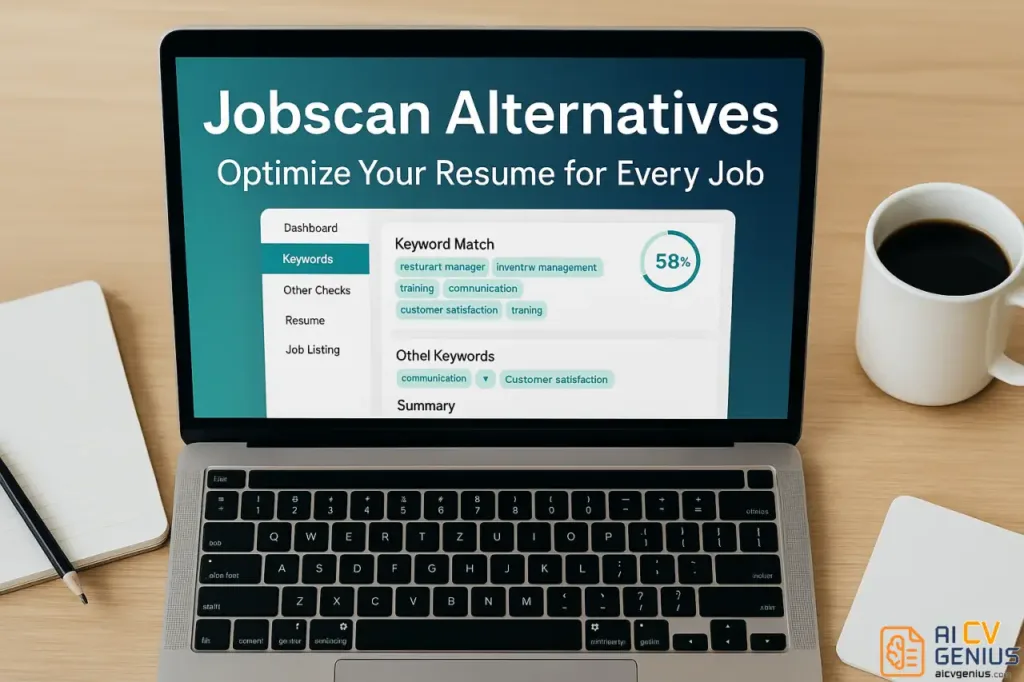
- What “alternatives” really mean: A tool that helps you align wording and structure to a job description, not a guarantee of interviews.
- ATS reality check: A high match score can still fail if your resume lacks clear evidence, uses messy formatting, or misses the role’s core keywords.
- Who actually needs a tool: High-volume applicants, career switchers, and anyone targeting strict ATS portals benefit most, strong referrals often do not.
- What to choose instead of Jobscan: Pick the category that fixes your bottleneck, Keyword scanners, Resume builders, Or AI rewrite helpers that turn your bullets into proof.
- Best way to use any scanner: Run one pass, Make a few high-impact edits, Then rewrite 2–3 bullets with measurable outcomes instead of doing keyword stuffing.
Introduction: The Search for Jobscan Alternatives
What People Mean When They Ask for Alternatives
Most job seekers don’t wake up thinking about tools – they think about replies. You upload a resume, tweak some keywords, and still… nothing. That frustration is what sends people searching for Jobscan alternatives in the first place. The promise is simple: find something that doesn’t just score a resume but actually moves the needle with real recruiters.
To get there, you need two things working together: (1) the technical side that aligns with how ATS parse and rank content, and (2) the human side that judges clarity, judgment, and relevance in seconds. An alternative is only “better” if it helps you win on both fronts.
How an ATS “Sees” You (and Why “95% Match” Isn’t a Guarantee)
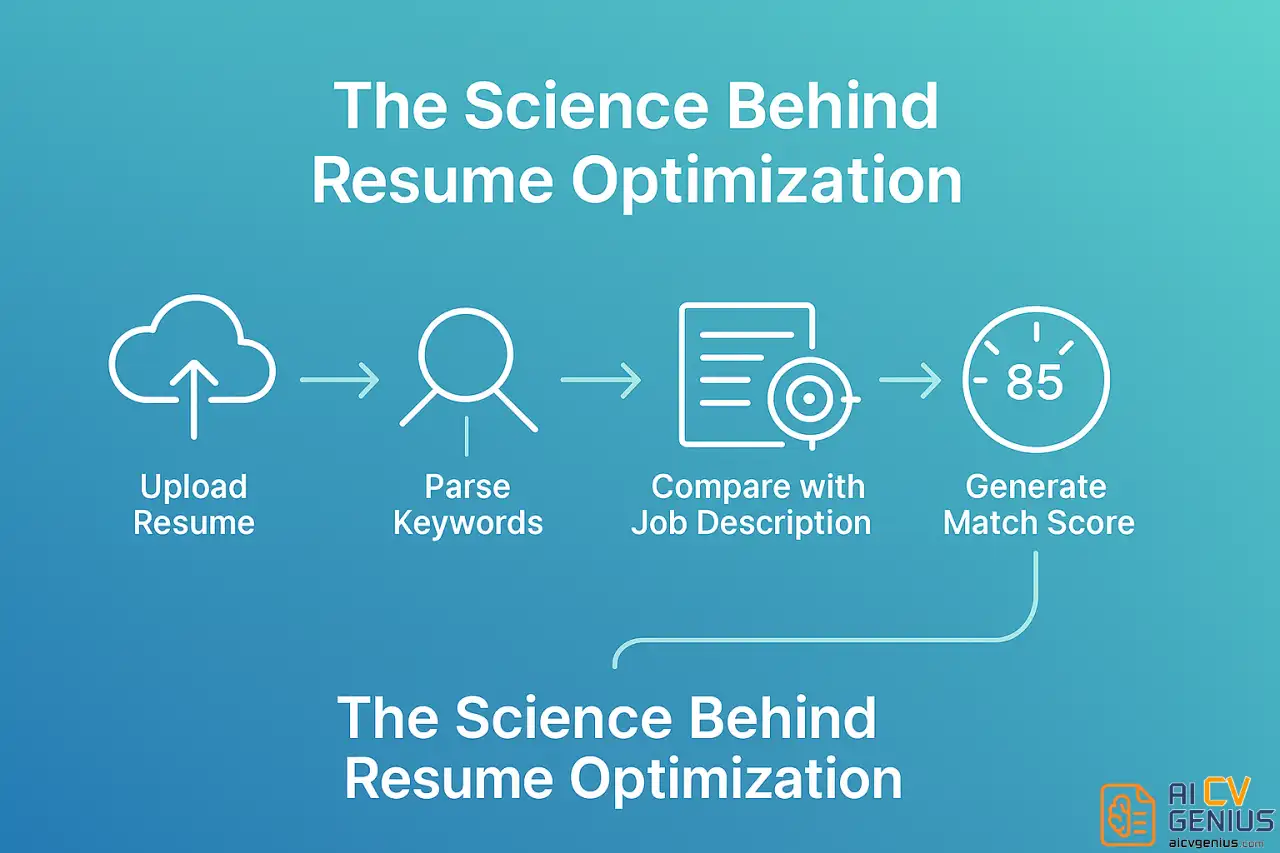
Applicant tracking systems strip your document down to raw text, then map it against a job description. On the surface, it’s a matching problem. But underneath, there are quiet details that change outcomes: how your headings are structured, whether verbs carry impact, if accomplishments are quantified, whether hard skills are grouped logically, and how seniority signals are conveyed across sections.
The best scanners don’t just count keywords; they reveal the chain of meaning those keywords sit in – role, action, impact, and context.
If your resume is a jar of ingredients, keyword scores tell you what’s inside; hiring decisions depend on the recipe.
Who Actually Needs an Alternative (and Who Doesn’t)
You might not need to switch tools if you’re still learning the basics of tailoring. But if you’ve been scoring well and still not hearing back, the problem is usually deeper: weak achievement framing, generic language, scattered skills, or leadership that isn’t obvious. That’s when a different lens – not just another percentage – starts to pay off.
- ✅ You’ve already tried a few scans and your score looks “good,” but responses are cold.
- ✅ Your bullet points list responsibilities, not outcomes.
- ✅ Your skills are a grocery list: long, unsorted, and hard to read.
- ❌ You haven’t yet tailored your resume to a specific posting – in that case, almost any basic checker will help.
The Landscape at a Glance
There are builders that write with you, graders that coach you, extensions that compare against live job posts, and parsers that simulate ATS. If you’re mapping the space quickly, keep these categories in mind:
- AI-assisted builders that suggest content line-by-line and enforce structure.
- Coaching-style graders that flag tone, strength, and clarity like a human editor.
- Job description comparers that check alignment in real time while you browse.
- Template-driven systems that pair content with clean, ATS-safe design.
Within that mix, you’ll find some of the best resume optimization tools for different scenarios – speed for first drafts, rigor for senior roles, and consistency for high-volume applications.
Top Jobscan Alternatives: A Detailed Review
Seven Real Alternatives (Not Just Name-Drops)
1) Rezi – Draft, Enforce, and Iterate
Rezi is opinionated in a helpful way. It nudges you to write focused bullets (role → action → result), then checks alignment against target roles. It’s especially strong at turning vague tasks into measurable achievements. If you’ve been told your resume feels “busy,” Rezi’s structured prompts create crisp, skimmable content.
2) Resume Worded – Feedback Like a Hiring Manager
Think of this as a tough, fair coach. Instead of chasing one giant score, you get clear micro-signals: action verbs, impact, readability, and buzzword overuse. Great for mid-career candidates tightening language across multiple roles.
3) Teal – Compare While You Browse
Teal’s extension lets you paste a posting and check your resume on the spot. It’s ideal for high-volume applications or for building a master skills library you can pull from quickly. If your week is three hours of searching and thirty minutes of applying, Teal flips that ratio.
4) Enhancv – Clarity Meets Recruiter-Friendly Design
Enhancv highlights weak sections visually and helps balance personality with professionalism. It nudges your layout toward what busy readers favor: consistent headings, measurable results, and white space that breathes. If your resume “feels heavy,” this is an antidote.
5) Kickresume – Design Discipline with ATS-Safe Templates
Kickresume couples templates with solid guidance, so style never swallows substance. It’s a strong choice if you want modern visuals without risking parse issues – especially for roles where polish matters (client-facing, marketing, design-adjacent).
6) SkillSyncer – A Pragmatic Matcher
SkillSyncer leans into practical matching: must-have vs. nice-to-have skills, gaps you can fix fast, and wording to reuse. It’s a great sanity check before you burn time on a long application.
7) ResyMatch / Scan-style Parsers – A Second Opinion
Lightweight parsers give you an extra angle. When two scanners disagree, the gap between their results usually reveals what your resume is hiding or overemphasizing.
What Makes These “Better” in Practice
Three traits separate strong tools from shiny dashboards: context, enforceable structure, and teachable feedback. Context means the system knows the difference between “led migration to cloud” and “supported migration” – not just in wording, but intent and scope. Structure means the tool prevents messy sprawl, so you’re forced to pick the one result that proves the point. Teachable feedback means you understand why a change matters, so you’ll write better even when the tool is closed.
Alternatives Mapped to Real Scenarios
| Your Situation | Try This | Why |
|---|---|---|
| Career changer with scattered experience | Rezi, SkillSyncer | Forces focus, highlights transferable outcomes. |
| Senior IC or manager, too many bullets | Resume Worded, Enhancv | Compression and readability without losing impact. |
| Applying to many roles weekly | Teal | Live JD comparison and skill library speed things up. |
| Client-facing roles needing polish | Kickresume | Clean, ATS-safe templates with professional finish. |
| Already “scoring well,” no replies | Rezi + Resume Worded | Structure + coaching reveals the signal you’re missing. |
Comparative Analysis: Jobscan vs. Key Competitors
The One Comparison You Ask for Most
Because many candidates pick between these two, here’s a focused take. For transparency, the goal isn’t to crown a universal winner but to show where each shines in day-to-day use.
| Feature | Jobscan | Rezi |
|---|---|---|
| Keyword Alignment | Solid matching | Matching plus content enforcement |
| Guided Writing | Limited | Strong prompts and structure |
| ATS Simulation | Yes | Yes |
| Speed to Tailor | Fast if JD is simple | Fast once your master profile is set |
| Learning Curve | Low | Moderate but rewarding |
| Best For | First-pass alignment | Rewriting to outcomes |
This is where the Jobscan vs Rezi comparison often tilts: Rezi turns vague tasks into measurable results; Jobscan is a reliable baseline for alignment checks.
Pros & Cons of Sticking with Jobscan
| Pros | Cons |
|---|---|
| ✅ Familiar workflow, quick setup | ❌ Feedback centers on presence, not persuasion |
| ✅ Good at surfacing missing terms | ❌ Little help structuring achievement-driven bullets |
| ✅ Clear comparison to job text | ❌ Can encourage keyword stuffing if used blindly |
Strategic Advice: How to Use Resume Scanners Effectively
Read This Before You Switch Tools
Switching tools won’t fix a story problem – it only reveals it faster. If your career narrative is muddy, start by pruning. Pick one theme per role: value created, team led, cost saved, speed gained, quality improved. Then design every bullet to land that message hard.
Not all resume keyword matching tools are equal. The right ones nudge you away from bloated lists and toward a smaller set of hard skills that frame your achievements. Done right, you’ll stop chasing ten synonyms and start building one obvious identity.
A Mini Case Study: From Busy to Hired
Before: “Responsible for managing cross-functional tasks for migration projects; collaborated with stakeholders; supported testing.” (Long, vague, thankless.)
Reframe with structure: “Led 6-person squad to migrate 24 services to cloud in 10 weeks; cut deployment time from hours to 12 minutes; de-risked rollout with canary tests.” (Short, specific, measurable.)
Which version sounds like someone you want to talk to? The second one gives a hiring manager a reason to care. Tools help, but the shift is mental: from “what I did” to “what changed because I did it.”
A Practical 60-Minute Workflow
Use this when you have one hour and a real posting in front of you.
- Paste the job description into an analyzer. Collect must-have skills and 3 core outcomes the team wants.
- Open your master resume. For each target role, pick 6–8 bullets that matter for this team, not your whole life story.
- Rewrite 3 bullets using role→action→result. Quantify even small wins (time saved, errors reduced, response time improved).
- Run a second scan with another tool to cross-verify gaps. Fix only what changes meaning.
- Stop at “clear and confident,” not “100% score.” Then send.
What Recruiters Actually Skim For
Ask a recruiter what they notice in six seconds: titles, scope, recency, and outcomes. They want proof of velocity – the sense that you keep leaving things better than you found them. If your resume conveys that, even a modest match score won’t block you.
For a deeper understanding of reader behavior, see this explainer on recruiter attention. It decodes what busy reviewers notice first and why some resumes “feel strong” even before a full read.
Make AI Work for You, Not the Other Way Around
Today’s AI-powered ATS resume checkers are powerful, but they’ll happily optimize the wrong story if you feed them one. Start with a point of view: what are you undeniably good at? Then let the tool push that story into the shape employers can absorb fast – headings that ladder up, bullets that land impact, skills that reinforce the theme instead of diluting it.
Common Traps (and How to Dodge Them)
- ❌ Chasing a perfect score – it’s not a game you can “win.”
- ❌ Listing every tool you’ve ever touched – hireability goes down as lists get longer.
- ❌ Passive verbs and vague outcomes – “helped with,” “involved in,” “responsible for.”
- ✅ One theme per role – everything else supports it.
- ✅ Verbs that travel – led, built, shipped, scaled, reduced, increased.
- ✅ Numbers that prove it – time, money, volume, quality, risk.
How to Evaluate Tools Like a Pro
Pick two criteria from each column below and hold the tool to them for a week.
| Signal | What to Look For | Red Flag |
|---|---|---|
| Clarity | Bullets get shorter and stronger | Scores go up, sentences get longer |
| Consistency | Titles, dates, headings align across roles | Format fights the content |
| Speed | Fewer tabs, more sends | Endless tweaking, fewer applications |
| Confidence | You can explain every bullet out loud | You hide behind buzzwords |
Five Micro-Edits That Outperform Most Keyword Tweaks
If you do nothing else, make these five moves:
- Frontload role and result: “Led X to do Y by Z.”
- Collapse duplicates: If two bullets say the same thing, merge them and add a number.
- Rename generic sections: “Experience” → “Product Experience,” “Operations Experience,” etc.
- Sort skills by relevance, not alphabet. Keep it short.
- Replace adjectives with evidence. “Strong communicator” → “Presented monthly to 40+ stakeholders; cut approval time by 30%.”
If You Only Have One Weekend
Day 1 is all story and housekeeping. Day 2 is polish. On Day 1, trim your resume to fit the role you want, not the one you had. On Day 2, run two scans: one alignment-focused, one coaching-focused. Ship the version that reads like a confident professional, not a nervous applicant.
Where Alternatives Clearly Beat the Baseline
You’ll notice gains in three places: sharper bullets, cleaner layouts, and better alignment to live postings. It’s not about tool hopping; it’s about picking one companion that keeps you honest and one that keeps you fast.
If you want more concrete examples, check out this step-by-step guide to small edits that drive big results. It shows how tightening verbs and pulling numbers forward changes the entire feel of a resume.
Who Wins on Volume Applications
When you’re sending ten tailored resumes a week, workflow wins. Teal’s live comparison streamlines the grind; Resume Worded keeps quality from slipping. Rezi maintains structure when fatigue creeps in. Mix thoughtfully: speed tool + coaching tool is usually enough.
A Note on Tone, Especially for Senior Candidates
Senior resumes fail when they read like junior resumes with bigger numbers. The tone changes from “I did” to “the business improved because I decided.” Alternatives that enforce structure make that shift obvious: strategy first, then execution, then proof.
When Design Helps (and When It Hurts)
Templates can either clarify or clutter. Choose layouts where section labels are conventional, spacing is consistent, and fonts don’t distract. Keep it printable. If a template makes your story harder to scan, it’s a trap with good kerning.
One Sentence That Rewrites a Page
Try this:
“In this role, the point of my work was to ______, and the business changed by ______.” Write that sentence first for each role. Now edit until every bullet supports it. Most alternatives are really just mirrors – this sentence gives them something worth reflecting back to you.
FAQs and Final Thoughts
FAQs
Final Thoughts
Tools don’t get interviews – stories do. The right companion helps you tell a sharper one, faster. If your current setup gives you scores but not replies, try a pairing that forces structure and coaching. That’s where the real progress hides.
And if you want a deeper tour of what actually happens between upload and decision, read this deep-dive. Then pick one alternative and commit for two weeks. The rest is focus and follow-through – the kind that shows up on the page and in the reply you’ve been waiting for. In short: you have options, and the right Jobscan alternatives will help you use them well.