
- Enhancv feels like a creative-first resume builder: Colorful templates, personality-driven sections, and a “Canva meets Google Docs” vibe that makes resumes look alive.
- The editor is both fun and distracting: Drag-and-drop freedom, custom section names, and flexible layouts help creatives, but too many options can pull you into redesigning instead of writing.
- The built-in AI helper is useful but not magic: It upgrades weak bullets into stronger, more measurable lines, yet it is not as advanced as dedicated AI writing tools.
- ATS compatibility is mostly OK with guardrails: Text-based templates tend to scan fine, but icons, multi-columns, and heavy design can break parsing, so a simpler version is safer for corporate submissions.
- Pricing and fit are clear: Free lets you build but not download, paid plans unlock exports and premium tools, and the best match is creative roles (Design, marketing, tech), not conservative industries like law or banking.
Enhancv is one of those resume builders you stumble upon and think, “Wow, this looks different.” The colors pop. The sections feel alive. The layouts don’t scream corporate – but rather whisper creativity. So I decided to spend a few days inside Enhancv, testing everything: the templates, the editing experience, the AI, and even how recruiters might react.
This isn’t a technical breakdown. It’s a story about what happens when a creative mind meets a structured platform – and how Enhancv either enhances (pun intended) your resume or overwhelms it.
Day 1: The First Impression
When you land on Enhancv’s homepage, you immediately know it’s not your typical resume builder. There’s no sterile, gray interface – just a friendly tone inviting you to “create a resume that’s uniquely you.” And it delivers on that promise.
I started by choosing one of their templates. They have around 20 options, but each one feels like a design personality rather than a template. I picked “Double Column Modern” – clean, fresh, and slightly playful. You can switch between layouts without losing content, which is surprisingly smooth.
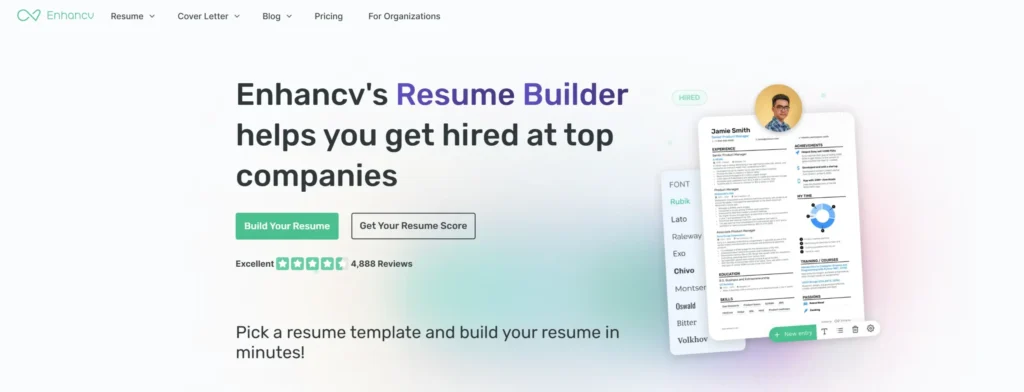
First impression: Enhancv looks like Canva met Google Docs – stylish, but easy to navigate.
Day 2: Building My Resume (and My Patience)
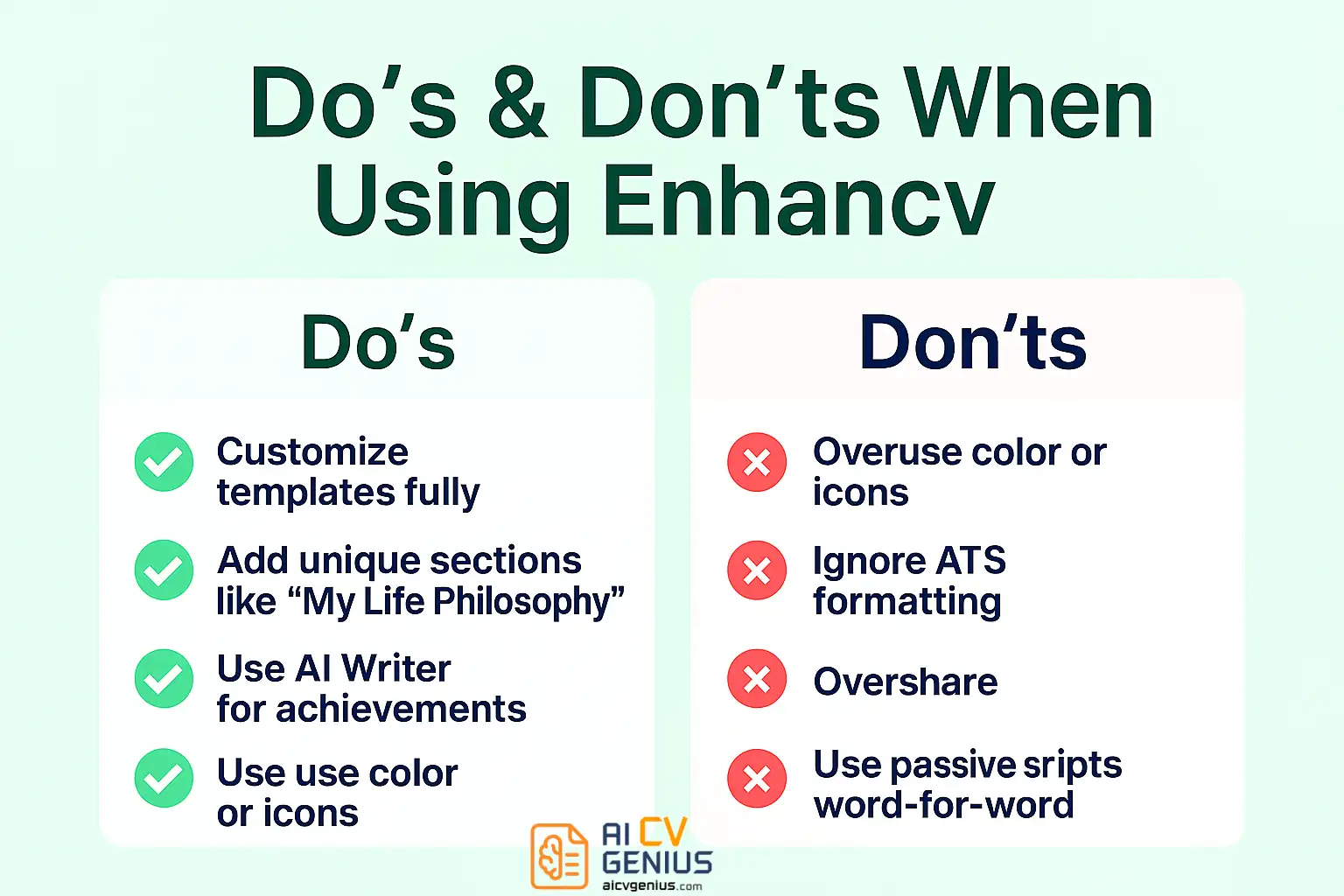
The editor itself is a mix of joy and frustration. You can drag, drop, resize, and even rename sections. Want to call your “Skills” section “Superpowers”? Go ahead. Want to add a custom block called “My Life Philosophy”? There’s literally a button for that.
As a creative professional, I loved it. The customization freedom is unmatched. But if you’re the kind of person who gets overwhelmed by too many options, you might find yourself rearranging layouts instead of writing content.
Enhancv offers an AI-powered writing assistant, which helps you phrase achievements using strong verbs and measurable results. It’s not as advanced as ChatGPT or Jasper, but it does the job well enough to turn “worked on campaigns” into “executed digital campaigns reaching 1M+ users.”
- ✅ Custom section names (“My Strengths”, “Most Proud Of”, “Volunteering”).
- ✅ AI suggestions based on industry keywords.
- ✅ Real-time formatting feedback.
- ❌ Limited undo options when editing.
- ❌ Occasional lag when switching between templates.
Day 3: The Details That Make or Break It
By now, my resume looked stunning. I added a subtle teal accent, an icon for each section, and an “Interests” block featuring my hobbies. The visual impact was immediate. Enhancv understands that a good resume isn’t just about content – it’s about personality.
But here’s where things get tricky. Enhancv’s strength in customization can also become its weakness. Because every section is flexible, it’s easy to break the flow or overload the design with too many visuals. If you’re not careful, your resume might look like a digital scrapbook instead of a professional document.
Pro Tip: Less is more. Use color and graphics sparingly. Enhancv shines when your design feels clean, not crowded.
Enhancv In-Depth: Features & Performance
Templates & Design Quality
Enhancv’s templates are built for modern job seekers – especially those in creative industries, marketing, tech, and design. Every layout is customizable by color, font, and spacing, with drag handles that actually feel intuitive.
What sets Enhancv apart is its emotional design philosophy. It’s not just about looking good – it’s about helping you express your story. For instance, there’s a “Life Philosophy” section, or a “Most Proud Of” box, both meant to humanize your resume.
Yet, not every recruiter loves that. In corporate industries, these sections may seem unconventional. If you’re applying for a finance or legal job, you might want to skip them.
Features That Stand Out
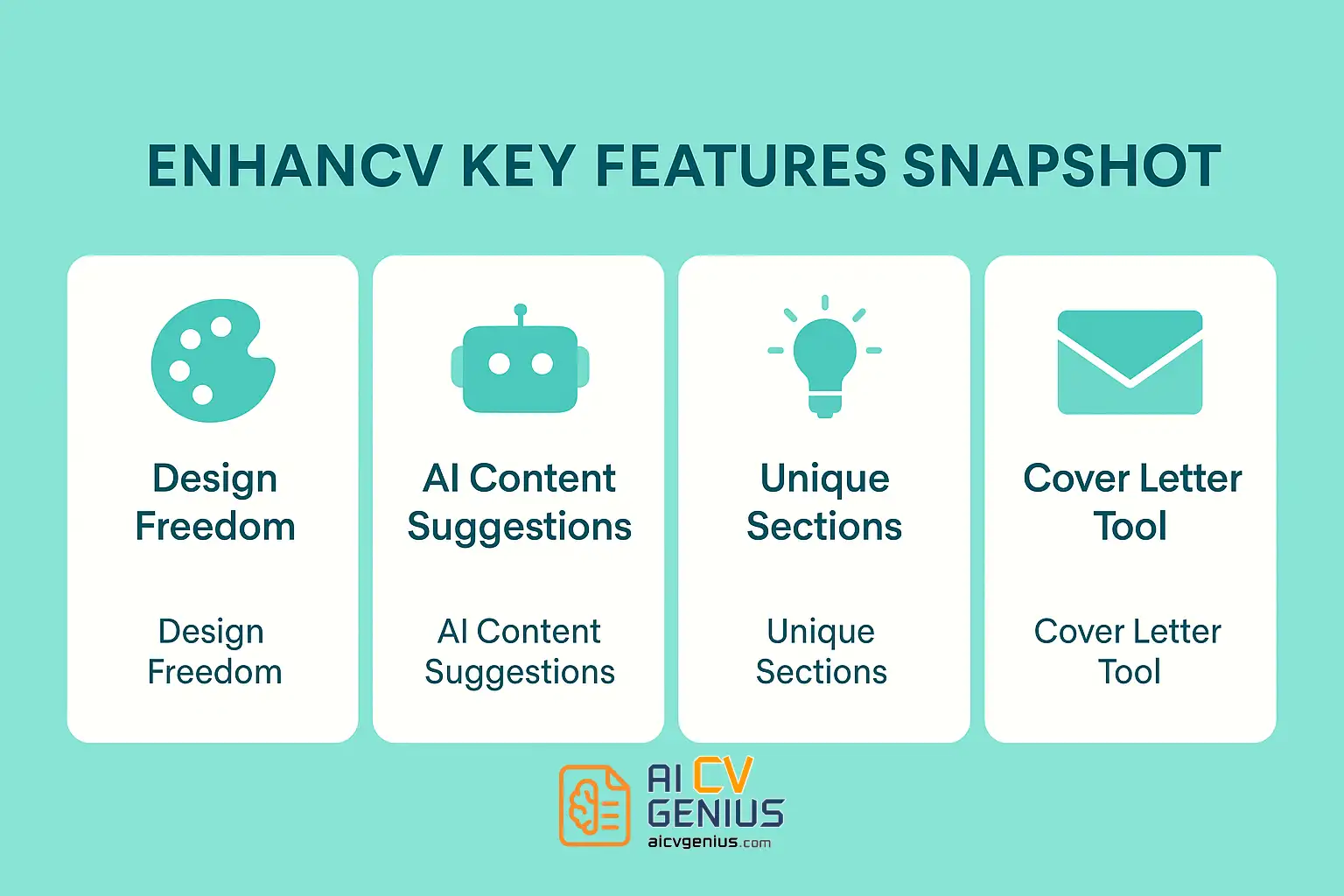
- Design Freedom: The drag-and-drop builder is intuitive and satisfying.
- AI Resume Helper: Generates bullet points that actually sound human.
- Cover Letter Builder: Matches resume style seamlessly.
- PDF Download: High-quality export, no layout distortion.
- Content Insights: Gives feedback on tone, structure, and readability.
Pricing
Enhancv’s pricing is straightforward. You can try it free with limited features, but downloading requires a paid plan.
| Plan | Price | Includes |
|---|---|---|
| Basic (Free) | $0 | Build resume online, no download. |
| Premium Monthly | $19.99 | Unlimited downloads, AI tools, and custom sections. |
| Premium Annual | $99.99 | Yearly plan with portfolio and cover letter builder. |
Compared to competitors like Zety or Resume.io, Enhancv sits right in the middle – more creative than Zety, but not as flexible as Canva for free users.
ATS Compatibility
Here’s the elephant in the room: is Enhancv ATS-friendly?
Mostly, yes. Enhancv’s text-based templates can pass ATS systems, but some design-heavy layouts (with icons, multiple columns, or color blocks) might not scan perfectly. The platform warns you if your layout might cause parsing issues – something few builders do.
To stay safe, always keep a “plain” PDF version for corporate submissions and use your creative version for portfolio or direct applications.
Customer Experience
Support is friendly and fast. I tested their live chat with a random question (“Can I reorder sections easily?”) and got a clear, polite answer in less than 5 minutes. Their blog and email tips are also surprisingly well-written, packed with career advice rather than pure marketing fluff.
Verdict & Recommendations
Pros & Cons of Enhancv
| Pros | Cons |
|---|---|
| ✅ Beautiful, highly customizable templates. | ❌ Some designs aren’t ATS-safe. |
| ✅ Unique, personality-driven sections. | ❌ Too many options can overwhelm beginners. |
| ✅ Built-in AI writing suggestions. | ❌ Requires paid plan to download. |
| ✅ Cover letter and portfolio integration. | ❌ Occasional lag in editor interface. |
| ✅ Strong emotional design philosophy. | ❌ Not ideal for conservative industries. |
Who Should Use Enhancv?
Enhancv is best for professionals who want to tell their story visually, not just list achievements. If your field values creativity, personal branding, or modern presentation – it’s a fantastic choice.
- Best for: Designers, marketers, developers, startup professionals.
- ✅ Good for: Students and freelancers who want fresh layouts.
- ❌ Not for: Formal industries like law, banking, or academia.
Enhancv vs Competitors
Here’s a quick comparison with other popular resume builders:
| Tool | Best For | Unique Feature | Downside |
|---|---|---|---|
| Enhancv | Creative Professionals | Custom sections, personality-driven design | Limited ATS safety |
| Zety | Corporate Roles | Guided builder, strong grammar tools | Paid download only |
| Canva | Designers | Total creative control | Manual formatting, not ATS-safe |
| Resume.io | Quick Applications | Fast builder, clean design | Less creative flexibility |
Final Thoughts: More Than a Resume Builder
FAQs
After a few days with Enhancv, I realized it’s not just a resume builder – it’s a creative playground. It’s where structure meets storytelling, and where your professional life can look as vibrant as it feels.
It’s not for everyone, of course. If you love minimalism and standard layouts, you’ll prefer Resume.io or Zety. But if you want your resume to *feel like you* – not just a document that lists jobs – Enhancv gives you that freedom.
To explore more creative tools like this, check out Reviews for other builders, browse curated templates via Resume Templates Finder, or read more design insights in Career Resources.
Enhancv doesn’t just help you build a resume. It helps you tell your story – beautifully.