
- Kickresume is a design-forward resume builder: It aims to balance polished templates with generally ATS-friendly structure for people who want something more modern than plain layouts.
- The value is in the feature stack: Templates, an AI resume writer for bullet suggestions, matching cover letters, built-in proofreading, a one-click portfolio website, and PDF or DOCX exports.
- Pricing is tiered and the free plan is limited: Free includes watermarks and fewer options, while Premium unlocks AI, proofreading, cover letters, and unlimited exports across monthly, quarterly, and yearly plans.
- It fits some users better than others: Strong for students, creatives, freelancers, and mid-level applicants, but less ideal for executives who need full two-page formatting control.
- The tradeoff is clear: You gain speed, design polish, and branding tools, but you may hit strict ATS issues on the most creative templates and the cost can feel high if you only need a one-time download.
Among the many online resume builders available today, Kickresume has carved out a unique identity. Unlike purely functional tools like Resume.io or Zety, Kickresume blends professional polish with creative flair. It promises to help job seekers create resumes, cover letters, and even personal websites – all in one place. But is Kickresume the right choice for you? In this detailed Kickresume review, we’ll explore its features, pricing, pros and cons, and how it compares to competitors like Resume.io, Canva, Enhancv, and Zety.
What Is Kickresume?
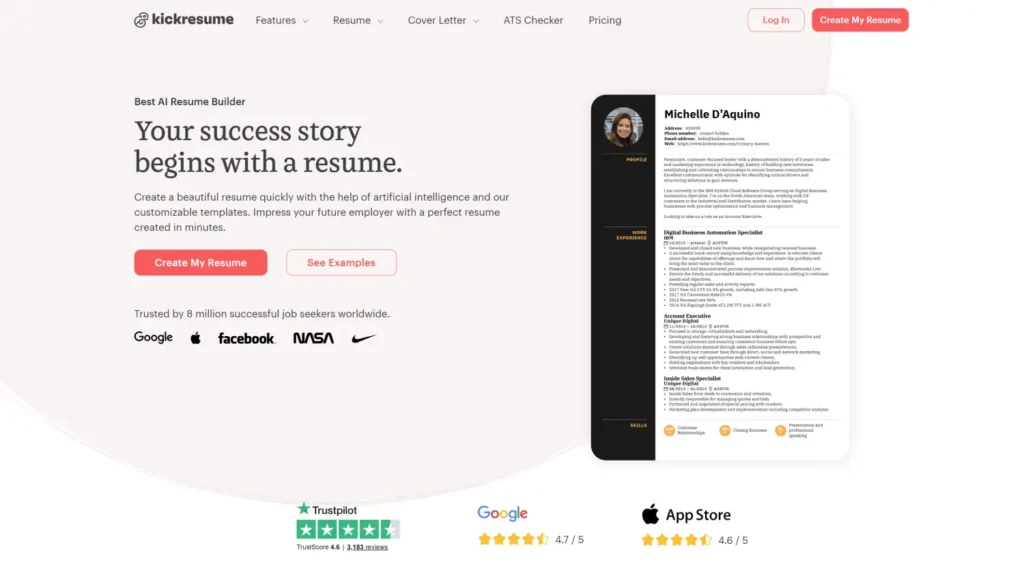
Kickresume launched in 2014 in Slovakia and quickly gained traction across Europe and the U.S. Its appeal lies in a hybrid approach: it offers beautiful, design-forward templates while also ensuring ATS compatibility. Today, over 2 million people worldwide use Kickresume, including students, creative professionals, freelancers, and even corporate job seekers who want resumes that stand out without being over-the-top.
Key Features of Kickresume
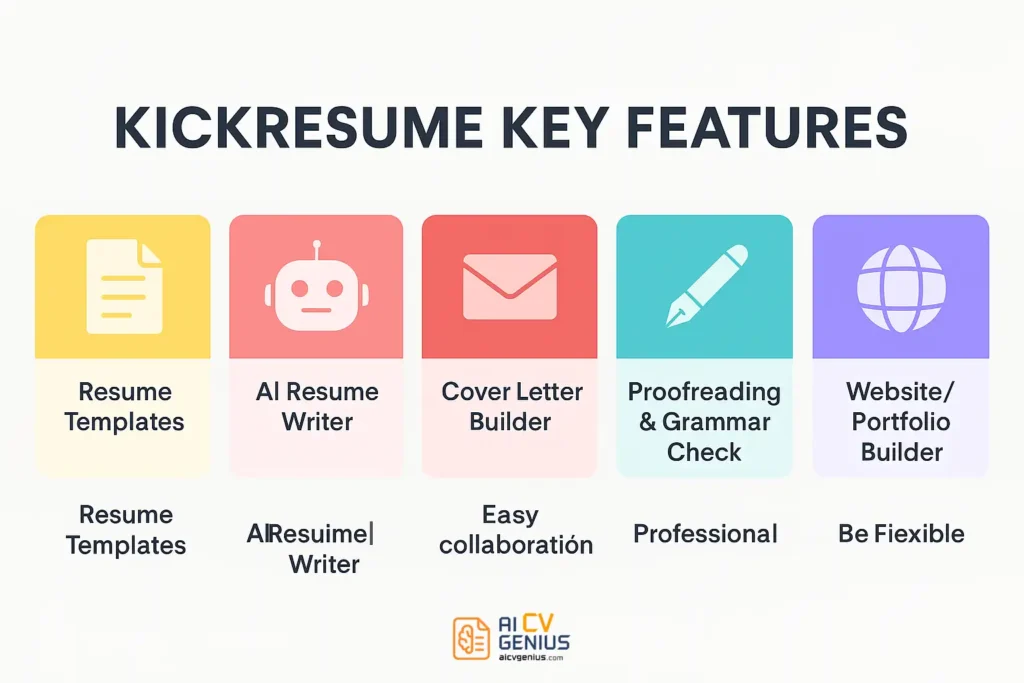
Resume Templates
Kickresume provides 35+ templates, ranging from classic to colorful. Many templates feature modern typography, accent colors, and creative layouts. Unlike Canva (which can be too design-heavy for ATS), Kickresume balances design with structure, ensuring most resumes pass through Applicant Tracking Systems.
AI Resume Writer
One of Kickresume’s newest features is its AI-powered resume writer. By entering your job title and skills, the AI suggests bullet points and phrasing tailored for your industry. For example, a software engineer might instantly receive: “Developed REST APIs handling 50K daily requests, improving efficiency by 22%.” This saves hours of writing and reduces the stress of phrasing achievements.
Cover Letter Builder
Kickresume includes a cover letter builder with matching templates. Like Resume.io, it ensures visual consistency. The difference? Kickresume allows slightly more creative layouts, which can be valuable in design, marketing, or communications roles.
Grammar & Proofreading Tool
Kickresume has a built-in grammar check, powered by AI, to ensure your content is error-free. This is particularly helpful for non-native English speakers applying for international roles.
Website/Portfolio Builder
Perhaps Kickresume’s most unique feature: you can turn your resume into a personal website with one click. This creates a professional online portfolio (e.g., yourname.kickresume.com) showcasing your resume, projects, and skills. For freelancers and creatives, this is a game changer.
Export Options
Users can export resumes in PDF or DOCX formats. Premium users unlock unlimited downloads without watermarks. Like Resume.io, Kickresume stores resumes in the cloud for editing anytime.
Pricing: Free vs Premium
| Plan | Price | Features |
|---|---|---|
| Free | $0 | Access to basic templates, limited customization, watermark on resumes. |
| Monthly | $19/month | All templates, AI writer, proofreading, cover letters, unlimited exports. |
| Quarterly | $39/3 months | Same as monthly, but cheaper per month. |
| Yearly | $99/year | Best value, full access, portfolio builder included. |
Tip: If you only need one resume, use the free plan to test, then subscribe monthly to download clean resumes without watermarks.
Who Should Use Kickresume?
- Students & Graduates: Helpful AI suggestions make resume writing less intimidating.
- Creative Professionals: Templates allow flair while remaining professional.
- Freelancers & Remote Workers: Portfolio website builder is a major plus.
- Mid-Level Professionals: Strong option if you want AI assistance and proofing tools.
Not ideal for: Executives needing heavily customized two-page resumes with detailed formatting control.
Case Studies: Kickresume in Action
Case 1: The Student
Laura, a university graduate, had no work experience. Kickresume’s AI suggested bullets for her coursework and projects: “Led a team of 5 in marketing project simulation, achieving top grade.” Within weeks, she secured her first internship.
Case 2: The Creative Freelancer
Diego, a freelance designer, used Kickresume’s website builder to create a personal site showcasing his portfolio. This made his applications stand out compared to plain resumes. Clients frequently mentioned his online profile as a reason they reached out.
Case 3: The Remote Job Seeker
Sophia, applying for remote content roles, valued Kickresume’s multilingual feature. She built resumes in English and German, landing interviews with international startups.
Case 4: The Senior Professional
Martin, with 15 years in IT, tested Kickresume but found it restrictive for a two-page executive resume. He eventually exported his draft to Word for final edits, but Kickresume saved him hours of initial setup.
Pros and Cons of Kickresume
| Pros | Cons |
|---|---|
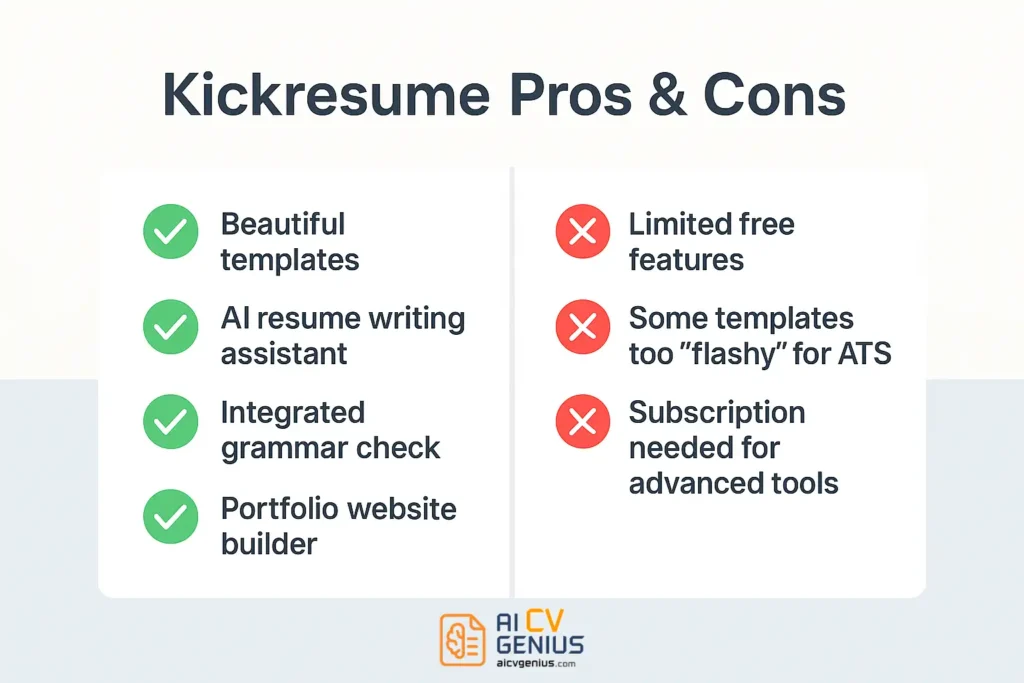
| ✅ Beautiful, creative templates. | ❌ Free plan is very limited (watermarks, fewer templates). |
| ✅ AI resume writer saves time. | ❌ Some templates too design-heavy for strict ATS systems. |
| ✅ Built-in grammar and proofreading. | ❌ Customization less flexible than Canva. |
| ✅ Portfolio/website builder included. | ❌ Premium pricing may be steep for one-time users. |
| ✅ Multilingual support for global users. |
Kickresume vs Competitors
| Feature | Kickresume | Resume.io | Zety | Canva | Enhancv |
|---|---|---|---|---|---|
| Templates | 35+ | 25+ | 20+ | 50+ | 30+ |
| AI Resume Writer | Yes | No | Limited | No | Yes |
| Cover Letter Builder | Yes | Yes | Yes | No | Yes |
| Portfolio Website | Yes | No | No | Yes (basic) | No |
| Ease of Use | Easy | Very Easy | Moderate | Easy but design-focused | Moderate |
| Pricing | $19/month | $24.95/month | $23.99/month | Free + Pro $12.99/month | $24.99/month |
Extended FAQ
Final Verdict
Kickresume is a strong resume builder for those who want more than a plain black-and-white document. With creative templates, an AI writing assistant, a proofreading tool, and a unique portfolio builder, it’s especially appealing to students, creatives, and freelancers. However, its free plan is restrictive, some templates may not pass strict ATS, and pricing can feel high for casual users. If you value design, AI help, and personal branding, Kickresume is a top choice. For those who need pure speed and simplicity, Resume.io may be better. Either way, Kickresume shows that resume building can be both smart and stylish.