
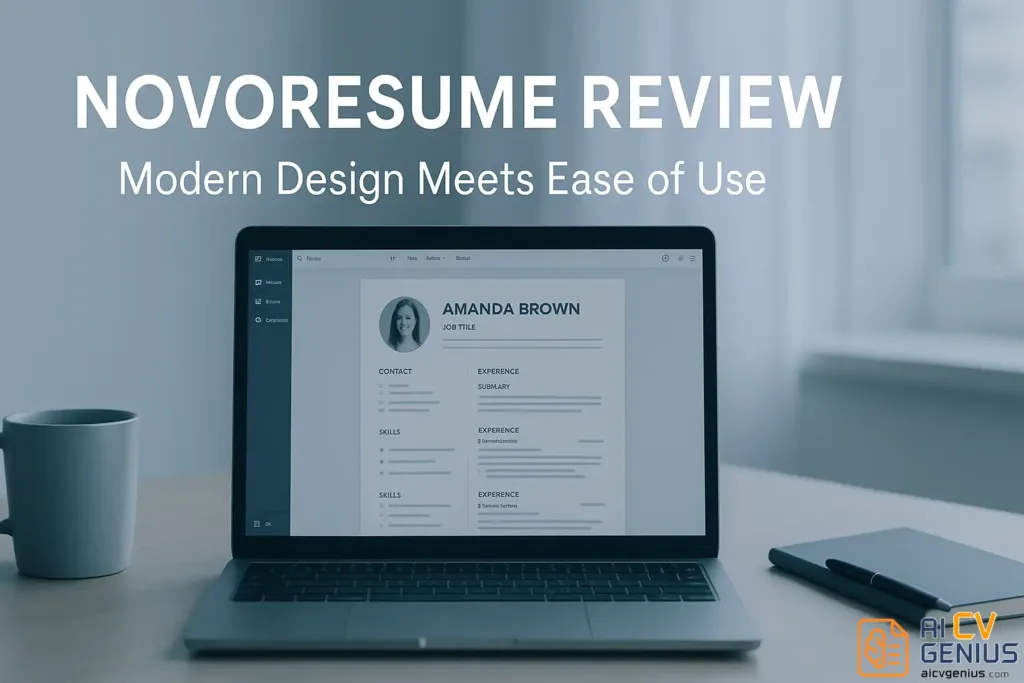
- Novoresume feels fast and beginner-friendly: clean UI, real-time preview, autosave, but layout control is limited because sections follow preset rules.
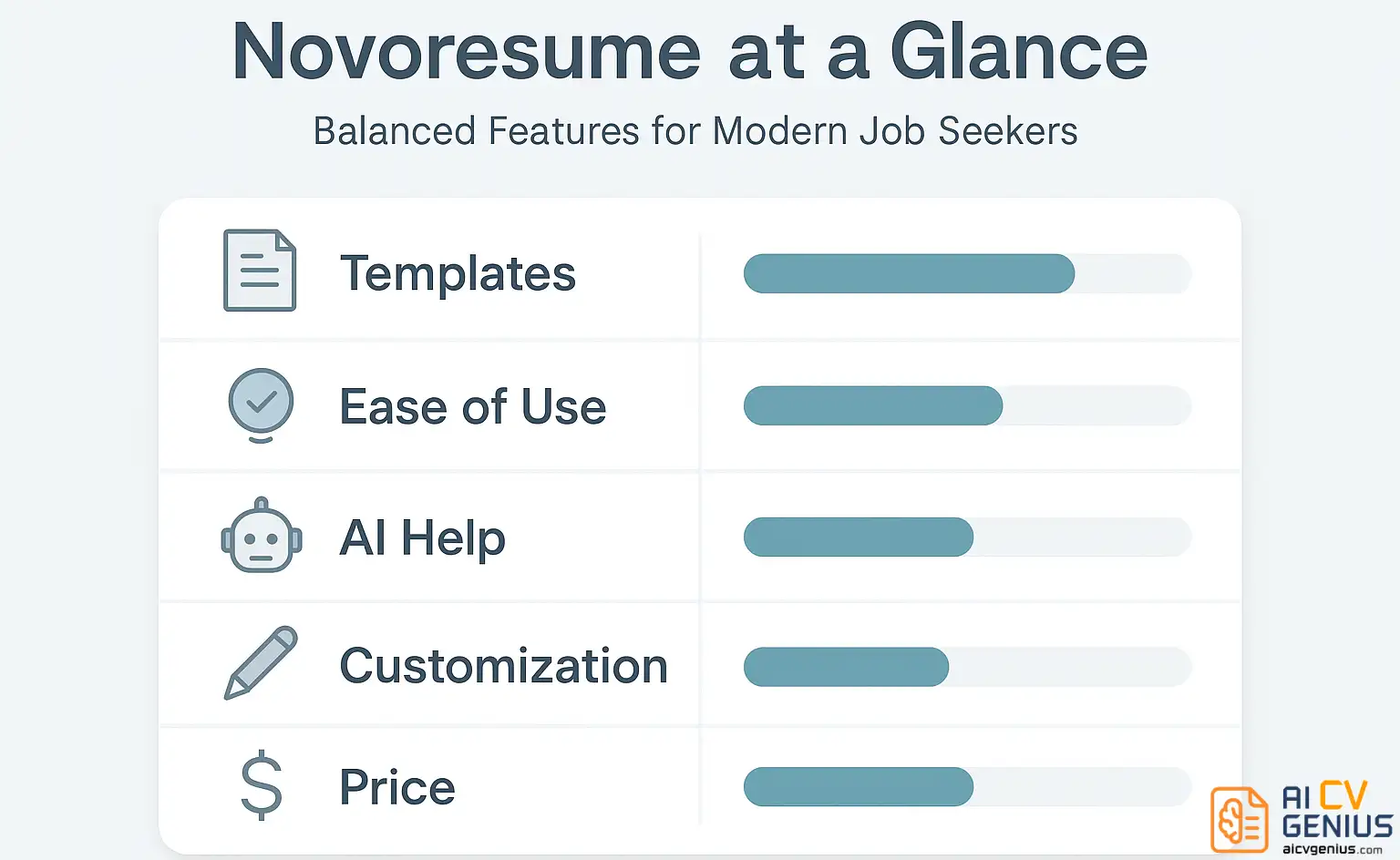
- Templates look polished and readable (professional with a bit of personality), but the library is smaller than some competitors and there’s no truly blank canvas for full custom design.
- The “Content Optimizer” acts more like a writing coach: checks length and tone, nudges you toward stronger verbs, but it does not do heavy AI rewriting.
- Pricing is freemium: free lets you build one basic resume and cover letter, while Premium unlocks advanced templates, downloads (PDF and Word), and the Content Optimizer.
- Best fit is students, graduates, and mid-level professionals (including international applications) who want a refined resume without complexity; not ideal if you need full creative freedom or mass-application automation.
When you look for an online resume builder, Novoresume often appears among the top recommendations. Sleek design, pre-built phrases, AI assistance – it sounds like a dream solution for anyone who hates starting from a blank page. But is it really as smooth as it looks? In this review, we break down Novoresume’s real strengths, weak spots, and ideal use cases so you can decide if it matches your career needs.
What Is Novoresume?
Novoresume is a cloud-based resume and cover-letter builder launched to simplify how professionals present themselves. Its core idea is to balance design and usability – a resume that’s not only pretty but also practical. Users can start from beautifully designed templates, fill in guided sections, and instantly preview how everything looks.
It’s positioned between free minimalist tools like Google Docs templates and advanced AI-powered platforms such as Kickresume or Resume.io. Think of it as the middle ground: visually rich yet structured.
Features & Usability Review
Interface and Ease of Use
The builder opens in your browser with a clean dashboard. Navigation is smooth; everything sits on the left panel – sections, layout, design options. Changes appear instantly on the right preview.
- ✅ Clean UI with clear icons and inline tips.
- ✅ Real-time preview without reloads.
- ✅ Autosave feature prevents data loss.
- ❌ Limited drag-and-drop – sections must stay in preset positions.
- ❌ Editing margins or font size is restricted to template rules.
For first-time users, that limitation might actually help; it keeps everything aligned and ATS-friendly. But creative users might find it slightly rigid.
Template Design and Aesthetic
Novoresume’s design library includes around a dozen templates, each with multiple color schemes. They balance corporate professionalism with a hint of personality – subtle headers, neat icons, and strong typography hierarchy.
- ✅ Great font choices – legible yet modern.
- ✅ Color palettes adapt well for different industries.
- ❌ Number of templates smaller than competitors like Resume.io.
- ❌ No fully blank layout for custom designers.
If you’re looking for elegance and readability rather than flashy creativity, Novoresume delivers. It feels like a resume a hiring manager actually wants to read.
Features and Tools
Beyond design, Novoresume integrates writing guidance and personalization tools. Each section comes with example phrases and short tips about tone or structure. The platform also uses light AI suggestions for wording – for example, when you type “responsible for,” it might suggest “managed,” “led,” or “coordinated.”
It’s not ChatGPT-level AI, but it’s practical and well-curated for job seekers who need inspiration without losing authenticity.
AI and Smart Suggestions
Novoresume’s “Content Optimizer” analyzes your text length and tone. It warns when bullet points are too long or repetitive. You can toggle tone from formal to neutral to casual. While it doesn’t rewrite entire sections, it provides contextual advice – more like a writing coach than an AI ghostwriter.
- ✅ Smart content length and tone checker.
- ✅ Action verbs and achievement phrases built-in.
- ❌ No AI cover letter generator yet – only suggestions.
- ❌ Limited personalization for non-English languages.
Pricing & Support
Pricing and Plans
Novoresume operates on a freemium model. The free tier allows one basic resume and one cover letter with limited sections. Premium unlocks advanced templates, PDF download, and the Content Optimizer.
| Plan | Free | Premium |
|---|---|---|
| Templates | Basic (2–3) | Full access to all designs |
| Sections | Limited | Custom sections available |
| AI assistance | ❌ | ✅ Content Optimizer |
| Download | ❌ | ✅ PDF and Word |
| Support | Email only | Priority response |
Pricing is competitive: monthly around $14 and annual plans offer up to 50 percent discounts. Similar range as Kickresume, slightly above Resume.io. You can always test the free plan first – it’s enough to gauge comfort before paying.
Customer Experience and Support
User feedback on forums and Trustpilot shows mixed-positive sentiment: most praise the design and clarity; occasional complaints mention limited exports in free mode. Support is email-based but polite and quick, usually responding within 24 hours.
For common questions, the help center is compact but clear – a dozen articles covering formatting, billing, and AI guidelines. It could benefit from tutorial videos like those offered by Kickresume, but overall it’s reliable.
Verdict, Comparison & FAQs
Who Should Use Novoresume?
Novoresume fits people who value structure and design equally – professionals, students, and mid-career changers who want something refined without needing advanced AI tools.
- ✅ Best for mid-level professionals and graduates.
- ✅ Great for international applications due to clean layout.
- ❌ Not ideal for designers wanting full creative freedom.
- ❌ Limited automation for mass applications.
If you’re exploring other layout types, our Resume Templates Finder offers visual examples of different formats.
Pros and Cons of Novoresume
| Pros | Cons |
|---|---|
| ✅ Elegant templates with good readability. | ❌ Smaller template library than competitors. |
| ✅ Helpful content tips for each section. | ❌ Limited layout flexibility. |
| ✅ Smart AI optimizer for tone and length. | ❌ Free version restricts downloads. |
| ✅ Balanced for students and professionals. | ❌ No advanced AI rewriting yet. |
How Novoresume Compares to Alternatives
Compared with Kickresume and Resume.io, Novoresume sits in the middle. Kickresume focuses on personal branding and AI tone; Resume.io leans on speed and ATS precision. Novoresume balances both, with a strong emphasis on design consistency and clarity.
For deeper comparisons and side-by-side tests, check our Reviews section where we analyze each platform individually.
Final Verdict
Novoresume is not the most feature-packed resume builder on the market, but it delivers where it matters most – clean design, intuitive structure, and user-friendly guidance. It’s perfect for job seekers who want something polished without a steep learning curve. If you prefer AI-heavy features or bulk editing, Resume.io or Kickresume might fit better; if you want balance and elegance, Novoresume deserves a try.
For career growth resources beyond resume tools, visit our Career Resources hub for interview and portfolio guides.