
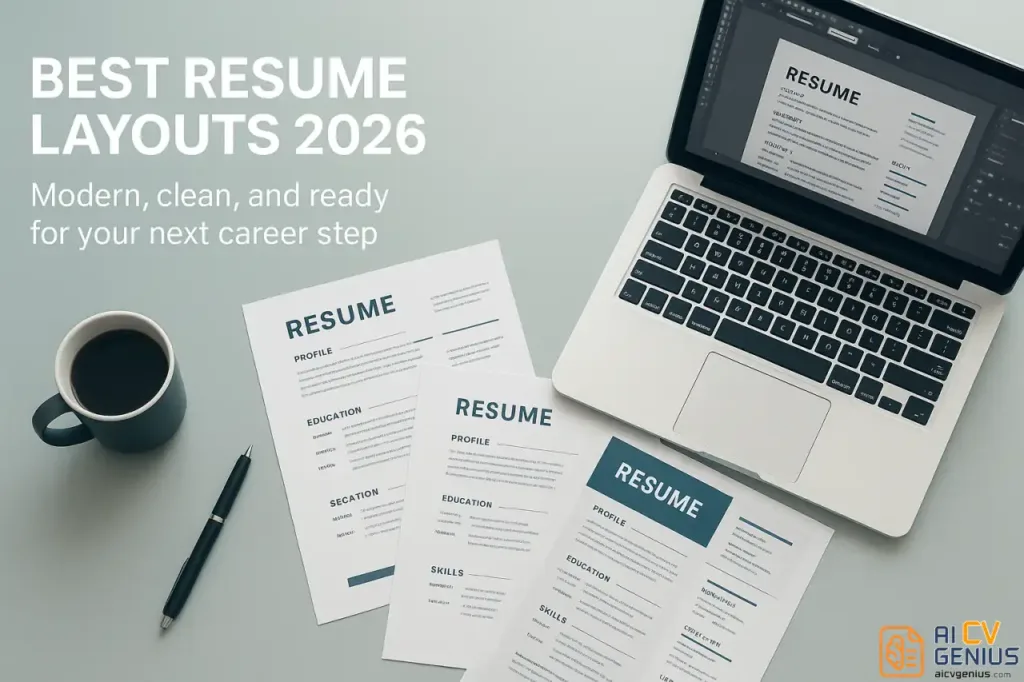
- Why layout still matters: It drives the 6 to 7 second first impression and makes your value easy for humans and ATS to scan.
- Core rules for 2026: Use clear section hierarchy, readable fonts, consistent formatting, and enough white space to reduce cognitive load.
- Best layout choice: Hybrid usually wins because it shows key skills fast while keeping a clean reverse-chronological proof trail.
- ATS safety checklist: Avoid tables, text boxes, headers/footers for key info, graphics with text, and nonstandard headings or symbols.
- Modern design that stays professional: Add one subtle accent color, strong visual hierarchy, and template tools that keep everything scannable.
Introduction: Why Resume Layout Matters
Why Layout Still Matters in 2026: More Than Just Aesthetics
Even in an era increasingly dominated by AI-driven screening and sophisticated Applicant Tracking Systems (ATS), the visual presentation of your resume retains profound significance. The best resume layouts 2026 are not merely about looking good; they are strategic tools that blend structure, clarity, and a subtle infusion of personality. This combination is designed to capture – and hold – a recruiter’s attention within those critical first few seconds. Your resume layout isn’t just decoration; it’s a fundamental aspect of your professional communication strategy. A thoughtfully structured resume acts as a silent guide, helping both human reviewers and parsing algorithms quickly identify your core value proposition.
Consider your resume layout as the unspoken introduction, the digital equivalent of a firm handshake and direct eye contact. Long before a recruiter delves into the specifics of your experience or skills, the overall design conveys crucial non-verbal cues about your professionalism, organizational ability, and attention to detail. A clean, intuitive layout builds subconscious trust and suggests competence. Conversely, a cluttered, inconsistent, or poorly designed format can undermine your credibility before your qualifications are even assessed. As visual elements influence perception, good design functions as a critical foundation upon which the substance of your career story is built.
The Psychology of First Impressions: Decoding the 6-Second Rule
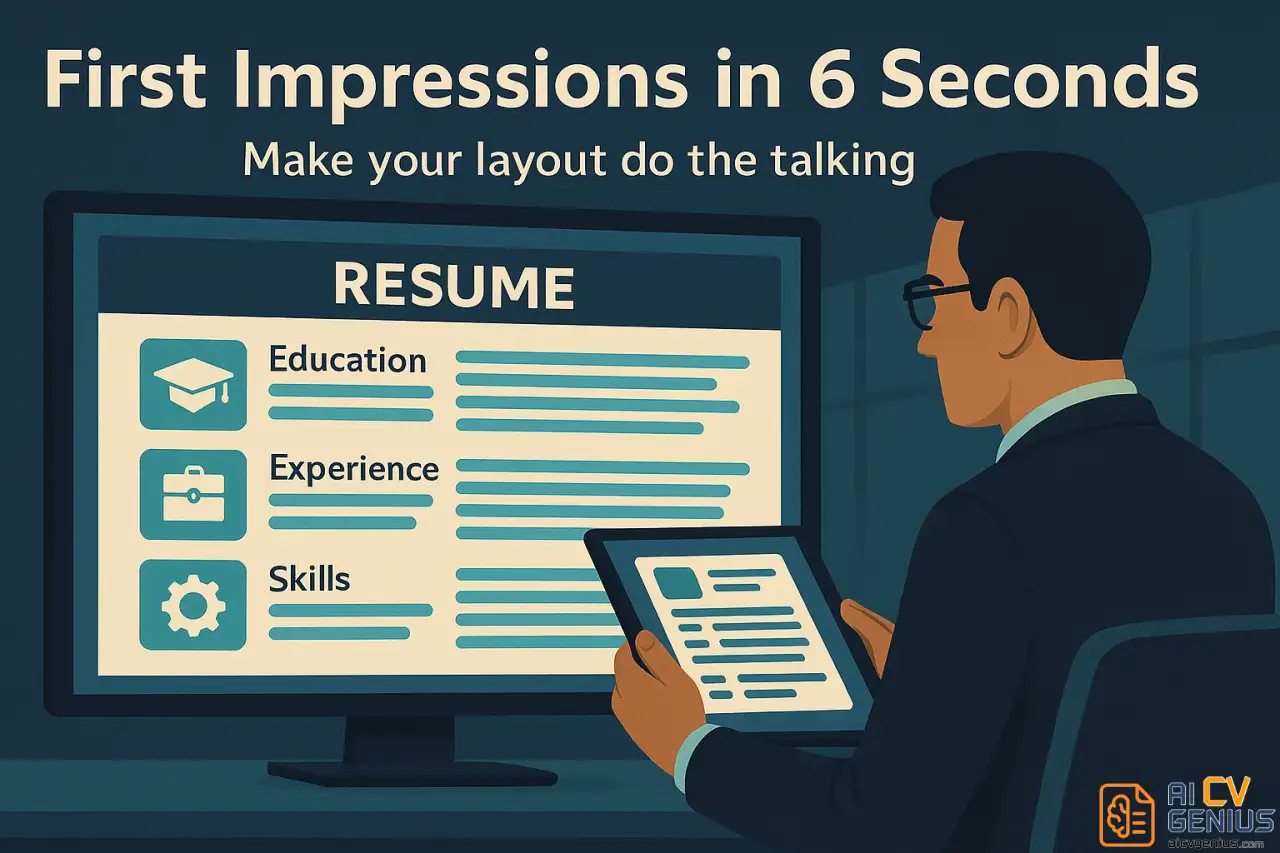
Extensive eye-tracking studies and recruiter surveys consistently reveal a stark reality: the average initial resume scan lasts a mere six to seven seconds. Within this incredibly brief window, your resume’s layout isn’t just passively observed; it actively shapes the recruiter’s initial judgment through powerful psychological mechanisms.
What cognitive processes unfold during those critical seconds?
- Pattern Recognition & Cognitive Ease: The human brain is wired to seek patterns and minimize effort. Clean, predictable layouts (e.g., clear left alignment, distinct headings) facilitate rapid information processing. Recruiters instinctively follow established reading patterns like the “F” (scanning across headings, then down the left margin) or “Z” (scanning top, diagonal, bottom). A layout that supports these patterns feels intuitive and easy to digest. Cluttered or unconventional designs disrupt this flow, creating cognitive friction and negative associations.
- Visual Hierarchy Assessment: Effective layouts use visual cues – such as bold text for headings, strategic use of white space, consistent indentation, and logical section ordering – to create a clear hierarchy of information. This allows the recruiter’s eye to naturally gravitate towards the most important elements (like your name, current title, key skills, or recent employers) without conscious effort. A well-defined hierarchy signals strong organizational skills.
- The Halo Effect & Professionalism Heuristic: First impressions often create a “halo effect,” where positive initial perceptions (e.g., “this resume looks professional and organized”) unconsciously influence subsequent judgments about the content (“this candidate is likely competent and detail-oriented”). Polished, aesthetically pleasing layouts trigger this positive heuristic. Conversely, sloppy, inconsistent, or dated designs can activate negative heuristics (“careless,” “unprofessional,” “lacks attention to detail”).
- Managing Cognitive Load: Dense blocks of text, inconsistent formatting, or excessive visual noise increase the cognitive load required to process information. Strategic use of white space (margins, line spacing, paragraph breaks) reduces this load, making the resume feel less overwhelming and inviting the reader to engage more deeply. A visually restful layout promotes sustained attention.
Ultimately, your layout’s primary psychological function is to elicit a positive, effortless initial response. It should make the recruiter feel comfortable, oriented, and intrigued enough to overcome the default tendency to skim and move on, thereby encouraging them to invest more valuable time engaging with the substance of your qualifications.
Core Principles and Layout Types
What Defines an Effective Resume Layout in 2026: Core Principles
In 2026, an effective resume layout masterfully balances aesthetic appeal with functional clarity, ensuring seamless interpretation by both human eyes and Applicant Tracking Systems (ATS). It’s a strategic blend of design principles and technical considerations.
Key foundational elements include:
- ✅ Clear Section Hierarchy & Logical Flow: Information must be organized intuitively. Standard sections (Contact Information, Professional Summary/Objective, Key Skills, Work Experience, Education, Certifications) should follow a predictable sequence. Bold headings, consistent spacing, and potentially subtle visual dividers (like fine lines) create clear boundaries, guiding the reader effortlessly and allowing ATS to parse section content accurately.
- ✅ Legible and Professional Typography: Font choice significantly impacts readability and tone. Stick to clean, professional sans-serif fonts (like Inter, Lato, Calibri, Roboto) or classic serif fonts (like Georgia, Garamond) for body text. Use font sizes between 10.5 and 12 points for optimal readability on screen and paper. Headings should be larger (14-18 points) and potentially bolder to establish hierarchy. Avoid overly decorative, script, or condensed fonts that hinder scannability. Limit yourself to one or two complementary font families.
- ✅ Strategic Use of White Space: Often overlooked, white space (margins, line spacing, paragraph breaks) is crucial for reducing clutter and improving visual appeal. Generous margins (ideally 0.75″ to 1″ on all sides) frame the content. Appropriate line spacing (typically 1.15x to 1.5x) prevents text blocks from appearing dense. White space directs the reader’s focus and makes the document feel less intimidating.
- ✅ Consistent Formatting and Alignment: Consistency signals professionalism and attention to detail. Maintain uniform formatting for dates (e.g., “Jan 2022 – Present”), job titles, company names, bullet points (style and indentation), and text alignment (left-align body text for optimal readability). Apply styles (like bolding or italics) consistently for similar elements (e.g., bolding all job titles).
- ✅ Strict ATS Compatibility: Design choices must not impede ATS parsing. Avoid using tables, complex multi-column structures (unless tested for linear reading order), text boxes, headers, or footers for critical information (like contact details or keywords). Ensure all text is selectable and not embedded within images or graphics (like skill bars or logos). Stick to standard bullet points and common characters.
- ✅ Prominent Contact Information: Your name, professional title (aligned with the target role), phone number, professional email address, city/state (or remote), and links to your LinkedIn profile and relevant portfolio (if applicable) must be clearly visible and easily accessible at the very top of the resume.
- ✅ Appropriate Length and Relevance: Brevity is valued. Aim for one page if you have less than 10 years of experience. A two-page resume is acceptable for mid-career to senior professionals with extensive, relevant experience or those in fields like academia or research. Every piece of information included must directly support your candidacy for the specific role; prioritize relevance over comprehensive history.
Ultimately, functionality over excessive flashiness is key. A successful layout demonstrates your ability to organize complex information clearly and professionally – a valuable skill in any role.
Dominant Resume Layout Types in 2026: Choosing Your Structure
While variations exist, most effective resume layouts fall into three primary structural categories. Choosing the right one depends on your career history, target role, and strategic goals.
| Layout Type | Description & Structure | Best For | Advantage | Drawback |
|---|---|---|---|---|
| Chronological (Reverse-) | Lists work experience starting with the most recent role and working backward. Follows a standard sequence: Contact Info -> Summary -> Experience -> Education -> Skills -> Optional Sections. | Individuals with a consistent, linear career path within the same industry. Those with recognizable employer names or impressive job titles. Traditional or conservative fields (finance, law, academia). | Easy for recruiters to follow career progression and assess stability/growth. Highlights recent, relevant experience. Highly familiar and widely accepted. Very ATS-friendly. | Clearly exposes employment gaps or frequent job changes. May bury relevant skills if older experience is more pertinent. Less effective if key skills don’t align perfectly with recent roles. |
| Functional | Prioritizes skills over work history. Begins with a Summary/Objective, followed by detailed Skills categories grouping achievements by competency (e.g., “Project Management,” “Client Relations”). Work History is listed briefly, often at the end, with minimal detail. | Career changers needing to emphasize transferable skills. Individuals with significant employment gaps. Freelancers or consultants with project-based work. Those re-entering the workforce after a break. | Immediately highlights core competencies relevant to the target role, regardless of where they were acquired. De-emphasizes chronological gaps or irrelevant job titles. Allows grouping of similar achievements from different roles. | Often viewed with suspicion by recruiters as it can obscure work history. Less preferred by ATS, which expects chronological data. Can lack specific context for achievements if not carefully written. Use with caution and consider alternatives first. |
| Hybrid (Combination) | Blends elements of both chronological and functional formats. Typically starts with Contact Info and Summary, followed by a prominent Key Skills section (sometimes detailed with brief examples). The subsequent Work Experience section is presented in reverse-chronological order but may be slightly less detailed than in a purely chronological resume. | Most modern candidates, particularly mid-career to senior professionals. Career changers who want to show both transferable skills and a solid work history. Individuals in tech, marketing, creative fields, or roles requiring diverse skill sets. | Highlights relevant skills prominently at the top for quick scanning. Provides chronological credibility and context for achievements. Offers flexibility to tailor emphasis. Generally well-received by recruiters and ATS-friendly if structured cleanly. | Requires careful organization to avoid redundancy between the Skills and Experience sections. Can become slightly longer than a purely chronological resume if not edited concisely. Needs a strong visual hierarchy to remain scannable. |
Why Hybrid Layouts Continue to Win in 2026
The hybrid (or combination) format has surged in popularity because it adeptly addresses the dual needs of modern recruitment: rapid assessment by both human recruiters and automated ATS screeners. By strategically placing relevant qualifications (skills, keywords, key achievements) within the top third of the document – prime visual real estate – while still providing the expected chronological framework below, it offers a balanced and effective presentation.
Key Advantages driving its preference:
- Immediate Skill Visibility: Caters to the 6-second scan by putting core competencies upfront.
- ATS Optimization: Allows natural integration of keywords in both the Skills and Experience sections, increasing relevance scores.
- Flexibility: Adapts well to diverse career paths, including non-linear progressions, project-based work, and career transitions.
- Narrative Control: Enables you to frame your story around strengths first, then support it with historical evidence.
- Balance of Brevity and Depth: Offers a snapshot of capabilities while providing access to detailed work history.
It effectively optimizes for both the initial speed of assessment (skills scan) and the subsequent need for substance (experience verification), making it a powerful and versatile choice for the majority of job seekers in today’s market.
Modern Layouts: Design and Examples
Modern Resume Layout Examples 2026: Visual Strategies in Practice
The term “modern” in resume layout context for 2026 signifies an approach that prioritizes exceptional clarity, effortless scannability, and a clean, sophisticated aesthetic optimized for digital viewing – all while maintaining stringent ATS compatibility. It’s about subtle refinement, not radical departure.
1. The Clean Single-Column Layout: The Gold Standard for ATS
- Description: This layout follows a classic, linear, top-to-bottom flow. Information is organized into distinct sections separated by clear headings, often enhanced with subtle horizontal lines or strategic white space. All content resides within a single main column.
- Pros: Unmatched ATS compatibility as it follows a simple reading order. Highly readable and familiar to all recruiters. Excellent for showcasing steady career progression in traditional industries (finance, law, administration). Forces concise writing due to space constraints.
- Cons: Can appear less visually dynamic compared to multi-column layouts. Requires careful editing to avoid large blocks of text and maintain visual interest. Less efficient use of horizontal space.
- Best For: Professionals in conservative fields, those prioritizing maximum ATS safety, or individuals whose content naturally fits a linear narrative without needing visual separation.
2. The Two-Column Hybrid Layout (Narrow Sidebar): Balancing Form and Function
- Description: This popular modern layout features a wider main column (typically on the left or right) containing detailed information like the Professional Summary and Work Experience. A narrower sidebar complements it, housing concise, scannable information such as Contact Details, Key Skills list, Certifications, Languages, or Awards.
- Pros: Visually engaging and allows for efficient use of page space. Effectively separates static, quick-reference information (sidebar) from dynamic, detailed content (main column). Can create a strong visual hierarchy and guide the reader’s eye effectively.
- Cons: Requires careful design to ensure ATS compatibility. The ATS must read the main column first, then the sidebar (or vice-versa consistently). Critical keywords unique to the sidebar might be missed by less sophisticated ATS. Best implemented using professionally designed, ATS-tested templates.
- Best For: Professionals in technology, marketing, design, project management, and other fields where showcasing a blend of skills and experience is key. Suitable for candidates comfortable with a slightly more contemporary look.
3. The Modular/Card-Based Layout (Creative Focus): Visual Storytelling
- Description: Information is organized into distinct visual blocks, sections, or “cards,” often arranged in a grid or asymmetrical layout. This style is common in online portfolios and occasionally adapted for PDF resumes in highly visual fields.
- Pros: Highly visual and allows for creative expression. Can effectively showcase design sensibility, UX/UI projects, or other visually oriented work directly within the resume structure. Can be unique and memorable.
- Cons: Frequently incompatible with ATS due to non-linear structure and potential use of text within graphical elements. Can easily look cluttered or unprofessional if not executed with exceptional design skill. Unconventional and potentially confusing for recruiters in non-creative industries.
- Best For: Graphic designers, UX/UI designers, visual artists, architects, or photographers, primarily when submitting directly to a hiring manager (bypassing ATS) or as a supplementary visual document alongside an ATS-friendly version. Use with extreme caution for general applications.
Regardless of the chosen structure, the foundational principle remains: Clarity should always trump complexity. The layout must serve the content, making it easier, not harder, to understand your value.
Design Trends and Aesthetics for 2026 Resumes: Sophisticated Minimalism
Modern resume design in 2026 moves beyond basic formatting, embracing sophisticated minimalism to enhance readability and convey professionalism without sacrificing personality.
Key aesthetic trends include:
- ✅ Subtle Color Accents: While a classic black-and-white resume is always safe, the strategic use of a single accent color is increasingly common. Muted, professional palettes (deep blues, teals, forest greens, sophisticated grays, warm earth tones) applied sparingly to headings, section dividers, or perhaps the candidate’s name can add visual interest and branding without overwhelming the content. Avoid bright, neon, or multiple competing colors.
- ✅ Refined Typography: Font choices are deliberate. Clean, highly legible sans-serif fonts like Inter, Lato, Roboto, or Manrope are favored for body text due to their excellent screen readability. Pairing these with a slightly bolder sans-serif or a classic serif font (like Georgia or Merriweather) for headings creates effective visual hierarchy. Consistency and appropriate line spacing are paramount.
- ✅ Minimalist Icons for Contact Info: Simple, universally recognized icons (e.g., envelope for email, phone symbol, LinkedIn logo, globe for website/portfolio) are often used in the contact section. They should be clean, monochrome, and used sparingly to save space and add a modern touch, never replacing the actual text information.
- ✅ Soft Visual Elements for Structure: Harsh lines are often replaced with softer visual cues. Fine horizontal lines, subtle background shading for sidebars or headers, rounded corners on section containers (if used), or strategic use of negative space help define sections without feeling rigid.
- ✅ Emphasis on White Space: Generous margins, adequate line spacing, and deliberate paragraph breaks are non-negotiable. White space isn’t empty space; it’s a design element that reduces cognitive load, improves scannability, and creates a sense of calm and organization.
- ✅ Digital-First Design Sensibility: Resumes are primarily viewed on screens. Designs prioritize clear digital readability. Clickable hyperlinks for email addresses, LinkedIn profiles, and portfolio links are standard practice, enhancing user interaction.
- ✅ One-Page Preference with Digital Extension: While two pages are acceptable for experienced professionals, the trend favors a concise, impactful one-page resume that acts as a compelling summary. Depth and additional details (like project galleries or extensive publications) are provided via links to a personal website, online portfolio, or detailed LinkedIn profile.
The overarching goal is to create a document that feels calm, organized, and effortlessly professional, allowing the strength of the content – your skills and achievements – to take center stage.
Strategy: ATS, Placement, and Pitfalls
ATS-Friendly Resume Design 2026: Aesthetics vs. Algorithms
Even the most visually stunning resume is ineffective if it fails the initial screening by an Applicant Tracking System (ATS). Designing an ats friendly resume design 2026 means prioritizing structural simplicity and standard formatting conventions that parsing software can reliably interpret.
Key rules for ensuring ATS compatibility:
- ✅ Avoid Complex Structures and Formatting Elements: Stick to simple, linear layouts (single-column is safest). Avoid using tables, text boxes, or columns that might disrupt the reading order. Do not place critical information (like contact details or skills keywords) in headers or footers, as some ATS may ignore these areas.
- ✅ Use Standard, Web-Safe Fonts: Choose common, universally available fonts like Arial, Calibri, Cambria, Georgia, Inter, Lato, Roboto, Times New Roman, or Verdana. Avoid custom or decorative fonts that the ATS might not recognize.
- ✅ Employ Standard Section Headings: Use conventional, easily recognizable labels for sections (e.g., “Professional Experience,” “Work History,” “Education,” “Skills,” “Certifications”). Avoid overly creative or ambiguous headings.
- ✅ Use Simple Bullet Points: Standard solid round or square bullets are parsed reliably. Avoid complex symbols, arrows, or checkmarks.
- ✅ Ensure All Text is Selectable (No Text within Images): ATS cannot read text embedded in graphics, logos, images, or skill bars/graphs. All essential information, including skills and proficiency levels, must be plain text.
- ✅ Integrate Keywords Naturally: Identify relevant keywords from the job description and incorporate them organically throughout your summary, skills, and experience sections. Avoid keyword stuffing.
- ✅ Use Consistent and Clear Date Formatting: Employ a standard format for employment and education dates (e.g., “Jan 2022 – Present,” “01/2022 – Present,” “2018 – 2022”). Consistency helps the ATS parse timelines correctly.
- ✅ Submit the Correct File Type: Unless the application specifically requests a .docx file, submit your resume as a text-based PDF. PDFs preserve formatting across devices, but ensure the text is selectable (not an image scan) before submitting. Double-check the employer’s instructions.
Consider using online ATS checker tools (like Jobscan, Resume Scanner, or SkillSyncer) to upload your resume and receive feedback on its compatibility and keyword alignment before applying.
Strategic Section Placement: Guiding the Recruiter’s Eye
The order and placement of sections significantly influence what information gets noticed first during the rapid initial scan. Effective layouts strategically leverage common reading patterns (“F” or “Z” patterns) to highlight critical qualifications.
- The Top Third is Prime Real Estate: This area receives the most initial attention. It must contain your most crucial identifying information: Name, Contact Details, Professional Title (aligned with the target role), and a compelling Professional Summary or Objective. Key skills or certifications might also feature here, depending on the layout (e.g., in a hybrid sidebar).
- Standard Section Order (Chronological/Hybrid): The most widely accepted and easily scannable order is:
- Contact Information
- Professional Summary / Objective
- Key Skills / Core Competencies (especially in Hybrid)
- Professional Experience / Work History
- Education
- Certifications / Licenses
- Optional Sections (Projects, Publications, Volunteer Work, Languages)
- Left Alignment Anchors the Eye: Aligning body text to the left margin creates a strong vertical line that aids scanning, particularly following the “F” pattern where readers scan across headings and then down the left edge for keywords and bullet points.
- Experience Before Education (Usually): Unless you are a recent graduate or in academia, your professional experience is generally more relevant to recruiters than your education. Place the Experience section before Education to prioritize practical application of skills.
Strategic arrangement isn’t about manipulation; it’s about clear communication. By organizing information logically and placing the most impactful details where they are most likely to be seen first, you help recruiters quickly grasp your key qualifications and suitability for the role.
Common Layout Mistakes Costing Interviews
Even minor layout flaws can create friction and negatively impact perception. Avoid these common pitfalls:
- ❌ Inconsistent Formatting: Using different font sizes, styles (bold/italic), bullet point types, or spacing for similar elements makes the resume look chaotic and unprofessional.
- ❌ Tiny Fonts or Margins: Trying to cram too much information onto one page by shrinking fonts (below 10.5pt) or margins (below 0.75″) results in an overwhelming, unreadable document.
- ❌ Overuse of Graphics, Colors, or Complex Elements: Excessive visual flair, multiple competing colors, skill bars, logos, or photos (in most regions) can distract from content and frequently cause ATS parsing errors.
- ❌ Poor Readability and Scannability: Long, dense paragraphs, insufficient white space, lack of clear headings, or unconventional layouts hinder quick scanning and increase cognitive load.
- ❌ Ignoring ATS Compatibility Rules: Employing tables, text boxes, columns without proper structure, or placing vital info in headers/footers can render parts of your resume invisible to automated systems.
- ❌ Typos and Grammatical Errors: While content-related, errors are often more noticeable in poorly formatted documents. They signal a lack of attention to detail. Proofread meticulously.
- ❌ Unprofessional or Vague File Naming: Saving your resume as “Resume.pdf” or “MyResume_Final_v3.pdf” looks amateurish. Use a clear, professional convention like “FirstName_LastName_Resume_[JobTitle].pdf”.
Attention to layout detail is a silent demonstration of your professional care and organizational skills – qualities valued in almost every job.
Tools, Best Practices, and Analysis
Tools and Templates: Resources for Effective Design
Achieving a professional and effective resume layout doesn’t require advanced graphic design skills. Numerous tools and resources are available:
- Online Resume Builders: Platforms like Canva, Kickresume, Zety, Resume.io, and Enhancv offer a wide range of pre-designed templates, often categorized by industry or style. Many provide guided content suggestions.
Caveat: Prioritize templates explicitly labeled or designed as ATS-friendly. Test chosen templates with ATS checkers if possible. Some offer free basic templates, while others require subscriptions for premium designs or features. - Word Processing Software Templates: Microsoft Word and Google Docs provide reliable, often free, built-in templates. These are generally ATS-friendly due to their simpler structures but may look less distinctive than templates from dedicated builders. They offer good customization options.
- Graphic Design Software (Use Cautiously): Tools like Figma, Adobe InDesign, or Illustrator offer maximum creative control but require design skills. If using these, prioritize creating text-based elements (ensure all text is selectable), using standard fonts, maintaining a logical reading order, and exporting as an accessible, text-based PDF.
- Curated Template Marketplaces: Websites like AI CV Genius’s Resume Templates Finder curate and categorize templates based on style, industry focus, ATS compatibility, and professional level, helping you find validated options more easily. Etsy and Creative Market also offer templates, but verify ATS compatibility independently.
When selecting a tool or template, prioritize clarity, professionalism, and proven ATS compatibility over excessive visual flair. The best template provides a solid structure that allows your unique content and achievements to shine.
Best Practices: Fonts, Colors, and Visual Hierarchy
Subtle design choices collectively impact the overall readability and professional feel of your resume.
- ✅ Font Selection & Usage: Limit yourself to one or two professional, highly readable fonts. Use one font family consistently, varying size and weight (e.g., bold for headings) for hierarchy. Ensure adequate line spacing (1.15x-1.5x) for body text to prevent dense blocks. Maintain a minimum font size of 10.5pt for accessibility.
- ✅ Color Usage: Use color sparingly and strategically. A single accent color from a professional palette (e.g., navy, dark teal, gray, burgundy) can be used for headings, section dividers, or your name to add personality and aid navigation. Ensure extremely high contrast between text and background (black/dark gray text on white/light background is safest).
- ✅ Establishing Visual Hierarchy: Guide the reader’s eye intentionally. Use larger font sizes and/or bold weight for section headings. Employ consistent spacing before and after headings to create visual separation. Use bullet points effectively to break up information and enhance scannability. Ensure the most critical information occupies the most prominent positions (e.g., top third).
These elements work together to create a document that is not only informative but also pleasant and easy to navigate.
Pros & Cons: Modern vs. Traditional Layouts
Choosing between a modern (often hybrid with subtle design elements) and a traditional (strict reverse-chronological, minimal formatting) layout depends on your industry, career level, and personal preference.
| Aspect | Modern (Hybrid, Subtle Design) | Traditional (Strict Chronological, Minimal Formatting) |
|---|---|---|
| Pros ✅ | Often more visually engaging and memorable. Can highlight key skills upfront effectively. Reflects digital literacy and contemporary professionalism. Can make efficient use of page space (e.g., two-column). Generally well-received in tech, marketing, creative fields. | Highly familiar to all recruiters. Extremely ATS-friendly and safe. Conveys professionalism in conservative industries (finance, law). Focuses purely on content and career progression. Easy to create and maintain. |
| Cons ❌ | Higher risk of poor ATS compatibility if overdesigned or poorly structured. May be perceived as slightly less formal in very traditional fields. Can require more effort to format correctly. | Can look dated or uninspired if formatting is too basic. May bury key skills if they are not prominent in recent roles. Less visually appealing or memorable. Can become dense if not edited carefully. |
Recommendation: For most job seekers in 2026, a well-executed modern hybrid layout that rigorously prioritizes ATS compatibility offers the best of both worlds. It provides visual appeal and strategic emphasis while maintaining the structural integrity needed for automated screening. However, in highly conservative fields, a clean traditional layout remains a perfectly valid and safe choice.
FAQ and Final Thoughts
FAQ: Best Resume Layouts 2026
Final Thoughts: Layout as Silent Communication
The best resume layouts 2026 operate on a fundamental principle: structure communicates meaning. Your chosen layout is an integral part of your professional message, speaking volumes about your organizational skills, clarity of thought, and attention to detail before a single word of your experience is fully read. By selecting a layout that is clean, professional, strategically organized, and compatible with modern hiring technologies (ATS), you significantly enhance your crucial first impression and increase the likelihood that your qualifications will be properly assessed.
Focus on creating a document that facilitates effortless readability and immediate understanding. Don’t let poor design obscure great content. Combine thoughtful design intelligence with compelling, quantified achievements, and your resume will transform from a simple document into a powerful advocate for your skills, your potential, and your future career trajectory.