
- Grammarly is a writing tool, not a resume builder: It polishes your existing resume text by fixing grammar, clarity, and tone across Docs, Word, and browser.
- In resume use, it does more than typos: It pushes stronger verbs, clearer sentences, and more confident phrasing, including replacing weak lines like “Responsible for” with impact-focused bullets.
- Free vs Premium is a real gap: Free catches basic errors, while Premium adds deeper rewrites, tone and formality control, and better word choice for professional applications.
- It works best across documents: Resume bullets, cover letters, and LinkedIn About sections benefit from the same clarity and tone cleanup.
- Limitations are predictable: It can overcorrect, sometimes flags metrics oddly, and it cannot fix layout or design, so it is best used before pasting final text into a resume template.
Let’s be honest: writing a resume isn’t just about listing jobs – it’s about sounding polished, confident, and mistake-free. A single misplaced comma or awkward sentence can make even the best experience look sloppy. That’s why I decided to test Grammarly, the world’s most popular AI writing assistant, to see if it can actually make a difference in resume writing.
After spending a week using Grammarly to edit resumes, cover letters, and LinkedIn profiles, I discovered what it does well, what it doesn’t, and how much the free version really helps compared to Premium. Here’s everything you should know before relying on it for your next job application.
What Is Grammarly?
Grammarly is an AI-powered writing tool that checks grammar, spelling, punctuation, clarity, and tone. It integrates with browsers, Word, and Google Docs, offering instant feedback as you type.
For resume writing, Grammarly acts like a quiet proofreader sitting next to you – catching typos and helping you refine sentences to sound more confident and concise. It’s not a resume builder like Zety or Enhancv; it’s more of a writing upgrade that polishes what you already have.
In-Depth Review: Using Grammarly for Resumes
My First Impression: Friendly, Fast, and (Almost) Flawless
Installing Grammarly took under a minute. I uploaded my current resume and hit “Check.” Within seconds, a sidebar appeared with color-coded suggestions: red for grammar, blue for clarity, green for tone. It felt like a real-time editor who actually cared about how my writing feels, not just whether it’s technically correct.
Here’s a real example Grammarly flagged:
Before: “Responsible for managing a small team and ensuring tasks were completed efficiently.”
After: “Led a five-person team, improving workflow efficiency by 20%.”
That’s not just grammar correction – it’s impact improvement. Grammarly didn’t just fix mistakes; it helped me rewrite like a confident professional.
How Grammarly Improves Resume Writing
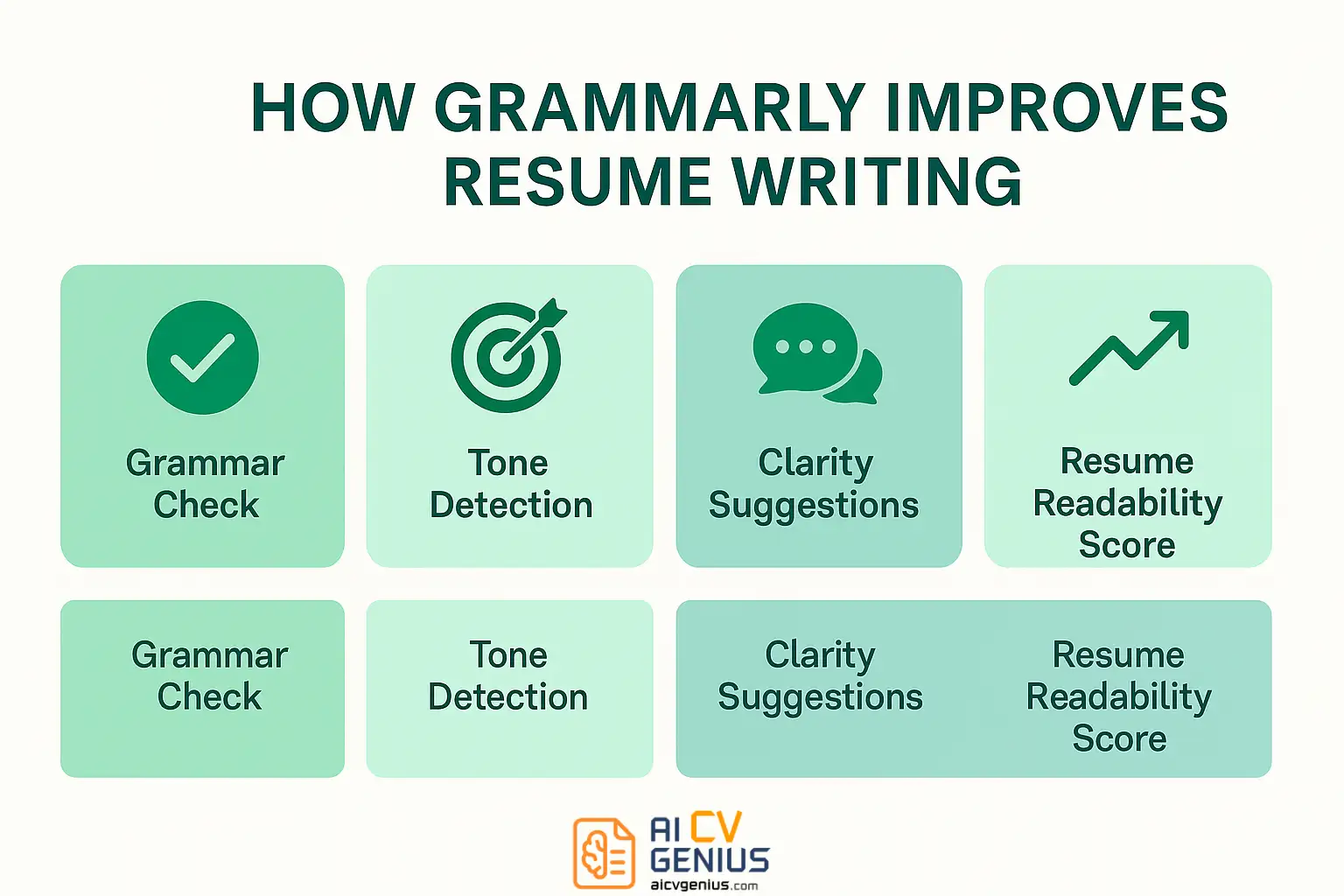
Grammarly isn’t magic, but it’s surprisingly smart. It analyzes your writing in real time, providing feedback that actually makes sense in a career context. Here are the main ways it helps:
- ✅ Grammar & Spelling Check: Fixes small but costly errors instantly.
- ✅ Clarity Suggestions: Simplifies wordy sentences.
- ✅ Tone Detection: Makes your writing sound confident, not arrogant.
- ✅ Vocabulary Enhancement: Replaces weak verbs with strong action words.
- ✅ Consistency Checks: Ensures capitalization and tense are uniform.
For resumes and cover letters, the tone feature is a game changer. Grammarly tells you when your phrasing sounds too casual (“I kinda helped with the project”) or too robotic (“I am responsible for…”). That’s crucial when you’re trying to strike the perfect balance between confidence and humility.
Free vs Premium: Is It Worth Paying?
The free version of Grammarly is great for catching basic grammar and spelling errors, but if you’re serious about job hunting, the Premium upgrade is where the real value lies.
| Feature | Free Version | Premium Version |
|---|---|---|
| Grammar & Spelling | ✅ Basic checks | ✅ Advanced error detection |
| Clarity & Readability | ❌ Limited | ✅ In-depth rewrites for clarity |
| Tone Adjustments | ❌ Not available | ✅ Detects tone and formality level |
| Word Choice Suggestions | ❌ | ✅ Improves vocabulary precision |
| Resume & Business Templates | ❌ | ✅ Tailored writing goals for applications |
Verdict: Grammarly Free fixes mistakes. Grammarly Premium makes your resume sound like it was written by someone who’s been trained by an executive coach.
How Grammarly Works in Action
I tried Grammarly on three different documents: a resume, a cover letter, and a LinkedIn About section. Here’s what I found:
On a Resume
Grammarly flagged issues like passive voice and vague verbs. It encouraged me to use measurable language (“improved by 15%,” “reduced cost by 30%”) instead of generic terms like “responsible for.”
On a Cover Letter
It adjusted tone instantly. My draft went from stiff to confident:
Before: “I am writing to apply for the marketing coordinator role.”
After: “I’m excited to apply for the marketing coordinator position – a role that aligns with my passion for storytelling and data.”
On LinkedIn
Grammarly’s tone detector helped me find that sweet spot between friendly and professional. No more “Hey there!” intros – just clean, confident sentences that sound human.
Limitations I Noticed
Grammarly isn’t perfect. It sometimes overcorrects or misunderstands creative phrasing, especially in bullet-point-heavy resumes.
- ❌ It occasionally flags numbers as grammatical issues (“Improved sales by 20%” → “Consider removing percentage”).
- ❌ It doesn’t handle layout or design, so you’ll still need a resume builder.
- ❌ Its AI tone feedback can feel too generic at times.
That said, the benefits far outweigh these small flaws. Grammarly helps you focus on writing impact instead of formatting stress.
Best Ways to Use Grammarly for Resume Writing
- Write your resume in Word or Google Docs first.
- Run Grammarly’s check to fix grammar, tone, and clarity.
- Use “Goals” settings → select Professional / Confident.
- Copy and paste final text into your builder (Resume Templates Finder works perfectly).
If you’re using the Chrome extension, Grammarly can even help while you fill out job application forms or write emails to recruiters. That’s a quiet superpower most people forget.
Verdict, Recommendations & FAQs
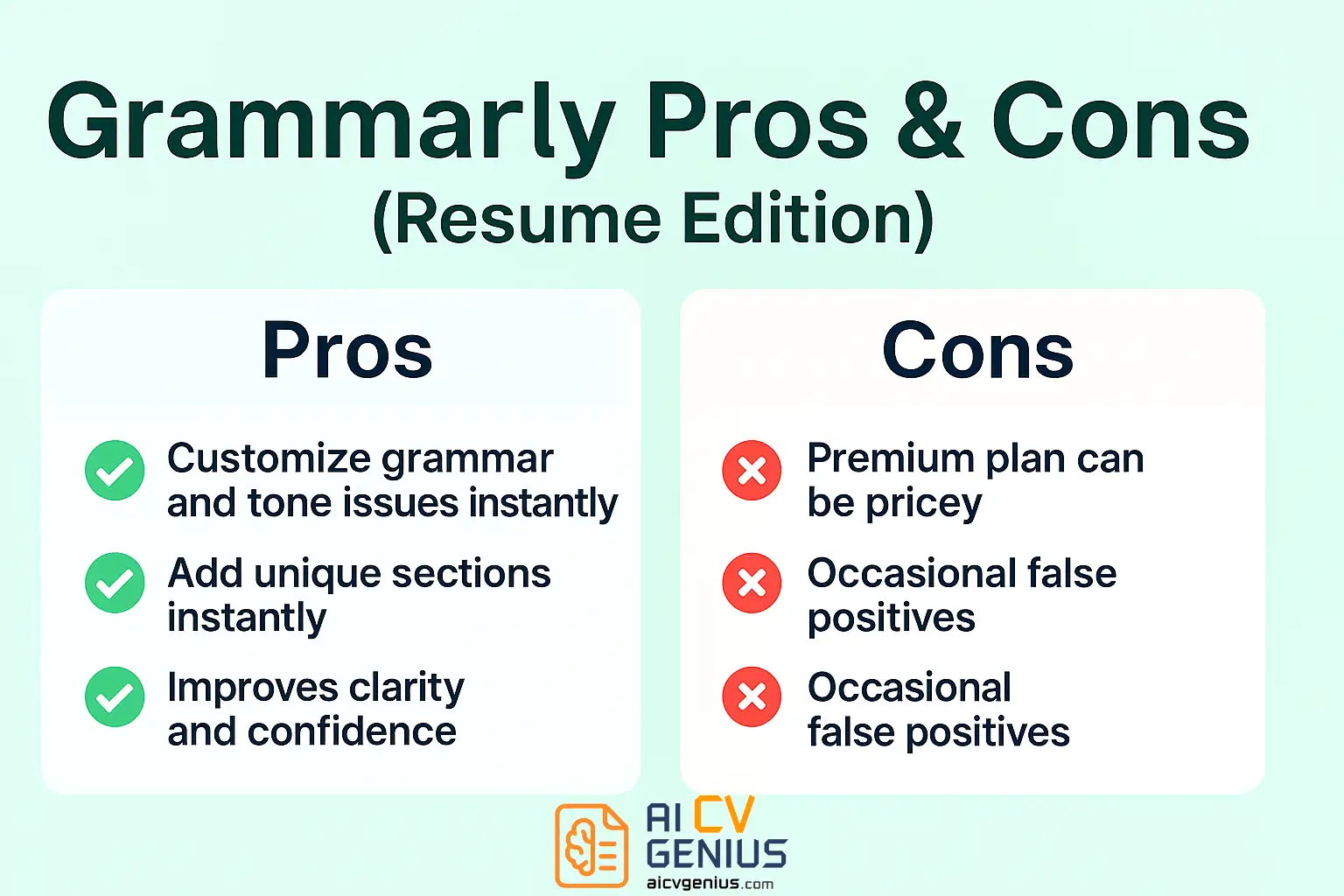
Pros & Cons of Grammarly (For Resume Writing)
| Pros | Cons |
|---|---|
| ✅ Catches subtle tone and grammar mistakes instantly. | ❌ Premium plan can be expensive for short-term use. |
| ✅ Improves clarity, readability, and flow. | ❌ Occasional false positives on resume metrics. |
| ✅ Helps sound confident and polished. | ❌ No layout or visual design tools. |
| ✅ Integrates across platforms (Docs, Word, browser). | ❌ Works best with text-heavy resumes only. |
| ✅ Ideal complement to resume builders. | ❌ Tone analysis can misread creative writing. |
Who Should Use Grammarly
Grammarly is perfect for job seekers who write their own resumes and want professional polish without hiring an editor. If you already use tools like Zety or Enhancv, Grammarly complements them by ensuring your text sounds natural and confident.
- ✅ Students & Graduates: Great for first resumes and internship applications.
- ✅ Professionals: Ensures tone matches seniority.
- ✅ Freelancers: Ideal for writing bios and proposals.
- ❌ Not for: Those who only need visual design features.
FAQs
Final Verdict: Grammarly Isn’t Just for Writers
After using Grammarly to refine resumes, cover letters, and LinkedIn bios, I can confidently say it’s more than a grammar checker – it’s a silent career coach. It won’t design your resume, but it will make your words sharper, smarter, and more persuasive.
If you’re serious about landing interviews, Grammarly is one of the simplest, most affordable ways to level up your writing. And unlike most tools, it keeps improving as you do.
To pair Grammarly with powerful designs, explore Resume Templates Finder, or check out more detailed reviews in Reviews and Career Resources.
Good resumes show what you’ve done. Grammarly helps you say it like a pro.