
- FreeResumeHub offers truly free resume and cover letter templates: No paywalls, no watermarks, and downloadable in DOCX and PDF for quick use and easy tailoring.
- What makes these templates different: Professional and ATS friendly layouts, multiple styles, fully editable DOCX files, and matching cover letters for a consistent application.
- DOCX vs PDF is a simple workflow: Use DOCX to edit and tailor, then export to PDF for submitting unless an employer explicitly requests DOCX.
- Editing is straightforward with common tools: Microsoft Word, Google Docs, and LibreOffice all work, and the key is replacing placeholders, keeping readable sizing, and writing impact bullets.
- Avoid common submission mistakes: Do not forget placeholder text, do not upload scanned image PDFs, keep PDFs text based, and be cautious with online PDF editors if personal data is involved.
Looking for a professional resume or cover letter without paying for expensive software or subscription fees? At FreeResumeHub, we believe job seekers deserve access to high-quality career tools for free. That’s why we provide a growing library of recruiter-approved resume and cover letter templates available in both DOCX (Microsoft Word) and PDF formats. You can download, edit, and tailor them for your own job applications without hassle. No paywalls, no watermarks, no locked features – just effective tools to help you land your next role.
In this guide, we’ll explain exactly what you get, how to download, and – most importantly – how to effectively edit these templates using popular, often free, software. Whether you’re a student crafting your first resume, a nurse applying for clinical jobs, or a senior professional updating your CV, you’ll find practical tips here. By the end, you’ll be ready to grab a free resume and cover letter template without watermark, personalize it, and send it out with confidence.
Why FreeResumeHub Offers Free Templates
Thousands of resume templates exist online, but many are hidden behind paywalls, marred by watermarks, or built in formats that are difficult or impossible to edit effectively. We created FreeResumeHub with a different philosophy: essential career resources should be accessible to everyone. By offering genuinely free downloads, we support job seekers at all stages – students, career changers, and seasoned professionals alike – removing barriers to creating a polished application.
What Makes Our Templates Different?
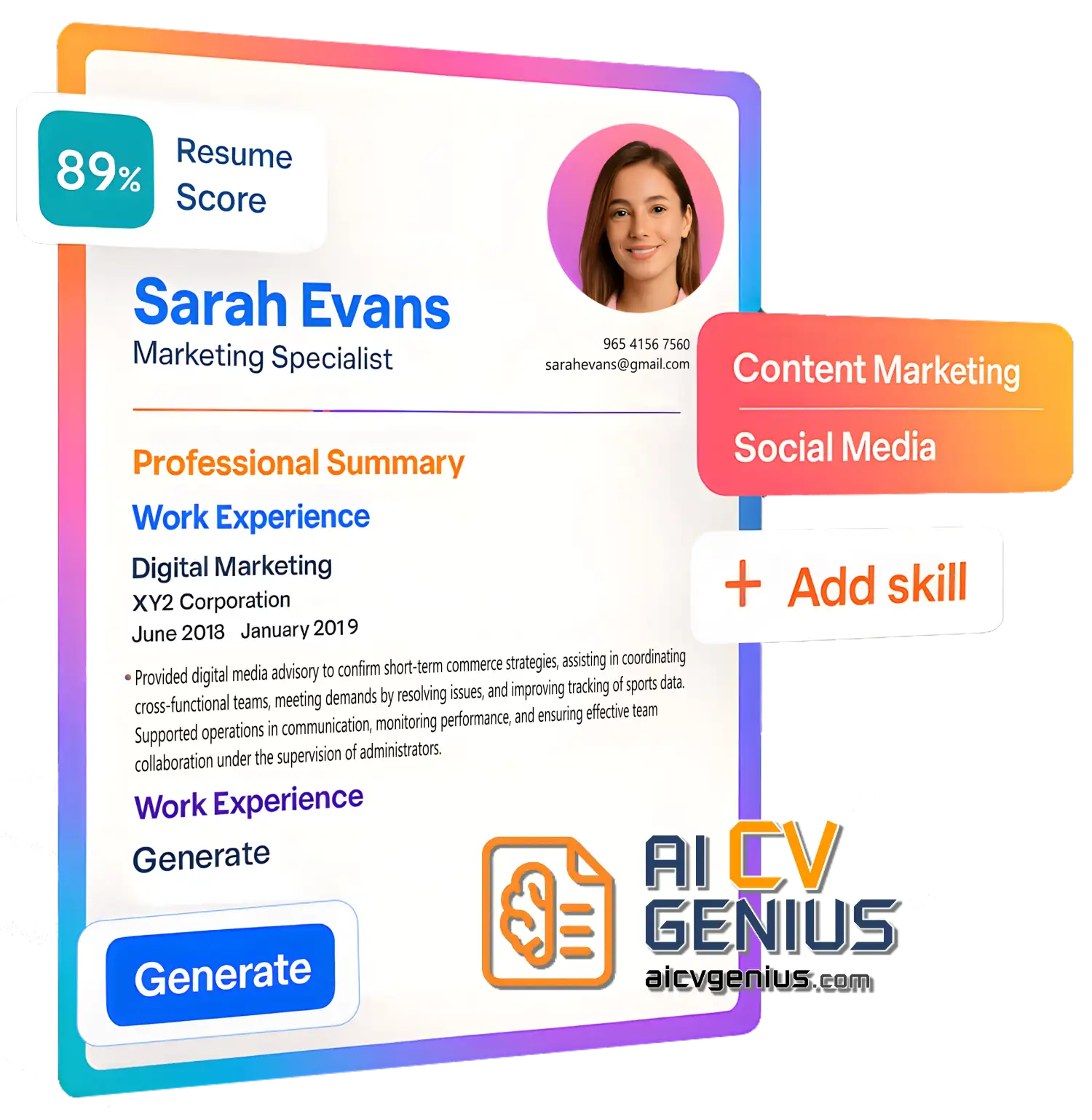
- Professional & ATS-Friendly: Every template is designed with recruiter expectations and Applicant Tracking Systems in mind, forming a core part of our collection of ATS-friendly resume and cover letter templates.
- Variety of Styles: Choose from modern, creative (use with caution), professional, and minimalist designs to match your industry and personality.
- Truly Editable Formats: Provided in both DOCX (for easy customization) and PDF (for professional submission).
- Completely Free: No hidden costs, trials, or required upgrades. Download and use immediately.
- Matching Cover Letters: Each resume template comes with a corresponding professional cover letter design for a cohesive application package.
Understanding DOCX and PDF Formats
We provide every template in two essential formats to give you maximum flexibility:
DOCX (Microsoft Word Format)
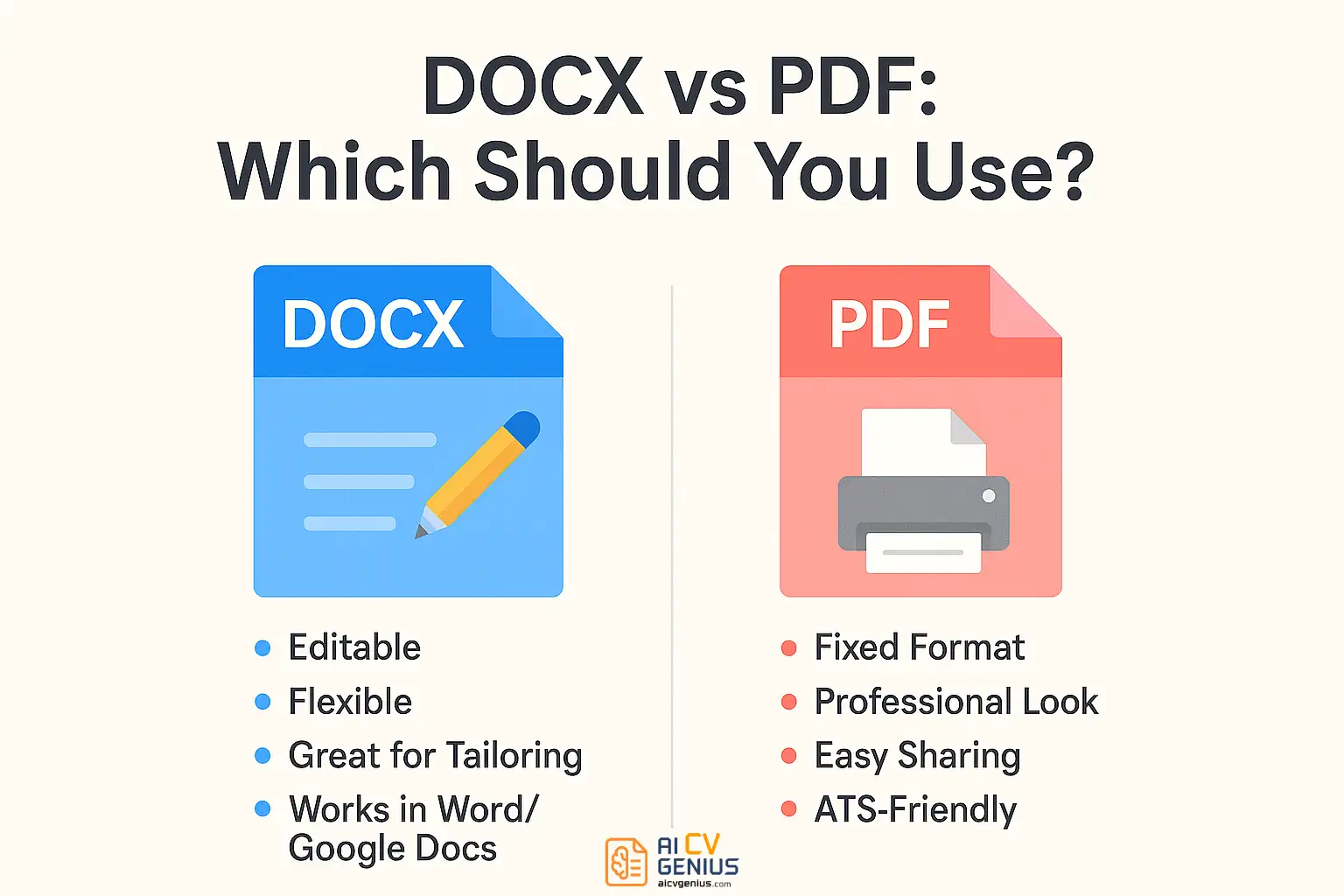
DOCX is the industry standard for editable documents. It’s compatible with Microsoft Word, Google Docs, Apple Pages, LibreOffice, and many other word processors. With DOCX, you can easily change text, adjust fonts and colors, rearrange sections, or add new bullet points. This format is ideal for tailoring your resume content for each specific job application.
PDF (Portable Document Format)
PDF is the preferred format for sending applications. It preserves your formatting perfectly, ensuring your resume looks identical on any device or operating system. Recruiters appreciate PDFs for their consistency. Importantly, text-based PDFs (like ours) are easily parsed by most modern Applicant Tracking Systems (ATS), making them a safe choice for online submissions. While less flexible for quick edits, PDF is the standard for final delivery.
How to Edit DOCX Templates (Using Free & Paid Tools)
Once you download a DOCX resume or cover letter template from FreeResumeHub, you can edit it using various software options:
Using Microsoft Word (Paid)
Word is the most common tool for editing DOCX files. Simply open the template, click on any placeholder text, and start typing. You have full control over fonts, colors, spacing, margins, and section order. When finished, save your work as DOCX for future adjustments and export a final version as PDF to send to employers.
Using Google Docs (Free)
If you don’t have Microsoft Word, Google Docs is an excellent free, web-based alternative. Upload the DOCX file to your Google Drive, right-click, and select “Open with Google Docs.” You can edit everything directly in your browser, collaborate if needed, and download the finished document as either DOCX or PDF. It’s a convenient option for students or anyone preferring cloud-based tools.
Using LibreOffice (Free)
This powerful, open-source office suite provides a free, downloadable alternative to Microsoft Word that can handle DOCX files flawlessly. It offers nearly all the same editing features and runs offline on Windows, macOS, and Linux. If you prefer free desktop software, LibreOffice is a reliable choice.
Essential Editing Tips
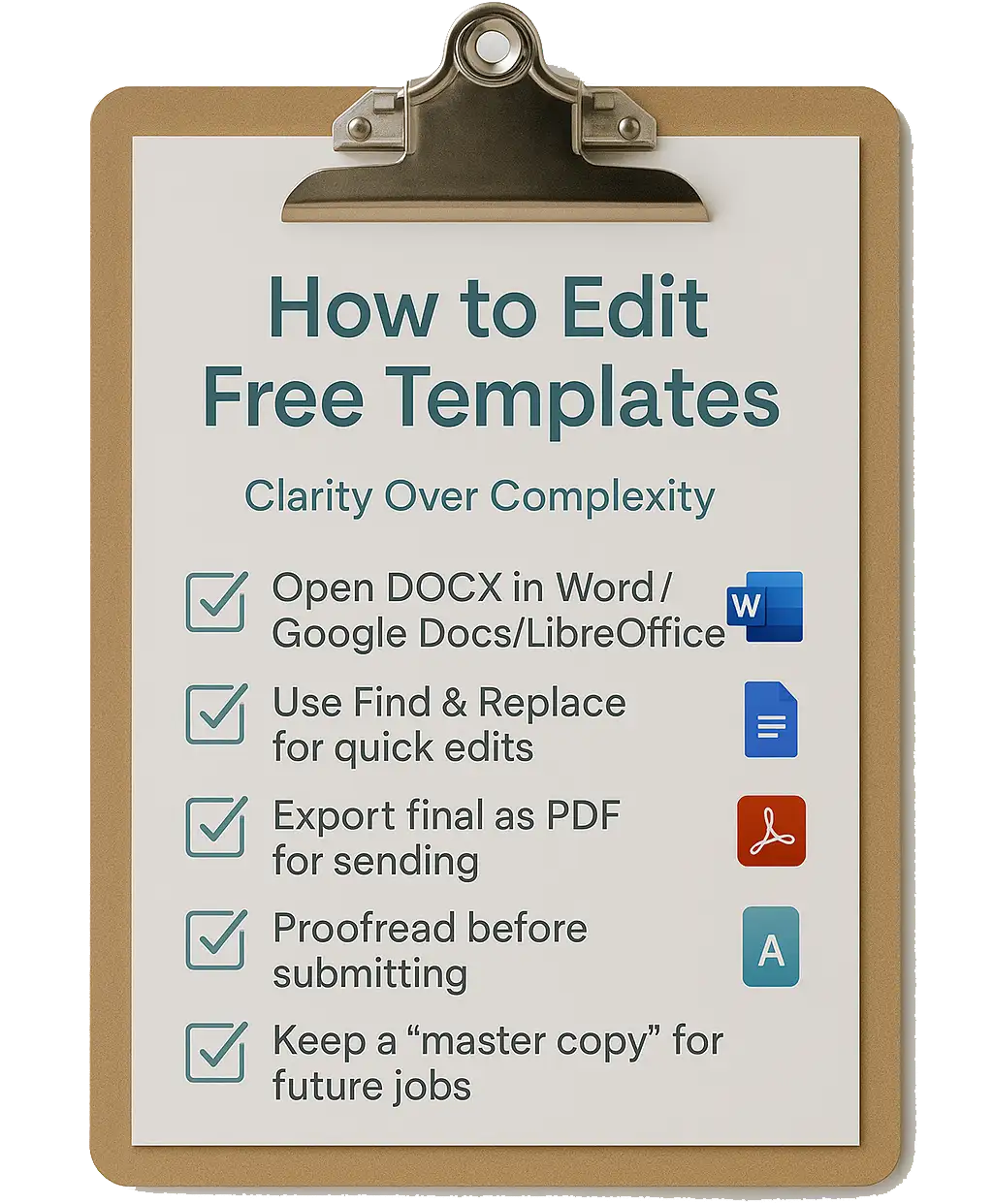
- Carefully replace all placeholder text (like “[Your Name]” or “[Job Title]”) with your specific details.
- Maintain readability: Keep body text font size between 10–12 points and headings between 14–16 points.
- Focus on impact: Use concise bullet points starting with action verbs to describe achievements, rather than long paragraphs detailing duties.
- Stay organized: Save a master DOCX copy of your template. Create tailored versions from this master for each job application, saving them with clear filenames (e.g., “Resume_CompanyName_JobTitle.pdf”).
How to Edit PDF Templates (Use Sparingly)
Editing PDFs directly is generally more challenging than editing DOCX files, but it’s possible for minor tweaks:
Using Adobe Acrobat Pro (Paid)
The full version of Adobe Acrobat allows you to open a PDF and edit text or replace elements directly. It offers the most control but requires a paid subscription.
Using Free Online PDF Editors
Websites like Smallpdf, PDFescape, or Sejda offer basic PDF editing capabilities for free. However, be cautious when uploading documents containing personal data to online services – ensure you trust the provider’s privacy policy.
Converting PDF to DOCX (Recommended for Major Edits)
If significant changes are needed, it’s often easier to convert the PDF back to an editable DOCX format first. You can use Google Docs (upload PDF, then File > Download > Microsoft Word) or free online converters like Zamzar. After editing the DOCX, export it back to PDF.
Best Practices for PDF
- Double-check formatting after any PDF edit, as alignment or fonts can sometimes shift unexpectedly.
- Prioritize editing the DOCX version first, then save/export to PDF only when the content is finalized for submission.
- Ensure your final PDF is text-based (you can select the text) and not an image scan, so ATS software can read it. Our templates are text-based.
Matching Cover Letter Templates Included
A compelling resume often needs a strong cover letter to introduce it. FreeResumeHub provides free cover letter templates designed to match our resume styles, ensuring a consistent and professional application package. A well-written cover letter allows you to express your motivation, expand on key achievements, and explain why you are a perfect fit for the specific role and company culture.
Tips for Using Cover Letter Templates
- Always address your letter to a specific person if possible (e.g., “Dear [Hiring Manager Name]”). Avoid generic greetings like “To Whom It May Concern.”
- Focus on 1-2 key accomplishments from your resume that directly align with the requirements listed in the job description.
- Keep it concise and focused – ideally three to four paragraphs, fitting comfortably on one page.
- Proofread meticulously before saving the final version as a PDF for submission.
DOCX vs PDF: Which Format Should You Submit?
The simple rule: Use DOCX for editing, use PDF for submitting, unless the job posting explicitly requests a specific format.
Recruiters generally prefer PDF because it guarantees the layout remains unchanged across different devices and systems. However, some older Applicant Tracking Systems or specific company portals might require a DOCX file for easier parsing. Always double-check the application instructions. Providing both formats ensures you’re prepared for either scenario.
Practical Scenarios: Using the Templates
Student Applying for Internships
A student downloads a minimalist free DOCX template. They edit it using Google Docs, emphasizing relevant coursework, projects, and any volunteer experience using action verbs. They save the final version as a PDF and submit it via email or online portals.
Nurse Applying to Hospitals
A registered nurse downloads a professional DOCX template. She edits it in Microsoft Word, carefully listing her licenses (RN), certifications (BLS, ACLS), and clinical experience with specific patient outcomes. She exports it as a PDF for most applications but keeps the DOCX handy in case a hospital’s HR system requires that format.
Software Engineer Tailoring Applications
A developer maintains a master DOCX resume using LibreOffice. For each job application, they duplicate the master file, customize the “Skills” and “Projects” sections to match keywords from the job description (e.g., highlighting “JavaScript,” “React,” or “AWS”), and then save a targeted PDF version for submission.
Tips for Editing Resumes and Cover Letters Quickly & Effectively
- Use your word processor’s “Find and Replace” function (Ctrl+H or Cmd+H) to quickly update recurring information like company names or job titles when tailoring.
- Maintain a separate “master list” document containing all your key achievements, skills, and project details. Copy and paste relevant points into your template as needed.
- Organize your files: Save different versions of your resume tailored for specific roles (e.g., “Resume_MarketingManager.pdf,” “Resume_DigitalStrategist.pdf”) for faster applications.
- Proofread relentlessly. Use grammar tools (like Grammarly) and ask a friend to review. Typos are often immediate grounds for rejection.
Common Mistakes When Submitting Files
- ❌ Submitting a DOCX file when PDF is standard (risks formatting errors on the recruiter’s end).
- ❌ Forgetting to replace all placeholder text (e.g., “[Your Name Here]”, “[Company Name]”).
- ❌ Choosing overly complex or graphics-heavy template designs that confuse ATS software. Our templates are designed to avoid this.
- ❌ Uploading a PDF that is actually an image scan (text cannot be selected or read by ATS). Ensure your PDF is text-based.
FAQs About Free Templates from FreeResumeHub
Final Thoughts
FreeResumeHub simplifies the often daunting task of creating professional resumes and cover letters. By providing high-quality, free templates in both flexible DOCX and submission-ready PDF formats, we empower you to customize your application materials without unnecessary stress or cost. DOCX offers maximum editability, while PDF ensures your formatting remains perfect when shared. Combined with matching cover letters, you get a complete, ATS-friendly, and recruiter-approved package tailored to your needs. You can even explore an AI resume builder…
Your job search journey requires focus and effort – formatting shouldn’t be an obstacle. Download a free template today, open it in your preferred editor (Word, Google Docs, LibreOffice), and take a confident step toward landing your dream role. Simplicity, accessibility, and professionalism: that’s the core of the FreeResumeHub offering.