
- Simple resume templates work because they remove distractions: Recruiters can scan key details fast, and ATS can parse structure and keywords more reliably.
- They fit most people and most industries: Especially students, entry-level candidates, career changers, international applicants, and traditional fields where clarity matters most.
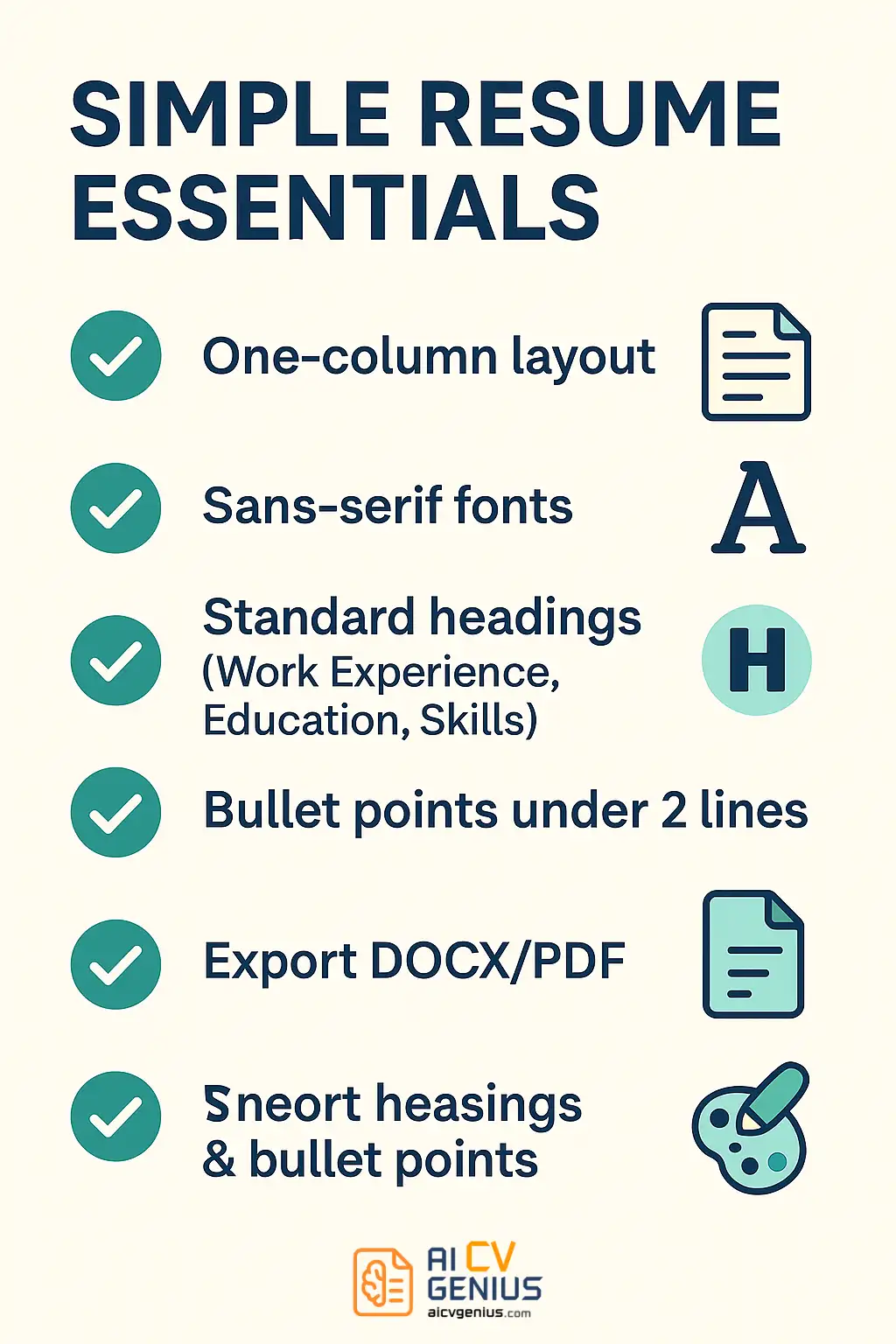
- An effective simple resume is purposeful, not bare: Single-column layout, standard fonts, conventional headings, good white space, and achievement bullets that start with action verbs and include numbers when possible.
- There are safe variations within “simple”: Classic professional, structured minimalist, one-page power summary, and a balanced hybrid with a narrow sidebar that should be tested for ATS compatibility.
- Execution still decides results: Build in Word or Google Docs with reverse-chron experience, tailor keywords to each role, export a text-based PDF, and avoid common mistakes like tiny fonts, cramped spacing, generic duty bullets, inconsistent formatting, and typos.
Resumes don’t need to be flashy to deliver results. In fact, most recruiters and hiring managers prefer resumes that are straightforward, highly readable, and feature a simple design. That’s why simple resume templates consistently rank among the most effective tools for job seekers globally. They eliminate distractions, spotlight the essentials, and allow your skills and experience to take center stage. Many applicants begin with free simple resume templates for beginners to achieve a clean, professional appearance without unnecessary design complexity. Whether you’re a student, an entry-level candidate, or a seasoned professional, a simple resume can be the decisive factor that gets you noticed.
In this guide, we’ll examine why simplicity remains timelessly effective, identify who benefits most from simple resume templates, and detail the features that make them work. We’ll provide examples, highlight common mistakes, and offer step-by-step instructions for creating your own simple resume using tools like Microsoft Word or Google Docs. By the end, you’ll understand how to craft a resume that clearly and professionally communicates your value – free from clutter.
Why Choose a Simple Resume Template?
It’s a common assumption that a colorful or highly creative resume will stand out. While this might hold true in specific creative industries, it often backfires elsewhere. Recruiters spend mere seconds scanning each resume, needing to quickly identify your name, career trajectory, and key qualifications. A simple design ensures nothing obstructs this vital initial assessment.
The Advantages of Simplicity
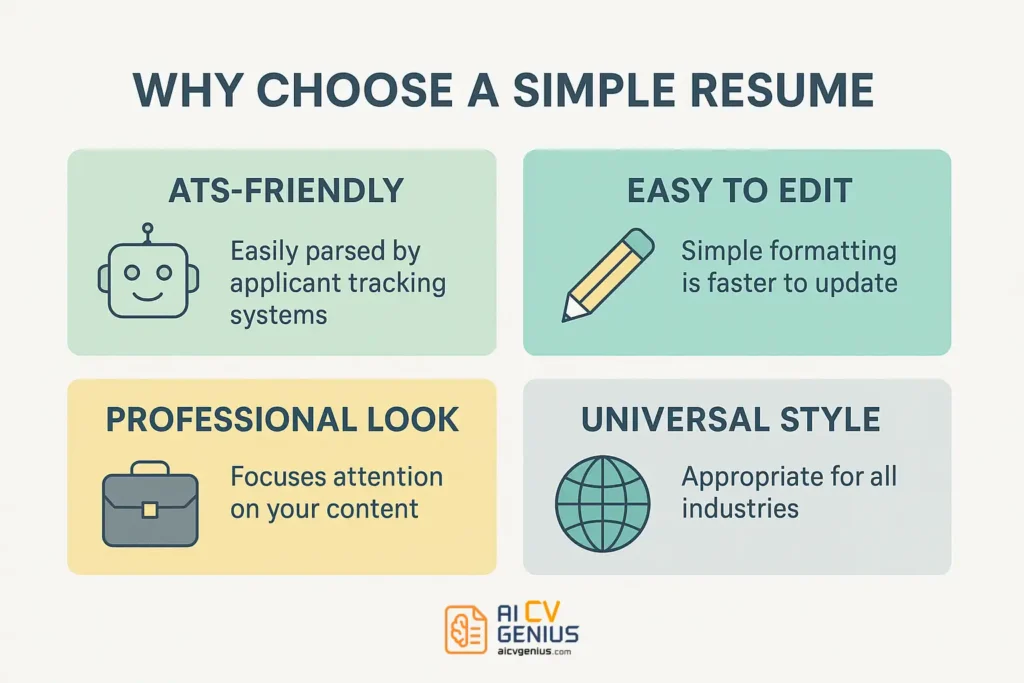
- Unmatched Clarity: Recruiters instantly find key details – they’re precisely where expected.
- Universal Professionalism: Simple layouts feel appropriate and credible across nearly all job types and industries.
- Superior ATS Compatibility: Applicant Tracking Systems (ATS) easily parse the structure and extract keywords. This makes ATS-friendly simple resume templates a top choice for ensuring both clarity and system compatibility.
- Effortless Editing: Fewer design elements mean you can update your resume rapidly without disrupting the format.
- Global Acceptance: Works effectively across diverse industries, international applications, and all seniority levels.
Consider this: a resume isn’t about impressing with graphic design – it’s about effectively communicating your professional story. Simple templates excel at exactly that.
Who Should Use Simple Resume Templates?
The strength of simplicity lies in its broad applicability. However, certain groups benefit particularly:
- Students & Recent Graduates: With limited work history, a simple format directs focus to education, relevant projects, and core skills without visual noise.
- Entry-Level Professionals: Recruiters prioritize potential and foundational skills. Simple templates ensure these aren’t overshadowed by design.
- Professionals in Traditional Industries: Fields like finance, law, government, administration, and healthcare value clarity, structure, and formality above creative presentation.
- Career Changers: A straightforward design helps recruiters concentrate on transferable skills and relevant achievements, rather than potentially irrelevant past job titles.
- International Applicants: Clean, universally understood formats avoid cultural misinterpretations related to design preferences.
Core Features of an Effective Simple Resume
What defines a “simple” resume? It’s not about being bare, but about being purposeful and highly functional. Key characteristics include:
Layout Structure
Most simple resumes utilize a single-column layout. This guarantees a clear, linear reading path for both recruiters and ATS. If a two-column format is used, it must be minimal and balanced – typically a narrow sidebar for contact details/skills alongside a wider main section for experience/education. Always prioritize ATS compatibility.
Typography
Adhere to standard, highly readable fonts like Arial, Calibri, Helvetica, Georgia, or Times New Roman. Maintain a body text size between 10–12 points and heading sizes between 14–16 points for optimal legibility.
Section Headings
Use conventional, unambiguous section titles such as “Professional Experience,” “Education,” “Skills,” “Certifications,” or “Projects.” These are instantly recognizable to both human readers and parsing software.
White Space Utilization
Avoid overcrowding the page. Strategic use of white space (margins, line spacing) enhances readability, reduces visual fatigue, and guides the reader’s focus effectively. A simple resume values clarity and breathing room.
Achievement-Focused Bullet Points
Each bullet point should be concise and start with a strong action verb. Focus on quantifiable achievements rather than just listing duties. Example: “Streamlined reporting process, reducing preparation time by 30%.”
Appropriate Length
Students and professionals with less than 10 years of experience should strictly adhere to one page. Those with extensive, relevant experience may extend to two pages, but never more unless in specific academic/scientific contexts (CV).
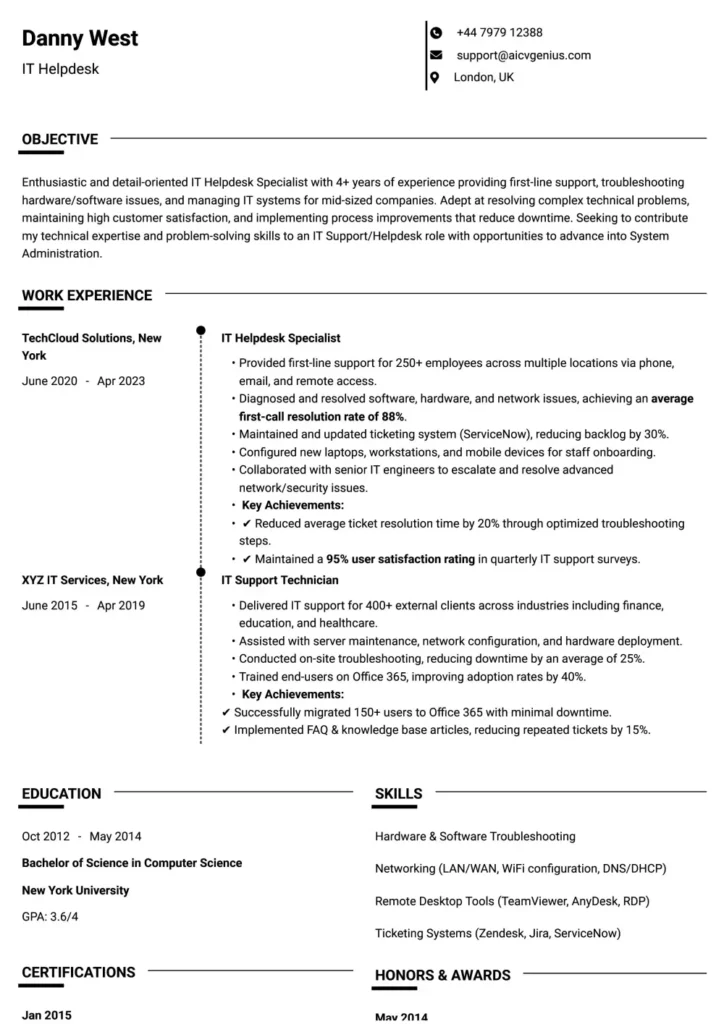
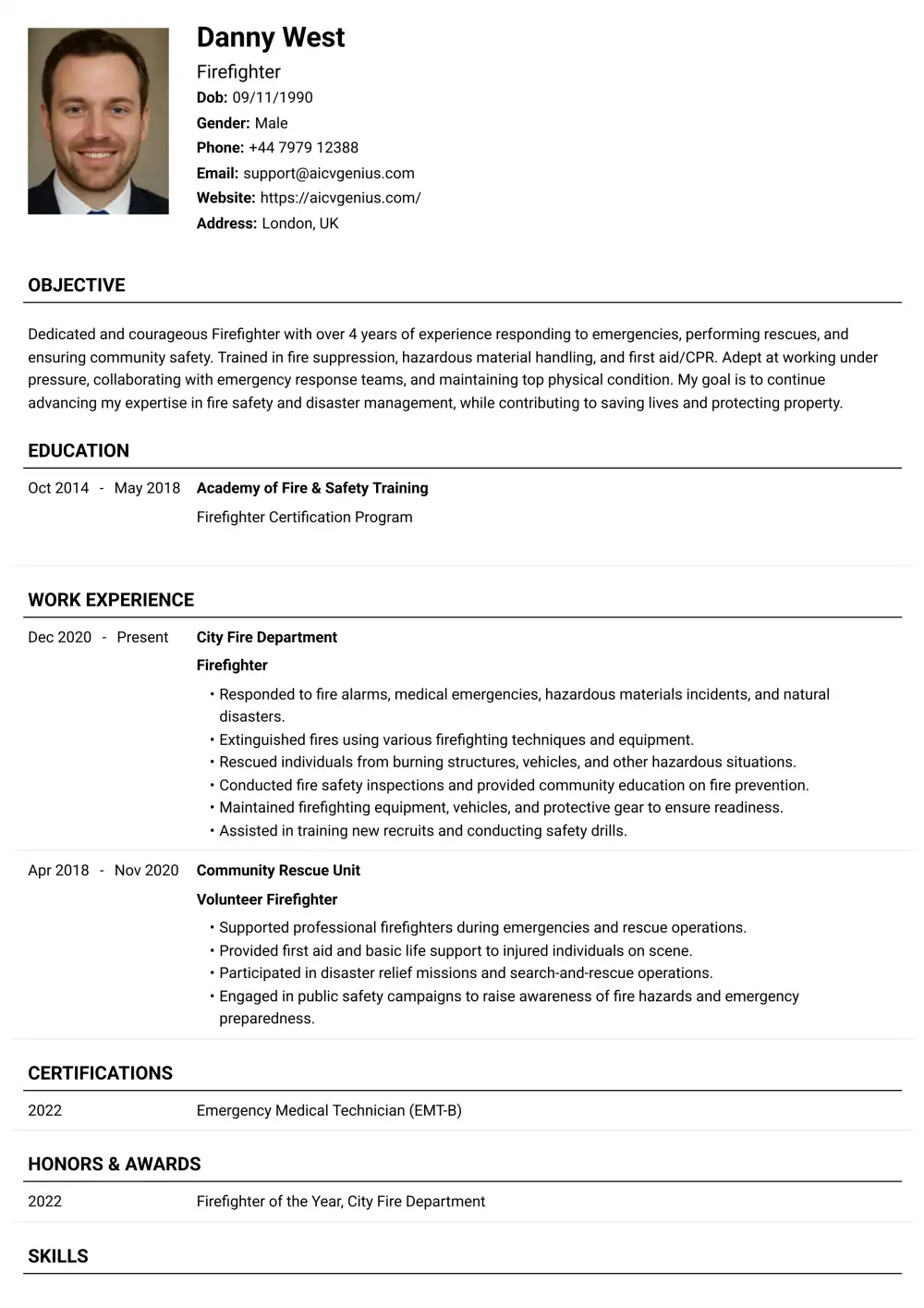
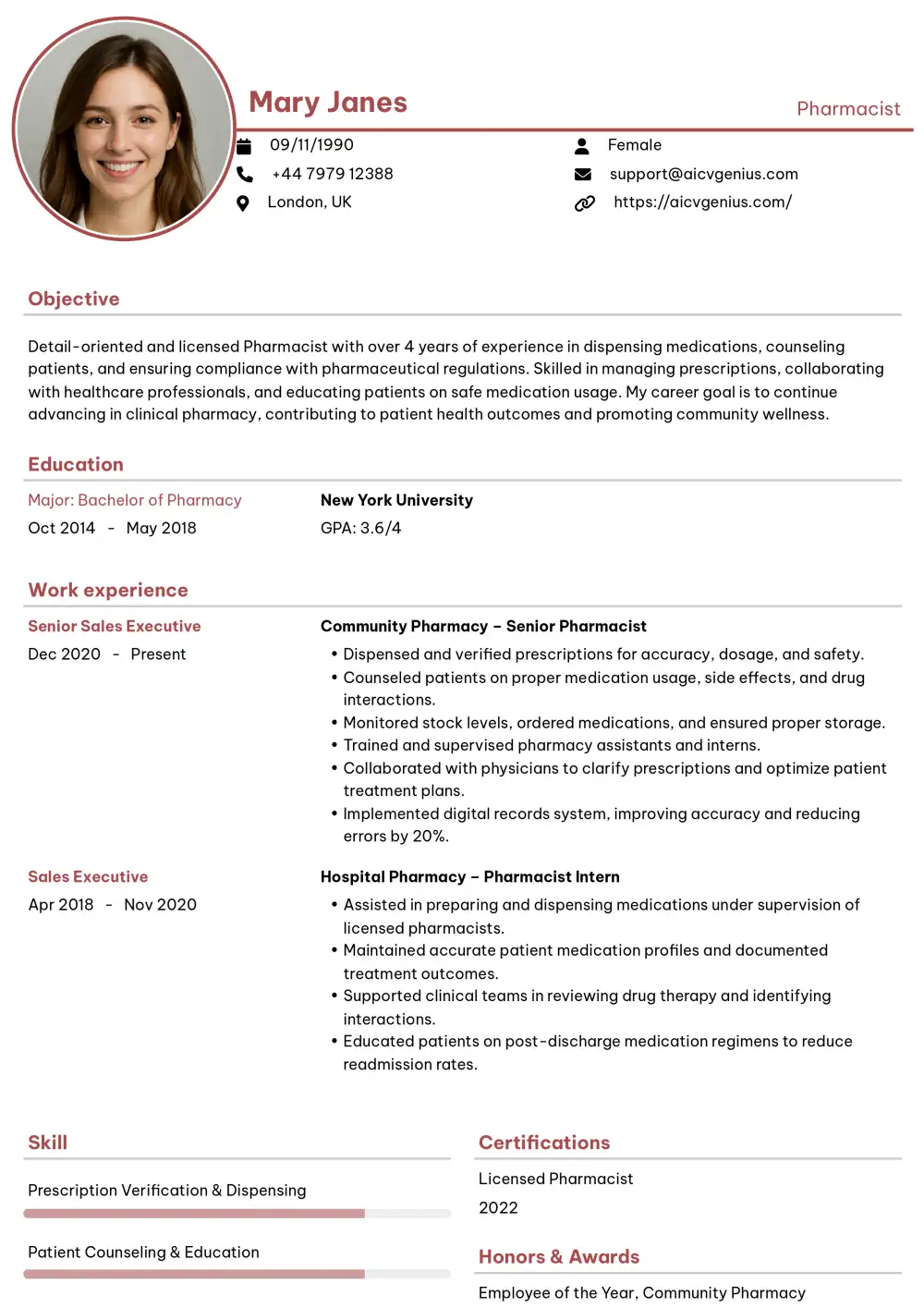
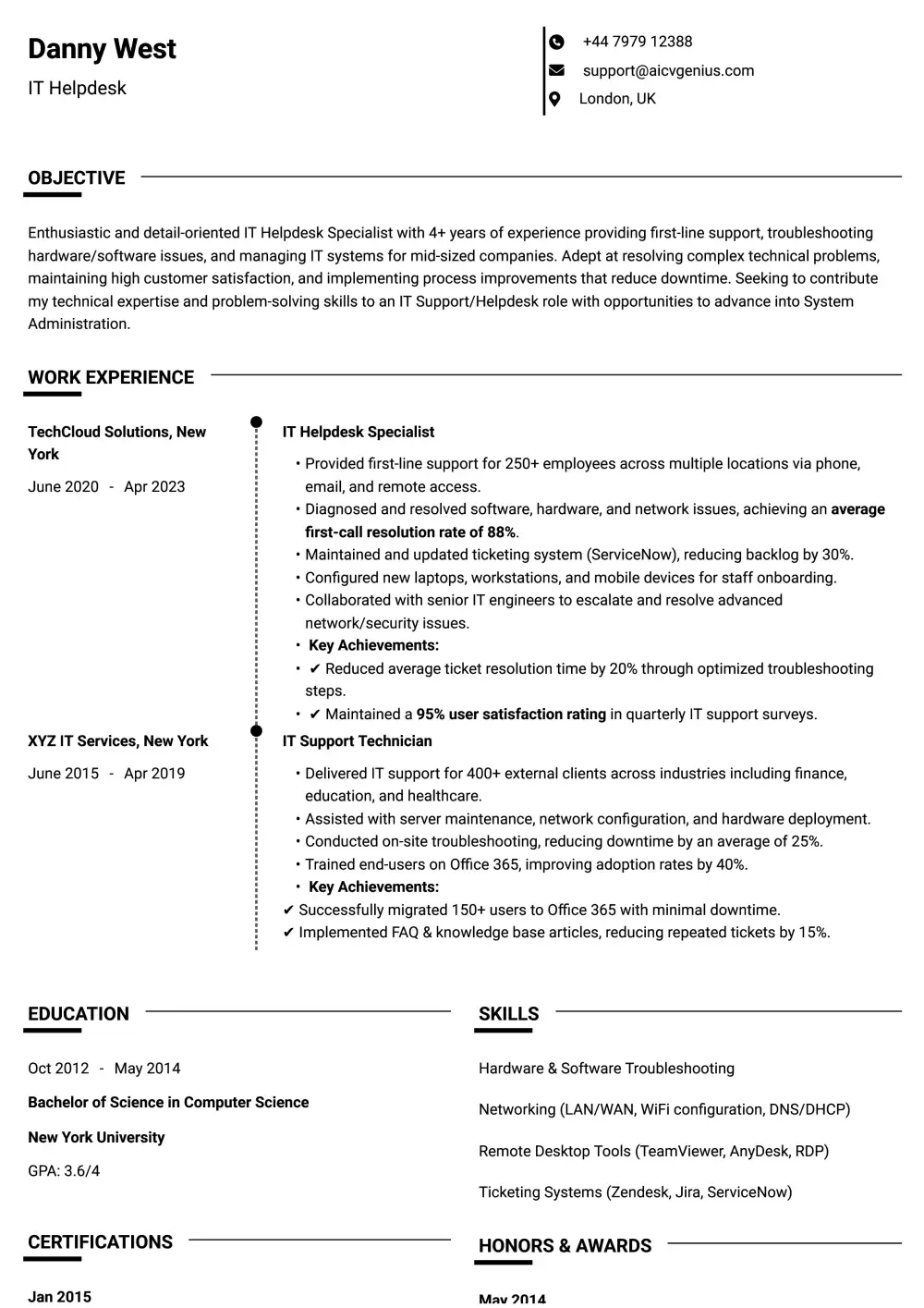
Examples of Simple Resume Templates
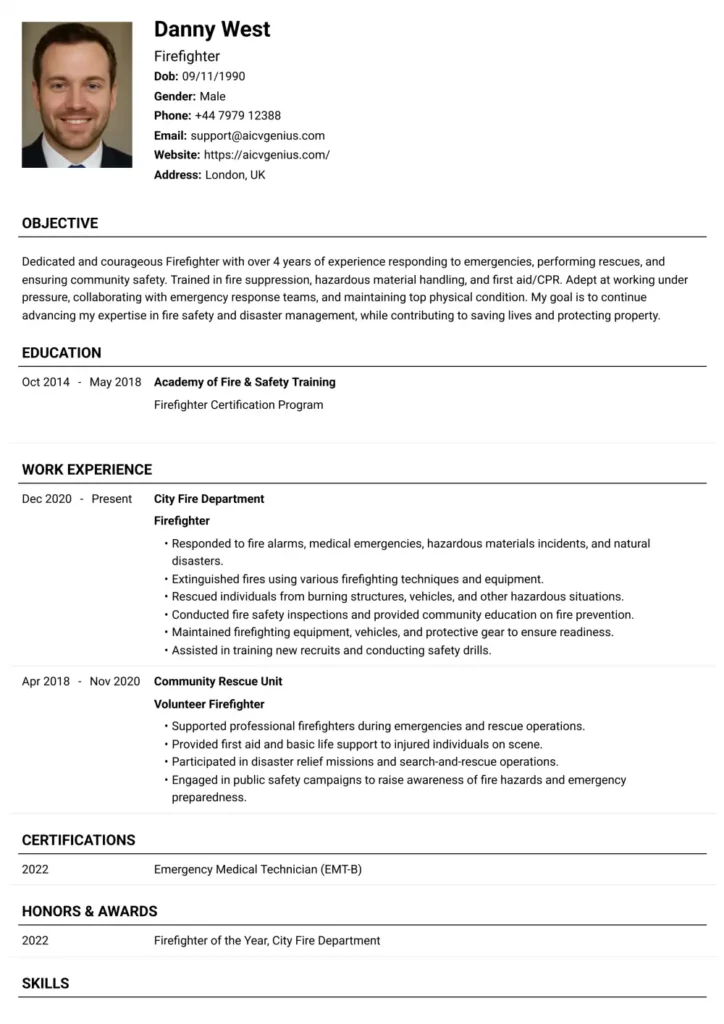
The Classic Professional
A clean, single-column document, typically black-and-white, using bold standard headings. This is the cornerstone of simplicity and is universally accepted.
The Structured Minimalist
This template employs subtle lines, strategic bolding, or precise spacing to delineate sections clearly without visual clutter. It feels modern while remaining highly professional and ATS-compatible.
The One-Page Power Summary
Optimized for brevity, this layout is perfect for students or career changers. It prioritizes essential information – summary, skills, key experiences/projects – ensuring everything vital fits concisely on a single page.
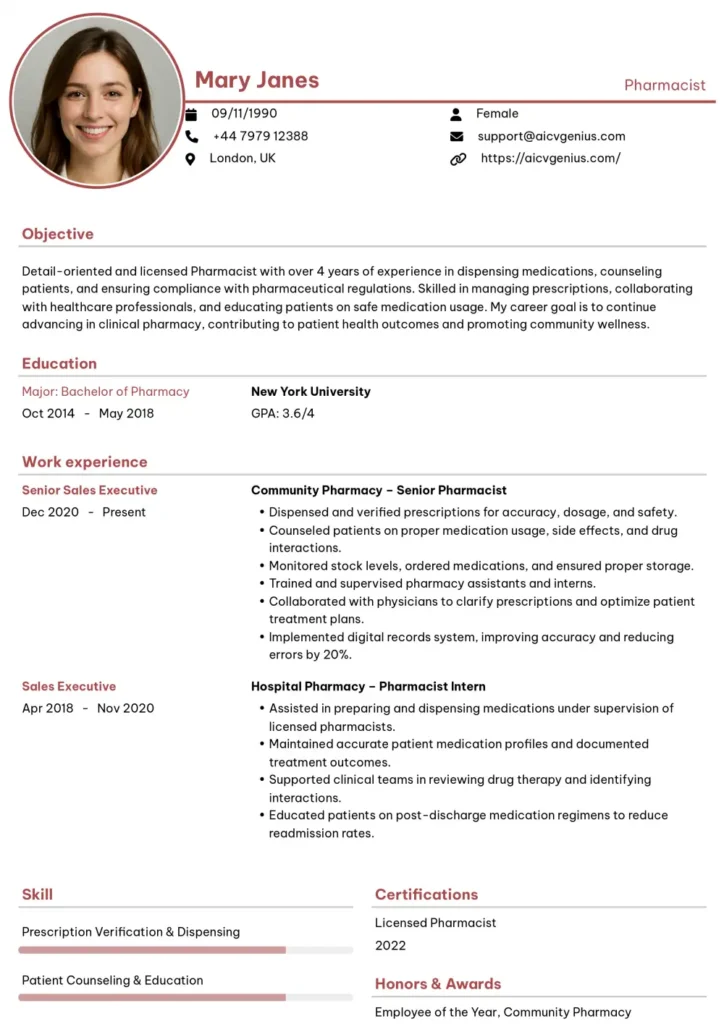
The Balanced Hybrid (Use with Caution)
Features a primary column for experience and education, complemented by a narrow sidebar for contact info and skills. While potentially clean, test thoroughly for ATS compatibility as some systems struggle with any multi-column format.
Simple vs. Modern vs. Creative Resumes: Choosing Wisely
Understanding the distinctions helps you select the right style:
- Simple: Focus: Maximum clarity, professionalism, and guaranteed ATS readability. Best For: Traditional industries (finance, law, government), academia, most corporate roles, and anyone prioritizing safety with ATS.
- Modern: Focus: Balances clarity with subtle design elements (color accents, unique fonts, sometimes minimalist two-column). Best For: Tech, marketing, startups, and roles where a touch of contemporary style is valued, but ATS compatibility is still crucial.
- Creative: Focus: High visual impact using graphics, infographics, bold colors, or unconventional layouts. Best For: Design, arts, media, and fields where showcasing creativity is part of the job requirement. Risky for ATS.
Golden Rule: When uncertain about industry expectations or ATS usage, always default to simple. Professional clarity is never a mistake.
Step-by-Step: Creating a Simple Resume in Word or Google Docs
Step 1: Select a Clean Template
Choose a built-in template within Word or Google Docs that features a single-column layout and standard headings. Avoid templates with excessive colors, graphics, or complex formatting.
Step 2: Structure Your Contact Information
Place your full name prominently at the top (bold, slightly larger font). Below, include your phone number, professional email address, LinkedIn profile URL, and optionally, your city/state (full address is unnecessary).
Step 3: Craft a Compelling Resume Summary or Objective
Write a brief (3–4 lines) targeted paragraph. A Summary (for experienced professionals) highlights key skills and major achievements. An Objective (for students/career changers) states your career goal and relevant skills. Example Summary: “Results-driven Marketing Manager with 8+ years of experience leading digital campaigns that increased lead generation by 40%. Seeking to leverage expertise in SEO and content strategy…”
Step 4: Detail Your Work Experience (Reverse Chronological)
List your most recent job first. For each role, include: Job Title, Company Name, Location, Dates of Employment. Use 3-5 bullet points per role, starting each with an action verb and quantifying achievements whenever possible (e.g., “Managed budget of $500K,” “Improved customer satisfaction scores by 15%”).
Step 5: Add Your Education
Include your Degree(s), Major(s), University Name, Location, and Graduation Date(s). Add relevant honors (e.g., Dean’s List, summa cum laude) or significant academic projects if applicable, especially if you are a recent graduate.
Step 6: List Relevant Skills
Create a dedicated “Skills” section. Categorize skills if helpful (e.g., Technical Skills, Languages, Soft Skills). Be specific and align these skills with keywords from the job description (e.g., “Proficient in Python,” “Expert in Adobe Creative Suite,” “Fluent in Spanish”). Aim for 5–10 key skills.
Step 7: Save and Export Correctly
Save your master copy as a DOCX file for future edits. Crucially, always export and submit your resume as a text-based PDF to preserve formatting and ensure ATS compatibility. Test the PDF by trying to select the text.
Common Mistakes to Avoid With Simple Resumes
Even simple resumes can fail if executed poorly:
- ❌ Using Tiny or Decorative Fonts: Compromises readability for both humans and ATS. Stick to standard, legible fonts.
- ❌ Lack of White Space: Cramming too much text makes the resume overwhelming and hard to scan. Ensure adequate margins and line spacing.
- ❌ Generic Bullet Points: Focusing on duties (“Responsible for…”) instead of quantifiable achievements (“Increased sales by…”).
- ❌ Inconsistent Formatting: Using different styles for dates, headings, or bullet points looks unprofessional. Maintain consistency throughout.
- ❌ Typos and Grammatical Errors: Simple resumes draw more attention to content errors. Proofread meticulously.
- ❌ Not Tailoring: Sending the same generic resume for every application reduces relevance and impact. Customize keywords and highlighted achievements for each specific role.
Why Recruiters Appreciate Simple Resumes
In high-volume recruitment, efficiency is paramount. Recruiters favor simple resumes because they:
- Enable Rapid Scanning: Key information (job titles, companies, dates, skills) is easily located within seconds.
- Reduce Cognitive Load: Clean layouts are less tiring to review compared to cluttered or overly stylized designs.
- Signal Professionalism: A well-organized, simple resume suggests attention to detail and an understanding of business communication norms.
- Ensure ATS Success: Recruiters trust that information from simple formats is less likely to be garbled by the ATS, providing a reliable candidate profile.
A simple resume respects the recruiter’s time and makes their job easier – a subtle but effective way to make a positive impression.
Final Checklist: Is Your Resume Effectively Simple?
Before submitting, quickly review:
- ✅ Length: One page (ideal for most) or two pages maximum (only if extensive, relevant experience justifies it).
- ✅ Layout: Primarily single-column for guaranteed ATS compatibility.
- ✅ Headings: Standard and clearly labeled sections.
- ✅ Content: Bullet points focus on quantifiable achievements using action verbs.
- ✅ Typography: Standard, professional fonts (10-12pt body, 14-16pt headings).
- ✅ Readability: Sufficient white space; consistent formatting.
- ✅ File Format: Saved as both DOCX (master) and text-based PDF (submission).
- ✅ Proofread: Free of typos and grammatical errors.
FAQs About Simple Resume Templates
No. Recruiters value efficiency and clarity. A simple resume allows them to quickly assess your qualifications without distraction. It’s perceived as professional and focused, not boring.
Generally, creative roles (design, art, some marketing) benefit from resumes that showcase design skills (creative or modern templates). However, even creatives often need a simple, ATS-friendly version for online applications. A simple resume can still highlight creative achievements through strong content.
Aim for one page if you have less than 10 years of experience. Professionals with extensive, relevant history can use two pages. Brevity and relevance are key; don’t add filler just to reach two pages.
Yes, absolutely. Many free templates available directly in Word or Google Docs are clean, professional, and ATS-friendly (especially single-column ones). The quality of your content matters far more than paying for a fancy design.
There isn’t one “best,” but safe, professional choices include Calibri, Arial, Helvetica, Georgia, and Times New Roman. Choose one and use it consistently. Ensure it’s easily readable on screen and print.
Final Thoughts
A simple resume template isn’t just a basic design choice – it’s a powerful strategic decision. It guarantees that your qualifications, skills, and achievements are presented with maximum clarity, ensuring readability for both time-pressed recruiters and essential Applicant Tracking Systems. In a competitive job market where first impressions are critical, simplicity often provides the most intelligent path to standing out effectively. Choose a clean, well-structured template, meticulously tailor your content to match the target job description, and let your quantified achievements speak for themselves. You might also consider using an AI resume builder for simple professional resumes to automate formatting while maintaining clarity and readability. This approach transforms your resume from a mere document into a compelling ticket to interviews.