
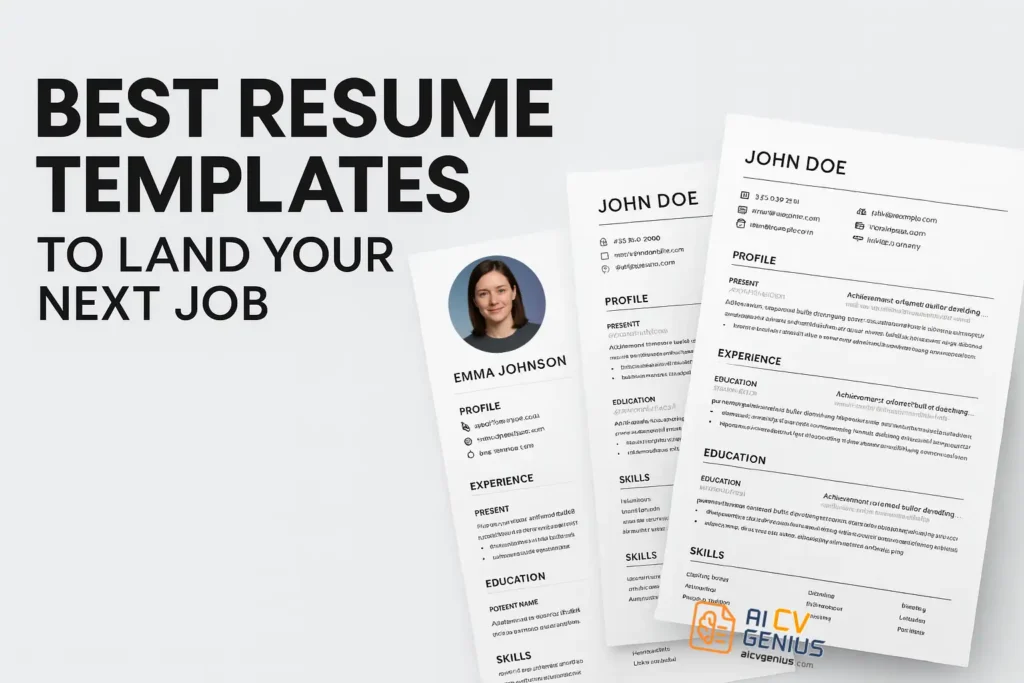
- The best resume template is a strategy choice: It must pass the ATS read and the fast recruiter scan, so your key info stays readable and prioritized.
- Best-in-class templates stay simple and structured: Single-column flow, clear headings, professional fonts, smart white space, reverse-chron order, and stable PDF export you can copy/paste cleanly.
- Avoid rejection traps: Heavy graphics or Canva-style layouts, multi-column sidebars, decorative fonts, and weak “Responsible for…” bullets that bury impact.
- Match the template to your industry and career stage: Traditional for conservative fields, modern single-column for tech/marketing, creative only when a human will see it first, and skill-forward layouts for career changers.
- The template is the vessel, but tailoring wins interviews: Mirror job keywords, quantify achievements, cut irrelevant filler, and lead bullets with strong action verbs.
Your resume is often the very first impression you make on a potential employer. Before an interview, before a phone call, and sometimes even before a human eye reviews it, your resume communicates your skills, your experience, and your professionalism. That is why choosing the best resume template is not just a design decision – it is a career strategy.
A well-structured template can mean the difference between standing out in a crowded job market and being instantly filtered out by software. The template you choose must serve three masters: the ATS robot, the 6-second scanning recruiter, and your personal brand. Without the right structure, your key achievements can get lost, or worse, your resume might be discarded by an Applicant Tracking System (ATS) before anyone in HR sees it. That’s why more job seekers today use a free resume builder without watermark or an ATS-friendly resume template to ensure their layout gets through the system cleanly.
In this comprehensive guide, we will explore what truly makes a template effective, different types of resume templates for every career stage, the strategic traps you must avoid, and real-world case studies of success from job seekers who made the critical switch.
The Strategic Imperative: Why Your Template Must Be Flawless
Think of your resume as your personal marketing brochure. You have a limited amount of space – usually one or two pages – to capture the attention of someone who may spend less than 10 seconds scanning it. The design and layout of your template guide the recruiter’s eyes toward your most important information, instantly prioritizing what they see. The template is the architecture of your career story.
The Two Critical Tests Your Template Must Pass
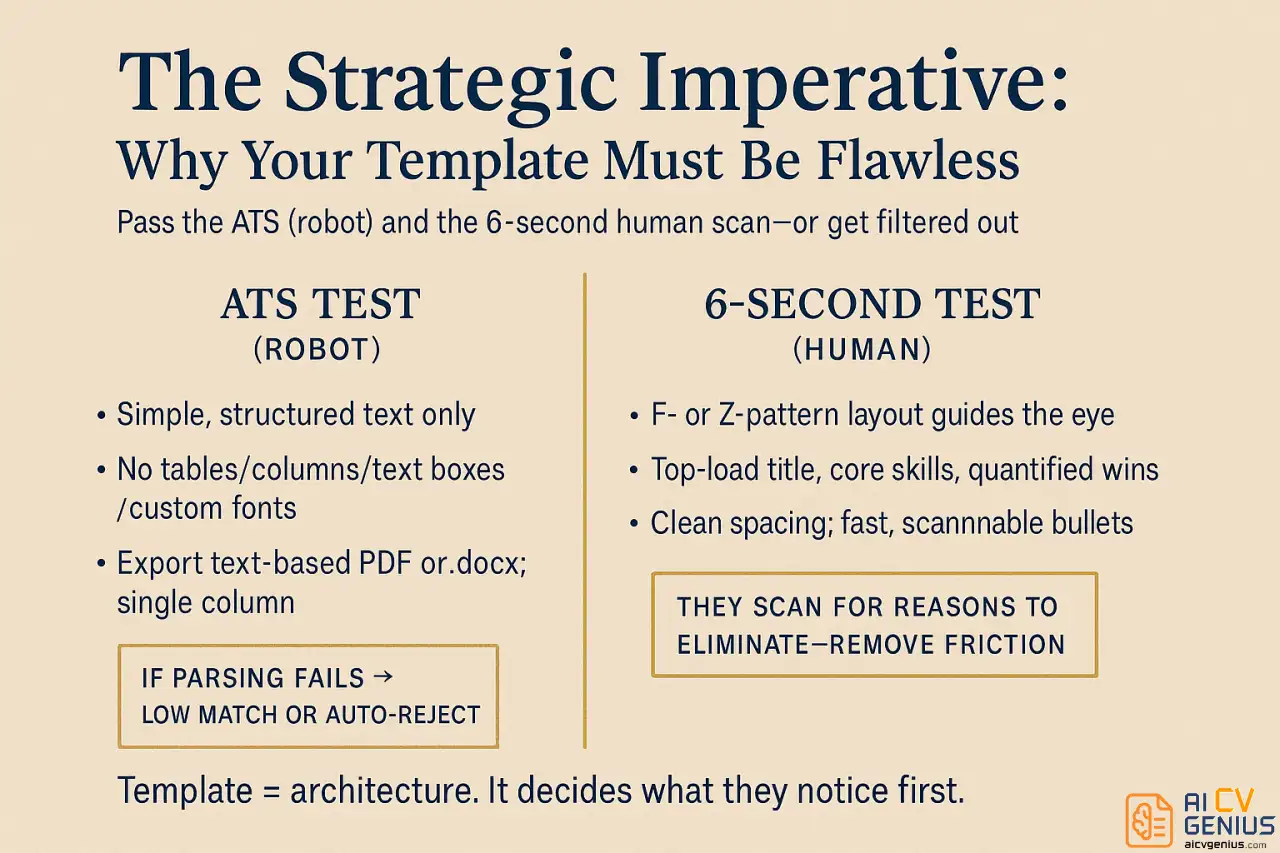
1. The ATS Test (The Robot): Over 75% of large companies use ATS software to filter resumes. This software can only read simple, structured text. If your template uses graphics, complex columns, custom fonts, or text boxes, the ATS will “giggle” your information – meaning it scrambles job titles, dates, and experience. If the ATS cannot parse your file correctly, it either assigns you a low match score or rejects you instantly. Your experience is irrelevant if the robot can’t read it.
2. The 6-Second Test (The Human): Even if you pass the ATS, a human recruiter will spend just seconds reviewing your file. They are looking for reasons to eliminate you. The right template uses F-pattern or Z-pattern scanning to highlight your current job title, key skills, and quantifiable achievements in the first few seconds. A cluttered template makes their job hard, giving them the reason they need to discard your application. This test is the essence of the 6-second resume rule.
Checklist: What Makes a Resume Template “Best-in-Class”
So, what makes one template “the best”? The answer lies in balance: clarity, professionalism, and uncompromised ATS adaptability. A high-quality template must achieve this equilibrium.
- ✅ Passes the ATS Test: This is non-negotiable. The template must have a clean, single-column structure that robots can parse correctly. (Test this by copying text into Notepad – it should be logical, not jumbled).
- ✅ Passes the 10-Second Scan: Sections must be clearly labeled (“Experience,” “Education,” “Skills”) and visually distinct. Use bolding and white space to guide the eye instantly.
- ✅ Uses Professional, Readable Fonts: Stick to modern, standard, professional fonts like Calibri, Arial, Tahoma, or Georgia. Fonts like Times New Roman are safe but can look dated. No decorative or script fonts.
- ✅ Has Strategic White Space: A cluttered resume is mentally fatiguing. Strategic white space is your friend – it guides the recruiter’s eye, improves readability, and makes your document feel clean and executive-level.
- ✅ Follows a Logical Flow: The reverse-chronological format (most recent job first) is the standard and expected layout. Deviating from this causes confusion.
- ✅ Focuses on Achievements: The design must prioritize space for bullet points that emphasize quantified results (e.g., “Increased sales by 20%”), not just passive daily responsibilities.
- ✅ Is Stable When Exported: The design must remain perfectly intact, and all text must be selectable when saved as a PDF. This ensures data integrity when uploaded to any ATS software.
Common Mistakes: The Template Choices That Lead to Rejection
Even the best candidates sometimes hurt their chances by selecting the wrong design. These pitfalls are almost guaranteed to get your resume screened out or instantly dismissed by a human reviewer.
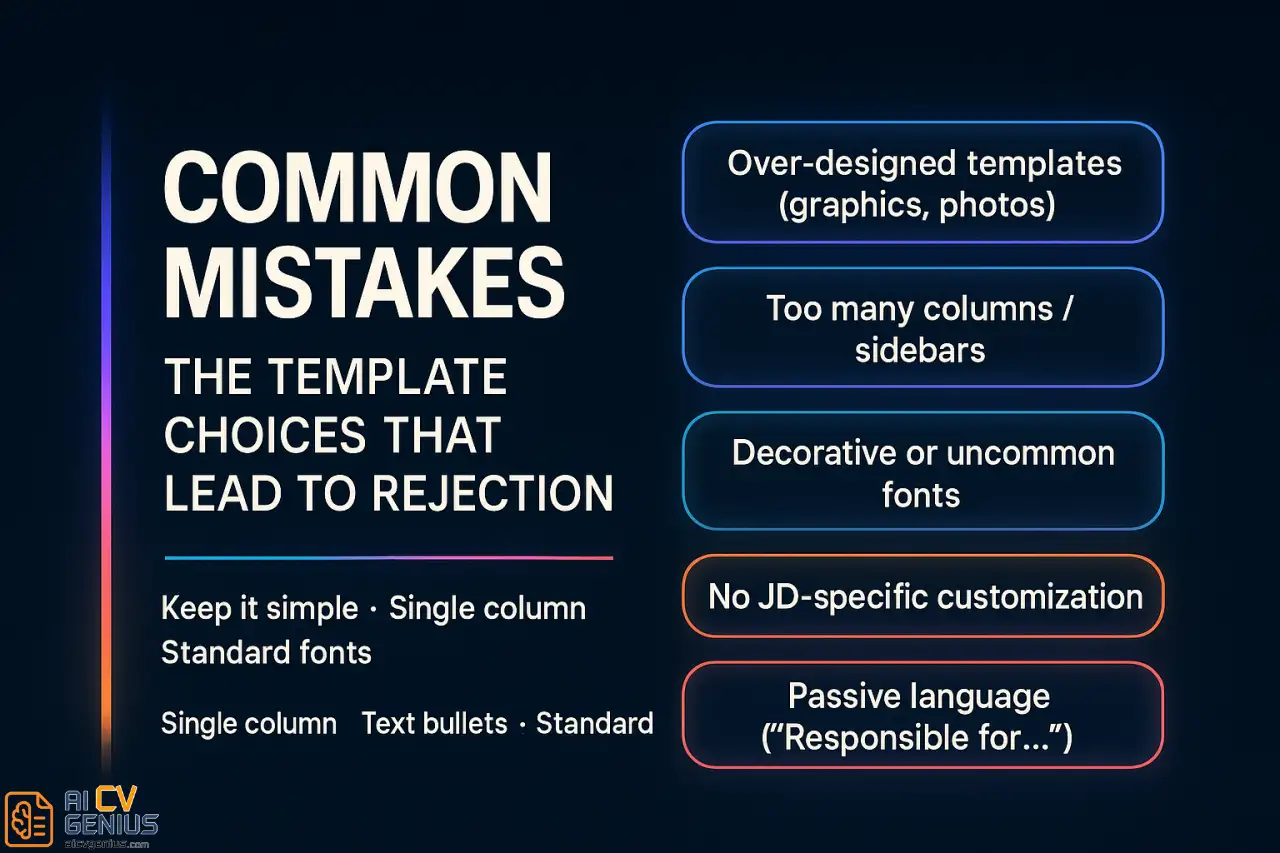
- Overly Designed Templates (The Canva Trap): Fancy graphics, skill icons (e.g., 5/5 stars for Excel), sidebars, or photos may look impressive to you, but they are the number one reason ATS software fails. ATS reads these elements as invisible images or scrambles the text around them, leading to instant rejection.
- Too Many Columns (The Critical Error): This is the most critical formatting error. ATS robots read across the page from left to right, top to bottom. A two-column layout causes them to read your content out of order (e.g., your “Skills” from the sidebar get read as part of your “Job Title” description). For corporate, tech, and finance roles, avoid multi-column layouts entirely.
- Uncommon or Decorative Fonts: Script fonts (like Comic Sans) or highly customized fonts risk being misread by digital systems or, more simply, not being installed on the recruiter’s computer. The resulting display error ruins your professional image.
- Neglecting Customization: Using a template without tailoring its content to your industry or the specific job description reduces impact. The template is the vessel; the keywords are the fuel that powers your success.
- Using Passive Language: The template should force you into active voice. If you find yourself writing “Responsible for…” or “Duties included…”, your content is weak. Your template should prioritize space for strong, active, quantified achievements. This is precisely why “responsible for” kills your resume.
Types of Resume Templates: Matching Design to Industry
Not all resumes are created equal. The best resume template for you depends critically on your career level, target industry, and personal brand. The key is choosing a design whose risk profile matches the industry’s acceptance level.
Professional (Traditional) Templates
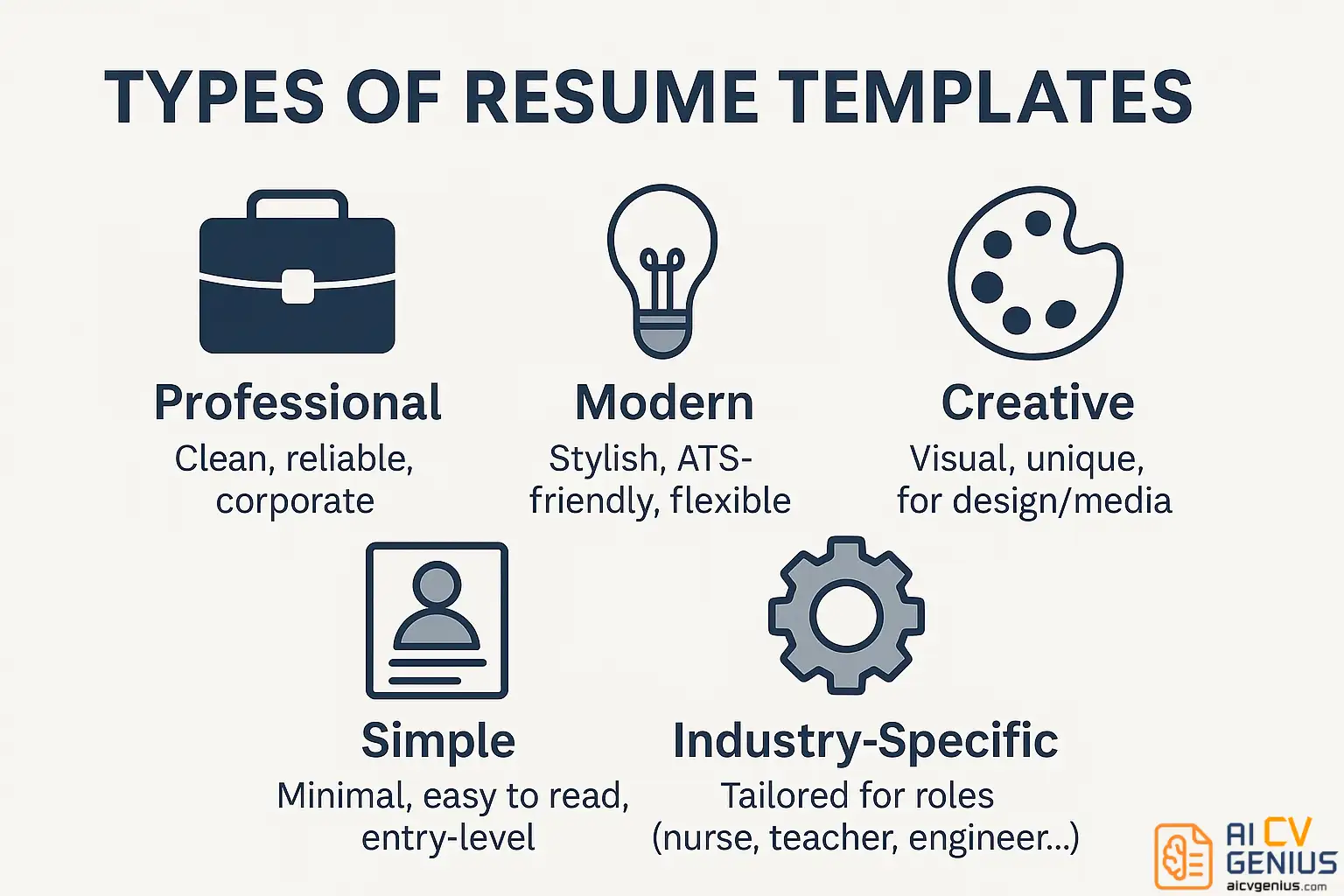
These are clean, traditional, single-column layouts that emphasize experience and qualifications using standard fonts and minimal design elements. They prioritize substance over style. They are ATS-safe and ideal for conservative corporate roles, government jobs, finance, law, and healthcare – fields where professionalism and reliability are paramount.
Modern (Hybrid) Templates
Modern designs incorporate subtle use of color (e.g., a navy header), clear dividers, and sometimes strategic white space to improve scanning. They are often ATS-friendly if they maintain a single-column flow. They help highlight skills and achievements for industries like marketing, technology, and consulting, where a touch of innovation is valued. Many job seekers now rely on a modern resume builder with templates that automatically adapt to ATS systems.
Creative Templates (Use with Extreme Caution)
Creative templates add flair with design elements, icons, or bold typography. They are best suited only for design, media, or art-related roles where the resume is a visual demonstration of your skill. If you use one, you must assume the ATS will fail and that you are submitting directly to a human. For almost all other roles, you need an alternative template that prioritizes ATS safety.
Simple or Minimalist Templates
Minimalist resumes focus entirely on content, using only standard text formatting and clear headings. With limited design, they are universally easy to read and are the safest possible option for entry-level applicants or for maximizing your keywords in a competitive pool. Some users prefer a resume builder that works with ATS systems to generate these minimalist layouts easily.
Industry-Specific Templates
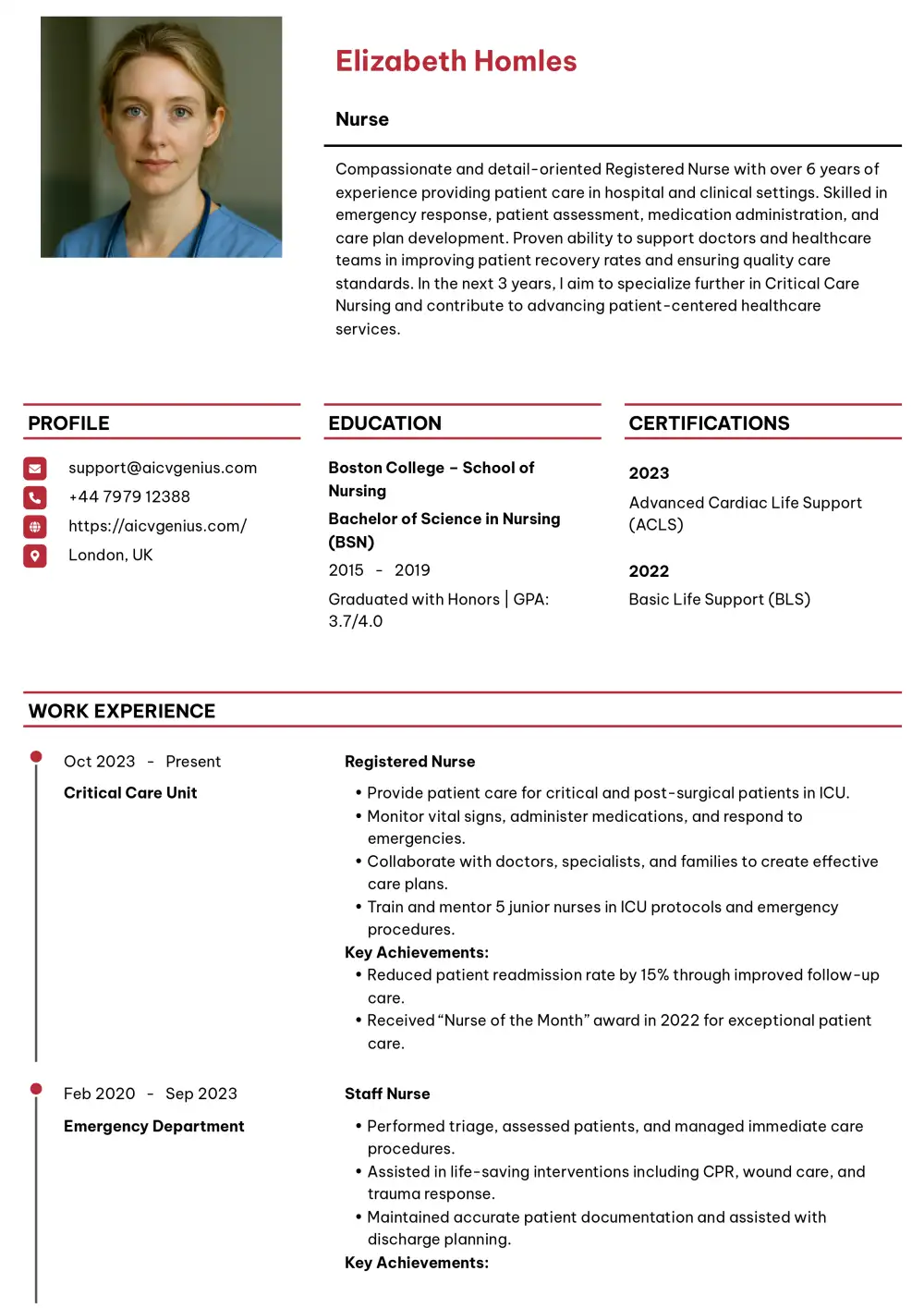
Some templates are tailored to specific roles such as nursing, teaching, or software engineering. They often include dedicated, clearly labeled sections for licenses, technical skills, certifications, or required state disclosures. These are valuable because they ensure you don’t forget industry-critical information.
How to Choose the Best Template for Your Career Stage & Situation
- Students and Recent Graduates: Use simple, one-page templates with clear emphasis on education, internships, and key projects (e.g., capstone). A free resume builder for fresh graduates can simplify the process. Goal: Maximize readability and highlight potential, not years of experience.
- Mid-Level Professionals (3-10 Years): Opt for ATS-friendly modern or hybrid templates that allow you to showcase quantified achievements and a clearly delineated Skills section. Your resume should focus on the impact you made in your last two roles.
- Executives and Senior Leaders (10+ Years): Choose professional templates with expanded space for a strong Professional Summary (or profile) and focus on leadership, strategy, and high-level P&L achievements. Clarity and gravitas are paramount.
- Career Changers: The format matters here. Consider templates with a strong “Skills” or “Transferable Skills” section placed prominently near the top to highlight relevant expertise over non-relevant job titles. This format requires strategic thinking, and our guide on writing a career change CV can help you choose the right structure.
Case Studies: Real Results with the Strategic Template Switch
Case 1: The Graduate (The ATS Barrier)
Maria, a recent economics graduate, applied with a generic two-column Word document she found online and received zero responses after 30 applications. She was smart, but the ATS couldn’t parse her data. She switched to a clean, single-column, minimalist, ATS-friendly template that highlighted her “Data Analysis with Python” capstone project and quantifiable internship metrics. Within two weeks, she landed three interviews at top financial firms. Lesson: The minimalist template removed the ATS barrier and instantly highlighted the relevant skills.
Case 2: The Manager (The Clutter Barrier)
James, a marketing manager with seven years of experience, struggled to communicate his career progression. His old resume was a dense block of text that hid his wins. He adopted an ATS-friendly hybrid template that placed a prominent “Key Achievements” section at the top, followed by his experience. By quantifying his results (e.g., “Led team that grew organic traffic by 150%”), his interview rate doubled in a month. Lesson: The hybrid template used design (clever section placement) to guide the recruiter’s eye toward the results, not the tasks.
Case 3: The Executive (The Gravitas Barrier)
Linda, a finance executive, needed gravitas. Her old template looked dated and generic. She chose a premium, professional template with clean typography, an expanded summary section, and a simple two-line header. By focusing the content on “Strategic Growth” and “P&L Management” instead of daily tasks, she secured C-level interviews with two Fortune 500 companies. Lesson: At the executive level, the template must communicate competence and high-level strategy immediately.
The Content Strategy: Tailoring Templates for Maximum Impact
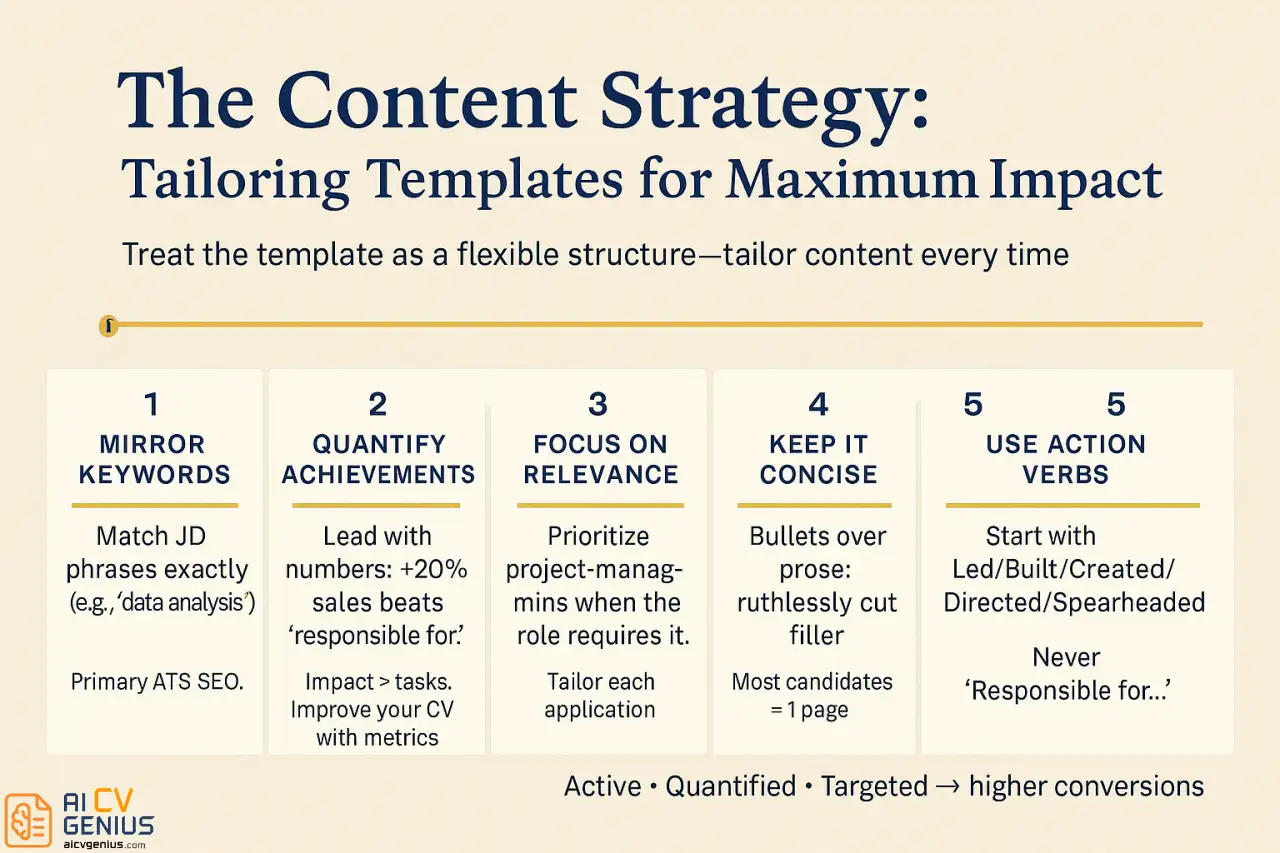
A template is only a starting point. To maximize your effectiveness and interview conversions, you must treat the template as a flexible structure for your strategic content. The best resume template must be tailored every time.
- 1. Mirror Job Description Keywords: If a posting requires “data analysis,” ensure that exact phrase appears in your resume. This is the primary SEO optimization for passing the ATS.
- 2. Highlight Measurable Achievements: Quantify, quantify, quantify. “Increased sales by 20%” is exponentially stronger than “Responsible for sales.” Your content should prioritize the impact you made, not the tasks you performed. This is the difference between an acceptable CV and a high-performing one. You must improve your CV by adding metrics.
- 3. Focus on Relevance (The Tailoring Rule): Customize each application instead of sending the same generic version everywhere. If the job focuses on project management, prioritize your project management achievements, even if it means shortening irrelevant experience.
- 4. Keep it Concise: Use the template to enforce brevity. Use bullet points for clarity and ruthless edit out any unnecessary filler or wordy explanations. The one-page rule applies to most candidates.
- 5. Use Action Verbs: Never start a bullet point with “Responsible for…” or “Duties included…” Use strong action verbs like Led, Built, Created, Directed, Spearheaded.
This content strategy ensures that your professional narrative, regardless of the template you choose, is always active, quantified, and targeted.
FAQs About Resume Templates: ATS, Design & Length
Conclusion
Choosing the best resume template is about strategy, not design trends. A truly strong template is one that presents your skills clearly, works with ATS software, and positions you as a professional ready for the role.
The choice is simple: prioritize function over aesthetics. Whether you select a free Google Docs layout or invest in a premium option, the key is tailoring it to your career stage and the specific job description. By avoiding multi-column layouts and graphical elements, and by focusing on quantified achievements, your resume will not just look good – it will successfully pass the ATS gatekeeper and open doors to interviews and opportunities. Your career deserves the right architecture.