
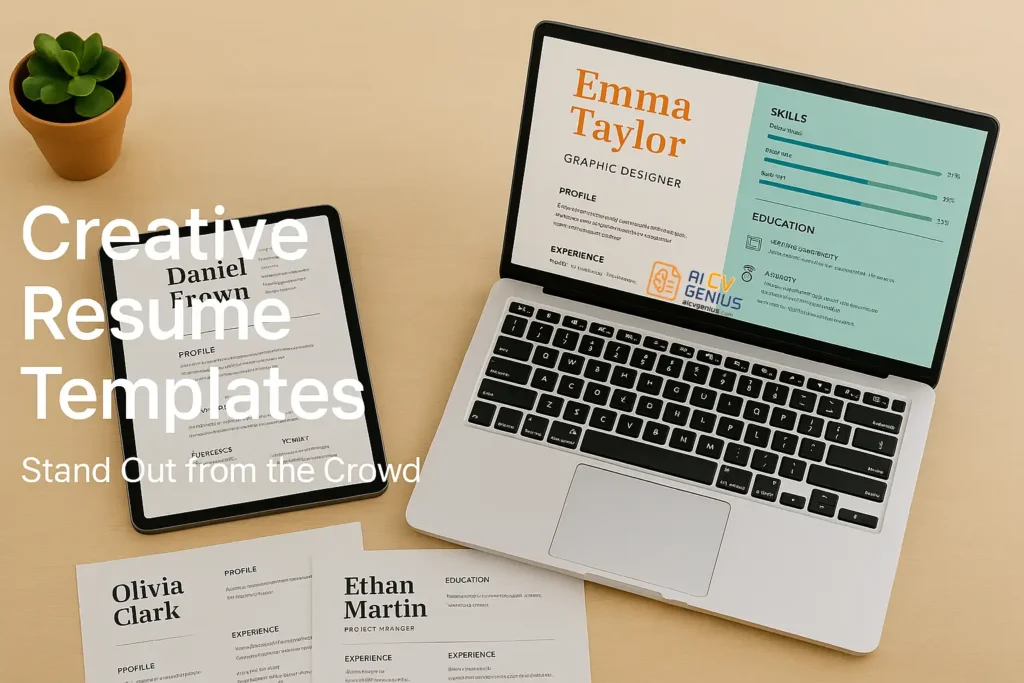
- A creative resume template uses design elements to show personality and guide attention: It should still stay professional and easy to scan.
- Creative templates can fail ATS before a human sees them: Two-column sidebars, text inside images, skill bars, heavy colors, and decorative fonts are the most common rejection triggers.
- Creative templates come with different risk levels: Minimalist creative is the safest, portfolio-integrated is usually low risk, color-heavy can be low to medium risk if single-column, and infographic-style is very high risk.
- Use creative templates only when the industry rewards visual communication: Design, media, marketing, branding, and some startups, but avoid them for conservative fields and most online ATS portals.
- The safest strategy is to balance creativity with structure: Keep a single-column flow, use one to two accent colors, add portfolio links or a QR code, test by copy-pasting into Notepad, and consider a two-version approach for ATS and for humans.
In a competitive job market, it’s not enough to list your work history and skills in plain black-and-white text. Recruiters often review hundreds of applications, and a resume that looks identical to the rest can easily get overlooked. This is where creative resume templates come in.
By using thoughtful design elements – colors, fonts, icons, and layouts – you can highlight your personality and make a memorable impression. Many professionals now turn to free creative resume templates for designers to express individuality without losing professionalism. But creativity needs balance: a resume that is too flashy may appear unprofessional or even get rejected by Applicant Tracking Systems (ATS).
In this guide, you’ll learn what makes a resume creative, the high risks involved, which industries to use them in, and how to design one that actually gets results.
What Is a Creative Resume Template?
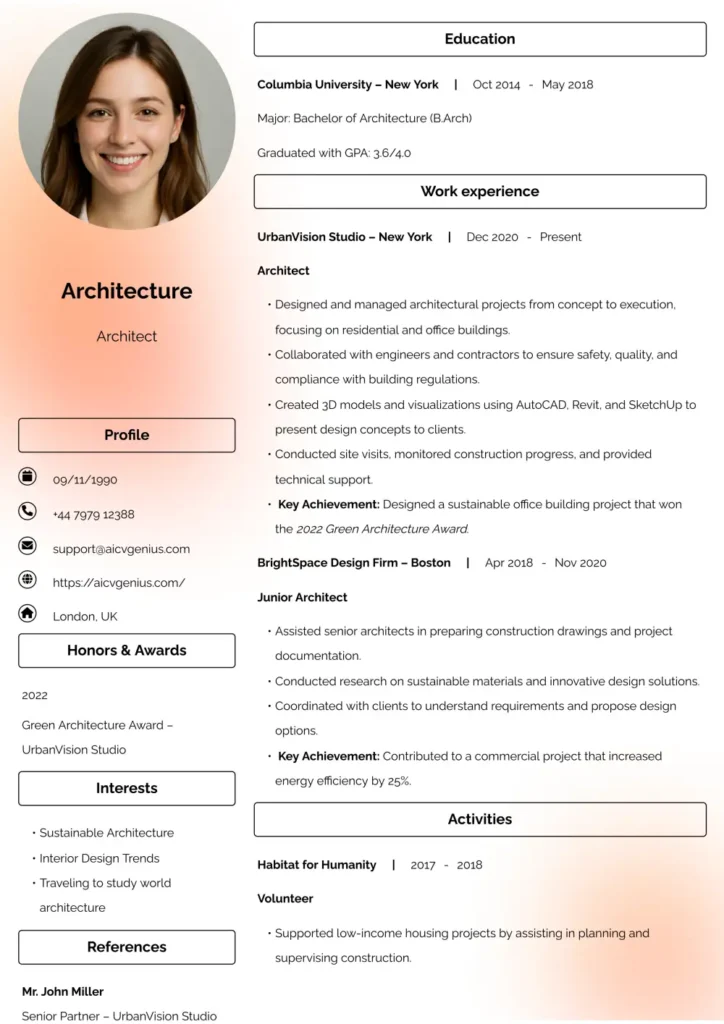
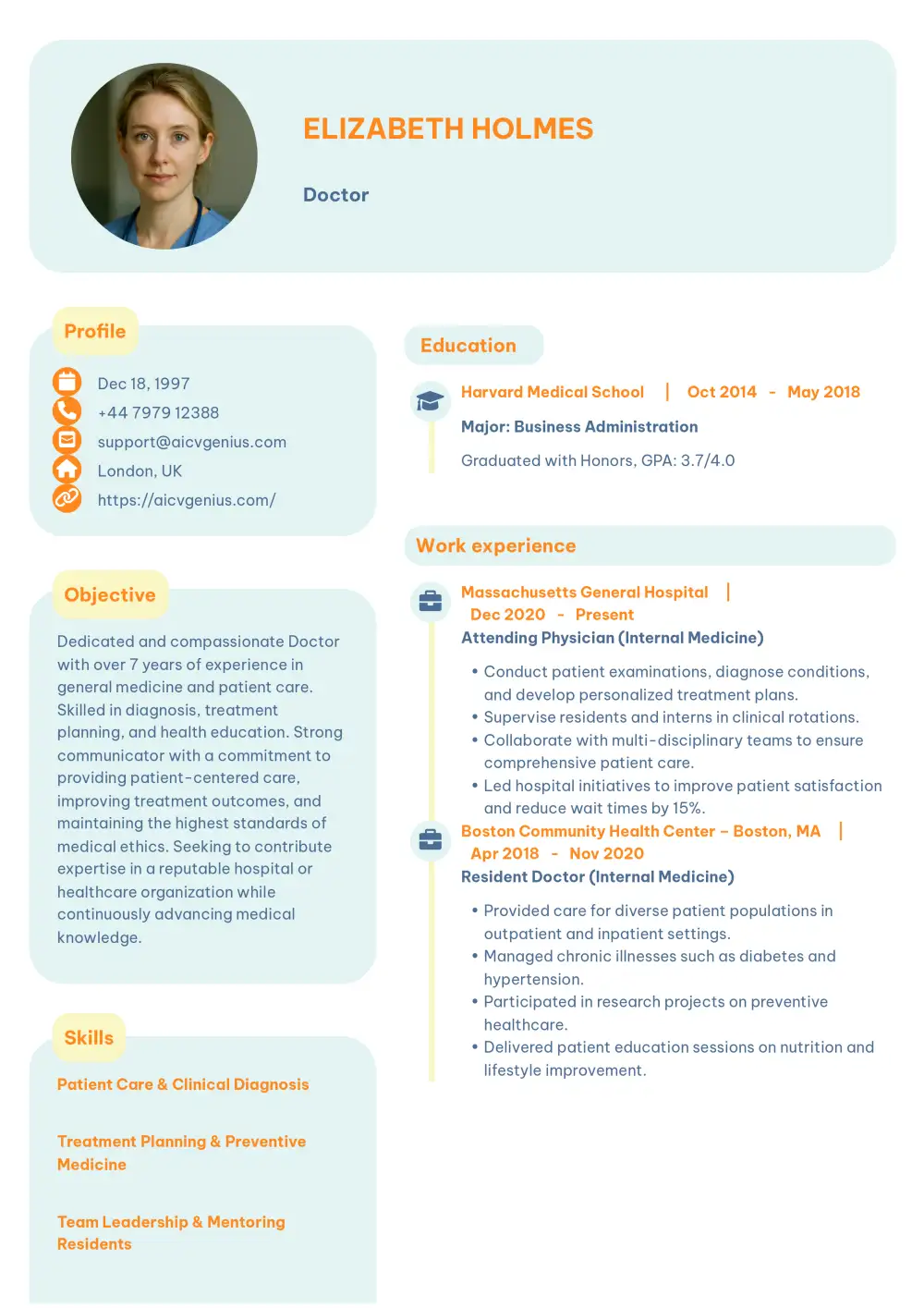
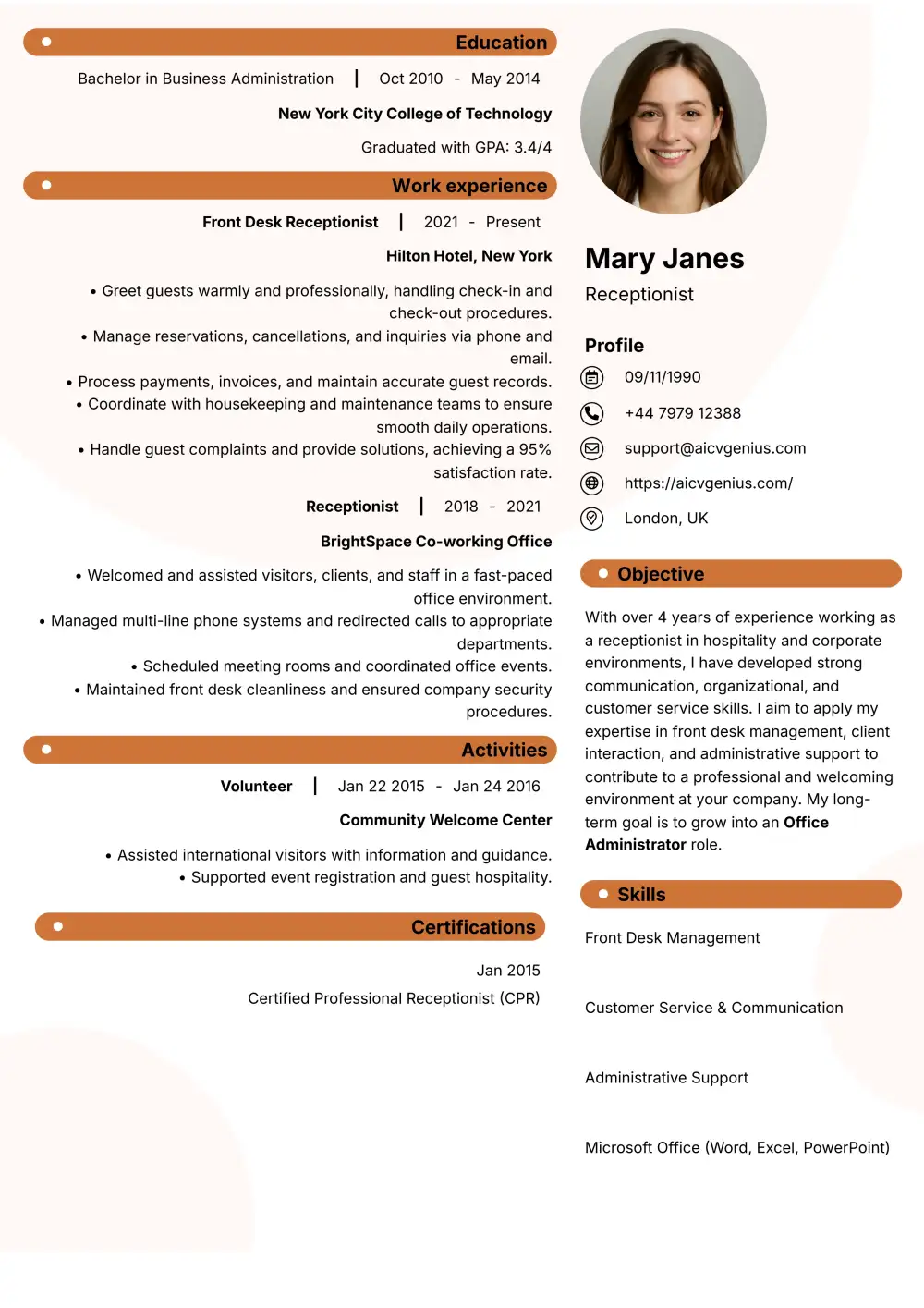
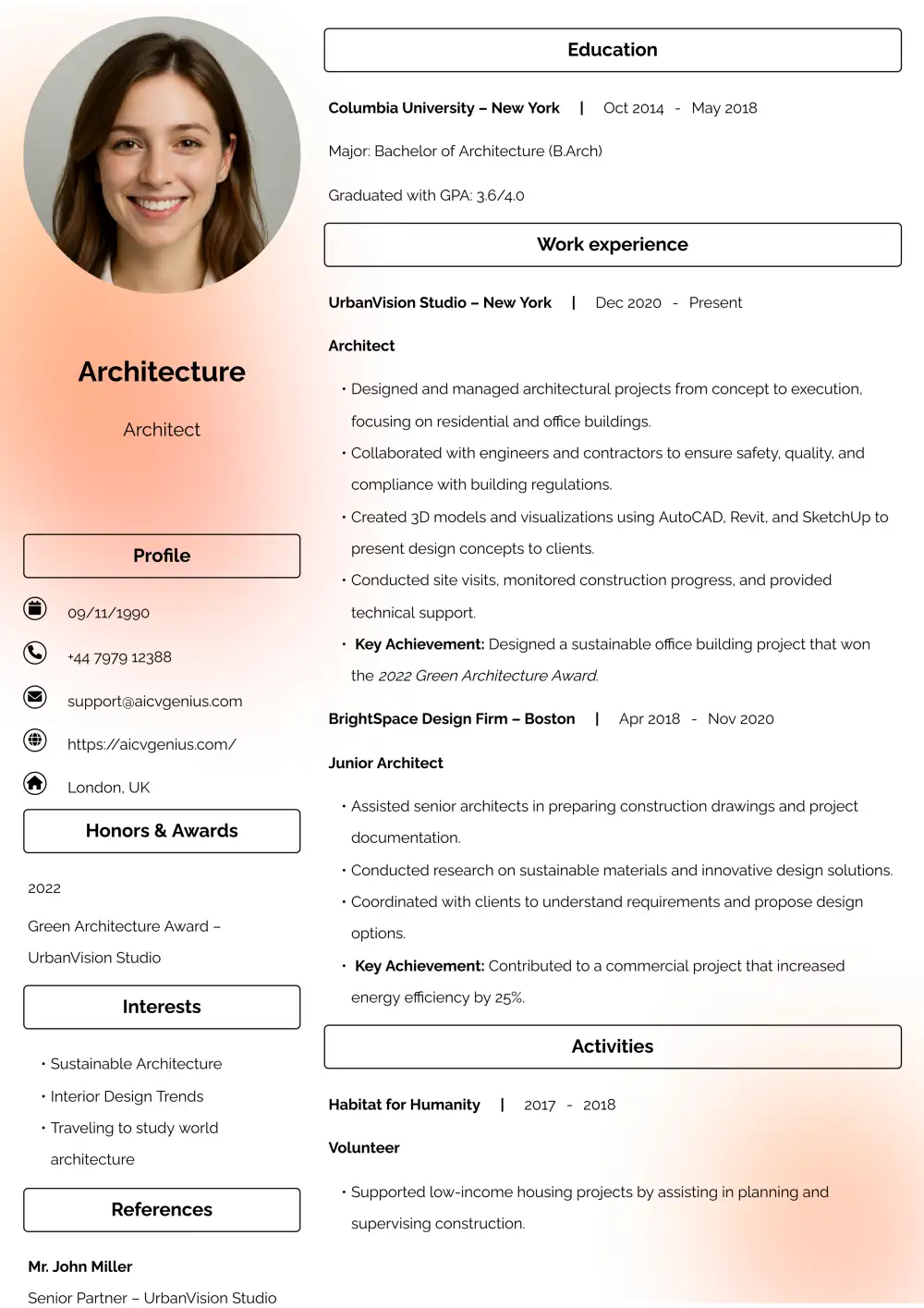
A creative resume template is one that goes beyond plain formatting to include design features that express personality. These resumes use visual elements to guide the reader’s eye, emphasize important achievements, and showcase originality. Unlike traditional resumes, creative resumes often feature sidebars, color headings, subtle icons, or even infographic-style sections. They are especially effective in industries where creativity is valued, such as design, media, marketing, and tech startups.
The “ATS” Gauntlet: Common Mistakes That Lead to Rejection
Before using a creative template, you must understand the risk. Most companies use Applicant Tracking Systems (ATS) to filter resumes. These robots cannot “see” design; they only parse text. Creative elements can cause them to fail, rejecting your resume before a human ever sees it.
- ❌Mistake 1: Using Two-Column Layouts or Sidebars: This is the most common failure point. ATS robots read from left to right, top to bottom. A sidebar can cause them to read your content out of order (e.g., “Company A” followed by “Skills” from the sidebar, then “Company B”).
- ❌Mistake 2: Embedding Text as Images: ATS cannot parse text that is part of an image. Your name, contact info, or entire sections will be invisible.
- ❌Mistake 3: Using Skill Bars or Graphs: A visual “5-star rating” for Photoshop is unreadable by software and seen as unprofessional by recruiters. Always list skills as text.
- ❌Mistake 4: Overuse of Colors: Multiple bright shades distract recruiters and can reduce professionalism. If the text-to-background contrast is low, it can also fail accessibility checks.
- ❌Mistake 5: Fancy or Unreadable Fonts: Decorative or script fonts may be unreadable on different systems or by ATS software. Stick to standard, professional fonts.
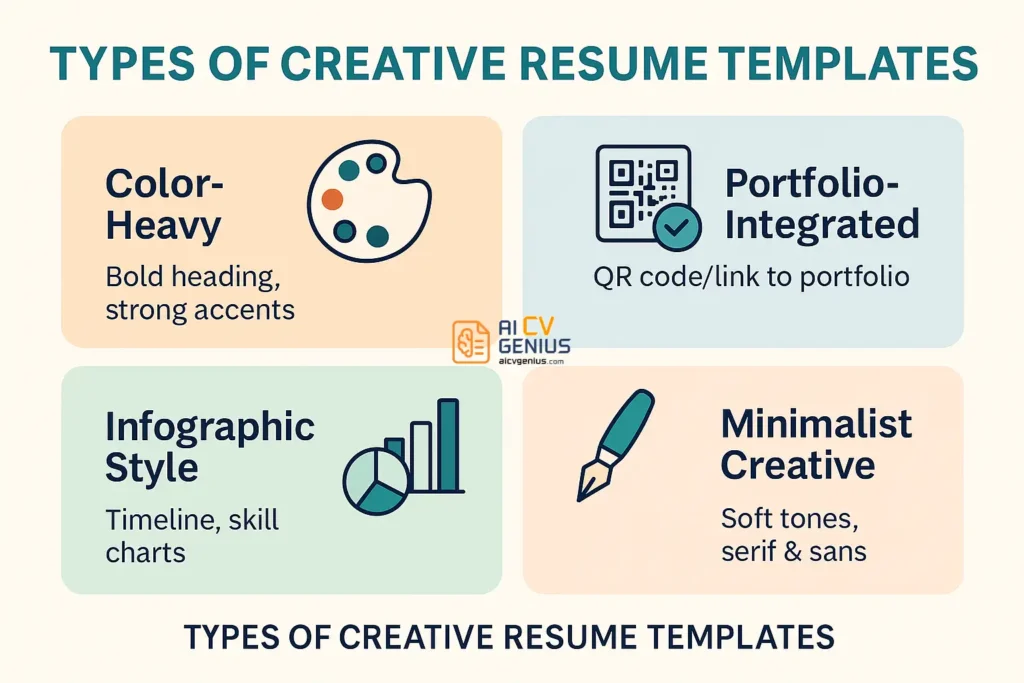
Types of Creative Resume Templates (And Their Risks)
Color-Heavy Templates
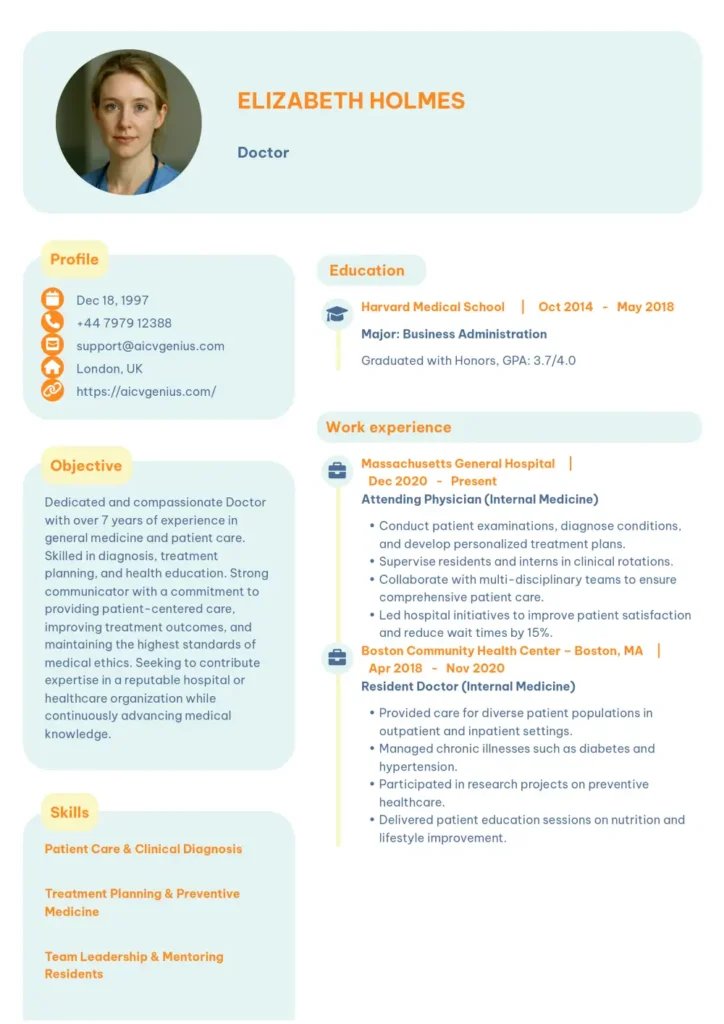
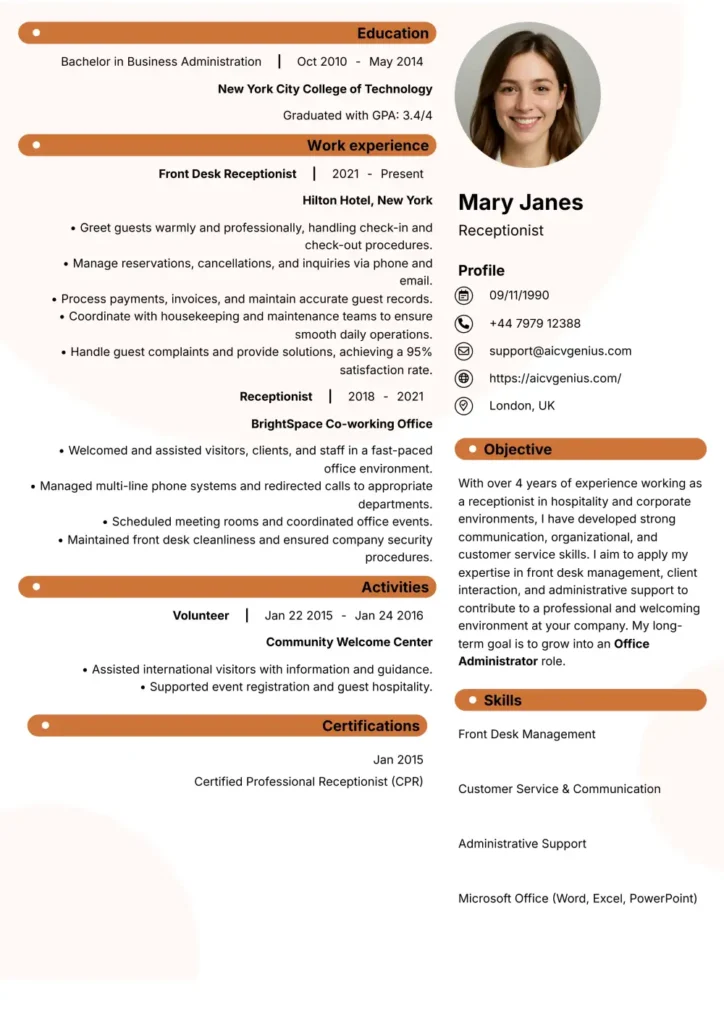
These resumes emphasize bold color usage for headings, backgrounds, or sidebars. They work well in design and creative industries, but the palette must stay professional. ATS Risk: Low to Medium, as long as the text is readable and the layout is single-column.
Portfolio-Integrated Templates
These templates provide space for links, QR codes, or project thumbnails. They’re ideal for graphic designers, photographers, and digital marketers. ATS Risk: Low, as links and QR codes are often ignored by ATS while the text remains parsable.
Infographic Style Templates
Infographic resumes include skill bars, timelines, and visual charts. ATS Risk: Very High. These are almost guaranteed to fail an ATS scan and should only be used as a supplement, such as in a portfolio or a direct email to a hiring manager.
Minimalist Creative Templates
These designs balance clean white space with subtle pastel colors or iconography in a single-column layout. They allow candidates to show personality while keeping focus on content. ATS Risk: Very Low. This is the safest creative option.
When to Use a Creative Resume Template (And When Not To)
Creative resumes are most effective when the role demands originality or when you’re applying in industries that value visual communication.
Use Them For:
- ✅Design & Media: Graphic Design, Video Production, Content Creation, UX/UI.
- ✅Marketing & Branding: Digital Marketing, Advertising, PR, Social Media Management.
- ✅Tech Startups: Roles where personality and “cultural fit” are highly valued.
Avoid Them For:
- ❌Conservative Fields: Law, Finance, Accounting, Government, or Academia. Recruiters in these fields strongly prefer traditional, text-only formats.
- ❌Most Online Applications: If you are uploading your resume to a company’s online portal, assume it will be scanned by an ATS. A creative template is a high-risk gamble.
How to Build a Creative Resume That Still Gets Interviews
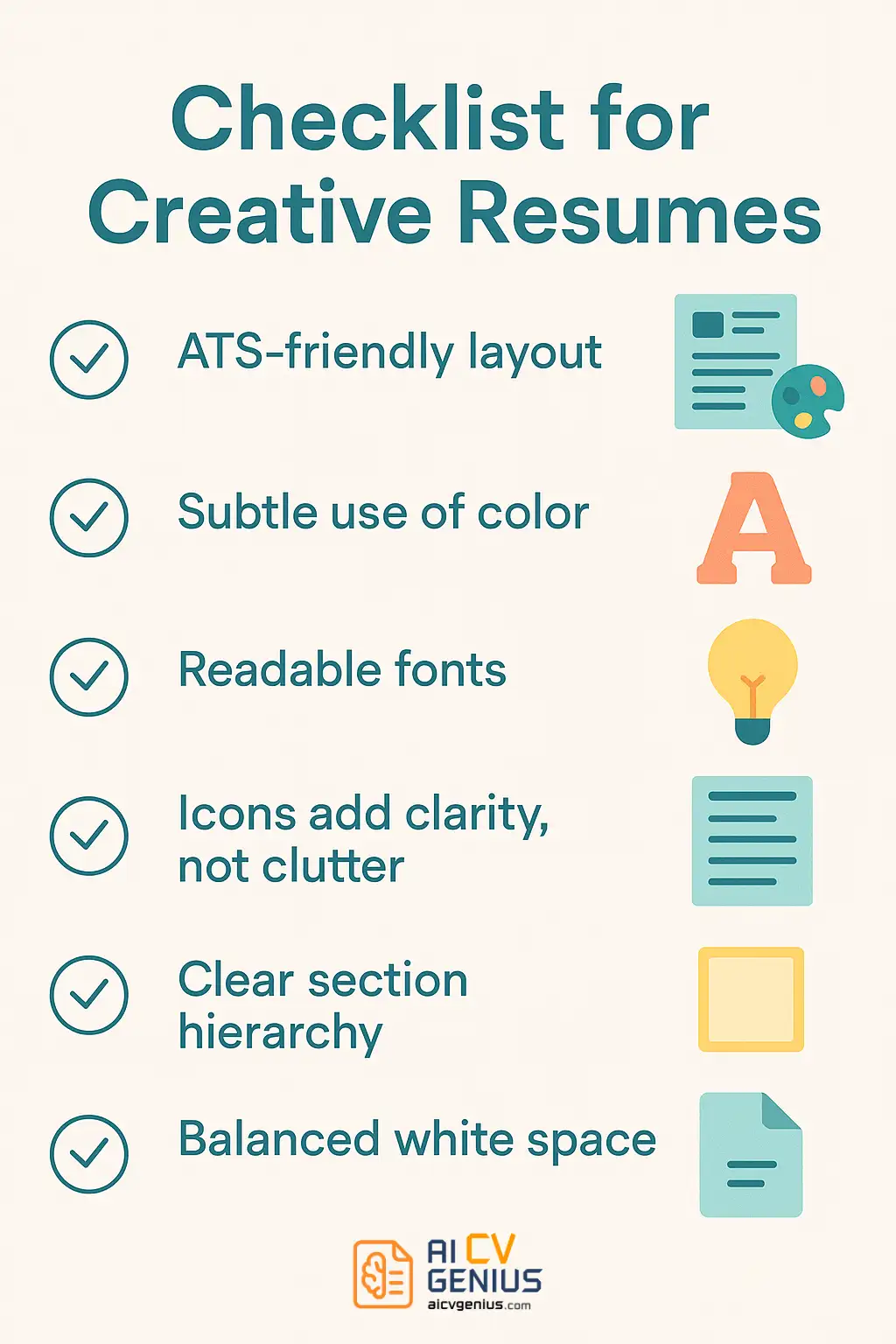
- Prioritize a Single-Column Layout: This is the most important step for ATS safety. Keep all your primary text in one logical, top-to-bottom flow.
- Use a Professional Palette: Choose one or two accent colors (e.g., navy, teal, burgundy) for headings or borders. Keep backgrounds light (white or off-white) and text dark for readability.
- Use Hierarchy, Not Clutter: Use clear, bold headings and consistent font sizes to guide the reader’s eye. White space is your most powerful design tool.
- Add Portfolio Access: A clean hyperlink or a QR code to your website, LinkedIn, or online portfolio is the best way to showcase creative work without breaking ATS.
- Test Your Resume: Export the final version as a PDF, then copy-paste all the text into a plain text editor (like Notepad). If the text is jumbled or missing, it will fail an ATS.
Case Studies: Success with Creative Resumes
Case 1: Graphic Designer
A recent graduate in graphic design used a minimal creative template with a pastel sidebar *only* when emailing agencies directly. The template included a QR code linking to her Behance portfolio. The design immediately demonstrated her skills, landing her three interviews at top creative agencies.
Case 2: Content Creator
A content strategist applied with an ATS-safe, single-column creative resume. She used a single accent color for headings and included a “Key Achievements” section with quantified metrics (e.g., “Grew organic traffic 300% in 12 months”). She stood out from 300 applicants and was hired for a social media manager role.
Case 3: Product Designer
An experienced product designer used a two-version approach. He submitted a simple, ATS-friendly resume for the online application, but brought a visually impressive two-column “portfolio” version (with project thumbnails) to the in-person interview. This strategy satisfied both the robots and the human hiring manager.
FAQs About Creative Resume Templates
Conclusion
A creative resume template can be the key to standing out, but only in the right context. By carefully balancing design with professionalism – and prioritizing ATS safety above all else – you can present yourself as innovative and capable. The best strategy is often a two-resume approach: one for the robots (ATS) and one for the human eye. Whether you are a designer, marketer, or professional in a creative field, understanding this balance is the key to capturing attention and securing the interviews that move your career forward.