
- Main point: ProWritingAid feels more like an editor and writing coach than a typo fixer, because it focuses on craft improvement.
- What makes it different: 20+ on-demand reports (Readability, Style, Sentence Variety, Consistency, Transition) that surface patterns, not just errors.
- ProWritingAid vs Grammarly: Grammarly is faster for everyday corrections, ProWritingAid is deeper and better for drafts where voice and structure matter.
- Workflow and ROI: Run targeted reports after drafting, revise with intent, and improve over time by learning recurring habits.
- Best fit and limits: Great for marketers, students, creatives, and professionals needing clear writing, but it refines text and does not replace human judgment.
Introduction: The ProWritingAid Experience
Why Writers Keep Coming Back to ProWritingAid
ProWritingAid review often starts like a confession: many writers say they were surprised that a grammar tool could feel like an editor and a teacher at the same time. ProWritingAid review conversations are less about “did it catch a typo?” and more about “did it make my idea clearer?” That shift – from error hunting to craft improvement – is the selling point for professionals who write for a living.
First Impressions: Not Just Red Lines
The typical first encounter with ProWritingAid is slightly slower than Grammarly, but intentionally so. Where some tools underline everything in a defensive red, ProWritingAid presents a calm workspace with multiple reports available on demand. You can run a broad readability check, jump to a style report, or dive into repeated wording and sentence variety statistics.
ProWritingAid treats writing as a practice to be refined, not a product to be smoothed over.
What Sets It Apart: Depth Over Speed
If the market were a racetrack, many grammar checkers race to the finish line – the fastest correction wins. ProWritingAid builds a coach’s training plan. Its focus is not just identifying errors, but teaching patterns. This is where the tool’s strength as the best grammar checker for professionals becomes obvious: it offers adaptive feedback that maps to the writer’s habits and goals.
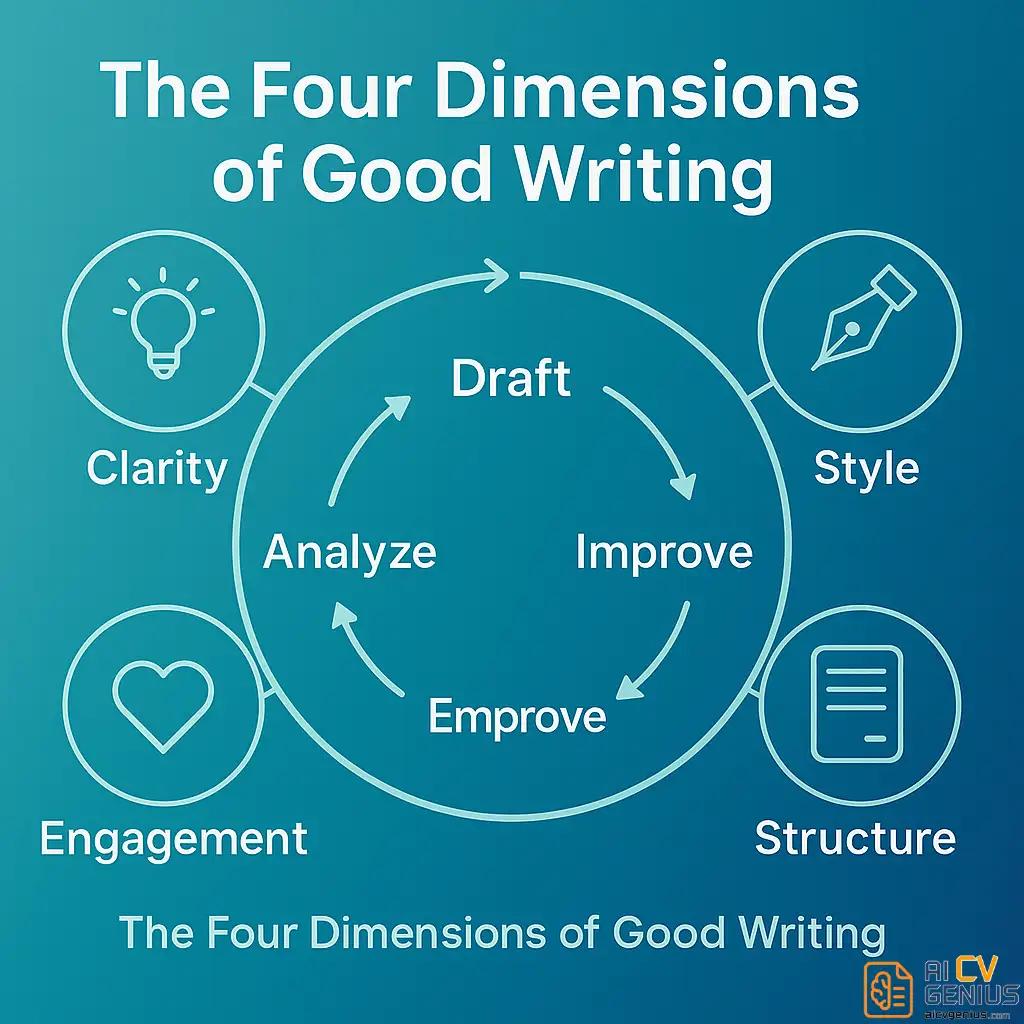
Core Features and Comparative Analysis
How the Reports Work – A Practical Tour
One of the most tangible differences is the number and specificity of reports. ProWritingAid groups suggestions into thematic reports you can run individually or as a suite. Here are the most useful ones and why they matter:
| Report | What It Does | When to Use |
|---|---|---|
| Readability | Analyzes sentence length, paragraph flow, and passive voice | Before publishing long-form or marketing copy |
| Style | Flags weak verbs, filler words, and complex phrasing | When you need stronger, more concise sentences |
| Sentence Variety | Maps rhythm and repetition across sentences | For creative and narrative writing |
| Consistency | Ensures uniform spelling, hyphenation, and capitalization | Professional docs and brand voices |
| Transition | Highlights abrupt paragraph jumps | Long-form essays and reports |
These reports are modular. Use only what you need. The control is part of why seasoned writers prefer the system: you learn precisely what to fix, not just what’s wrong.
ProWritingAid vs Grammarly and Other Tools
People often ask for an upfront comparison: what does ProWritingAid do that Grammarly, WordTune, or other AI assistants do not? The short answer is education. The long answer requires walking through common workflows.
| Feature | Grammarly | ProWritingAid | Best Use |
|---|---|---|---|
| Basic grammar & spelling | Excellent | Excellent | Quick edits |
| Style & depth reports | Limited | 20+ detailed reports | Improve craft |
| Customization | Moderate | High (custom rules) | Brand voice consistency |
| Integrations | Widely integrated | Word, Scrivener, browser | Writers & desktop workflows |
| Speed | Instant | Deliberate | Emails vs manuscripts |
The classic tradeoff emerges: Grammarly is fast and unobtrusive, ideal for emails and quick checks. ProWritingAid is slower but more instructive, ideal for working drafts and pieces where voice and structure matter. This is the core of the ProWritingAid vs Grammarly comparison debate.
Real-World Scenarios: Which Writers Benefit Most
Let’s be practical: not everyone needs 20 reports every time they write. Here are four representative writer profiles and why ProWritingAid fits them.
1. The Content Marketer
Marketing teams publish frequently, and clarity sells. A content marketer uses ProWritingAid to tighten headlines, remove filler from long-form pieces, and make CTAs punchier. The tool’s readability and style reports become a gate before articles go to review.
2. The Academic or Student
For academic work, consistency and formal tone are crucial. ProWritingAid’s consistency checks (citations, hyphenation, capitalization) and plagiarism advisories – when available via integrations – help produce a first pass that’s professionally presentable.
3. The Novelist or Creative Writer
Novelists benefit from sentence variety and pacing feedback. Reports that reveal repeated sentence openings or overuse of certain structures allow authors to vary rhythm consciously – a subtle shift that affects readability dramatically.
4. The Business Professional
Managers polishing proposals or pitches use the tool to remove passive constructions and to insist on active verbs. The result is clearer, more authoritative copy that stands up in stakeholder decks.
Practical Application and Value
How It Integrates Into Your Workflow
ProWritingAid supports multiple entry points: browser extensions, a web editor, a desktop app that integrates with Microsoft Word and Scrivener, and add-ins. This coverage means you can keep the refinement stage where it belongs – when a piece is mature enough to benefit from real feedback.
One productive workflow many teams use:
- Draft quickly using a generator or your native editor.
- Use a fast spelling/grammar pass (Grammarly or spellcheck).
- Paste into ProWritingAid and run targeted reports: Style & Readability first, then Consistency and Transition.
- Revise with intent: pick three metrics to improve per pass (e.g., reduce passive voice, increase sentence variety, tighten intro).
- Finalize and publish.
Learning Over Time: The Real ROI
The clearest return on ProWritingAid isn’t one improved article – it’s the accumulation of learning. Over months, writers internalize feedback patterns. Instead of relying on the tool to point out an error, they stop making it in the first place. That habit-formation is why many professionals treat the software as an investment in skill, not just a convenience.
Precision vs Usefulness: Accuracy and Feedback
When we talk about ProWritingAid accuracy and feedback, accuracy must be read in context. The tool is very good at flagging objective issues (tense mismatch, spelling, sentence fragments). Its real value comes from pattern detection – showing you the recurring weaknesses that erode readability.
Two points about accuracy worth noting:
- ✅ It minimizes false positives by clustering suggestions in reports rather than pushing every change inline.
- ✅ Its custom rule engine lets teams set style preferences (e.g., Oxford comma, title casing) so feedback aligns with expectations.

In-Depth Review and Use Cases
Case Study: Transforming a Cover Letter
Here is a condensed before/after example to show the tool in action. Names removed for privacy.
Before: “I was responsible for increasing client satisfaction by creating processes and supporting many teams across the organization.”
After ProWritingAid-guided revision: “Redesigned client onboarding workflows, improving satisfaction scores by 18% and reducing average resolution time by 36%.”
The difference: the after version highlights ownership, action, and measurable impact. The tool did not write the sentence; it showed the writer how to structure evidence more convincingly.
Customization and Team Settings
ProWritingAid shines for teams because it supports custom dictionaries and rule sets. Marketing teams can enforce brand voice rules, legal teams can restrict casual language, and editorial teams can define house style. This makes it a collaborative tool as much as a personal assistant.
Pricing and Value
Pricing changes often, but ProWritingAid historically offers monthly and annual plans and a lifetime option occasionally. Consider value like this:
- For occasional use, the free or monthly plans suffice.
- For heavy writers and teams, annual or lifetime plans yield a better cost-per-article.
- Factor in saved editor time and improved conversion (for marketing copy) when calculating ROI.
Pros & Cons
| Pros | Cons |
|---|---|
| ✅ Deep, educational feedback that improves craft | ❌ Slower than quick-check tools for instant typing corrections |
| ✅ Wide range of reports tailored to author needs | ❌ Interface can feel complex at first |
| ✅ Highly customizable rules and team settings | ❌ Some integrations aren’t as seamless as competitors |
| ✅ Encourages long-term learning | ❌ Not designed to fully replace human editors |
How It Compares to AI Text Generators
AI generators produce text; ProWritingAid polishes it. Many professionals now use both in a two-step process: generate ideas or drafts with an AI, then refine with ProWritingAid to recover voice, check consistency, and improve structure. In that combination, the AI writing assistant for content creators and ProWritingAid complement each other.
Practical Tips: Get Better Results Faster
- Start with a single report per session until you learn what each one does.
- Use the “find repeated phrasing” report to remove unconscious tics.
- Customize the dictionary with brand names and product terms to avoid false flags.
- Run consistency checks after major edits to ensure clean presentation.
- Teach junior writers to use the same three reports to speed editorial alignment.
FAQ and Final Thoughts
Frequently Asked Questions
Final Thoughts: Who Should Try ProWritingAid
If you consider writing a craft, not just a task, ProWritingAid is a worthwhile companion. It surfaces the invisible patterns that make good writing feel effortless. For creators who want to keep their voice while increasing clarity and impact, this tool provides measurable feedback and the habit-building routines that change how you write over time.
For quick fixes and instant corrections, pair ProWritingAid with a faster inline tool. For persistent growth, commit to its reports and monitor improvement month over month. If you’d like a practical set of edits that reliably improve resumes and professional documents, see our guide on what top candidates do differently: what top candidates have in common.
Ultimately, the value in a ProWritingAid review is not the score it gives you – it’s the skill you gain applying its lessons every time you revise.