
- Why switch from Grammarly: Premium costs add up, and most job seekers can get the same resume ready polish cheaper or free.
- What matters for applications: Grammar accuracy, Professional tone, And clarity so your resume scans fast.
- Top alternatives compared: ProWritingAid for deep style reports, LanguageTool for the best free tier, Hemingway for tightening, QuillBot for rewrites, Writer.com for a clean middle ground.
- Best budget stack: LanguageTool first pass, Hemingway second pass, QuillBot for weak bullets.
- When to pay: If you write many cover letters or need tone help, choose ProWritingAid for value or Grammarly for the simplest all in one.
Why Look Beyond Grammarly for Resume Writing?
Grammarly is the default choice for checking grammar, catching typos, and refining tone. It’s accurate, comprehensive, and integrates everywhere. For resume and cover letter writing, it catches embarrassing mistakes that could cost you interviews.
But Grammarly’s premium tier costs $12-30/month depending on your plan. If you’re job searching on a budget, that’s a significant expense – especially when free and cheaper alternatives can handle most of what you need for application materials.
We tested five Grammarly alternatives specifically for resume and cover letter writing. Some match Grammarly’s grammar checking. Others excel at tone analysis or clarity. A few are completely free.
What Matters for Resume and Cover Letter Editing
Not all writing tools work equally well for job applications. We evaluated alternatives based on three criteria specific to resumes and cover letters:
Grammar and Spelling Accuracy
Job applications require zero errors. One typo can disqualify you. We tested how well each tool catches mistakes that Grammarly would flag.
Tone and Professionalism
Resumes and cover letters need professional, confident tone without sounding arrogant or desperate. We tested whether alternatives can suggest tone improvements like Grammarly’s premium features.
Clarity and Conciseness
Resumes should be scannable. Cover letters should be direct. We tested tools that help eliminate wordiness, passive voice, and weak phrasing.
For foundational resume writing guidance, see our complete resume writing guide.
Top 5 Grammarly Alternatives for Job Applications

1. ProWritingAid – Best for Deep Style Analysis
Pricing: Free (limited), $10/month or $120/year premium
Free Features: 500 words per check, basic grammar
Premium Features: Unlimited, style reports, tone detector
How it compares to Grammarly:
| Feature | Grammarly | ProWritingAid |
|---|---|---|
| Grammar Accuracy | Excellent | Excellent |
| Tone Analysis | Very Good | Good |
| Style Reports | Basic | Extensive (20+ reports) |
| Price (annual) | $144 | $120 |
| Interface | Cleaner | More complex |
Pros:
- ✅ Cheaper than Grammarly ($120 vs $144/year)
- ✅ Detailed style reports (passive voice, sentence variety, readability)
- ✅ Catches grammar errors as well as Grammarly
- ✅ Integrates with Word, Google Docs, browser
Cons:
- ❌ Interface feels cluttered compared to Grammarly
- ❌ Learning curve for all the reports
- ❌ Slower processing than Grammarly
Best for: Job seekers who want deeper analysis of writing style and don’t mind a more technical interface. Saves $24/year vs Grammarly.
2. LanguageTool – Best Free Alternative
Pricing: Free (limited), $19.90/month premium
Free Features: 10,000 characters, basic grammar
Premium Features: Unlimited, style suggestions, paraphrasing
Pros:
- ✅ Strong free tier (good enough for resumes)
- ✅ Catches most grammar errors
- ✅ Supports 30+ languages
- ✅ Browser extension works well
Cons:
- ❌ Misses some nuanced errors Grammarly catches
- ❌ No tone detection on free plan
- ❌ Premium is more expensive than Grammarly
Best for: Budget-conscious job seekers who need reliable grammar checking without paying. The free tier handles resumes and cover letters adequately.
3. Hemingway Editor – Best for Clarity and Readability
Pricing: Free web version, $19.99 one-time for desktop app
Features: Readability scoring, sentence complexity, passive voice detection
Pros:
- ✅ Completely free web version
- ✅ Excellent at flagging wordy, complex sentences
- ✅ Highlights passive voice (common resume problem)
- ✅ Simple, distraction-free interface
- ✅ Desktop app is one-time $20 (not subscription)
Cons:
- ❌ Doesn’t check spelling or grammar
- ❌ No tone analysis
- ❌ Not a replacement for grammar checker
Best for: Use alongside a grammar checker. Hemingway catches wordiness and weak phrasing that Grammarly might miss. Perfect for tightening cover letters.
4. QuillBot – Best for Paraphrasing Resume Bullets
Pricing: Free (limited), $9.95/month premium
Free Features: 125 words, basic paraphrasing
Premium Features: Unlimited, more modes, grammar checker
Pros:
- ✅ Excellent paraphrasing tool
- ✅ Helps rewrite boring resume bullets
- ✅ Cheaper than Grammarly
- ✅ Built-in grammar checker
Cons:
- ❌ Grammar checker weaker than Grammarly
- ❌ Free tier very limited (125 words)
- ❌ No deep style analysis
Best for: Rewriting resume bullet points to sound more impressive. Use Grammarly or LanguageTool for grammar, QuillBot for improving phrasing.
5. Writer.com – Best for Team/Professional Use
Pricing: Free (basic), $11/month pro
Free Features: Grammar, clarity, conciseness
Premium Features: Tone control, brand voice, team features
Pros:
- ✅ Clean, modern interface
- ✅ Good grammar checking
- ✅ Tone and clarity analysis
- ✅ Works in browser and Google Docs
Cons:
- ❌ Not as comprehensive as Grammarly
- ❌ Less known, smaller user base
- ❌ Team features wasted for individual job seekers
Best for: Job seekers who like clean interfaces and want something between free tools and Grammarly’s complexity.
For more resume writing tools and resources, explore our guide to the best resume builders.
Budget Strategy: Combine Free Tools

You don’t need to pay for Grammarly if you’re willing to use multiple free tools strategically:
The Free Tool Stack
- LanguageTool (free): First pass for grammar and spelling
- Hemingway Editor (free): Second pass to simplify complex sentences and cut wordiness
- QuillBot (free tier): Rewrite weak bullet points or awkward phrasing
This combination catches 90% of what Grammarly premium would find, costs nothing, and takes about 10 extra minutes per document.
When to Pay for Premium
Consider paid tools if:
- You’re writing 10+ cover letters and need efficiency
- You struggle with tone (sound too casual or too stiff)
- You want one tool instead of juggling three
- You’re applying to high-stakes roles where perfection matters
In those cases: ProWritingAid ($120/year) offers best value, or Grammarly ($144/year) if you prefer the cleaner interface.
Which Tool for Which Situation
Stick with Grammarly if:
- You want the best all-in-one solution
- Interface and ease of use matter more than cost
- You use it for work beyond job searching
- $12-30/month fits your budget comfortably
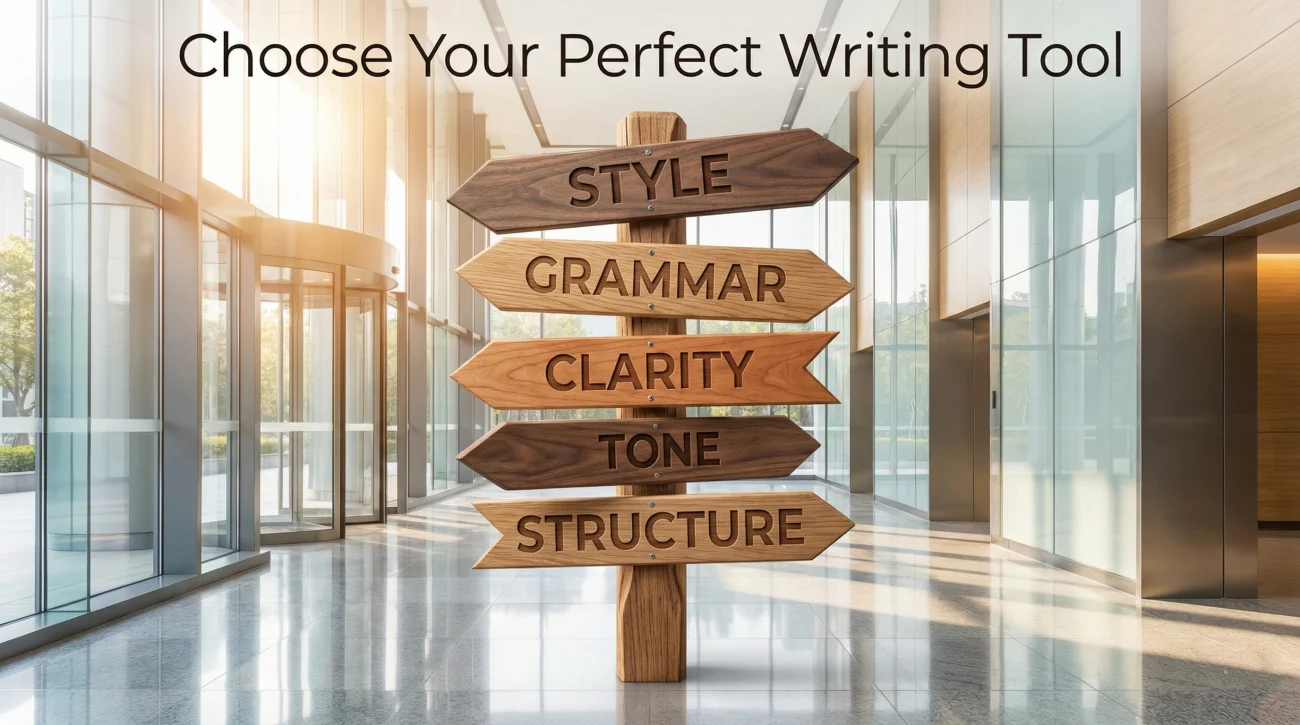
Choose an alternative if:
- Want deep analysis: ProWritingAid ($120/year)
- Need free option: LanguageTool + Hemingway
- Focus on clarity: Hemingway Editor
- Need paraphrasing: QuillBot
- Want clean interface: Writer.com
FAQ
Grammarly Is Great, But You Have Options
Grammarly is the gold standard for grammar checking, but it’s not the only option – especially for job seekers on tight budgets.
ProWritingAid costs less and offers deeper analysis. LanguageTool’s free tier handles resumes adequately. Hemingway Editor catches wordiness Grammarly might miss. QuillBot helps rewrite weak bullet points.
The best Grammarly alternative depends on your needs:
- Best value paid option? ProWritingAid
- Best free option? LanguageTool + Hemingway
- Best for paraphrasing? QuillBot
- Best interface? Writer.com
Or combine free tools for zero cost. The goal isn’t finding a perfect Grammarly replacement – it’s ensuring your resume and cover letter are error-free and professional. Multiple free tools working together accomplish that just fine.
For additional resume writing resources, check out our comprehensive resume guide.