
- The article reviews Resume.io as a fast, cloud-based resume builder launched in 2018, positioned for people who want a clean resume without Word formatting pain.
- Core strengths are the locked-in drag-and-drop editor, ATS-minded templates, PDF and DOCX exports, plus extras like a matching cover letter builder, job tracker, analytics, and multi-language support.
- Pricing is where people get surprised: Free includes watermarks and limits, the 7-day trial is low-cost but auto-renews unless canceled, and the monthly plan is expensive if you only need one resume.
- Best fit is students, graduates, and most mid-level professionals, while executives and highly creative users may feel boxed in and often export to Word or Canva for deeper customization.
- The verdict is balanced: Great for speed and structure, weaker on flexibility and template variety versus tools like Canva or Kickresume, so it works best when you value simplicity over total control.
In the crowded world of resume builders, Resume.io stands out as one of the most talked-about tools. With over 15 million users globally, it claims to simplify resume creation for everyone – from students writing their first CV to senior executives refreshing their professional brand. But how good is it really? In this in-depth Resume.io review, we’ll explore its features, history, strengths, drawbacks, user experiences, and how it stacks up against competitors like Zety, Canva, Kickresume, and Enhancv. By the end, you’ll know whether Resume.io deserves a place in your job search toolkit.
The Rise of Resume.io
Resume.io launched in 2018, when digital job hunting was becoming the default. Unlike traditional Word templates, Resume.io focused on cloud-based creation – meaning no formatting nightmares and instant access from anywhere. Its early appeal was speed: users could build a clean, professional resume in under 15 minutes. Over time, Resume.io added cover letters, analytics, and job tracking, carving a niche among job seekers who wanted a balance of simplicity and professionalism.
Key Features: What Does Resume.io Offer?
Let’s break down Resume.io’s core features and how they perform in real-world job searches:
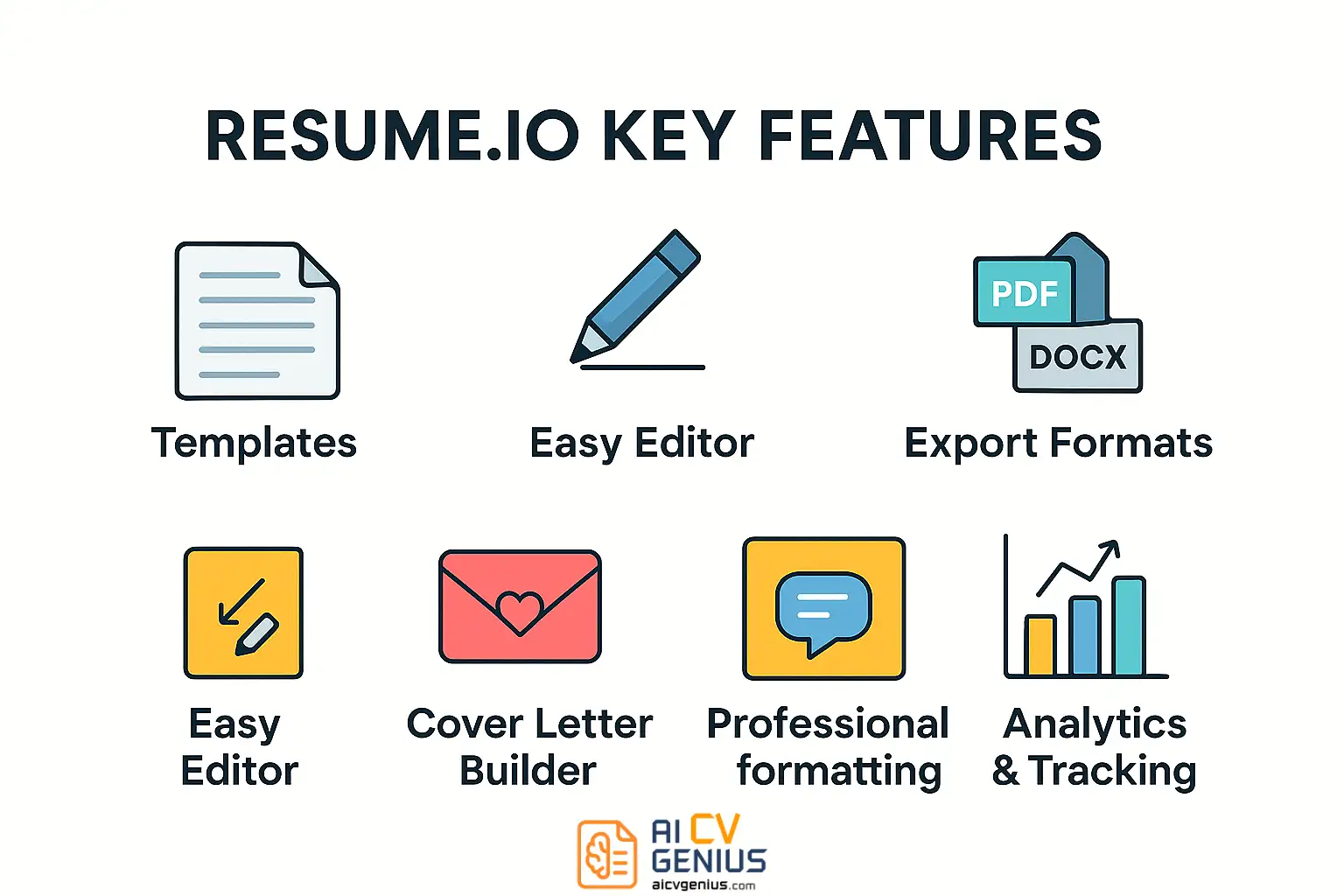
Professional Templates
Resume.io offers over 25 templates. While smaller than Canva’s library, these templates are designed with ATS (Applicant Tracking Systems) in mind. Styles range from minimalist (great for corporate jobs) to modern and creative (ideal for startups). Fonts and layouts adapt automatically to fit your content.
Drag-and-Drop Editor
The editor is Resume.io’s biggest strength. Unlike Word, where spacing can break easily, here every section locks into place. You can:
- Rearrange sections (Education, Experience, Skills) with one click.
- Adjust colors and fonts globally.
- Add or hide sections like Volunteer Work or References.
For non-designers, this is a lifesaver.
Export Options
Resumes can be exported in PDF or DOCX formats. PDFs are polished and ready to send, while DOCX gives flexibility if you want to tweak in Word. Premium users can also share resumes via a custom link – useful for remote applications where recruiters want instant access.
Cover Letter Builder
A unique bonus: Resume.io includes a cover letter builder. Matching your resume style is effortless. Just pick a template, write your letter, and export alongside your CV. This is a small feature that saves hours of formatting frustration.
Job Tracker
One underrated feature is the job tracker. It helps you keep tabs on applications: which jobs you’ve applied for, deadlines, and recruiter responses. For job seekers juggling multiple opportunities, this dashboard brings clarity.
Analytics
For premium plans, Resume.io offers analytics – showing when recruiters open your resume. This feature gives insight into whether your applications are being seen, and when to follow up.
Multi-Language Support
Unlike many tools, Resume.io supports multiple languages. This is especially valuable for users applying across global markets.
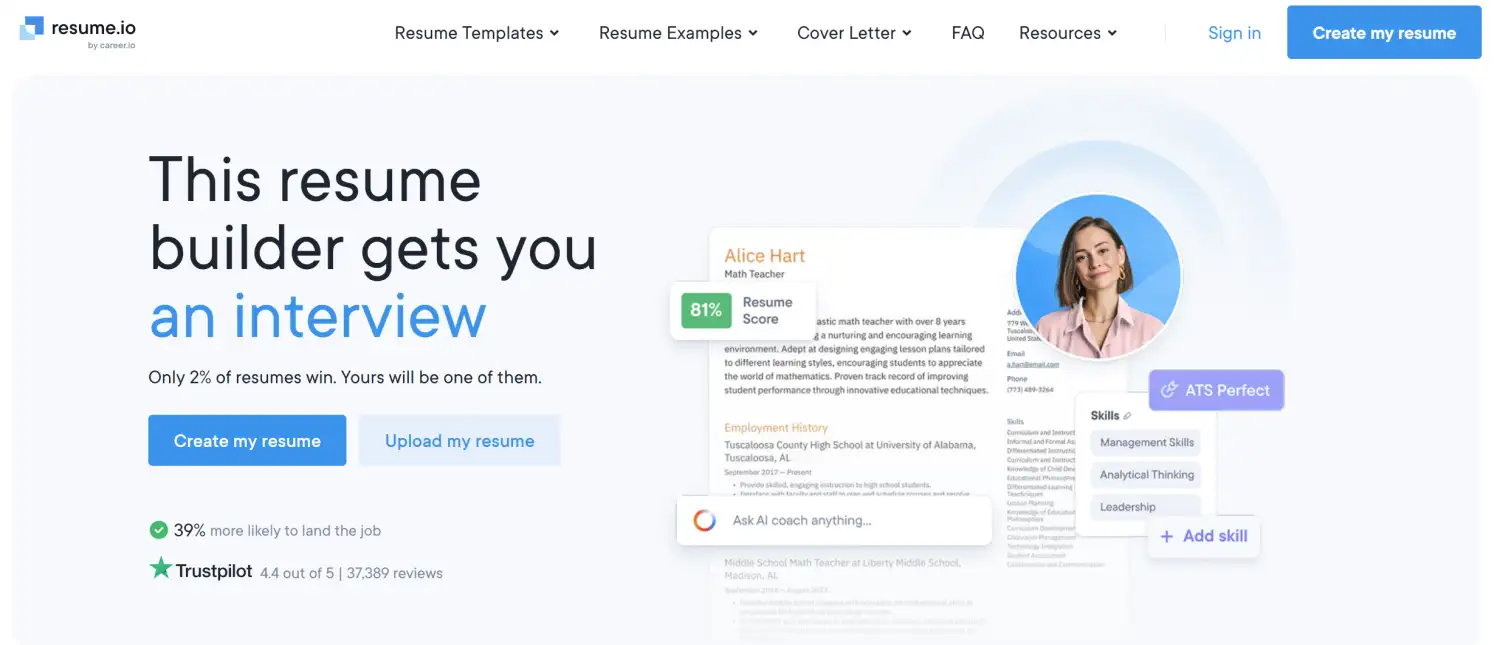
Step-by-Step: How to Build a Resume with Resume.io
- Sign Up: Create a free account using email or Google login.
- Choose a Template: Select from minimalist, professional, or creative designs.
- Fill Sections: Add work experience, education, skills. The editor suggests phrasing.
- Customize: Adjust fonts, colors, and layout.
- Preview: See live changes in real-time.
- Export: Download as PDF/DOCX or share with a link.
Time to complete: On average, 15–30 minutes for a polished resume.
Pricing: Free vs Premium
| Plan | Price | Features |
|---|---|---|
| Free | $0 | Access templates, but resumes include a watermark. Limited exports. |
| 7-Day Trial | $2.95 | Full access for a week. Auto-renews unless canceled. |
| Monthly | $24.95/month | Unlimited resumes, cover letters, analytics, no watermarks. |
| Yearly | $74.95/year | All premium features at a reduced annual cost. |
Tip: Use the 7-day trial if you only need one resume quickly. Cancel before renewal to avoid charges.
Who Should Use Resume.io?
- Students & Graduates: Great for creating clean, entry-level resumes quickly.
- Mid-Level Professionals: Easy to update with 5–10 years of experience.
- Executives: May feel limited due to customization needs.
- Freelancers & Remote Workers: Useful for producing resumes in multiple languages and formats.
Case Studies: Resume.io in Action
Case 1: The Graduate
Emma, a communications graduate, struggled with Word templates. With Resume.io, she built a one-page resume in under an hour. Despite the watermark in the free plan, she upgraded to the trial and secured her first PR internship within weeks.
Case 2: The Mid-Career Marketer
James had 8 years in marketing and wanted a professional but modern layout. Resume.io gave him structure, but limited customization frustrated him. He later exported his resume and tweaked design elements in Canva. Still, Resume.io helped him organize content clearly.
Case 3: The Senior Executive
Ana, a finance leader with 20 years of experience, needed a two-page resume with detailed achievements. Resume.io provided a clean structure, but felt restrictive for her needs. She used it to draft, then polished in Word. Despite the limitations, the process saved her days of formatting work.
Case 4: The Remote Freelancer
David, a web developer in Portugal, wanted resumes in English and Spanish. Resume.io’s multilingual support helped him produce polished documents in both languages, impressing international clients.
Pros and Cons of Resume.io
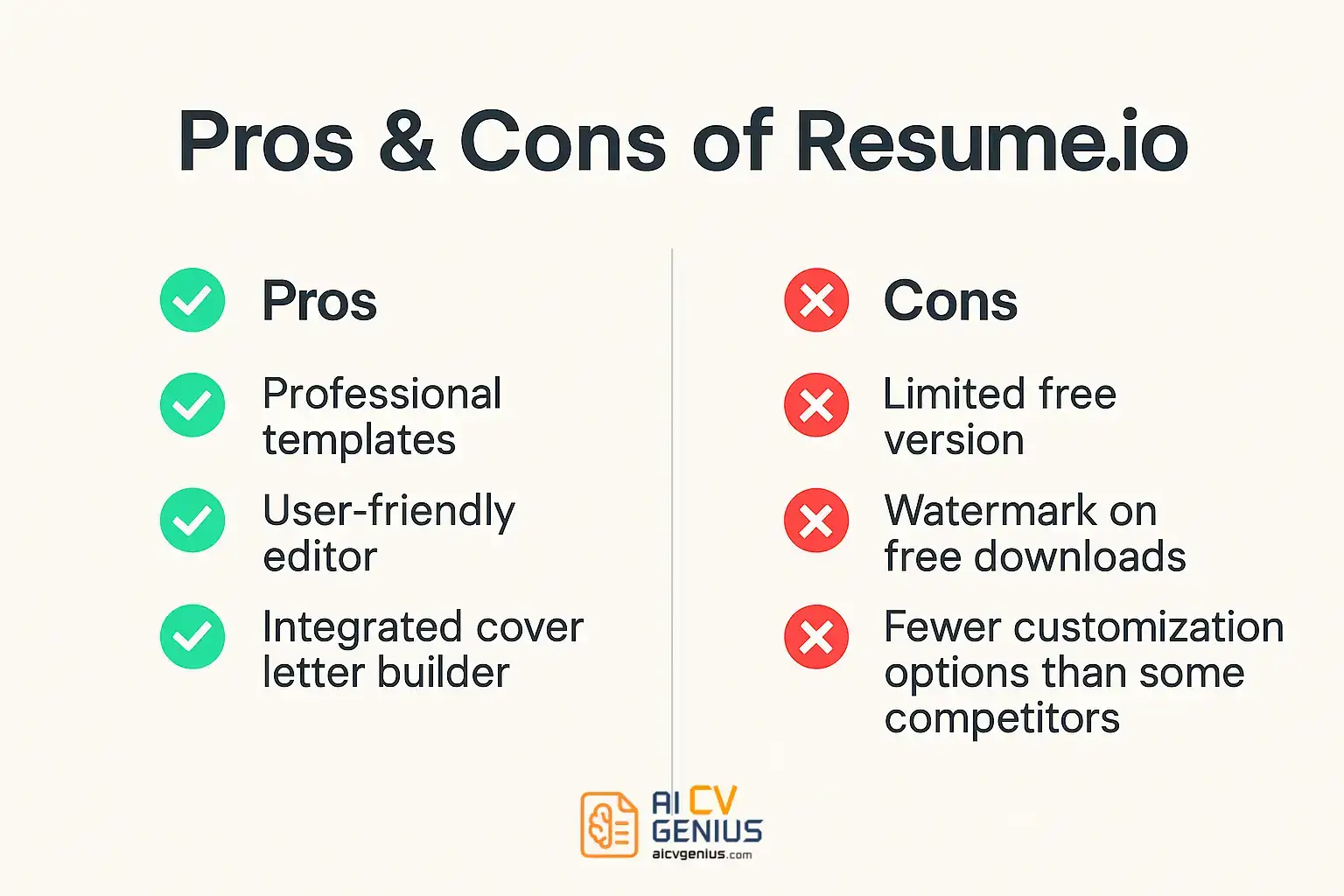
| Pros | Cons |
|---|---|
| ✅ ATS-optimized templates. | ❌ Free plan too limited (watermarks). |
| ✅ Very easy to use, beginner-friendly. | ❌ Subscription model expensive for one-time users. |
| ✅ Matching cover letter builder. | ❌ Fewer templates compared to Canva or Kickresume. |
| ✅ Job tracker for applications. | ❌ Limited customization for creative professionals. |
| ✅ Analytics for recruiter engagement. | |
| ✅ Multi-language support. |
Resume.io vs Competitors
| Feature | Resume.io | Zety | Canva | Kickresume | Enhancv |
|---|---|---|---|---|---|
| Templates | 25+ | 20+ | 50+ | 35+ | 30+ |
| Ease of Use | Very Easy | Moderate | Easy but more design-heavy | Easy | Moderate |
| ATS Optimization | Yes | Yes | Mixed | Yes | Yes |
| Free Plan | Yes, limited | No | Yes | Yes | No |
| Pricing | $24.95/month | $23.99/month | Free + $12.99 Pro | $19/month | $24.99/month |
Extended FAQ
Final Verdict
Resume.io delivers on its promise: fast, professional, ATS-friendly resumes without design headaches. It’s perfect for students, entry-level professionals, and anyone who wants speed and simplicity. Its limitations – watermarked free plans, fewer templates, and limited customization – mean it’s not the best for creative or executive roles. But for most job seekers, it’s a reliable, efficient tool. If you need flexibility and design freedom, Canva or Enhancv may suit you better. If you value structure and recruiter-approval, Resume.io remains one of the best choices today.