
- An ATS-friendly resume is one the system can convert, parse, and categorize correctly: Clean structure ensures your experience, skills, and dates are read in the right order.
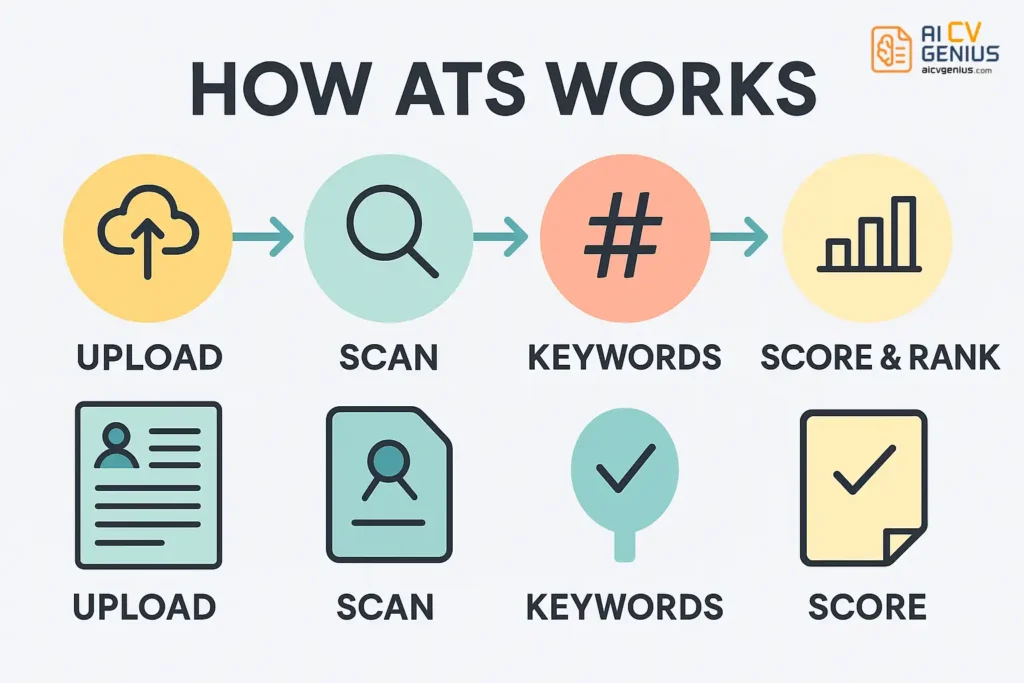
- ATS screening follows a fixed flow: File conversion to plain text, section parsing, keyword matching against the job description, then scoring and ranking.
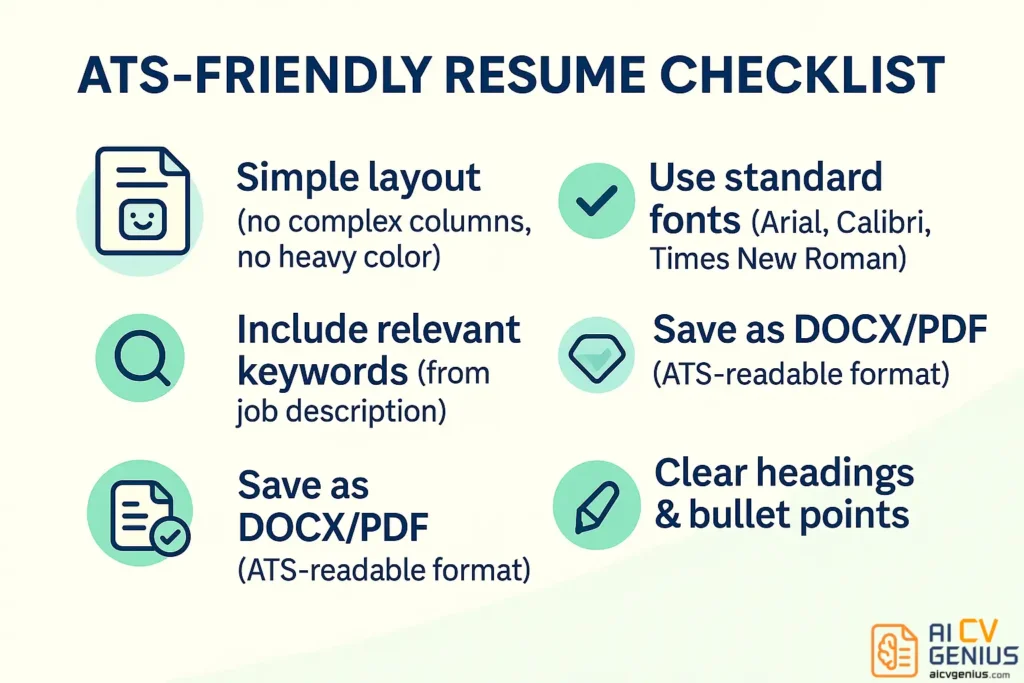
- The safest template rules are consistent across systems: Single-column layout, standard fonts, conventional section headings, simple bullets, and text-based DOCX or PDF files.
- Certain template types work best for ATS: Professional single-column is safest, minimalist black-and-white maximizes compatibility, and minimal hybrid two-column layouts require careful testing.
- Most ATS rejections come from avoidable mistakes: Tables, text boxes, headers-only contact info, graphics or skill bars, image PDFs, non-standard headings, weak filenames, and missing or poorly used keywords.
Finding a job already feels like a full-time job. The last thing you want is to get rejected by software before your resume even reaches a human recruiter. This is why savvy job seekers prioritize ATS-friendly resume templates. These templates are specifically designed to be read correctly by Applicant Tracking Systems (ATS), ensuring your qualifications aren’t lost in digital translation.
This guide delves into what “ATS-friendly” truly means, why it’s crucial for your job search success, and highlights effective template designs. We’ll cover essential formatting rules, strategic keyword use, and common pitfalls that cause ATS rejection. By the end, you’ll understand how to select and utilize a template that successfully navigates automated screening and impresses the hiring managers who make the final call.
What Does “ATS-Friendly” Really Mean?
An Applicant Tracking System (ATS) is software used by the vast majority of medium and large companies to manage the high volume of job applications they receive. When you apply online, your resume typically enters the ATS first. The system scans, parses, categorizes, and often ranks your information based on relevance to the job description. Recruiters then use the ATS to filter and find the most promising candidates.
An ATS-friendly resume is formatted so the software can easily and accurately extract your information. This involves using clean layouts, standard fonts, conventional section titles, and avoiding elements that confuse the parsing algorithms (like complex tables, graphics, or unconventional structures). An effective ATS-friendly template ensures the system sees your qualifications as clearly as a human would.
How ATS Systems Work (And Why They Matter)
Recruiters face hundreds of applications for popular roles. Manually reviewing each one is impractical. ATS automates the initial screening process, allowing recruiters to focus on qualified candidates. The system scans resumes for keywords, skills, experience duration, and other criteria defined by the job description, then scores and ranks applicants. Recruiters often only review the top-ranked profiles.
The ATS Screening Process
- Submission & Conversion: You upload your resume (usually DOCX or PDF). The ATS converts it into a plain text file for analysis.
- Parsing & Categorization: The system identifies sections (Experience, Education, Skills) and extracts key information like job titles, company names, dates, and specific skills.
- Keyword Matching: The ATS compares the extracted text against keywords and requirements from the job posting.
- Scoring & Ranking: Based on keyword matches, relevant experience, and other criteria, the system scores your resume, ranking you against other applicants.
If poor formatting causes errors during steps 1 or 2, or if step 3 fails due to missing keywords, your resume may be ranked low or filtered out entirely, regardless of your qualifications. Using reliable ATS-friendly resume templates minimizes these risks.
Checklist for an ATS-Friendly Resume Template
Ensure your chosen template adheres to these fundamental ATS compatibility rules:
- ✅ Clean Layout Structure: Primarily single-column is safest. Avoid complex tables, text boxes, or sidebars that disrupt linear reading order.
- ✅ Standard, Readable Fonts: Use common fonts like Arial, Calibri, Helvetica, Georgia, Times New Roman (size 10-12pt for body text). Avoid script or decorative fonts.
- ✅ Conventional Section Headings: Use standard titles like “Work Experience,” “Professional Experience,” “Education,” “Skills,” “Certifications.” Avoid creative alternatives like “My Journey” or “Where I’ve Been.”
- ✅ Standard Bullet Points: Use simple, solid circles (●) or squares (■). Avoid overly stylized symbols.
- ✅ No Text within Graphics: All essential text (name, contact info, experience) must be actual text, not part of an image or header/footer graphic.
- ✅ Appropriate File Type: Save and submit as a DOCX or a text-based PDF (ensure text can be selected/copied). Avoid image-based PDFs.
Best Types of ATS-Friendly Resume Templates
These template styles effectively balance ATS compatibility with a professional presentation. Tools like an AI resume builder for ATS optimization can further assist in ensuring both formatting and content are aligned with system requirements.
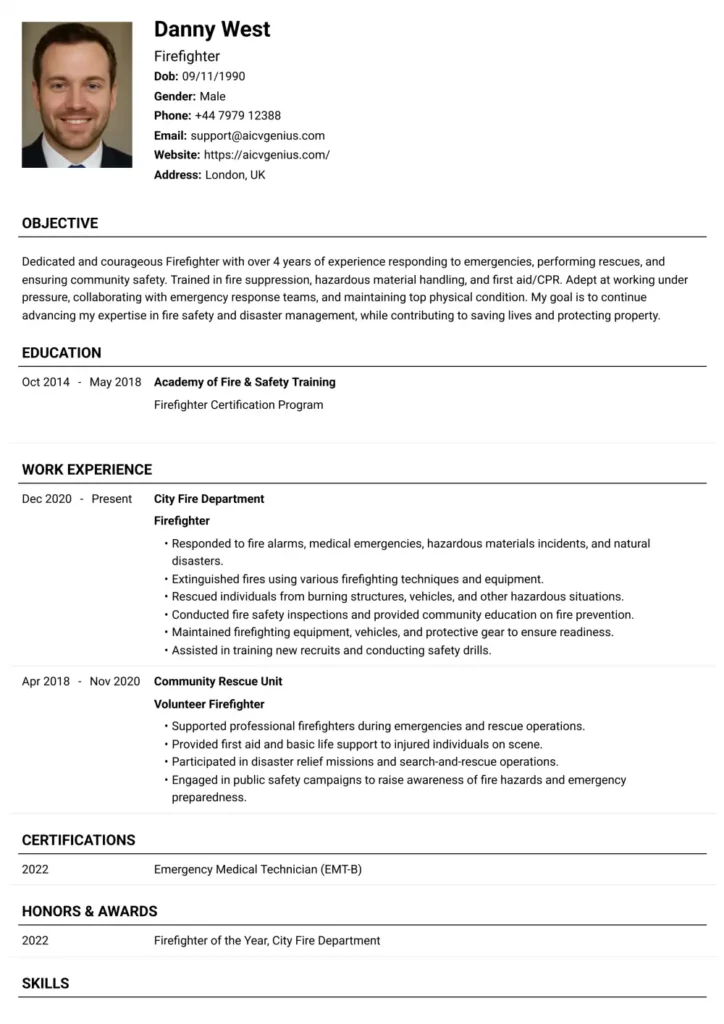
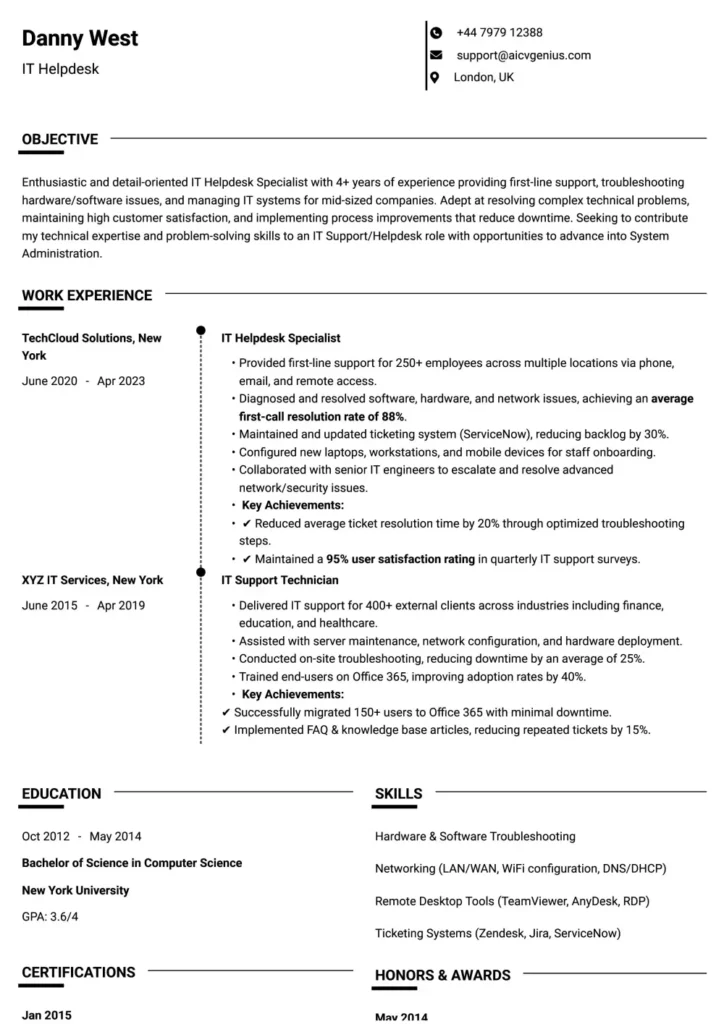
Professional Single-Column Template
This is the universally safest and most recommended format for ATS compatibility. It ensures a clear, linear flow that parsing algorithms can read accurately from top to bottom. Ideal for conservative industries (finance, law, government) and essential for maximizing readability by all ATS types.
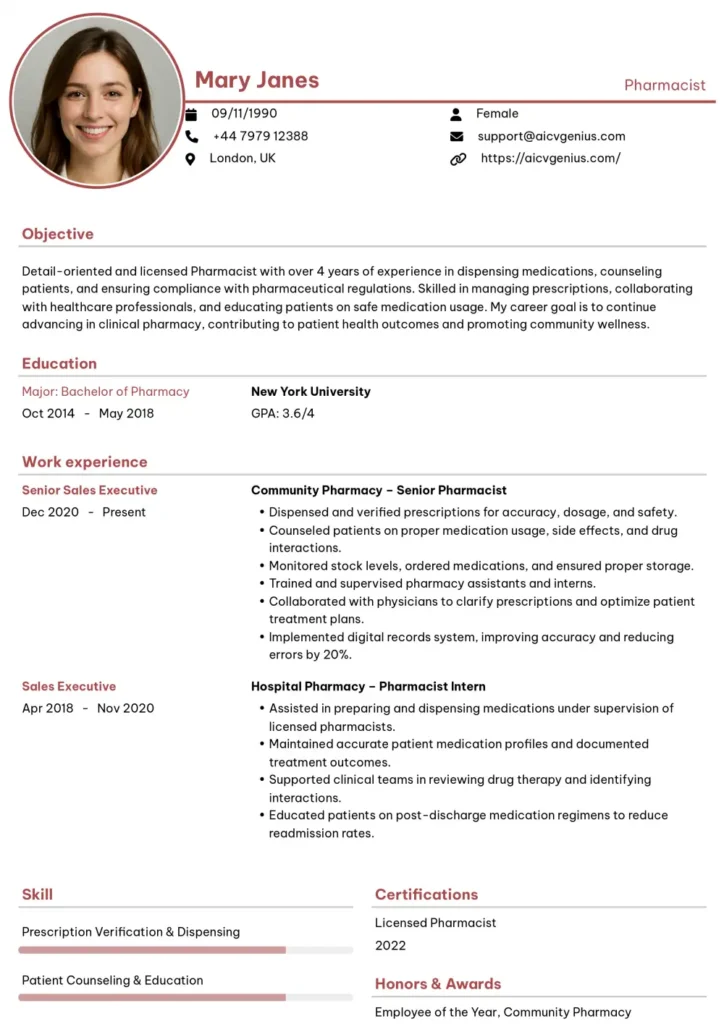
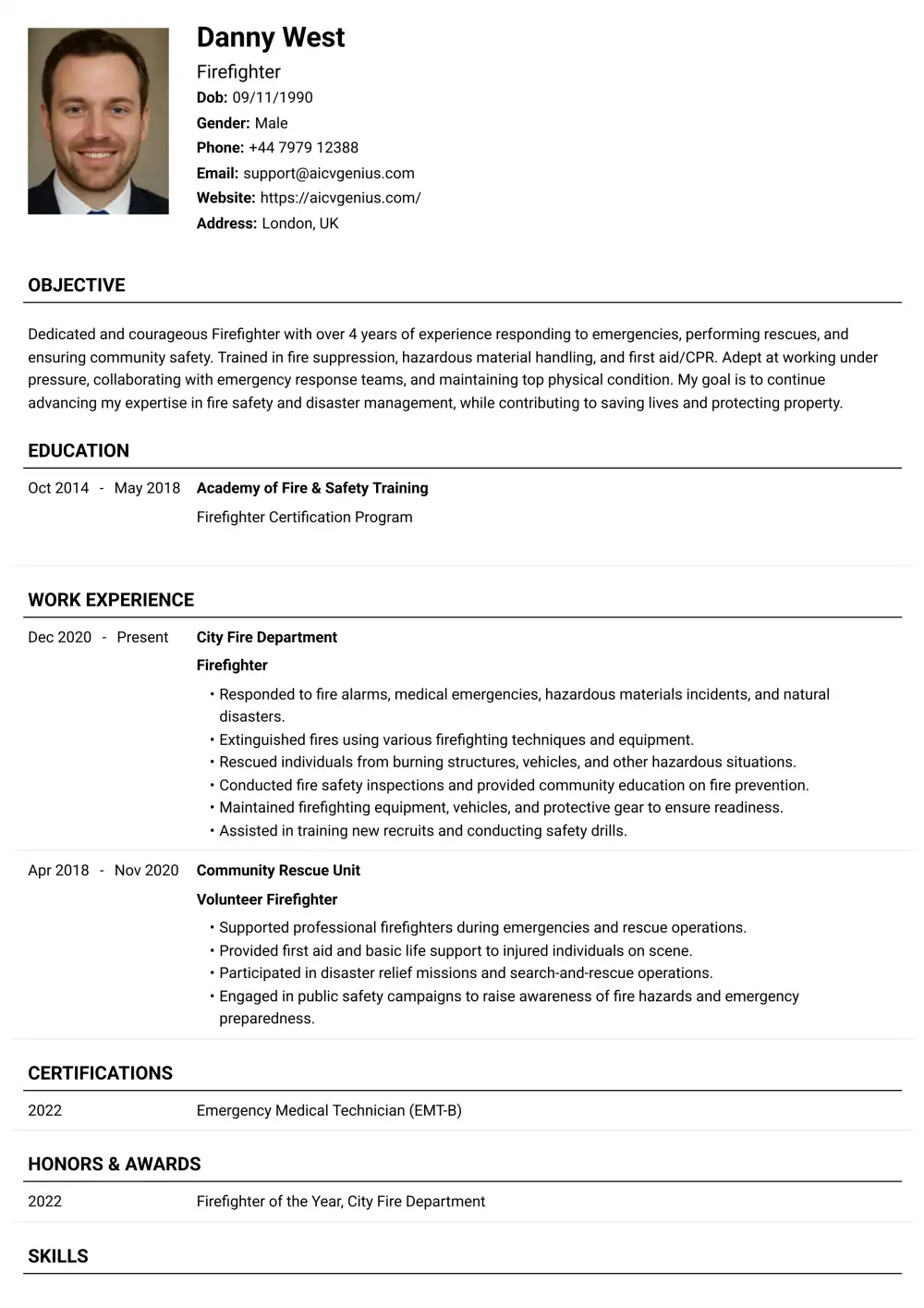
Modern Hybrid (Minimal Two-Column) Template
This format uses a main single column for core content (Experience, Education) and a very narrow, distinct sidebar *only* for secondary information like Contact Details and Skills list. While visually appealing, use with caution. Test thoroughly, as some older ATS might still struggle. Best suited for tech or marketing roles where slight design flair is acceptable.
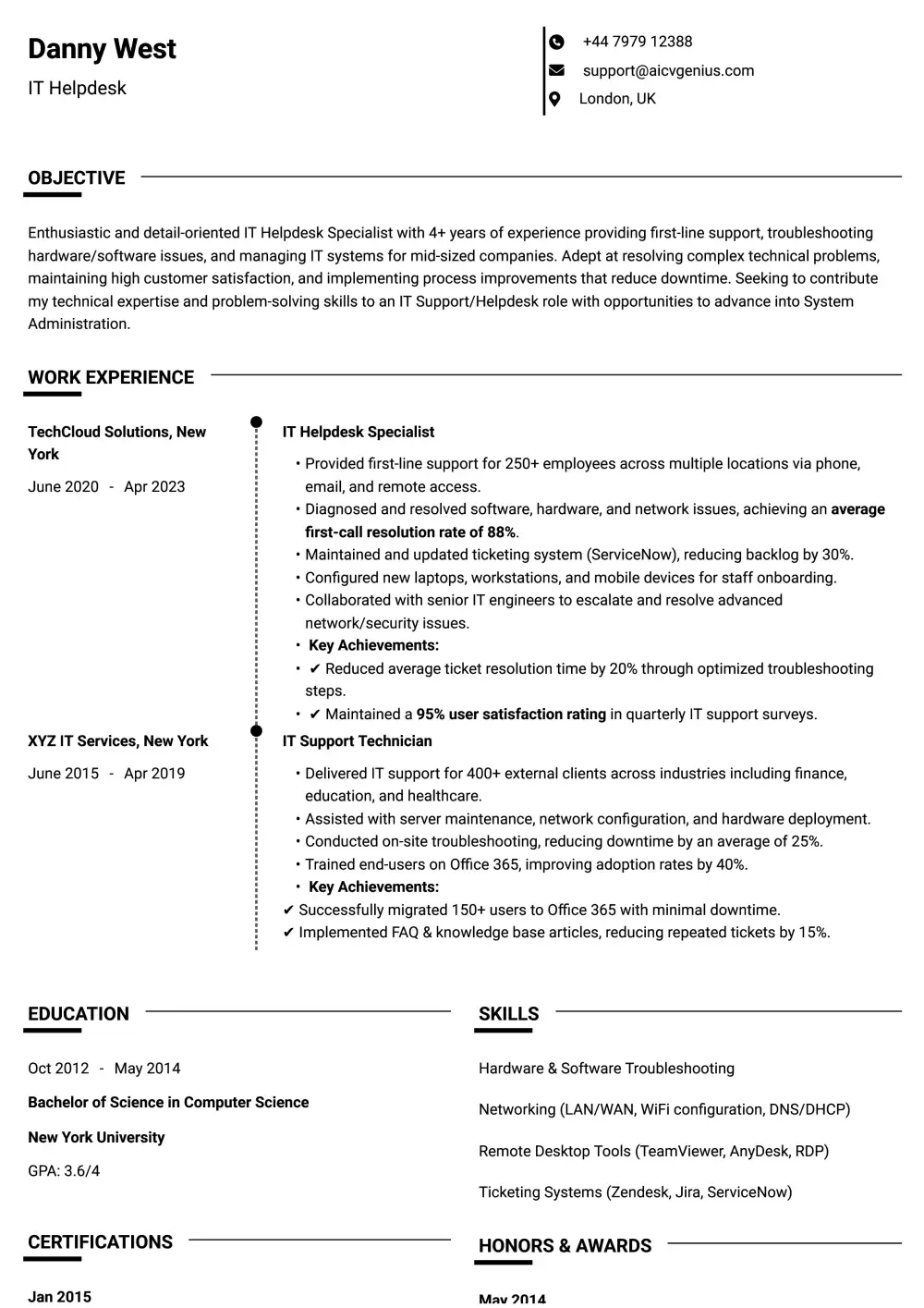
Simple Black-and-White Minimalist Template
Prioritizing content over design, this template uses only black text on a white background with strong headings and ample white space. Its simplicity guarantees maximum compatibility with all ATS and is excellent for academic, research, or entry-level positions where clarity is paramount.
Reverse Chronological Template
This refers more to content structure than visual design, but it’s crucial for ATS. Templates should inherently support listing your work experience with the most recent role first. ATS systems are programmed to look for this structure.
Free vs. Paid ATS-Friendly Templates
You can find effective ATS-friendly templates without spending money, but paid options offer certain advantages.
Free Templates (e.g., from FreeResumeHub, Word, Google Docs)
- ✅ No cost involved.
- ✅ Widely accessible and editable in common software.
- ✅ Often simple, clean, and inherently ATS-safe (especially single-column).
- ⚠️ Design options may be basic or generic.
- ⚠️ Requires more effort to ensure formatting consistency.
Paid Templates (e.g., from dedicated resume builders)
- ✅ Professionally designed and often explicitly tested for ATS compatibility.
- ✅ Offer more polished aesthetics while adhering to ATS rules.
- ✅ May include built-in guidance, keyword suggestions, or support.
- ⚠️ Involve a one-time fee or subscription cost ($5 – $30+).
- ⚠️ Some platforms lock you into their ecosystem.
For students or those on a tight budget, free templates are perfectly adequate. For competitive mid-level or senior roles, a well-chosen paid template can provide a professional edge.
Common Mistakes That Cause ATS Rejection
Avoid these critical formatting and content errors:
- ❌ Using Tables or Text Boxes: Many ATS cannot parse text within tables or text boxes correctly. Stick to standard paragraph text and bullet points.
- ❌ Complex Headers/Footers: Placing essential contact information solely in the header or footer can cause it to be missed by some ATS. Include it in the main body too.
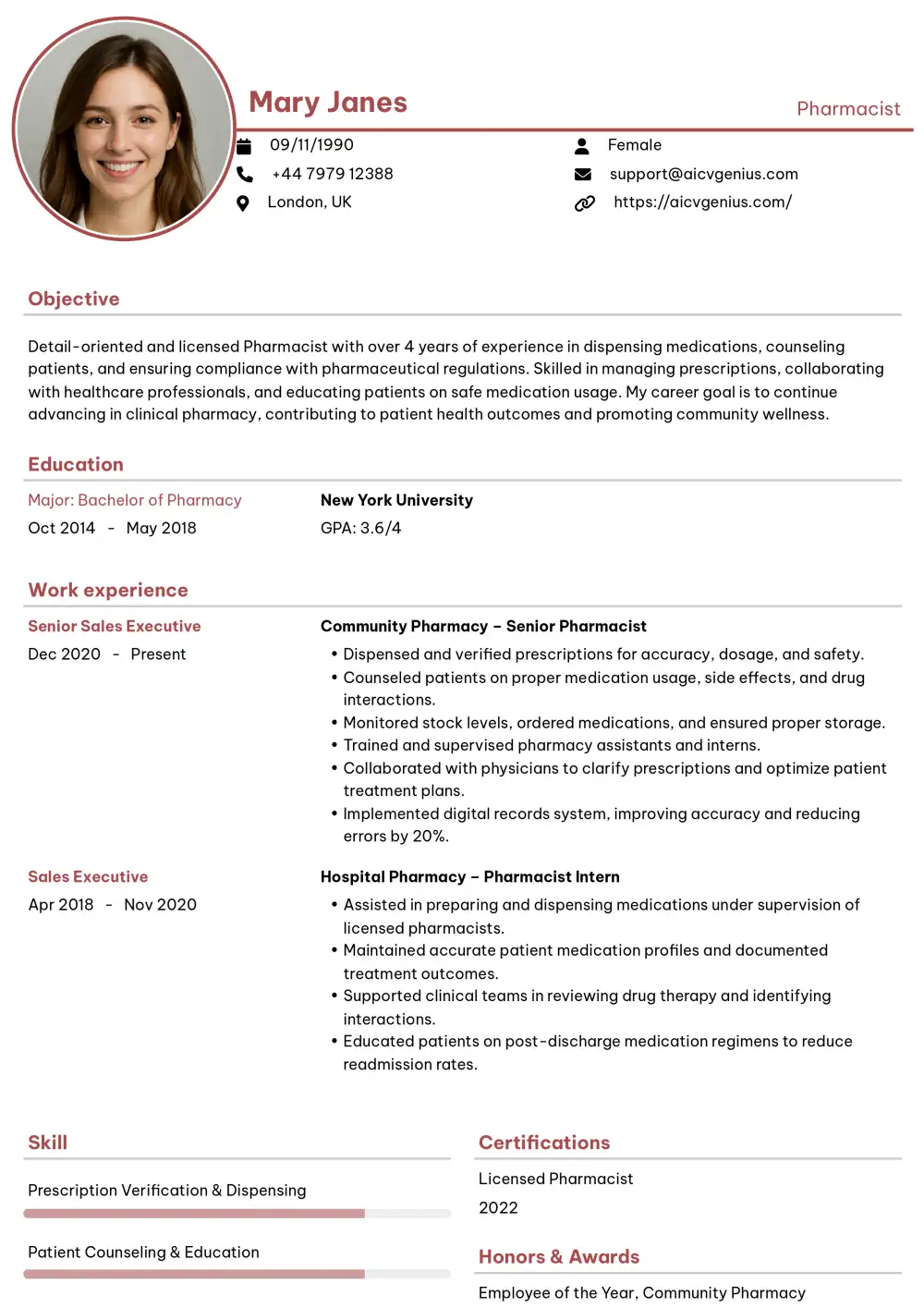
- ❌ Graphics, Logos, or Skill Bars: ATS ignores images and graphical representations of skill levels (like star ratings or progress bars). List skills using text only.
- ❌ Uncommon Fonts or Symbols: Stick to universal fonts and standard bullet points to avoid rendering errors.
- ❌ Saving as an Image PDF: Ensure your PDF is text-based (selectable text). Scanned documents or image-only PDFs are unreadable by ATS.
- ❌ Vague or Non-Standard Section Titles: Use clear, expected headings like “Work Experience,” not “My Career Path.”
- ❌ Poor File Naming: Use a professional and clear file name, ideally “FirstName_LastName_Resume.pdf”. Avoid generic names like “Resume_final.pdf”.
How to Choose the Right ATS-Friendly Template
Consider your industry and experience level:
- Conservative Industries (Finance, Law, Academia, Government): Prioritize simple, professional single-column templates. Clarity and tradition are key.
- Tech, Marketing, Creative Fields: A well-structured modern hybrid template might be acceptable, but single-column remains the safest bet, especially for large companies.
- Students & Entry-Level: A clean, concise one-page, single-column template is ideal. Focus on education, projects, and internships.
- Executives & Senior Leaders: Choose professional templates (often single-column) that accommodate longer experience sections and dedicated summary/leadership areas.
Tips for Writing Content That Passes ATS Filters
The template provides the structure; the content ensures relevance. Optimize your writing for both ATS and human readers:
Integrate Keywords Naturally
Carefully review the target job description. Identify recurring skills, technologies, responsibilities, and qualifications. Weave these exact keywords (and relevant synonyms) naturally throughout your resume, particularly in the Summary, Skills, and Experience sections. Avoid unnatural “keyword stuffing.”
Use Standard Section Headings
Reinforce clarity for the ATS by using conventional titles like “Professional Experience,” “Education,” “Skills,” “Certifications,” “Projects.”
Quantify Achievements with Action Verbs
Start bullet points with strong action verbs (e.g., Led, Managed, Developed, Increased, Reduced, Implemented). Whenever possible, quantify your accomplishments with numbers, percentages, or dollar amounts (e.g., “Increased sales by 15%,” “Managed a team of 8,” “Reduced project costs by $10K”). This appeals to both ATS keyword matching and human recruiters looking for impact.
Spell Out Acronyms (Initially)
While ATS can recognize common industry acronyms (like PMP or CPA), it’s safer to spell out the full term the first time you use it, followed by the acronym in parentheses, especially for less common ones. Example: “Managed Customer Relationship Management (CRM) system…”
Final Thoughts
Navigating the modern job application process means optimizing for both technology and human reviewers. The best ATS-friendly resume templates provide a crucial foundation, ensuring your qualifications are accurately parsed by software while still presenting a polished, professional image to recruiters.
Whether you opt for a free or paid template, prioritize clean structure, standard formatting, and relevant keywords. Consider ATS-friendly resume templates with modern design elements carefully, ensuring they don’t compromise readability for the system. By understanding how ATS works and avoiding common pitfalls, you significantly increase your chances of moving past the initial screening and landing the interviews you deserve.
Choose your template wisely, tailor your content meticulously, and submit your application with confidence, knowing you’ve addressed both the bots and the hiring managers.