
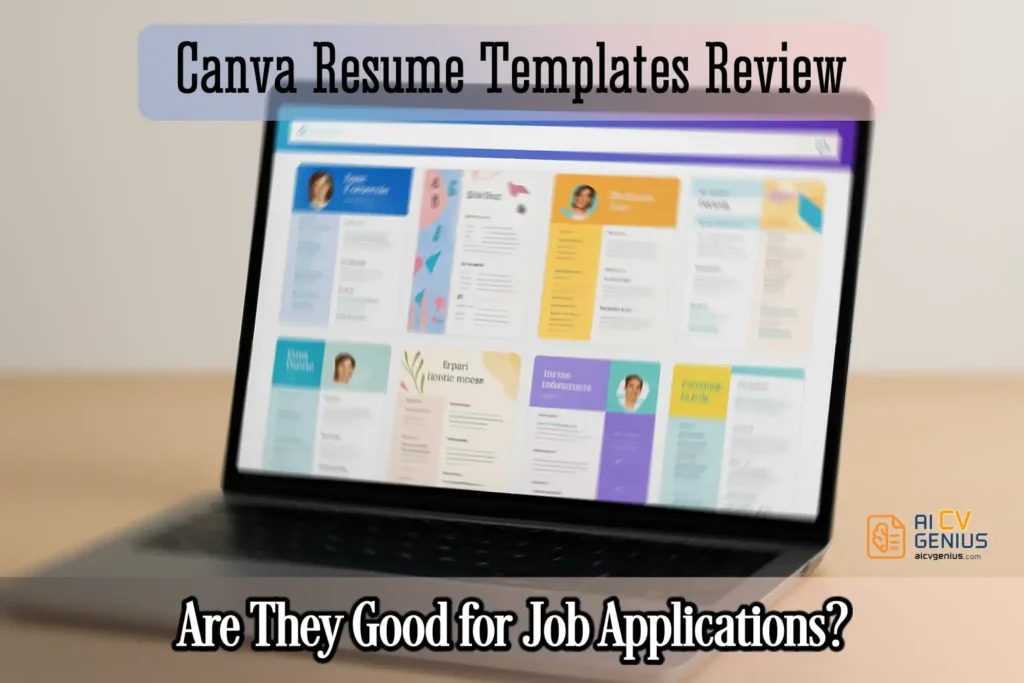
- The article frames the core tradeoff clearly: Canva gives unmatched design freedom for resumes, but ATS compatibility depends heavily on how simple the template is and how you export it.
- It breaks Canva resume templates into four types (simple, infographic, creative, corporate-style) and explains which ones are safer for corporate hiring versus better for portfolios and networking.
- It walks through the build process from template choice to export, warning that over-design, clutter, and graphic-heavy layouts raise parsing risk, and it recommends keeping a plain DOCX backup for ATS-heavy applications.
- Real-world case studies show mixed outcomes: A designer benefits from visual storytelling, a corporate finance applicant gets blocked by ATS until switching to a simpler DOCX, and freelancers or international applicants can use Canva effectively for branding or bilingual versions.
- The verdict compares Canva to Resume.io, Kickresume, Zety, and Enhancv: Canva wins on creative control and template volume, but loses on resume-specific features and consistent ATS reliability, so the best approach is often two versions, one creative for people and one plain for systems.
In the world of online design, Canva has become the go-to platform for creating everything from Instagram graphics to pitch decks. Naturally, millions of job seekers also turned to Canva to build resumes. With thousands of free and premium templates, Canva offers unmatched creative freedom. But here’s the million-dollar question: Are Canva resume templates actually effective for job hunting, especially in an ATS-driven world? In this detailed Canva Resume Templates Review, we’ll explore features, strengths, weaknesses, use cases, case studies, and how Canva compares to dedicated resume builders like Resume.io, Kickresume, Zety, and Enhancv.
Why Canva Resumes Became So Popular
Canva wasn’t built specifically for resumes. It started as a design tool for non-designers. Yet, people quickly realized they could use it to craft stylish resumes that broke away from boring Word documents. What makes Canva so popular for resumes?
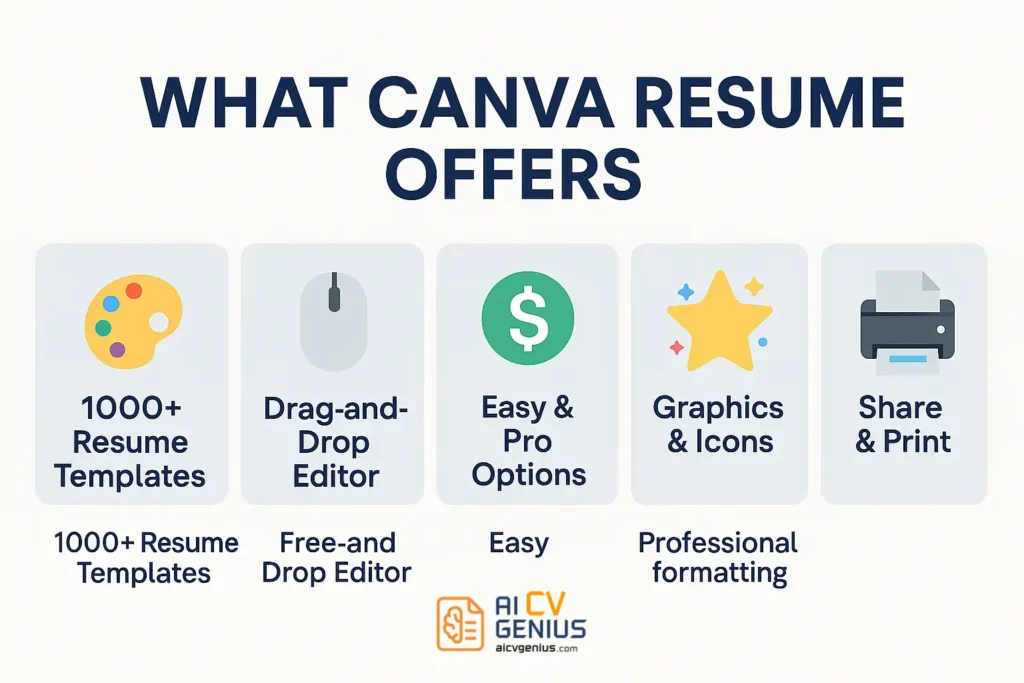
- Design freedom: 1000+ templates, all customizable.
- Accessibility: Free plan is generous, Pro is affordable.
- Visual appeal: Perfect for jobs where creativity matters.
- Ease of use: Drag-and-drop editing with no steep learning curve.
Types of Canva Resume Templates
Not all Canva resumes are created equal. Here are the main categories:
Simple Resumes
Clean layouts with black text, minimal icons, and subtle design. Best chance of passing ATS. Good for corporate roles.
Infographic Resumes
Feature charts, graphs, and skill bars. Eye-catching, but risky for ATS parsing. Best used for networking, not online applications.
Creative Resumes
Bright colors, bold fonts, unique layouts. Ideal for designers, marketers, artists. Not suitable for banking or law.
Corporate-Style Resumes
Formal layouts with sections clearly divided. Less risky for ATS, closer to traditional resume formats.
Building in Canva: Process & Pricing
Step-by-Step: Building a Resume in Canva
- Sign Up: Create a free Canva account.
- Search Templates: Enter “resume” and browse categories.
- Pick Wisely: Choose a template that balances design with readability.
- Edit Content: Replace dummy text with your own. Use clear job titles and bullet points.
- Keep It Clean: Avoid clutter – one or two colors max for ATS-friendly versions.
- Export: Download as PDF (recommended) or PNG/JPG. Avoid fancy formats.
- Backup in Word: If applying online, consider copying content into a plain DOCX for ATS safety.
Pricing
| Plan | Price | What You Get |
|---|---|---|
| Free | $0 | Hundreds of free templates, fonts, and graphics. |
| Pro | $12.99/month | Premium templates, fonts, brand kit, collaboration tools. |
| Enterprise | $30+/month | Advanced team tools, rarely useful for resumes. |
Use Cases & Real-World Case Studies
Who Should Use Canva Resumes?
- Students & Graduates: Easy to make resumes that stand out visually.
- Creative Professionals: Designers, marketers, artists benefit most.
- Freelancers: Great for resumes doubling as portfolios.
Who Should Avoid Canva Resumes?
- Executives: Recruiters expect traditional, detailed formats.
- Corporate Roles: Banking, finance, law often reject creative designs.
- ATS-Heavy Companies: Complex Canva resumes risk rejection.
Case Studies
Case 1: The Designer
Amira, a design student, built a colorful Canva resume with icons and a creative timeline. Agencies praised it for showcasing her eye for design. She landed her first internship quickly. Success.
Case 2: The Corporate Applicant
Robert, applying to a Fortune 500 finance firm, submitted a Canva infographic resume. The ATS failed to parse it. He got no callbacks until he switched to a simple DOCX resume. Failure due to ATS.
Case 3: The Freelancer
Sofia, a social media consultant, used Canva to create a portfolio-style resume. Clients loved her vibrant design, which doubled as personal branding. Strong win.
Case 4: The Executive
Michael, with 20 years in IT, tried a Canva template but found it too restrictive for a two-page leadership resume. He returned to Word. Neutral outcome.
Case 5: The International Applicant
Linh, applying for jobs in Europe, used Canva to make bilingual resumes (English and German). Recruiters appreciated the clarity and professional polish. Positive for global markets.
Verdict: Canva vs Dedicated Builders
Pros and Cons of Canva Resumes
| Pros | Cons |
|---|---|
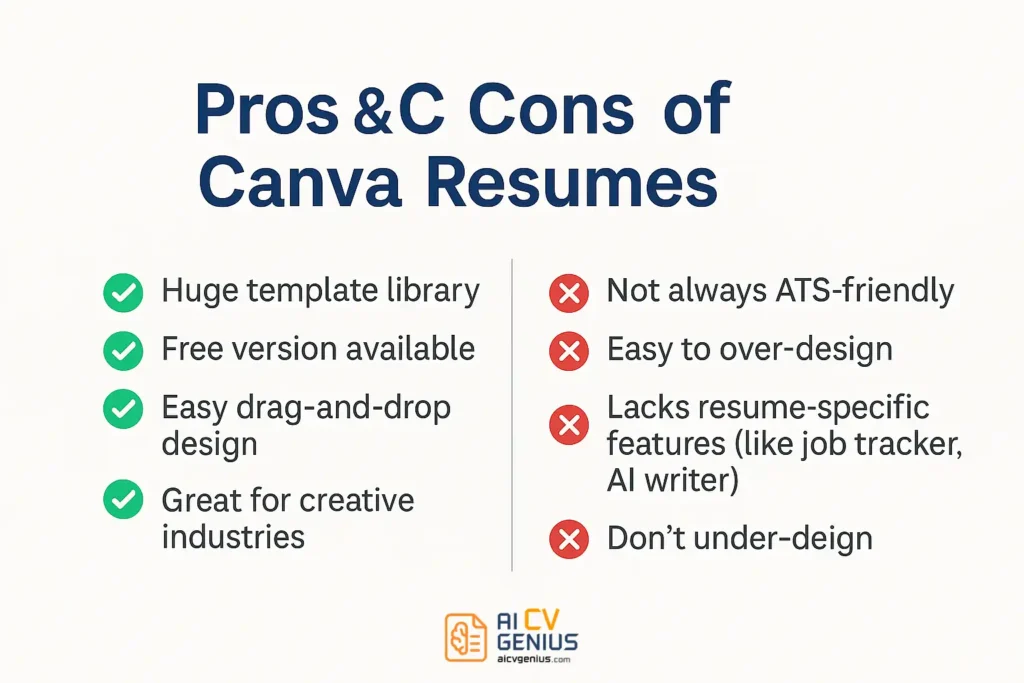
| ✅ Huge template library (1000+). | ❌ Not always ATS-compatible. |
| ✅ Free plan is powerful enough for resumes. | ❌ Easy to over-design, confusing recruiters. |
| ✅ Intuitive drag-and-drop editor. | ❌ No job tracker, AI writer, or analytics. |
| ✅ Perfect for creative industries. | ❌ Limited export formats (no DOCX). |
| ✅ Visual storytelling possible (charts, icons, colors). |
Canva vs Resume Builders
| Feature | Canva | Resume.io | Kickresume | Enhancv | Zety |
|---|---|---|---|---|---|
| Templates | 1000+ | 25+ | 35+ | 30+ | 20+ |
| ATS-Friendly | Mixed | Yes | Mostly | Yes | Yes |
| Ease of Use | Very Easy | Very Easy | Easy | Moderate | Moderate |
| Creative Freedom | High | Low | Medium | Medium | Low |
| Pricing | Free + $12.99 Pro | $24.95/month | $19/month | $24.99/month | $23.99/month |
Tips for Making Canva Resumes Work
- Stick to simple templates for corporate jobs.
- Avoid heavy graphics if applying via ATS.
- Create two versions: one creative for networking, one plain for online applications.
- Always test your resume with free ATS checkers before submitting.
Final Verdict
Canva resumes are a fantastic option for creatives, students, and freelancers who want resumes that stand out visually. The free plan makes it accessible, and the sheer variety of templates is unmatched. However, for corporate, ATS-heavy industries, Canva can backfire. The key is balance: use Canva to show personality, but keep a plain, ATS-friendly version for online applications. In short, Canva is a great tool for design – but not a dedicated resume builder. Know when and how to use it, and you’ll get the best of both worlds.