
- Free resume template websites are not a free vs paid debate: The real divide is effective vs ineffective, because the biggest hidden risk is ATS readability, not price.
- Recruiters do not care what tool you used: They care whether the resume reads cleanly in under six seconds, and whether an ATS can parse it without breaking sections, dates, and contact info.
- Five platforms get compared with real trade-offs: Canva is the biggest ATS trap (Columns, graphics, text boxes), Google Docs is the safest standard, ResumeGenius is best for guided writing but often freemium on PDF, Indeed is perfect inside the Indeed ecosystem, and Kickresume is a modern middle ground if you choose a simple template.
- Picking the right free tool depends on your job hunt path: Emailing a human for creative roles can justify Canva, online portals for corporate or tech should default to Google Docs, beginners can draft in ResumeGenius then format in Google Docs, and high-volume Indeed applicants should keep an Indeed version plus a separate portable PDF.
- Execution rules make or break “free”: Stick to single-column, no icons or photos, professional fonts, proofread hard, export a text-based PDF you can highlight-select, keep DOCX and TXT backups, and only upgrade to paid plans if you truly need premium templates or advanced features.
The Strategic Value of “Free”
Looking for a professional resume but don’t want to spend money upfront? You’re not alone. Thousands of job seekers start their career journey with free tools. But this is where the first strategic mistake is often made. The debate isn’t about “free” vs. “paid”; it’s about “effective” vs. “ineffective.” The truth is, some of the best free resume template websites can look just as polished as premium ones, but many carry a hidden risk.
Many free templates, especially visually creative ones, are completely unreadable by the Applicant Tracking System (ATS) software that 99% of Fortune 500 companies (and over 70% of all companies) use to filter candidates. Your resume, which you spent hours perfecting, might be rejected by a machine before a human ever sees it.
This guide is different. We will not just list free tools. We will deconstruct the strategy behind them. We’ve handpicked five trusted platforms that let you create, customize, and download your resume for free, but we will also analyze the critical trade-offs between visual appeal and ATS compliance, so you can choose a tool that actually gets you interviews.
The Recruiter’s View: Free vs. Professional
Let’s be clear: a recruiter cannot tell if you used a free or paid template. They do not know, and they do not care. What they can see in under six seconds is evidence of professionalism, clarity, and effort.
The danger of “free” is that it can sometimes lead to “low effort.”
- The “Canva” Trap: The applicant chooses a beautiful, highly visual template with icons, graphics, and multiple columns. This signals “creative” but is instantly rejected by the ATS. The recruiter never sees it.
- The “Google Docs” Default: The applicant uses a basic template but doesn’t customize it. They leave generic fonts, inconsistent spacing, and a layout that shows no personal tailoring. This signals a lack of effort or design sense.
The goal is to use a free tool to create a document that looks clean, professional, and strategically designed. It must be 100% ATS-compliant, with clear section headings, standard fonts, and a layout that a machine can parse as easily as a human can read.
Quick Overview: The Top 5 Free Platforms
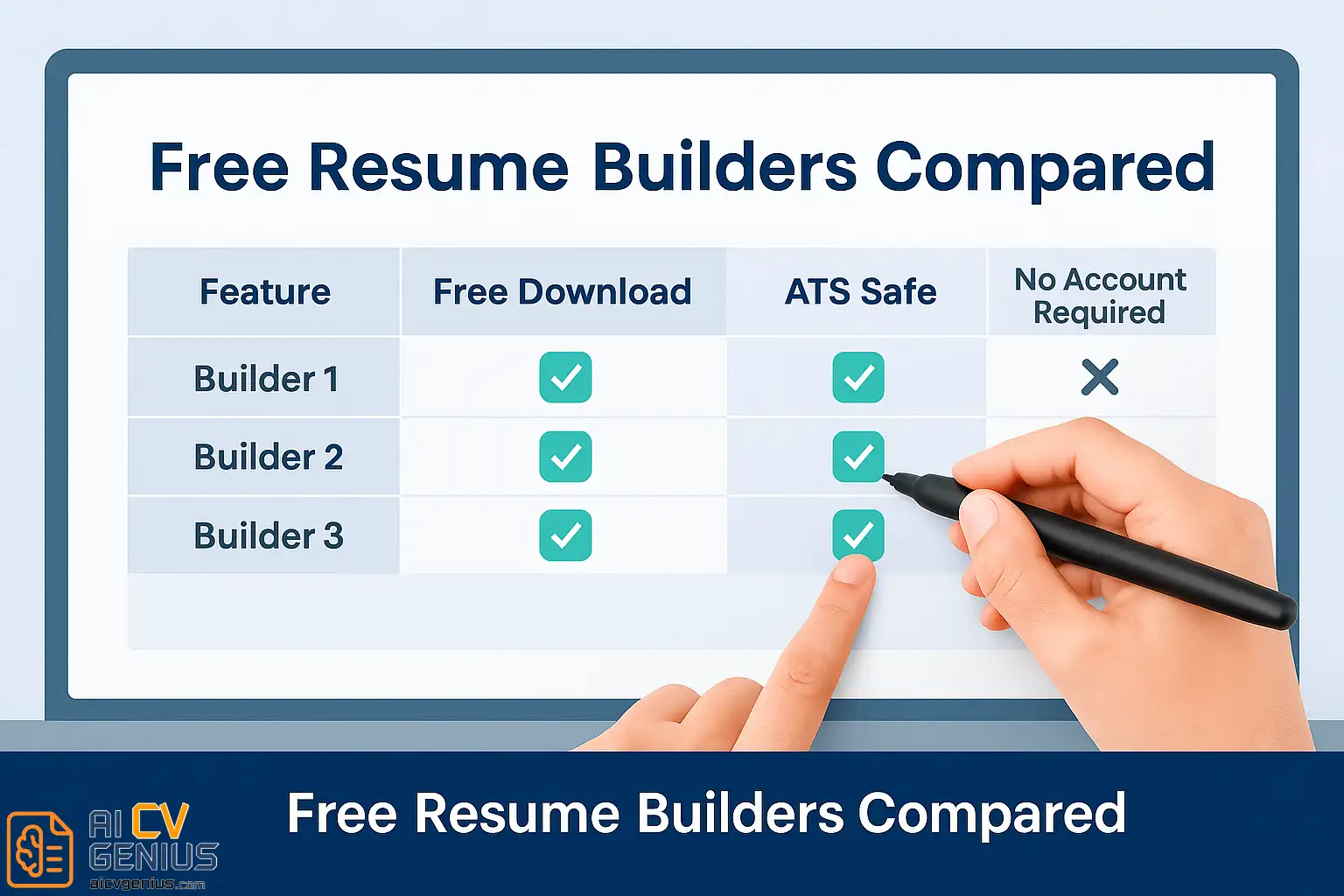
Here is a high-level comparison of the platforms we will analyze. Notice the critical “ATS Friendly” column, which is the most important factor in your decision.
| Website | Best For | Free Download | ATS Friendly |
|---|---|---|---|
| Canva | Creative professionals (with caution) | ✅ PDF download free | ⚠️ High Risk: Many templates are not ATS-safe |
| Google Docs | Simple, classic, maximum safety | ✅ 100% free | ✅ Fully ATS-safe (if kept simple) |
| ResumeGenius | Guided resume creation | ✅ With free export option (TXT) | ✅ Yes |
| Indeed Resume Builder | Applying directly on Indeed | ✅ Yes, online & PDF | ✅ Yes |
| Kickresume | Modern designs (with caution) | ✅ Some free templates | ✅ Mostly ATS-safe (if you choose wisely) |
Deep Dive: A Strategic Analysis of Each Platform
Let’s move beyond the marketing and look at the functional reality of using these tools for a real job hunt.
1. Canva – The Creative Powerhouse (and Biggest Risk)
Canva is a brilliant design tool. For graphic designers, marketers, or social media managers, it’s an intuitive way to build a stunning visual resume. You can choose from hundreds of templates, customize colors, add icons, and create a document that is truly beautiful.
The Critical Flaw: Most of these beautiful templates are resume-killers. Why? The ATS.
- Columns: ATS bots read from left to right, top to bottom. If you use a two-column template, the bot will read across both columns, turning your experience into gibberish. (e.g., “Managed… (from right column) …2018-2020… (from left column) …a team of five…”).
- Graphics & Icons: An ATS cannot read an image. If you put your contact info next to a phone icon, the bot may skip it. If you use a graphical “progress bar” to show your skill level, the bot sees nothing.
- Text Boxes: Many Canva templates place text in separate text boxes. An ATS often fails to parse these or reads them in the wrong order.
Pros: Total design freedom, drag-and-drop interface, huge library of fonts and icons.
Cons: The vast majority of templates are not ATS-friendly. This is the single biggest trap for modern job seekers.
How to Use It Safely: If you must use Canva, you must be disciplined. Choose their most minimalist, single-column template. Do not add icons. Do not add graphics. Use a standard font (like Inter, Lato, or Arial). At that point, you are essentially rebuilding the Google Docs template, but with more steps.
Perfect for: Graphic designers submitting a resume directly to a human’s email (bypassing an ATS) or for a creative portfolio.
❌Dangerous for: Anyone applying for a corporate, tech, or remote job through an online portal.
2. Google Docs – The Gold Standard for Safety
Google Docs offers a small set of free resume templates in its “Template Gallery.” They are not flashy. They are not “creative.” And that is their greatest strength. They are clean, text-based, and 100% ATS-readable.
The “Serif” or “Modern Writer” templates are industry-standard. They provide a simple, single-column layout that clearly defines sections (Experience, Education, Skills) in a way that both a human and a machine can read perfectly.
Pros: 100% free, cloud-based, collaborative, easily editable, and the safest option for ATS compliance.
Cons: Limited visual variety. You will not “wow” a creative director with the design, but you will impress a recruiter with your clarity.
How to Use It Safely: Stick to the single-column templates. You can customize the fonts (use professional fonts like Garamond, Lato, Roboto, or Inter) and change the accent color, but do not add tables or columns. You can share it as a link or, more professionally, download it as a PDF. It’s the perfect starting point for anyone who values simplicity and professional clarity.
Perfect for: 90% of professionals. Corporate roles, tech, finance, healthcare, students, and anyone who wants to ensure their resume is read correctly.
3. ResumeGenius – The Guided “Freemium” Model
ResumeGenius is a hybrid tool: part resume builder, part writing assistant. It guides you through each section with pre-written examples and action verb suggestions. This “wizard” style is excellent for beginners or anyone who struggles with “writer’s block” when trying to describe their job.
The templates are professional, ATS-friendly, and well-structured. The writing prompts are genuinely helpful for finding the right words.
Pros: Excellent guided writing system, polished ATS-friendly layouts, step-by-step process.
Cons: This is a “freemium” model. The “free” part is often the text-only (TXT) export. A fully designed PDF often requires a trial or subscription.
How to Use It Safely: This tool is best used as a drafting service. Use the guided builder to create your content and get ideas for bullet points. Then, export the free TXT file. You can then copy that text into a Google Docs template for final, free formatting. This gives you the best of both worlds: guided writing and a 100% free, ATS-safe PDF.
Perfect for: Students, first-time job seekers, or professionals who need help phrasing their achievements.
4. Indeed Resume Builder – The Ecosystem Tool
Indeed’s resume builder is integrated directly with its job application system. When you create your profile on Indeed, you are essentially building a resume. You can use this to apply to jobs on their platform with one click.
The layout is basic, text-only, and hyper-optimized for ATS – because it is the ATS. It’s designed for machine readability above all else.
Pros: 100% free, automatically optimized for Indeed’s job postings, perfectly ATS-safe, makes applying on Indeed effortless.
Cons: Very limited customization. The design is plain and not very portable; a downloaded PDF looks basic.
How to Use It Safely: This is a tool designed to live inside the Indeed ecosystem. It’s fantastic for applying to jobs on Indeed. However, the downloaded PDF version is often not visually appealing enough to send directly to a recruiter or use at a career fair. Use it for its intended purpose: rapid, high-volume applications on its home platform.
Perfect for: Job seekers who are applying to many jobs directly on the Indeed platform.
5. Kickresume – The Modern & Safe Balance
Kickresume is a powerful builder that strikes a great balance between beautiful layouts and professional structure. It’s a step up from Google Docs in design, but generally stays safer than Canva.
The platform offers a selection of free templates that are modern, clean, and (mostly) ATS-compliant. It allows for some visual flair, like small icons or color accents, without breaking the underlying parsable structure.
Pros: Stunning modern designs, good customization options, generally ATS-compliant templates.
Cons: The best templates are locked behind a paid plan. The free selection is limited but still high-quality.
How to Use It Safely: Stick to the designated “free” templates. Even within those, choose a single-column layout over a two-column one. Use icons sparingly, if at all. Kickresume’s free tier is one of the best for professionals who want something stylish yet practical, without the high risk of a tool like Canva.
Perfect for: Students, freelancers, and modern professionals who want a dash of style without sacrificing ATS safety.
How to Choose the Right Free Resume Website
Here’s how to decide which site fits your strategic needs:
- For Creative Jobs (Applying via Email): Choose Canva. The risk is low because a human is your first audience. Your creativity is the main selling point.
- For Corporate/Tech/Finance Jobs (Applying Online): Go with Google Docs. Safety, clarity, and ATS compliance are non-negotiable. This is the professional standard.
- For Beginners Who Need Writing Help: Use ResumeGenius to draft your text, then copy that text into a Google Docs template to format it for free.
- For High-Volume Applications on Indeed: Use the Indeed Resume Builder for its speed and perfect integration, but have a separate Google Doc version for all other applications.
- ✨ For a Modern, Stylish Look (with safety): Use a free, single-column template from Kickresume.
Comparison Table: Free Resume Builders
This table focuses on the practical trade-offs you make with each tool.
| Platform | Ease of Use | Design Variety | Free Export | Best For |
|---|---|---|---|---|
| Canva | ★★★★★ (Easy to design) | ★★★★★ (Unlimited) | Creative professionals (High ATS Risk) | |
| Google Docs | ★★★★☆ (Easy to write) | ★★☆☆☆ (Minimal) | Traditional jobs (Max ATS Safety) | |
| ResumeGenius | ★★★★★ (Guided wizard) | ★★★☆☆ (Good) | ✅ TXT (PDF is upsell) | First-time job seekers (Drafting) |
| Indeed Resume Builder | ★★★★☆ (Simple) | ★★☆☆☆ (Basic) | Direct Indeed applicants | |
| Kickresume | ★★★★☆ (Good builder) | ★★★★☆ (Modern) | ✅ Some free templates | Students & freelancers (Balanced) |
Tips for Making the Most of Free Resume Builders
A free tool is only as good as the content you put in it. Follow these rules to maintain professionalism.
- ✅ Prioritize ATS Compliance: Always choose a single-column layout. Avoid tables, text boxes, and graphics. Your “Contact” section should be plain text.
- ✅ Check the PDF: After exporting to PDF, try to click-and-drag to select the text. If you can’t select individual words, your PDF is an image, and an ATS can’t read it. This is a common Canva failure.
- ✅ Save Multiple Formats: Always have a PDF (for sending to humans), a .docx (for some online portals), and a .txt (as a backup) of your final resume.
- ✅ Use a Professional Font: Stick to classics like Inter, Lato, Roboto, Garamond, or Georgia. Keep it between 10-12 points for body text.
- ✅ Content Over Design: Recruiters prefer a “boring” resume with incredible, quantified achievements over a beautiful resume with generic-sounding duties. Spend 80% of your time on writing your bullet points, not picking a font.
Common Mistakes When Using Free Templates
- ❌ Choosing a 2-Column Template: This is the #1 ATS-killer. The bot will read it out of order.
- ❌ Using Fancy Fonts: Any font that a standard computer doesn’t have might render incorrectly. Stick to web-safe fonts.
- ❌ Adding a Photo: In the US, UK, and Canada, a photo on a resume is unprofessional and can introduce bias. Never include one.
- ❌ Using Icons: Do not use an “envelope” icon for your email or a “phone” icon for your number. Just write “Email:” and “Phone:”.
- ❌ Forgetting to Proofread: The biggest sign of a “free” or “low-effort” resume is a typo. Read it backward, word by word, to catch mistakes.
- ✅ The Fix: Always check your final PDF on an ATS-checker. Many free online tools will scan your resume and tell you if a machine can read it.
Why “Free” Doesn’t Mean “Low Quality”
Some of the most downloaded resumes on job portals were made with free templates – because great content always beats fancy design.
Free tools today have evolved beyond basic layouts. A well-customized Google Docs template signals professionalism, clarity, and a focus on what matters: your accomplishments. Paid tools save time and offer AI writing features, but free tools absolutely get you interviews – when used smartly.
Do not fall into the trap of believing a $20 template will get you a job faster. A clean, free template with powerful, quantified bullet points will beat a $20 template with weak, generic duties every single time.
Our Verdict: The Winning Strategy
If you’re just starting out or testing different layouts, free resume template websites are your best friend. Start simple, focus on content, and upgrade only when you need advanced features.
Among the five, Google Docs wins for simplicity and safety. Canva wins for creativity (at a high risk). And ResumeGenius wins for guided writing (if you use it as a text-drafting tool).
Your strategy should be clear: use a free tool to build a resume that is 100% ATS-compliant, professional, and filled with powerful, quantified achievements. Each platform has its niche – and all can get you a job-ready resume without spending a cent if you understand the strategy behind them.
Pros & Cons Summary
| ✅ Pros | ⚠️ Cons |
|---|---|
| Completely free tools to start with, no financial barrier. | Limited template options on some sites (e.g., Google Docs). |
| ATS-safe formats are widely available if you choose wisely. | Many (especially on Canva) are ATS-traps that lead to rejection. |
| Instant export as PDF or TXT, fully portable. | Some require sign-up or have “freemium” upsells (ResumeGenius). |
| Perfect for beginners, students, and corporate roles. | Less advanced design customization than paid builders. |
Where to Learn More
Want to explore more tools? Check our Resume Templates Finder for both free and premium options that we have vetted for ATS compliance.
You can also read our resume builder reviews to compare platforms like Zety, VisualCV, and Kickresume in-depth.
And if you’re ready to apply, pair your resume with a professional cover letter for the best first impression.