
- Core idea: Resume builders help you create fast, polished resumes, and the guide reviews 10 popular options with features, pricing, pros, cons, and best-use cases.
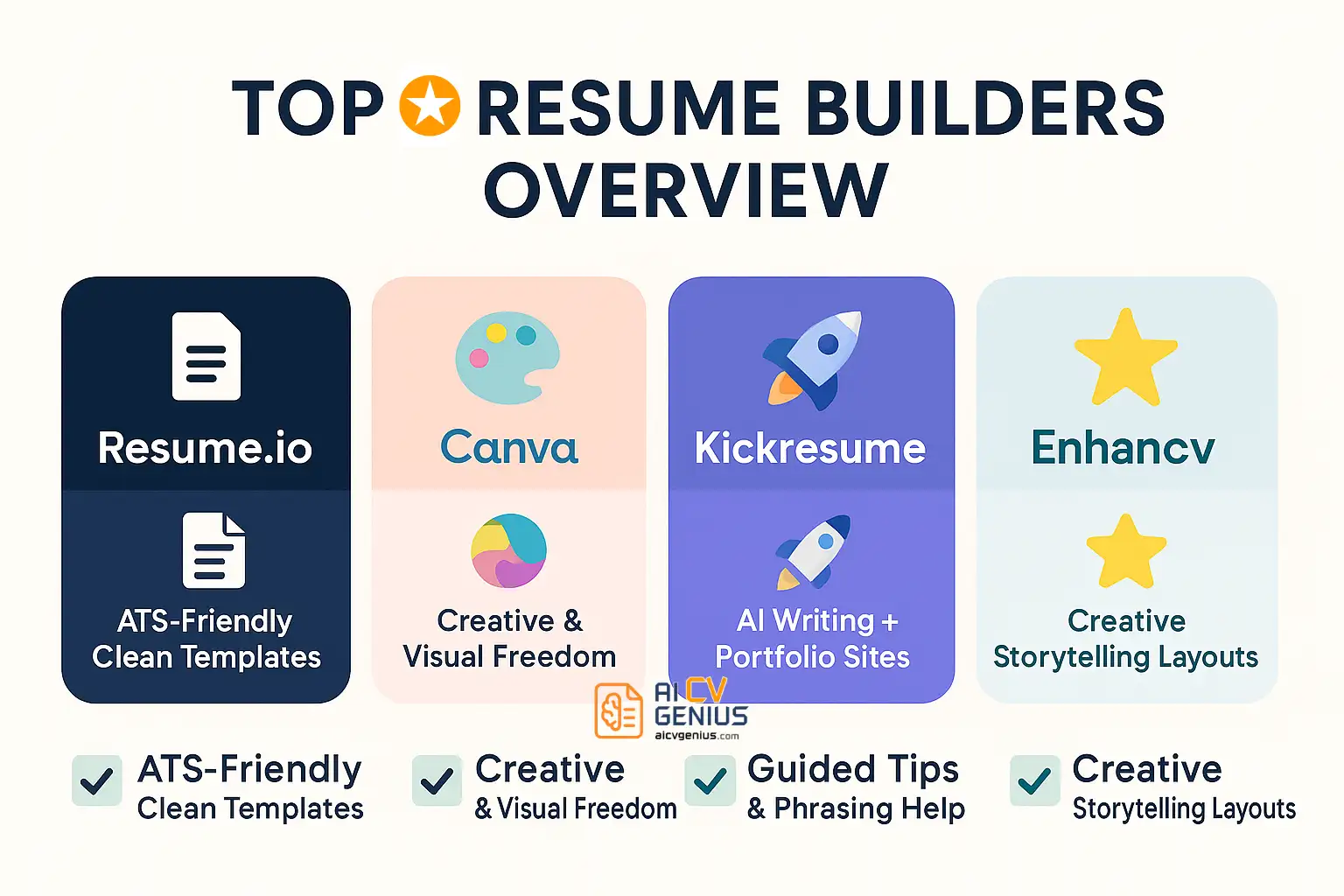
- ATS-first picks: Resume.io, Novoresume, and Jobscan are positioned as the safest choices for corporate and ATS-heavy applications.
- Creative-first picks: Canva, Enhancv, and Kickresume offer the most visual flexibility, but they carry more ATS risk if the design gets graphic-heavy.
- Free and fast options: Canva, Novoresume (1-page), Standard Resume, and VisualCV have free plans, and Standard Resume is framed as the quickest because it can import LinkedIn.
- Best way to use builders: Match the tool to your audience, and consider two versions, one ATS-friendly for portals and one more visual for networking or human-first review.
The days of wrestling with Microsoft Word templates are over. In 2025, resume builders have become the go-to tools for job seekers who want fast, polished, and ATS-friendly applications. But with so many platforms out there, how do you know which one is right for you? Some focus on sleek design, others on applicant tracking system (ATS) compatibility, and a few add AI-powered features. In this guide, we review the 10 best resume builders in 2025, breaking down features, pricing, pros and cons, and real use cases so you can choose the best fit for your career path.
The 10 Best Resume Builders of 2025: Reviewed
1. Resume.io
Resume.io is a favorite among job seekers because it combines professional, ATS-optimized templates with user-friendly tools. The builder guides you through structured sections and ensures formatting won’t confuse hiring software. With a cover letter builder and job tracker included, it’s a full career suite.
- Best for: Corporate professionals, applicants to Fortune 500 firms.
- Pricing: $24.95/month or $74.95/year.
- Pros: Clean templates, ATS-ready, easy to use, includes cover letter builder.
- Cons: Subscription required for downloads, limited creativity.
2. Canva
Though not originally a resume builder, Canva has become a creative playground for resumes. Its library of 1,000+ templates offers unmatched design freedom. It’s perfect for creative industries where personality matters more than ATS scanning. Just be careful: not all designs are machine-readable.
- Best for: Designers, freelancers, and creative students.
- Pricing: Free basic plan, Pro $12.99/month.
- Pros: Huge template variety, free option, creative customization.
- Cons: Many templates not ATS-friendly, fewer resume-specific tools.
3. Kickresume
Kickresume blends creativity with smart technology. It offers modern templates, an AI writing assistant, and even portfolio website builders. It’s great for students or early-career professionals who want resumes that look sharp and tell a story.
- Best for: Students, creatives, and freelancers.
- Pricing: Free limited plan; Premium $19/month.
- Pros: AI-powered writing, portfolio sites, fresh designs.
- Cons: Some templates too flashy for ATS, limited enterprise tools.
4. Zety
Zety stands out for its helpful writing prompts. As you build your resume, it suggests phrasing and keywords for each section, making it a great pick for job seekers who struggle to describe their experience effectively.
- Best for: Job seekers needing content guidance.
- Pricing: $23.99/month.
- Pros: Writing tips, guided builder, professional templates.
- Cons: Subscription required, some designs dated.
5. Enhancv
Enhancv is known for creative, colorful resumes. It even includes unique sections like “My Life Philosophy.” Recruiters in startups or creative industries may love it, but conservative sectors may prefer more traditional formats.
- Best for: Mid-career professionals in creative fields.
- Pricing: $24.99/month.
- Pros: Distinctive layouts, storytelling features, strong branding.
- Cons: Expensive, not always ATS-safe.
6. Novoresume
Novoresume focuses on simplicity and structure. Its one-page builder is excellent for students or professionals who want a no-fuss resume. The free plan lets you build one page, while premium unlocks multi-page features.
- Best for: Simple, structured resumes.
- Pricing: Free for one page; Premium $16/month.
- Pros: Clean builder, intuitive interface, one-page resumes.
- Cons: Limited creativity, free plan restrictive.
7. Jobscan
Jobscan isn’t really a builder – it’s an optimizer. It compares your resume against job descriptions and provides a match rate, suggesting missing keywords. It’s ideal for applicants in ATS-heavy fields like tech and finance.
- Best for: ATS optimization, corporate job seekers.
- Pricing: Free 5 scans/month; Premium $49.95/month.
- Pros: Powerful keyword analysis, LinkedIn optimization, cover letter scans.
- Cons: Expensive, lacks creative templates.
8. LiveCareer
LiveCareer has been around for years, offering straightforward resume creation with pre-written bullet points. It’s practical, though not flashy.
- Best for: Job seekers who want speed over style.
- Pricing: $2.95 trial, then $24.95/month.
- Pros: Fast, pre-written content, easy editor.
- Cons: Customization limited, interface dated.
What To Look For In A Resume Builder
9. VisualCV
VisualCV targets freelancers and consultants who need both resumes and portfolios. Its analytics show how many times your resume is viewed or downloaded, a unique feature among builders.
- Best for: Freelancers, consultants, personal branding.
- Pricing: Free basic plan; Pro $20/month.
- Pros: Portfolio integration, analytics, professional look.
- Cons: Subscription required for full features, not ATS-focused.
10. Standard Resume
Standard Resume is minimalist to its core. It imports your LinkedIn data and creates a clean resume instantly. Great for tech professionals and startups where efficiency matters most.
- Best for: Minimalists, tech professionals.
- Pricing: Free basic plan; Pro $12/month.
- Pros: Simple, fast, LinkedIn integration.
- Cons: Few customization options, very basic designs.
How to Choose, FAQs & Final Verdict
How to Choose the Right Resume Builder
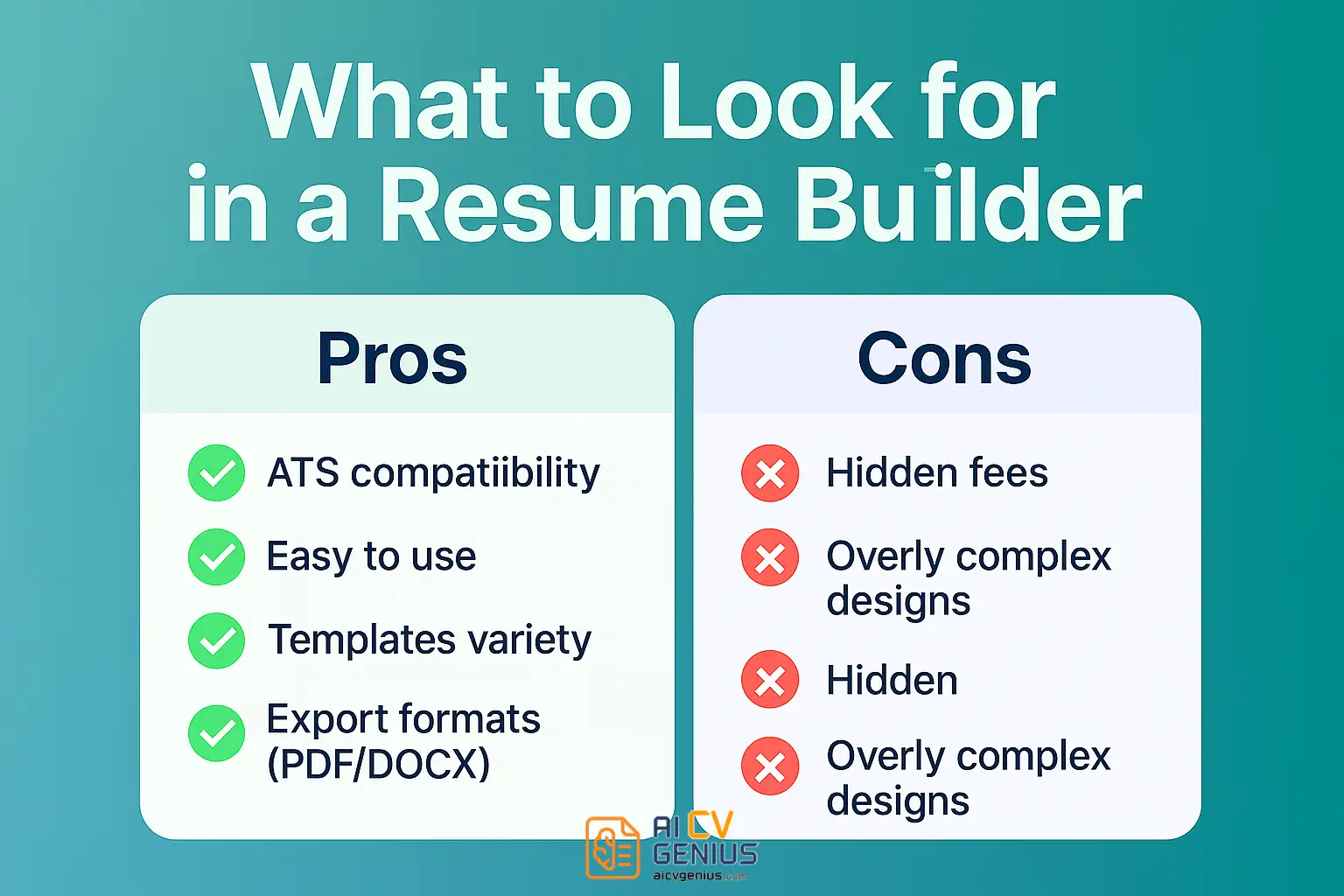
Selecting the right resume builder isn’t just about picking a pretty template – it’s about finding a tool that aligns with your career goals, experience level, and the kind of job you’re applying for. Here’s a more detailed breakdown to help you choose wisely:
- For creative jobs: If you work in design, marketing, or media, visual storytelling matters. Builders like Canva, Enhancv, and Kickresume give you freedom to experiment with colors, layouts, and icons. They help your resume stand out visually – something that hiring managers in creative industries actually appreciate.
- For corporate and ATS-heavy roles: When applying to big companies or government organizations, your resume has to pass through Applicant Tracking Systems (ATS). Tools such as Resume.io, Novoresume, and Jobscan are built with this in mind – they create clean, text-based resumes that are easy for systems to scan and rank.
- For students and beginners: If you’re new to the job market and don’t know where to start, choose Zety, Novoresume, or Kickresume. They guide you step-by-step, with pre-written examples and suggestions that make the process less intimidating.
- For freelancers and consultants: Professionals who work on multiple projects need resumes that can double as portfolios. VisualCV and Canva make it easy to include case studies, client highlights, and project links – perfect for showcasing your versatility.
- ⚡ For fast, simple resumes: If you’re short on time or just want a no-fuss, professional layout, go for Standard Resume or LiveCareer. They focus on simplicity – just fill in your details, and your resume is ready to download in minutes.
In short, the “best” resume builder depends on what story you want your resume to tell. A creative candidate and a corporate analyst don’t need the same tool – so think about your audience first, and let that guide your choice.
FAQ
Final Verdict
The best resume builder in 2025 depends on your needs. If you want ATS reliability, Resume.io and Jobscan are your best bets. If you’re in creative industries, Canva and Enhancv will help you stand out. For hybrid careers, using more than one tool can give you flexibility: one resume for the robots, another for the humans. The smartest job seekers don’t lock themselves into a single tool – they use the right builder for the right opportunity.