
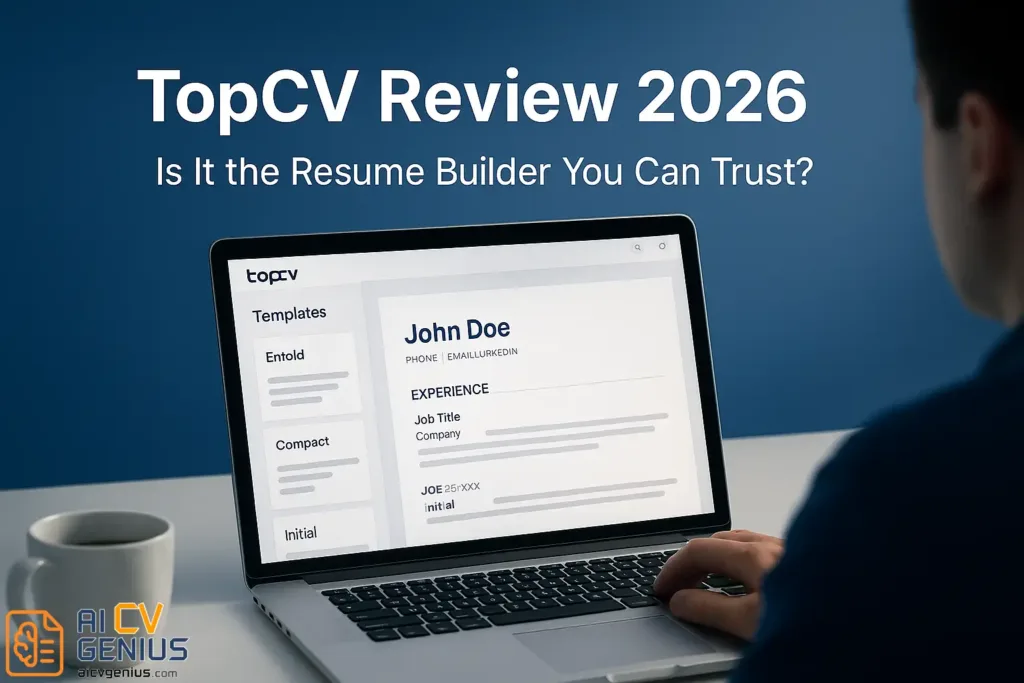
- TopCV is positioned as a polished, corporate-safe resume builder with a standout add-on: A human resume review service that sends a detailed critique by email.
- Usability is strong: Clean dashboard, smooth drag-and-drop, real-time updates, and cloud autosave, but customization is less flexible than tools like Enhancv or Zety.
- ATS performance is mostly reliable: Tests across Workable, Greenhouse, and JobScan recognized key fields, yet simpler single-column templates are safest for older systems and formal employers.
- Pricing is the main friction point: Free lets you build and preview only, paid plans are required for downloads, premium is needed for DOCX, and the review flow can include upsells for rewrite services.
- Best fit is mid-career professionals who want polish plus expert eyes, while budget-focused users or people who want AI writing and deep design freedom may prefer other builders.
Introduction
When it comes to online resume builders, TopCV has gained a mixed reputation – praised for its polished templates, yet questioned for its pricing transparency. With so many resume tools competing for attention (Zety, Enhancv, VisualCV), is TopCV still worth using?
We tested it from start to finish: from signing up and customizing a resume, to exporting and submitting it to an ATS scanner. Here’s what you need to know before spending your money or your time.
What Is TopCV?
TopCV is a web-based resume builder that focuses on professional presentation and personalized feedback. Founded in the UK and now operating globally, TopCV also offers optional “CV review services,” where experts review your resume and suggest improvements via email.
Its main appeal: a fast, simple resume creation process combined with real feedback from career professionals.
TopCV Features Overview
| Feature | Description |
|---|---|
| Templates | 15+ professionally designed layouts (modern & corporate) |
| Customization | Editable sections, colors, fonts, and margins |
| ATS Compatibility | All templates optimized for Applicant Tracking Systems |
| AI Resume Review | Free initial scan with feedback summary |
| Download Options | PDF, TXT (DOCX limited to premium plans) |
| Customer Support | Email + live chat (9–5 GMT) |
First Impressions: Interface, Usability & Templates
TopCV’s builder opens with a clean dashboard. The sidebar shows all sections: Contact Info, Summary, Experience, Skills, and Education. You can add or remove sections easily. The layout updates in real-time – no refreshing needed.
The drag-and-drop feels smoother than many competitors. However, editing options are slightly limited compared to Enhancv or Zety, which allow freer text styling.
Pro Tip: TopCV automatically saves your changes in the cloud. You won’t lose progress even if your tab crashes.
Template Quality
TopCV offers around 15 templates, categorized as Modern, Executive, and Simple. Each looks professional and clean, though none are as creative as Enhancv’s designs. Font pairings are modern, and white space is used smartly – important for recruiters scanning resumes quickly.We liked the “Professional Blue” and “Classic Grey” templates best – both ATS-safe and balanced between design and formality.
Core Features & Services Analysis
ATS Compatibility
We uploaded a TopCV-generated PDF to three ATS scanners (Workable, Greenhouse, and JobScan). All key fields – name, email, job titles, skills – were correctly recognized. That’s a good sign.
However, complex templates with sidebars can sometimes confuse older ATS systems. Stick with single-column layouts if you’re applying to large organizations or government roles.
Content Writing & Guidance
TopCV includes pre-written examples for each section, though less extensive than Zety’s. You’ll find short prompts like “Describe your most recent achievement” – but no AI text generation or adaptive writing assistant yet.
That said, TopCV’s real strength lies in its human review service. You can submit your resume for a free professional critique, and within 24 hours, you’ll receive a detailed report covering design, keywords, and readability. The feedback feels genuinely helpful, not robotic.
TopCV Resume Review Service (Human Feedback)
This feature sets TopCV apart. Their review email usually includes:
- ✅ Analysis of format and visual balance.
- ✅ Assessment of keyword usage and industry fit.
- ✅ Readability and tone evaluation.
- ✅ Suggestions for structure and action verbs.
Unlike AI review tools, this feedback feels customized and thoughtful – though sometimes followed by upsell offers for premium rewriting services.
Pricing, Support & Competitor Comparison
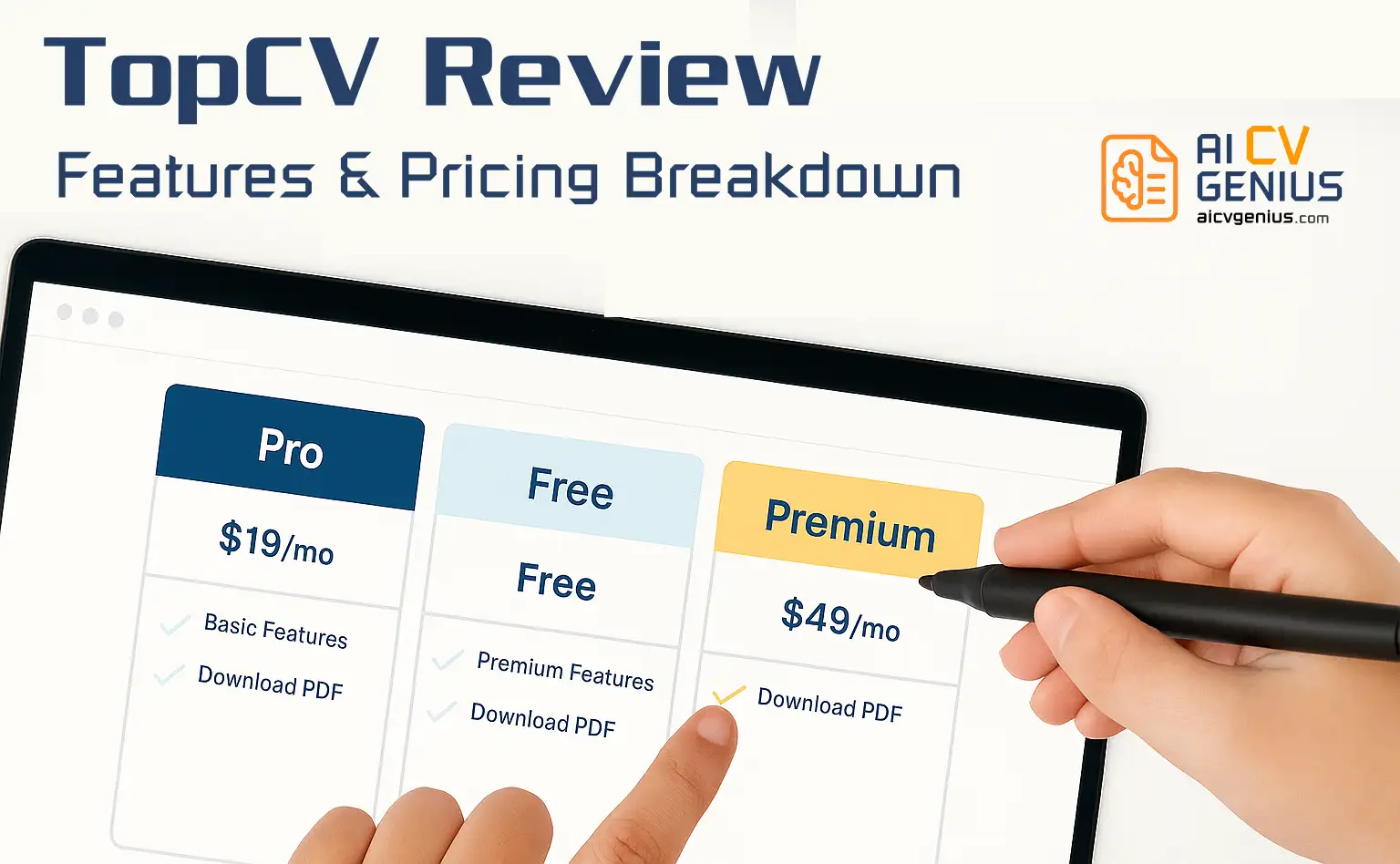
Pricing & Plans (2026)
| Plan | Price | Main Features |
|---|---|---|
| Free Plan | $0 | Build & preview only (no downloads) |
| Premium Monthly | $24.99 | Full editor access + PDF download |
| Professional Rewrite | $149–$249 | Custom CV written by a TopCV writer |
The pricing is slightly higher than Zety or Novorésumé, but the human feedback option justifies part of the cost for users who value expert eyes.
Export & File Quality
PDF exports are clean, high resolution, and maintain consistent spacing. Text remains selectable – meaning ATS bots can read it. However, DOCX downloads require a premium plan, and there’s no option to export in Google Docs format.
Customer Support
We tested their live chat twice. Response time: 5–10 minutes during UK working hours, slower outside. The support team is polite and helpful, though not 24/7.
TopCV vs Competitors (2026)
| Feature | TopCV | Zety | Enhancv | VisualCV |
|---|---|---|---|---|
| Ease of Use | ★★★★☆ | ★★★★★ | ★★★★☆ | ★★★☆☆ |
| Template Design | ★★★★☆ | ★★★☆☆ | ★★★★★ | ★★★★☆ |
| ATS Compatibility | ★★★★★ | ★★★★★ | ★★★☆☆ | ★★★★☆ |
| Customization | ★★★☆☆ | ★★★☆☆ | ★★★★★ | ★★★★☆ |
| Pricing | ★★★☆☆ | ★★★★☆ | ★★★☆☆ | ★★★☆☆ |
User Feedback (2026 Snapshot)
- Trustpilot: 4.3 / 5 (based on 12,000+ reviews)
- Reddit: “Helpful review service but pricey if you only need downloads.”
- Glassdoor (Employees): 4.0 / 5 – indicates stable, professional team behind the product.
Final Verdict & Summary
Strengths of TopCV
- ✅ Polished templates that look professional.
- ✅ Strong ATS performance for all layouts.
- ✅ Real human resume feedback service adds value.
- ✅ Mobile-friendly interface with autosave.
- ✅ Trusted by major job portals (linked with Indeed & Monster).
Weaknesses of TopCV
- ❌ No AI writing assistant like Zety or Resume.io.
- ❌ Paid downloads only – no free PDF export.
- ❌ Slightly limited customization of layout sections.
- ❌ Upselling during review process can feel pushy.
Best For
TopCV suits you if:
- You prefer human-written feedback over AI automation.
- You’re a mid-career professional seeking polished, reliable presentation.
- You want a builder that ensures ATS compliance without technical setup.
Who Should Skip It
- You’re on a tight budget – free alternatives exist (Canva, ResumeGenius).
- You want full design freedom – Enhancv offers more customization.
- You prefer AI-guided writing – Zety or Kickresume might fit better.
Pros & Cons Summary
| ✅ Pros | ⚠️ Cons |
|---|---|
| Professional templates | Expensive downloads |
| ATS-compliant designs | Limited layout freedom |
| Human resume review service | Occasional upselling |
| Clean PDF export | No DOCX for free plan |
| Simple user interface | No integrated AI writing |
Verdict – Is TopCV Worth It?
TopCV sits somewhere between Zety’s functionality and VisualCV’s presentation. It’s reliable, professional, and delivers high-quality output – but not the most flexible or affordable option.
If you want a resume that feels “safe for corporate use” and value the extra human feedback, TopCV is an excellent choice. But if you want AI-powered writing or full design freedom, other tools might suit you better.
Where to Learn More
Compare other builders in our resume builder reviews section, or check resume templates if you prefer to start from scratch.