
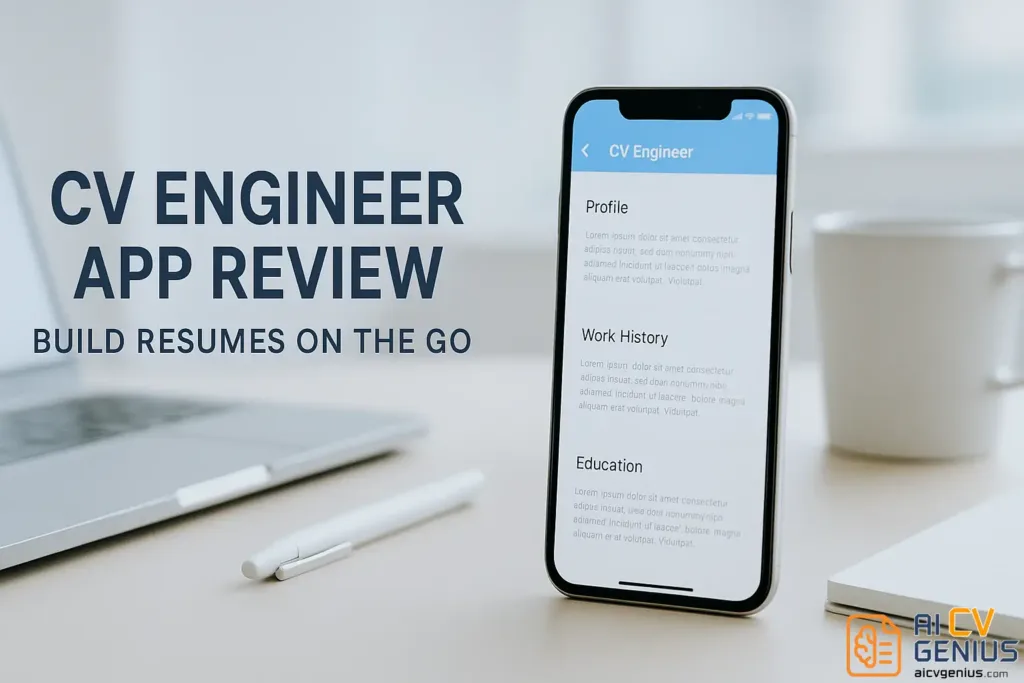
- CV Engineer is a mobile resume builder for Android and iOS that lets you create a clean resume fast using guided fields, with no account setup required.
- It is built for speed and reliability, works smoothly even on older phones, supports offline use, and exports a simple one-column PDF that is naturally ATS-friendly.
- The app focuses on function over design, you can reorder sections and get small writing prompts, but you do not get AI help, keyword matching, or real layout customization.
- Privacy is a real advantage because your data stays on your device, but the tradeoff is no cloud sync and no recovery if you delete the app.
- It is completely free with minimal ads, best for students, mobile-first job seekers, and conservative sectors, and it is a weak fit for creative branding or senior roles that need a portfolio-heavy presentation.
CV Engineer App Review: A Tiny Tool with Unexpected Power
There’s something quietly impressive about tools that don’t overpromise – they just work. That’s exactly what CV Engineer feels like. No glossy animations, no complicated setup, no paid tiers shoved in your face – just a small, practical app that helps you build a clean resume straight from your phone.
In a world where resume builders are getting more complex by the day, CV Engineer takes the opposite path: simple, structured, and surprisingly effective. Let’s explore how this humble mobile app stacks up in real-world job search scenarios.
What Is CV Engineer?
CV Engineer is a mobile resume builder app available for Android and iOS. It’s designed for users who want to create or update a resume quickly – without needing a laptop or any design skills. Everything happens in guided text fields; you fill out your info, and the app generates a formatted, export-ready resume in seconds.
The app was built by a former Google engineer – which explains its minimal interface and focus on function over flash. Think of it as a pocket-sized resume assistant that doesn’t get in your way.
Features & Usability Review
First Impressions: Clean, Quick, and Quiet
Opening the app for the first time, you’re greeted with a blank form – not a dashboard full of distractions. There’s no login wall or onboarding carousel; you can literally start typing your work experience in under 30 seconds. It’s refreshingly straightforward.
- ✅ Instant start – no account required.
- ✅ Simple guided fields for each section.
- ✅ Lightweight and runs smoothly even on older phones.
- ❌ Design feels slightly outdated on high-res screens.
- ❌ No cloud sync – your data lives only on the device.
It’s that last point that reveals the app’s philosophy: privacy first. You’re not uploading anything to a server. For users concerned about security or job data leakage, that’s a hidden strength.
Features: Function Over Form
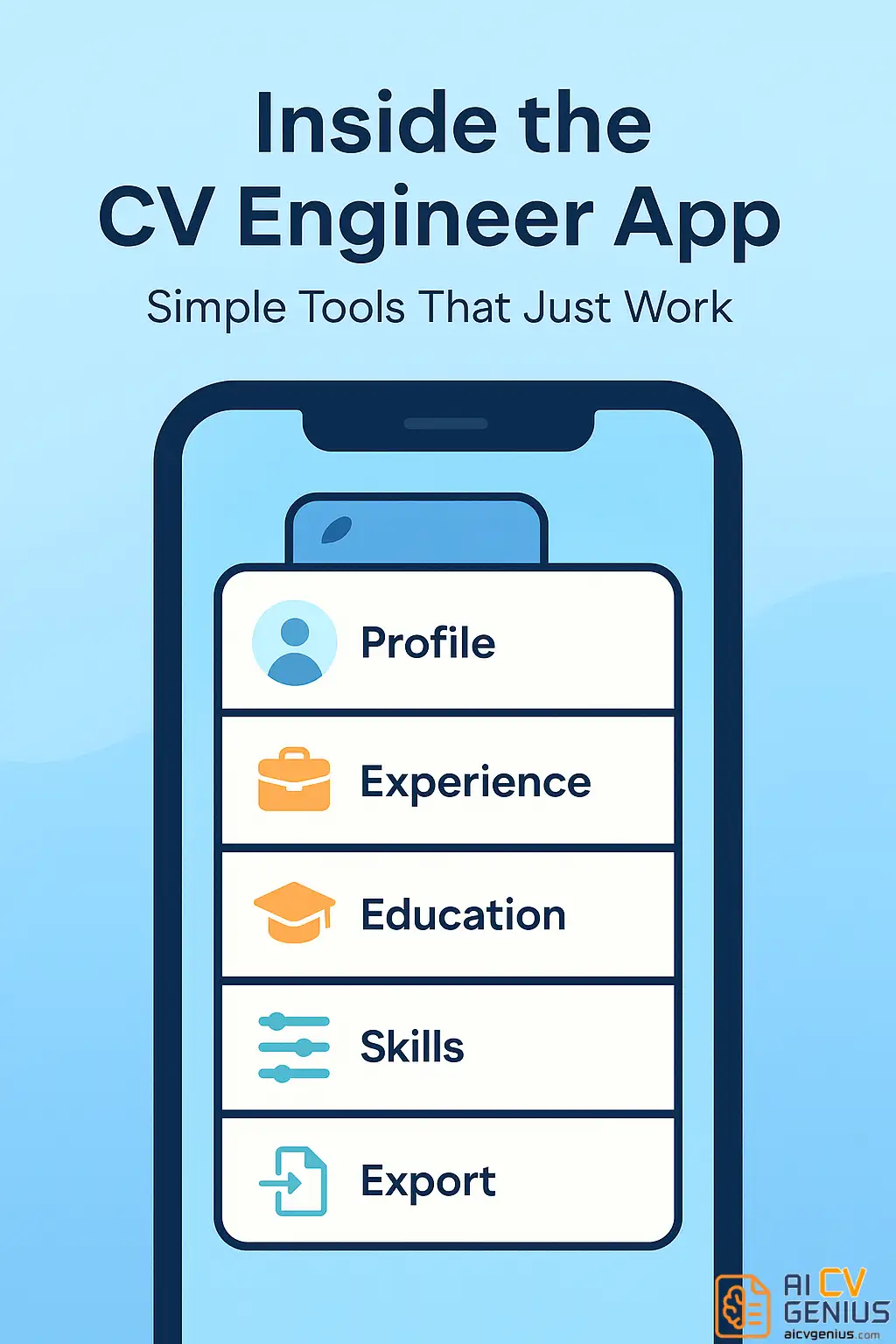
At its core, CV Engineer organizes your resume into editable text sections – Profile, Experience, Education, Skills, and Additional Info. You can reorder them, preview instantly, and export to PDF.
- ✅ Smart text prompts suggest phrasing like “Managed…” or “Led…”
- ✅ Built-in guidance tips per section, curated by career experts.
- ✅ Supports offline use – no internet needed after download.
- ❌ No AI assistance or keyword suggestions.
- ❌ Only one resume design available (simple template).
There’s also a subtle but helpful touch: each section includes micro-tips in small italic text – things like “Focus on measurable results” or “Keep sentences short.” It’s simple UX decisions like this that make the app feel built by someone who actually understands job applications.
Resume Output and Design
Let’s be honest – CV Engineer’s output isn’t meant to win design awards. The PDF is basic: single-column, neatly formatted, consistent spacing, and clear headers. But for most recruiters, that’s exactly what works best.
The font is professional (Roboto or Helvetica-style), margins are consistent, and the line spacing makes scanning easy. There are no color accents or logos. The result: a straightforward, no-risk resume that passes ATS filters with ease.
- ✅ ATS-friendly by default.
- ✅ Looks clean when printed or viewed digitally.
- ❌ No customization – font, layout, or color cannot be changed.
If you want more creative control, you can always export the PDF and reformat it using a desktop builder later. But for people who need something now, it’s ideal.
Speed and Reliability
What surprised me most during testing was how fast it works. On a mid-range Android, the app opened instantly, saved drafts smoothly, and exported within seconds. No lag, no crashes. It even works offline, so you can draft your resume mid-flight or while waiting for coffee.
That performance makes it an excellent backup option – imagine spotting a job posting while on the train and updating your resume before you even reach home. That’s the magic of CV Engineer.
Privacy and Data Handling
Unlike many modern resume builders, CV Engineer doesn’t require cloud storage or account creation. Your data stays on your phone, which adds a layer of privacy rare in this category.
However, it also means there’s no recovery option if you delete the app. It’s the price of simplicity: you control your data, but you’re responsible for it too.
Pricing & Comparison
Pricing
Here’s where CV Engineer wins hearts – it’s completely free. No subscription plans, no in-app purchases, no hidden tiers. Everything you need, from entry to export, is accessible at zero cost. There are minimal ads, and they’re unobtrusive. That alone makes it stand out among resume tools.
| Feature | Availability |
|---|---|
| Resume creation | ✅ Free |
| PDF export | ✅ Free |
| AI assistance | ❌ Not available |
| Customization options | ❌ Very limited |
| Offline mode | ✅ Yes |
In a market where “free” almost always means “limited,” CV Engineer feels refreshingly genuine.
Who Should Use CV Engineer?
This app isn’t for everyone – and that’s okay. It shines in specific scenarios:
- ✅ Students or recent grads who need a quick, clean resume.
- ✅ Job seekers on mobile who don’t have access to a computer.
- ✅ Professionals applying in conservative or government sectors where design simplicity is valued.
- ❌ Creative roles or senior-level applicants who want brand-oriented resumes.
If you’re exploring design-forward templates, try our Resume Templates Finder for visual inspiration.
Pros and Cons Summary
| Pros | Cons |
|---|---|
| ✅ 100% free and ad-light. | ❌ No customization options. |
| ✅ Works offline, perfect for quick edits. | ❌ Only one basic template. |
| ✅ Lightweight and private (no login needed). | ❌ No cloud sync or backup. |
| ✅ ATS-friendly design. | ❌ Outdated interface on high-end screens. |
How It Compares
Compared to Kickresume or Resume.io, CV Engineer feels stripped-down – like the notepad version of a resume builder. But that’s also its charm. It’s fast, private, and accessible. For someone who just needs a decent, printable resume right now, it beats many fancy builders bogged down by paywalls.
For full platform comparisons, visit our Reviews hub to explore other resume apps and builders.
Final Thoughts & FAQs
Final Thoughts
CV Engineer is proof that simplicity can still win. It’s not built to impress designers or recruiters visually – it’s built to get your resume done without friction. That makes it a rare gem for students, minimalists, or anyone who just needs efficiency over extras.
If you’re serious about refining your career materials later, you can always start here, then upgrade using advanced builders from our Career Resources library.