

- Test setup: Same resume and the same SaaS Marketing Manager job description were fed into 7 tools to compare outputs fairly.
- What got scored: Relevance to the posting, Human sounding tone, Editing workload, And the product UX and pricing friction.
- Top picks: Kickresume for the best draft balance, Grammarly for clean polish, And ChatGPT 4 for power users who iterate with strong prompts.
- What to avoid: Template style tools and pay before you see tools that produce buzzword soup, Generic praise, Or hallucinated skills.
- How to use AI safely: Generate the draft, Then rewrite the opening, Add one real proof story, Inject company specifics, Remove AI tells, And tighten the close.
You’re staring at a blank document, the cursor blinking accusingly. The job posting has been open for three days, mocking your procrastination. You know you need a cover letter, but the thought of crafting yet another one – tailored, specific, enthusiastic – makes you want to slam your laptop shut and doomscroll instead. So the seductive question arises: can AI just… do it for you? Can one of the myriad best ai cover letter generator tools actually produce something that won’t immediately get flagged as robotic and land your application in the digital trash?
To find out, we embarked on a rigorous test. We took one realistic job description – a mid-level Marketing Manager role at a growing SaaS company – and fed it, along with a corresponding resume, into seven popular AI cover letter generators. Same inputs, different algorithms. The outputs ranged from shockingly human and genuinely useful first drafts to laughably bad, cliché-ridden messes that would torpedo even the strongest candidate’s chances.
Here’s the critical takeaway upfront: AI cover letter tools are absolutely not created equal. Some churn out generic fluff filled with tells that experienced hiring managers can spot from a mile away. Others offer a surprisingly solid 70-80% starting point, saving you time and mental energy, provided you invest the crucial final 20-30% of human refinement. And a select few? They blur the lines enough to make you genuinely question if a recruiter under pressure could even tell the difference… if you use them strategically. Let’s dissect how each tool performed, reveal the red flags, and outline exactly how to leverage AI without getting caught.
The Gauntlet: Our Testing Methodology
To ensure a fair and insightful comparison, we standardized our inputs rigorously. This wasn’t about finding the tool that worked best with a perfect prompt; it was about simulating a realistic user experience.
- ✅ The Target Job Posting: A real Marketing Manager position at a mid-size B2B SaaS company (details anonymized). Key requirements included experience with SEO, content strategy, demand generation, and product-led growth (PLG).
- ✅ The Candidate Resume: A solid, but not perfect, resume reflecting 7 years of marketing experience across B2B/B2C, highlighting content creation, organic growth achievements (quantified), and basic analytics skills. No explicit PLG experience mentioned, creating a realistic “stretch” scenario for the AI.
- ✅ The Core Prompt: We deliberately kept the initial prompt simple for most dedicated tools: “Generate a cover letter for this Marketing Manager position using the provided resume and job description.” For ChatGPT, we experimented with both simple and more detailed prompts.
Our Evaluation Rubric: Beyond Surface-Level Checks
We judged each generated cover letter through the lens of a skeptical hiring manager, focusing on criteria that determine real-world effectiveness:
1. Relevance & Specificity (Did it “Read the Room”?):
- Did the AI accurately identify the key requirements from the job description (e.g., PLG, SEO)?
- Did it intelligently connect the candidate’s resume experience (even tangentially related experience) to those requirements?
- Or did it just list generic marketing buzzwords (“results-oriented,” “dynamic,” “synergy”) without substance?
2. Authenticity & Tone (The “Humanity Test”):
- Did it sound like a motivated professional wrote it, or like a template filled with placeholders?
- Was the sentence structure varied and natural, or repetitive and robotic?
- Did it avoid cringe-worthy AI clichés and overly formal corporate jargon?
- Could you detect any semblance of personality or genuine enthusiasm (even if synthesized)?
3. Actionability (How Much Editing is Required?):
- Did it provide a 70%+ complete draft requiring only personalization and minor tweaks?
- Or was it a 30% draft needing substantial rewriting, fact-checking, and restructuring?
- Did it hallucinate skills or experiences not present in the resume?
4. User Experience & Interface:
- How intuitive was the tool? How many clicks from input to output?
- Did it require account creation or push upgrades aggressively?
- Did it offer useful editing or customization features within the platform?
We also factored in the pricing models, differentiating between genuinely free tiers, limited free trials, and subscription costs.
The Podium Finishers: Top 3 AI Cover Letter Generators
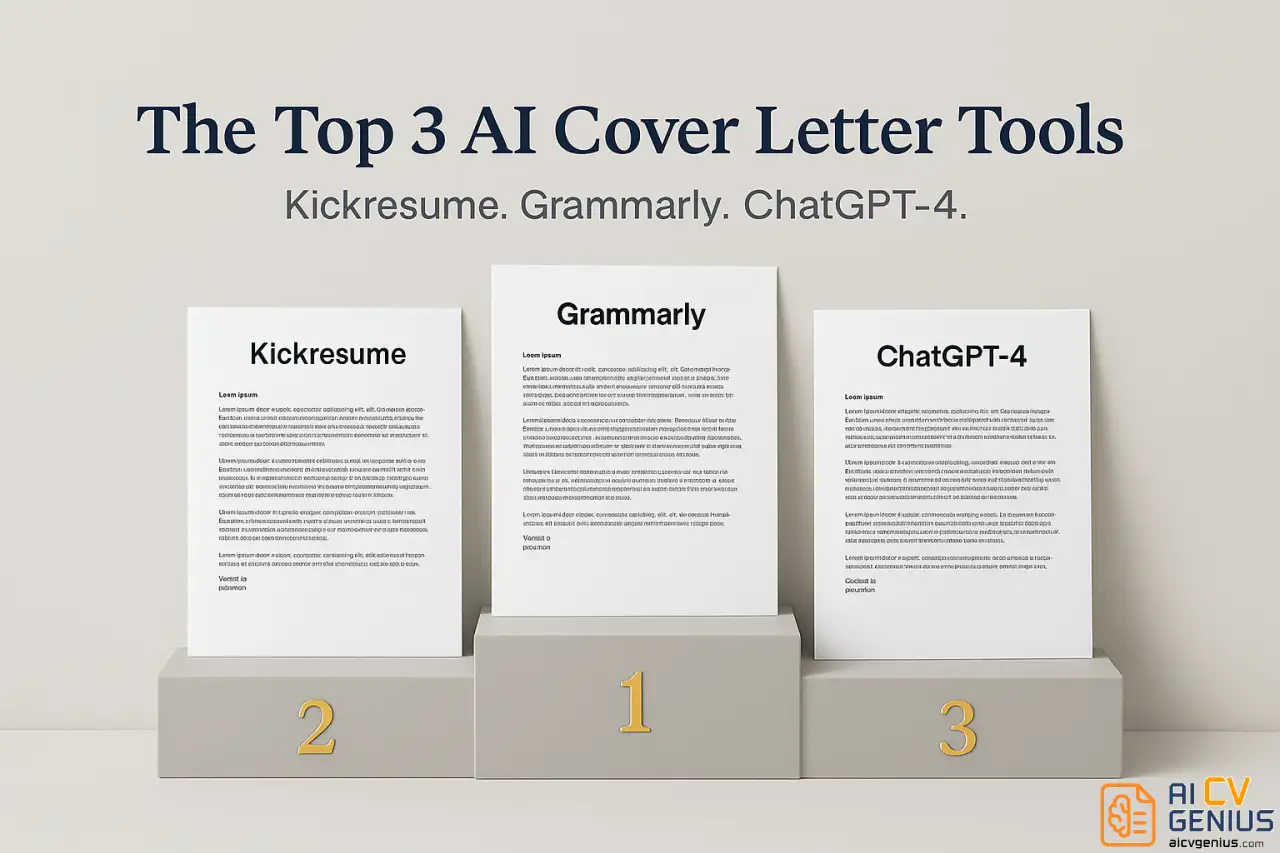
These three tools rose above the noise, producing drafts that demonstrated a grasp of context, a relatively natural tone, and significant time-saving potential – if edited properly.
1. Kickresume AI Writer (Best Overall Balance)
Kickresume’s generator, leveraging OpenAI’s GPT-4, consistently delivered the most impressive initial drafts. Its key strength lies in its ability to synthesize information from the resume and job description, attempting to draw logical connections rather than just spitting back keywords.
Strengths:
- Contextual Relevance: It successfully identified the PLG requirement and attempted to link the candidate’s content/growth experience to it, even without explicit PLG keywords on the resume. The opening often incorporated specific company aspects mentioned in the job description. Example Opening Snippet: “The opportunity to contribute to [Company Name]’s product-led growth strategy, as mentioned in the Marketing Manager posting, immediately caught my eye, as it aligns perfectly with my background in scaling organic acquisition through targeted content programs.”
- Quantified Achievements: It often pulled specific metrics from the resume and incorporated them into relevant sentences, lending credibility.
- Natural(ish) Tone: While not perfect, the prose felt less robotic than many competitors. Sentence structure showed some variation, and the tone struck a decent balance between professional and approachable.
- Efficiency: It reliably produced a draft that felt about 80% complete, requiring primarily personalization, tone refinement, and a stronger closing.
Weaknesses:
- Generic Closings: The concluding paragraphs were consistently weak, often resorting to standard “I look forward to hearing from you” phrases.
- Paragraph Density: Tended to generate longer paragraphs that needed to be broken down for better readability.
- Minor AI Tells: Still susceptible to occasional buzzwords (“proven track record,” “dynamic environment”) that needed manual removal.
- Requires Personalization: Crucially, it cannot invent genuine enthusiasm or specific anecdotes. That human layer is entirely up to the user.
Pricing: Offers a limited free tier (e.g., one generation). Premium subscriptions unlock more generations and features ($24/month or $48/year – Note: Pricing subject to change).
Verdict: The best starting point for most job seekers. It understands context better than most and provides a strong foundation that significantly cuts down writing time, freeing you up to focus on personalization.
2. Grammarly AI (Best for Polish and Flow)
Grammarly’s strength isn’t necessarily in deep contextual understanding, but in its unparalleled ability to generate clean, grammatically perfect, and natural-sounding prose. If your biggest struggle is making your writing sound good, Grammarly AI shines.
Strengths:
- Writing Quality: The output is exceptionally polished. Sentences flow logically, transitions are smooth, and awkward phrasing is virtually non-existent. It avoids common AI pitfalls like repetitive sentence starters and passive voice.
- Tone Control: Offers options to adjust the tone (e.g., confident, friendly, formal), which works reasonably well.
- Integration: Seamlessly integrates with where you already write (email, documents), making the editing process smoother.
Weaknesses:
- Content Depth: The generated content was often more superficial than Kickresume’s. It relied more on generic statements about skills rather than specific connections to the job description or resume metrics. The output feels polished but sometimes hollow.
- More Manual Input: Requires more guidance from the user. You often need to explicitly tell it which skills or experiences to emphasize, rather than relying on its analysis of the inputs.
- Less Specificity: Less adept at pulling specific company details or nuanced requirements from the job posting.
Pricing: Basic AI writing assistance is included in the free tier. Advanced AI generation features typically require Grammarly Premium ($30/month or $144/year – Note: Pricing subject to change).
Verdict: Excellent for users who prioritize impeccable writing and are comfortable adding the specific details and metrics themselves. It produces beautiful sentences but requires more heavy lifting on the content strategy side.
3. ChatGPT-4 (Best for Power Users & Customization)
Using a general-purpose Large Language Model (LLM) like ChatGPT (specifically the more capable GPT-4 version) offers the most power and flexibility, but also demands the most skill from the user. It’s not a dedicated “cover letter generator” with a simple interface, but its underlying capabilities are formidable.
Strengths:
- Unmatched Flexibility: You can iterate endlessly. Ask it to rewrite paragraphs, change the tone, shorten sections, focus on different skills, incorporate specific research you provide – the control is granular.
- Prompt-Dependent Quality: With a well-crafted prompt, ChatGPT-4 can produce output that equals or exceeds dedicated tools. A detailed prompt specifying tone, key skills to highlight, desired length, and company specifics yields impressive results.
- Conversational Refinement: You can have a dialogue with it. “That paragraph sounds too generic, make it more results-focused using metrics from my resume.” This iterative process is powerful.
Weaknesses:
- Steep Learning Curve: Effective use hinges entirely on your ability to write good prompts. A vague prompt (“Write a cover letter”) will yield a vague, unusable letter.
- No Formatting or Templates: Output is plain text. You are responsible for formatting it correctly as a business letter.
- Potential for Verbosity/Hallucination: Can sometimes generate overly long text or occasionally invent details if not carefully guided. Requires vigilant editing.
- Requires Subscription for Best Results: The free version (GPT-3.5) is noticeably less capable for nuanced tasks like cover letter writing. GPT-4 via ChatGPT Plus ($20/month) is highly recommended.
Pricing: Free version available (GPT-3.5). ChatGPT Plus ($20/month) provides access to GPT-4 and other features.
Verdict: The go-to for users comfortable with prompt engineering who want maximum control and are willing to invest time in refining the output through conversation. Not a quick fix, but potentially the most powerful tool in skilled hands.
The Middle Tier: Serviceable but Uninspired
These tools weren’t terrible, but they failed to impress. They produce functional drafts that cover the basics but lack the nuance, specificity, or natural flow of the top contenders. Expect to spend significant time editing and adding substance.
4. Resume.io: Primarily a resume builder, its cover letter AI feels like an add-on. It offers nice templates and formatting assistance, which is helpful. However, the AI-generated content itself was quite generic, often just rephrasing resume bullet points without adding strategic value or connecting them effectively to the job description. Better for formatting than for original content generation.
5. Zety AI: Uses a modular approach, offering pre-written sentences and paragraphs based on common skills and job types. This gives users a degree of control but can result in a somewhat disjointed or “stitched-together” feel. The AI suggestions are often basic and lack depth. The free version is heavily restricted, pushing users toward a paid subscription to access meaningful AI capabilities.
The Cautionary Tales: AI Tools to Avoid
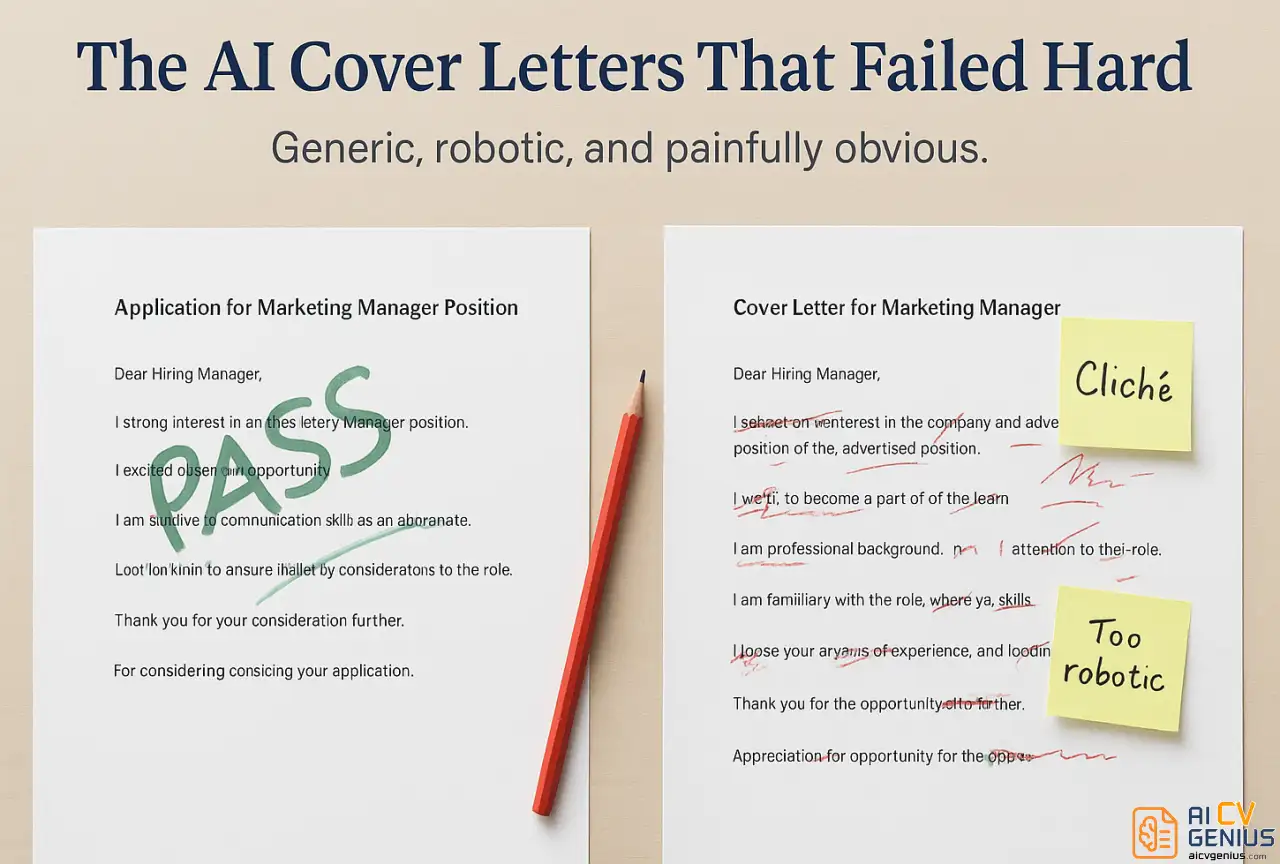
Some tools produced results so poor they were unusable, relying on outdated templates or exhibiting fundamental flaws in generation. These represent the worst stereotypes of AI writing.
6. CoverLetterNow (The Template Trap)
This tool barely qualifies as AI generation. It functions more like a glorified Mad Libs, forcing users to select from a limited library of pre-written, cliché-filled paragraphs categorized by generic attributes (“results-oriented,” “team player,” “detail-oriented”).
Output Example Snippet:
“I am writing to express my sincere interest in the Marketing Manager position at your esteemed organization. As a results-oriented professional with a proven track record of success in dynamic environments, I am confident I possess the diverse skill set necessary to leverage synergies and drive impactful results for your forward-thinking team.”
This is precisely the kind of empty corporate jargon that makes hiring managers’ eyes glaze over. It offers zero personalization and sounds identical to countless other low-effort applications. Avoid at all costs.
7. “Pay-Before-You-See” Tools (General Warning)
We encountered one tool (which shall remain nameless due to its abysmal quality) that demanded payment before generating any sample output. We used a trial code, and the results were disastrous: contradictory statements, hallucinated skills not on the resume, basic grammatical errors, and incoherent paragraphs. The lesson? Never pay for an AI writing tool before you’ve seen a sample of its work. Reputable tools offer free trials or limited free generations precisely so users can assess the quality before committing.
Recognizing the Robot: Telltale Signs of Unedited AI
Hiring managers are getting better at spotting lazy AI usage. After reviewing dozens of AI-generated letters, clear patterns emerge. If your draft exhibits these traits, it needs significant human intervention:
- Buzzword Overload: An unnatural density of terms like “leverage,” “synergy,” “dynamic,” “spearheaded,” “robust,” “proven track record,” “results-driven.” Humans use these sparingly; AI often overuses them.
- Monotonous Sentence Structure: A string of sentences that all follow the same subject-verb-object pattern, or consistently start with “I…” (“I managed…”, “I increased…”, “I coordinated…”).
- Vague Enthusiasm & Generic Praise: Statements like “I am very excited about this opportunity” or “I admire [Company Name]’s innovative approach” without any specific reason why.
- List-Like Paragraphs: Body paragraphs that simply rehash resume bullet points without adding context, narrative, or connection to the company’s specific needs.
- Perfectly Empty Statements: Sentences that sound professional but convey zero actual information, e.g., “My skills and qualifications are strongly aligned with the requirements of this role.” (Show, don’t just tell!).
- Lack of Personal Voice: The absence of any unique phrasing, anecdotes, or personality that distinguishes the letter from a template.
A good AI tool minimizes these, but even the best output will contain some. Your editing process is crucial for eliminating them.
The Strategic Workflow: Using AI Without Sounding Like AI
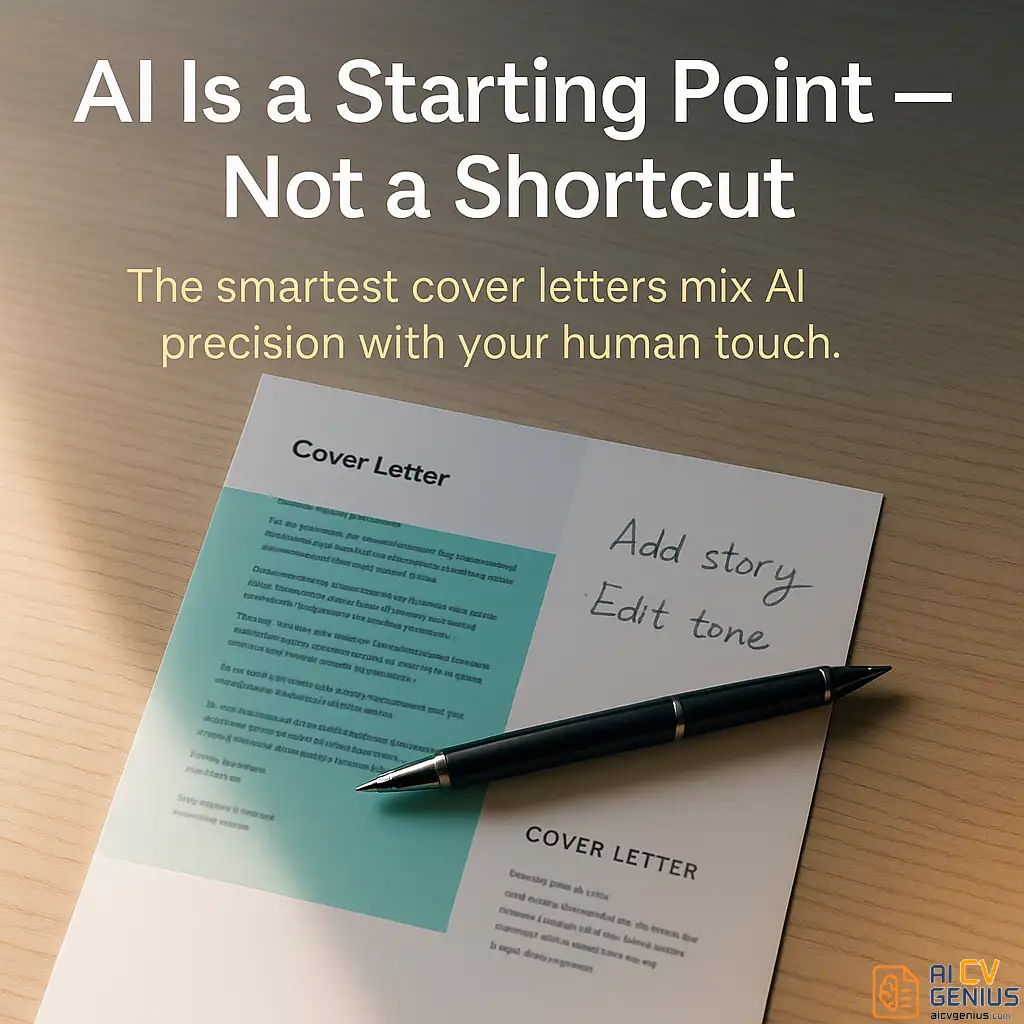
The goal isn’t to avoid AI; it’s to leverage it effectively as a time-saving assistant, not a crutch. Here’s a workflow that balances efficiency with authenticity:
Step 1: Generate the First Draft (AI’s Job)
Feed the AI tool (like Kickresume or ChatGPT-4) your resume, the job description, and a clear prompt. If using ChatGPT, make the prompt specific:
"Act as a professional career coach. Write a cover letter (approx. 350 words) for the Marketing Manager role described below, using the attached resume. Focus on highlighting experience relevant to SEO, content strategy, and organic growth, connecting it to the company's stated goal of product-led growth. Use a confident but conversational tone. Avoid clichés like 'proven track record' or 'results-oriented'."
Step 2: The Human Editing Layer (Your Job – Minimum 15-20 Mins)
Treat the AI output as raw material. Now, transform it:
- Rewrite the Opening Hook: Make the first 1-2 sentences attention-grabbing and specific to the company, referencing your unique “Why Them” research.
- Inject a Specific Story/Example: Choose one key achievement mentioned generically by the AI. Expand it into a mini-story (Situation-Action-Result) with context and detail only you know.
- Weave in Specific Company Knowledge: Replace vague praise (“your innovative company”) with concrete details (“your recent expansion into the LATAM market,” “your commitment to open-source contributions”).
- Refine the Tone & Voice: Read it aloud. Does it sound like you? Change awkward phrases. Vary sentence lengths. Break up long paragraphs.
- Eliminate AI Tells: Search and destroy generic buzzwords and repetitive sentence structures.
- Strengthen the Closing: Replace weak closings with a confident call to action that reiterates your key value proposition.
Step 3: Final Polish & Proofread (The Non-Negotiable)
Run it through Grammarly (or similar) for technical errors. Then, proofread it manually at least twice, ideally using the “read aloud” or “read backward” techniques mentioned earlier. Ensure all names, titles, and company details are 100% correct.
A Note on Ethics: Transparency vs. Augmentation
Is it unethical? Generally, no – if you are using it to augment your own experiences and skills, not to fabricate them. Using AI to help structure your thoughts or polish your prose is akin to using a calculator for math or spell-check for writing. However, submitting a completely unedited, purely AI-generated letter could be seen as misrepresenting your communication abilities. The key is significant human oversight and personalization.
Think of it this way: AI can help you build the car, but you must be the one driving it and knowing the destination.
Know When to Write From Scratch
There are times when AI is simply the wrong tool:
- Your “Dream Job”: For that one role you truly covet, the authenticity of your own voice is paramount.
- Highly Personal Stories: If your connection to the company or mission is deeply personal, AI will likely flatten the emotional impact. Write it yourself.
- Creative/Writing Roles: If the job itself requires exceptional writing skills, submitting an AI-assisted letter might misrepresent your baseline abilities.
- Networking-Based Applications: If you were referred or have an internal connection, a more personal, less formal note written entirely by you might be more appropriate.
For more inspiration on what makes cover letters effective, browse our curated collection of cover letter examples.
Frequently Asked Questions: AI Cover Letters
The Verdict: AI is Your Co-Pilot, Not Your Autopilot
After rigorously testing seven different tools, our conclusion is clear: the best ai cover letter generator is not a magic bullet, but it can be an incredibly powerful co-pilot in your job search journey. Tools like Kickresume, Grammarly AI, and a well-prompted ChatGPT-4 can demonstrably save you time, overcome writer’s block, and provide a structured starting point that might be better than what you’d draft alone under pressure.
However, the fantasy of a one-click solution that produces a perfect, personalized, interview-winning cover letter remains just that – a fantasy. Relying solely on unedited AI output is a high-risk gamble. Hiring managers are becoming adept at spotting the robotic tells, the generic praise, and the lack of genuine connection. Sending such a letter signals laziness, not efficiency.
The winning strategy is symbiosis: leverage AI for its strengths in structure, grammar, and synthesizing information quickly. Then, apply your uniquely human strengths: injecting personality, weaving in specific anecdotes, conveying genuine enthusiasm based on real research, and ensuring the final message sounds like you. Invest that crucial 15-20 minutes of editing and personalization. That’s how you harness the power of AI without sacrificing the authenticity that ultimately lands the interview.
Ready to build the rest of your application package with the same strategic approach? Check out our guides on improving your resume and ensure your entire application tells a cohesive and compelling story – powered by smart tools and perfected by human insight.