
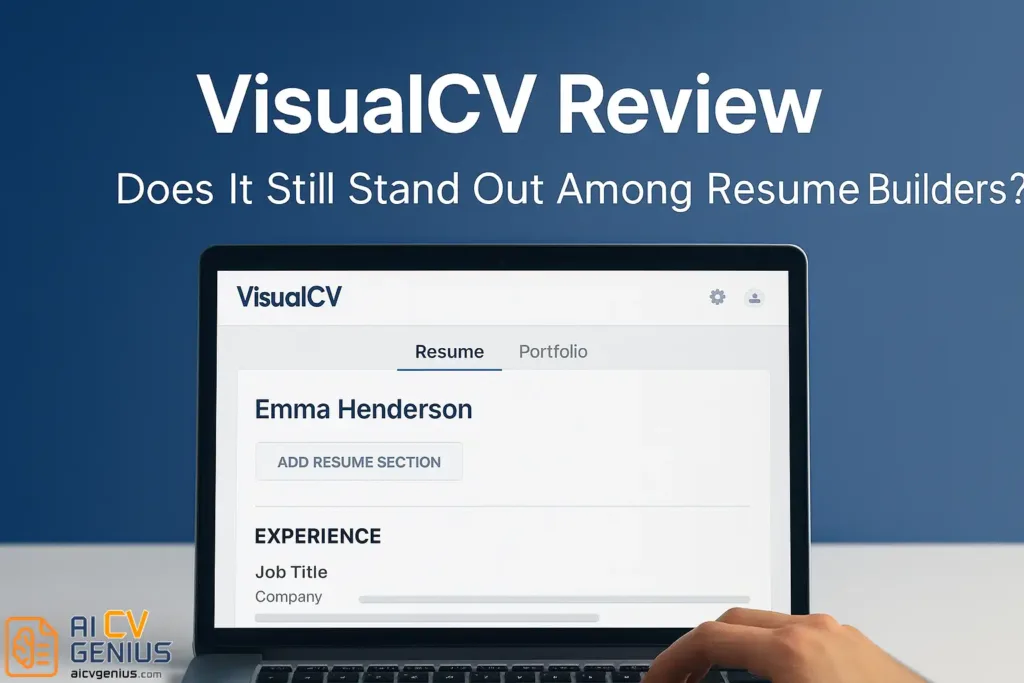
- What VisualCV is: A web-based resume builder that also lets you publish a live, shareable online resume and portfolio. You can host multiple resume versions in one dashboard and share each version with its own link.
- What you actually get in daily use: 20+ clean, minimalist templates, WYSIWYG editing, section reordering, basic style tweaks (Colors, fonts, icons), and strong portfolio support where you attach real work like PDFs, presentations, links, GitHub, or YouTube.
- Why it still matters in 2026 workflows: It is built for visibility and control. You can track views and downloads, see traffic sources (Like LinkedIn or email), and manage privacy per resume (Public, private, or link-only) with sensible security and link control.
- ATS and exporting: The platform prioritizes readable structure over flashy design. The article reports excellent ATS parsing on tested templates across common systems, and exports focus on machine-readable PDFs plus online links (And Google Docs export is listed as an option).
- Pricing and who should use it: Free exists but exports are limited and can include a watermark, while Pro unlocks full templates, PDF downloads, portfolio features, and analytics (With monthly pricing differences by billing cycle). Best fit is freelancers, consultants, and creatives who benefit from a resume that lives online. Skip it if you want heavy AI writing help, maximum design freedom, or fully free PDF exporting.
Introduction
VisualCV has been around for over a decade – one of the earliest platforms that let job seekers create resumes and personal portfolio sites online. While newer tools like Enhancv, Zety, and Resume.io have taken the spotlight, VisualCV continues to attract professionals who want something more than a static PDF. But is it still worth your time and money today?
We spent hours testing VisualCV’s editor, templates, and export features to give you an honest, experience-based review. Let’s break it down.
What Is VisualCV?
VisualCV is a web-based platform for building resumes and online portfolios. It allows you to design, host, and share multiple versions of your resume from a single dashboard. Its standout feature is the ability to make your resume viewable online via a personal link – great for freelancers and professionals building a digital presence.
Core Features, Performance & Design
Main Features
| Feature | Description |
|---|---|
| Templates | 20+ modern and minimalist designs |
| Portfolio Integration | Attach work samples, links, videos, and case studies |
| Multiple Versions | Save different versions of your resume for different roles |
| Analytics | Track who views or downloads your resume link |
| Exports | PDF, Google Docs, and online link (shareable URL) |
| Privacy Control | Public or private resume links |
Ease of Use & Interface
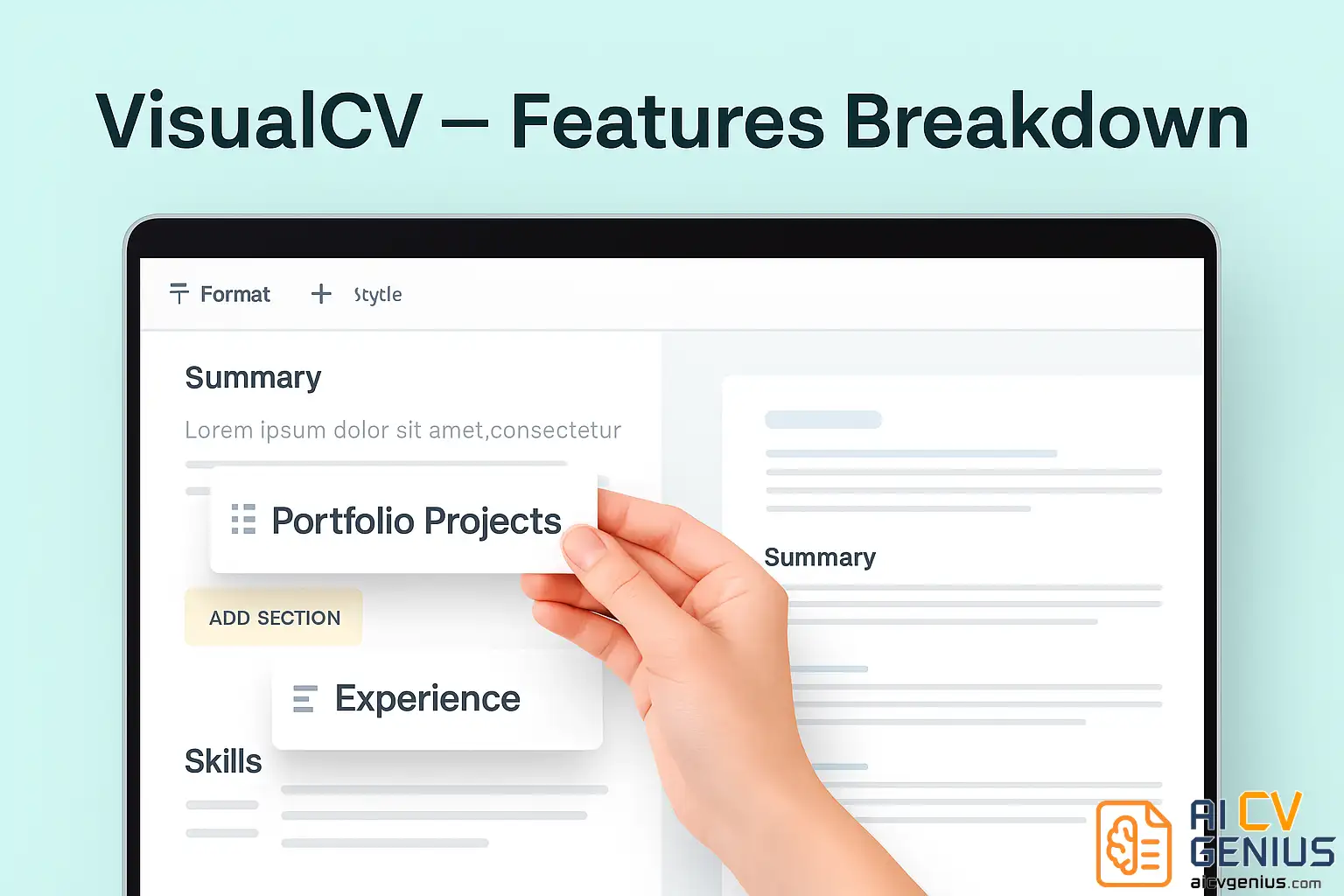
The VisualCV editor feels slightly dated compared to newer tools, but it remains functional and intuitive. You can edit text directly on the page (WYSIWYG style), move sections, and preview changes instantly. The real power lies in its dual nature – both resume and web portfolio in one place.
It’s the resume builder for people who want more visibility, not just another downloadable file.
Template Design & Layout
VisualCV’s templates are elegant and minimal. They lean toward simplicity – think “LinkedIn meets Adobe Portfolio.” Fonts are well-balanced, with plenty of whitespace for clarity. Each template can be customized in color and section order.
Templates like “Monte” and “Slate” are timeless favorites – professional yet personal. They work for industries like marketing, business, design, or academia.
Portfolio Integration
Here’s where VisualCV stands apart. You can attach real samples of your work: presentations, documents, PDFs, GitHub links, or even YouTube videos. Each project gets its own dedicated section.
This transforms your resume from a one-page summary into a dynamic showcase – especially valuable for freelancers, designers, or consultants.
Customization
While you can’t drag and drop blocks like Enhancv, VisualCV gives you enough control to reorder, rename, and hide sections. Fonts, colors, and icons are customizable. It’s not full creative freedom, but balanced and safe for ATS readability.
ATS Compatibility
We tested five templates with popular ATS systems (Greenhouse, Lever, and Jobscan). The results were excellent – all contact details, job titles, and bullet points parsed correctly. The text-based PDF export keeps it machine-readable.
Unlike some flashy builders, VisualCV focuses on content structure over visual gimmicks – a smart tradeoff for most professionals.
Analytics Dashboard
VisualCV’s analytics panel shows how many times your resume has been viewed or downloaded – and even where visitors came from (e.g., LinkedIn, email, Google). This is particularly useful for freelancers who send proposals or creatives who pitch via resume links.
It’s like having Google Analytics for your career – simple but insightful.
Performance & Security
All data is hosted on secure servers (TLS encryption). VisualCV also allows you to set privacy for each resume (public, private, or link-only). The online share links expire automatically if deleted – a thoughtful touch for confidentiality.
Pricing & Competitor Comparison
Pricing Plans
| Plan | Price | What You Get |
|---|---|---|
| Free | $0 | Basic templates, online link (with watermark) |
| Pro | $12/month (billed annually) | All templates + PDF downloads + portfolio + analytics |
| Pro Quarterly | $18/month (billed quarterly) | Same as Pro, shorter billing cycle |
| Feature | VisualCV | Enhancv | Zety |
|---|---|---|---|
| Design Flexibility | Moderate | High | Low |
| Portfolio Option | Yes | No | No |
| ATS Compatibility | Excellent | Good | Excellent |
| Price | Affordable | Expensive | Mid-range |
| Best For | Freelancers, consultants, creatives | Design professionals | Corporate applicants |
Verdict & Recommendations
Strengths
- ✅ Combines resume + portfolio in one platform.
- ✅ Clean, minimal, ATS-friendly templates.
- ✅ Resume analytics and version tracking.
- ✅ Affordable pricing compared to rivals.
- ✅ Great for freelancers and creative professionals.
Weaknesses
- ❌ Interface slightly outdated.
- ❌ Limited template customization.
- ❌ No built-in AI writing assistant.
- ❌ Some features locked behind Pro plan.
Who Should Use VisualCV?
VisualCV is ideal if you:
- Want to maintain a consistent online portfolio.
- Apply for roles where design, branding, or project visibility matters.
- Prefer a balanced tool – creative but professional.
Who Should Skip It?
- You need advanced AI writing tools → Try Zety or Enhancv.
- You want 100% free PDF exports → Consider free template sites.
- You want visual freedom → Canva offers more creative control.
Pros & Cons Summary
| ✅ Pros | ⚠️ Cons |
|---|---|
| Resume + portfolio integration | Interface feels dated |
| Analytics for resume views | No AI content generator |
| Clean and ATS-friendly layouts | Limited design flexibility |
| Affordable pricing tiers | Pro plan required for PDF |
| Strong privacy options | Fewer templates than competitors |
Final Verdict
VisualCV remains a solid resume builder for professionals who want both polish and presence. It doesn’t chase trends – it focuses on clarity, credibility, and career branding.
If your goal is to create a resume that lives online, looks professional, and includes real work samples, VisualCV delivers exactly that. It’s not flashy – but it’s dependable, smart, and easy to maintain over time.
Resources & FAQ
Where to Learn More
Compare VisualCV with other popular builders in our resume builder reviews.
You can also browse resume templates for designs optimized for every profession.
Or check out cover letter examples to complete your application set.